

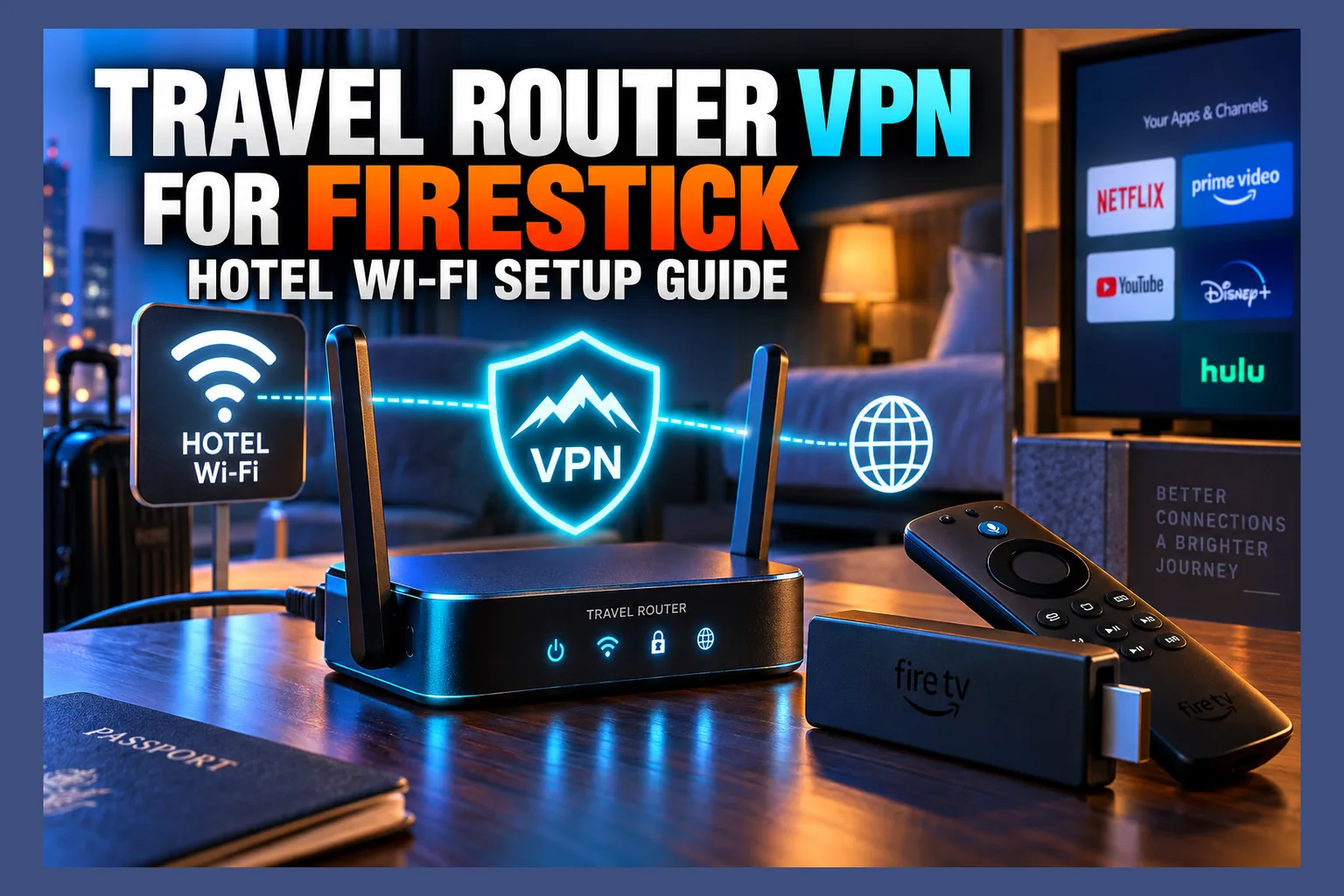
Travel router VPN for Firestick setups fix a problem every traveling cord-cutter knows: the first night of a trip spent wrestling a hotel login page with a Fire TV remote. As of 2026, a pocket router is one of the simplest ways to stream on hotel Wi-Fi without exposing your traffic or re-pairing every device you packed. Below I cover what to buy, how to set it up, and how to fix the problems that keep coming up.
Ever spent the first night of a trip wrestling a hotel login page with a Fire TV remote? Then this guide is for you. As of 2026, a travel router VPN for Firestick is one of the simplest ways to stream on hotel Wi-Fi without exposing your traffic or re-pairing every device you packed. Below I cover what to buy, how to set it up, and how to fix the problems that keep coming up.
Why Pocket VPN Routers Are Getting So Much Attention
Pocket network gadgets are having a moment. A multi-tool hacking device recently pulled in serious money on a crowdfunding platform, and tech forums filled up with threads about small boxes that can sniff, route and tunnel traffic. Most of that buzz is about penetration testing. Not streaming.
Cord-cutters have a much more practical question. How do you get a private, VPN-protected connection for a Firestick or Google TV in a hotel, an Airbnb or an RV park? The answer has been around for years, and it’s boring in the best way: a travel router VPN for Firestick setup, built on an ordinary pocket router.
This guide isn’t about any single crowdfunded product. It covers travel router VPN for Firestick hardware you can buy today. Many run OpenWrt or a vendor fork of it, as GL.iNet’s Beryl AX (GL-MT3000) and Slate AX (GL-AXT1800) do, so the steps below carry over to most of them.
What a Travel Router Does for a Streaming Stick
A travel router sits between the venue’s internet and your gear. One connection goes in. A private network comes out. That small change is why a travel router VPN for Firestick fixes most of what makes streaming away from home so irritating.
Creating Your Own Private Network Inside a Hotel
The router joins the hotel Wi-Fi, a wired wall port, or your phone’s tethered connection, and then broadcasts its own Wi-Fi network with a name and password you control. Other guests on the hotel network can’t see your Firestick. It sits behind the router’s firewall.
The real convenience comes from naming that network after your home Wi-Fi. When the network name (SSID) and password match, your Firestick connects on its own, exactly like it does in your living room. You won’t be pecking at an on-screen keyboard with a remote on every trip.
Handling the VPN at the Router Instead of Each Device
Run the VPN on the router and every connected device gets tunneled traffic. That includes hardware with no VPN app at all, like Roku sticks, most smart TVs and older game consoles. Set up your travel router VPN for Firestick once. Then forget about it.
It also takes load off the Firestick. Older models such as the Fire TV Stick Lite ship with just 1 GB of RAM, and running a VPN app next to a streaming app can make menus noticeably sluggish. Moving the encryption to the router lets the stick concentrate on playback.
For a deeper look at how router-level tunneling changes IPTV behavior, see my breakdown of VPN on your router and what actually changes for IPTV.
Getting Past Captive Portal Login Pages
The firestick hotel wifi captive portal problem is why plenty of people buy a travel router to begin with. Hotels use browser-based login pages that want a room number, a surname or an “accept terms” click. Fire TV devices sometimes display the page. Just as often it fails to load, loops endlessly, or quietly breaks when the session expires at 3 a.m.
A travel router VPN for Firestick setup takes the portal off the stick’s plate. Connect your phone or laptop to the router, open a browser, and complete the login once. From then on the hotel sees the router’s MAC address as the authorized device, and everything behind it gets online.
Some portals cap you at one or two devices per room. Since the router looks like a single device, your Firestick, phone and laptop all share that one slot (handy for families). Many routers can also clone a MAC address, which helps when the portal has already approved your phone and you’d like the router to inherit that approval.
Features to Look For in a Travel Router VPN for Firestick
Travel router spec sheets are confusing. Marketing numbers rarely tell you anything about VPN performance. Here’s what actually matters when picking a travel router VPN for Firestick streaming, based on documented capabilities rather than the big Wi-Fi figure on the box.
VPN Protocol Support: WireGuard vs OpenVPN
Look for WireGuard support first. Its codebase is tiny, roughly 4,000 lines against OpenVPN’s several hundred thousand, and its cryptography is modern, so it puts far less strain on the small ARM or MIPS chips inside pocket routers. On identical hardware, vendors typically list WireGuard throughput at several times the OpenVPN figure.
OpenVPN still earns a spot as the fallback. It can run over TCP port 443, which looks like ordinary HTTPS and slips past restrictive hotel firewalls. The best travel router VPN for Firestick picks support both protocols, so you can switch when one gets blocked.
| Factor | WireGuard | OpenVPN |
|---|---|---|
| CPU load on small routers | Low | High |
| Typical throughput on travel routers | Usually much higher | Often the bottleneck |
| Default transport | UDP (often port 51820) | UDP or TCP |
| Bypassing strict firewalls | Harder if UDP is blocked | Good via TCP 443 |
| Reconnect speed after drops | Very fast | Slower |
| Best use | Default choice for streaming | Fallback on locked-down networks |
CPU Power and Real VPN Throughput
“AX3000” on the box means combined Wi-Fi link rates across bands. It says nothing about how much traffic the device can push through an encrypted tunnel. That depends on the processor, and decent vendors publish VPN throughput as its own line on the spec page. If a manufacturer won’t list it, I’d cross that model off any travel router VPN for Firestick shortlist.
Some rough numbers. Most streaming services suggest about 5 Mbps for HD and 15 to 25 Mbps for 4K (Netflix, for example, recommends 15 Mbps for Ultra HD). Then add headroom for phones, laptops and the usual hotel Wi-Fi swings. For a 4K Firestick, a router rated for at least 50 Mbps of WireGuard throughput is a sensible floor, and higher is better if the whole family is streaming.
Bear in mind the hotel line is often the real ceiling. Many hotel networks are shared across hundreds of rooms. The router can only pass along what it receives.
Repeater, Ethernet and USB Tethering Modes
A good travel router takes internet from several sources. Repeater mode joins hotel Wi-Fi. A WAN port plugs into a wired wall jack. USB tethering borrows data from your phone, and some models also accept a USB cellular modem or have a SIM slot built in.
Got a wired port in the room? Use it. Hotel Ethernet is usually steadier than shared Wi-Fi, and you can run a cable from the router’s LAN port straight to a Firestick Ethernet adapter (Amazon’s own costs around $15 to $20). My Wi-Fi vs Ethernet for Firestick article explains when a wired link actually makes a difference.
Built-In Kill Switch and DNS Settings
A kill switch blocks all traffic if the VPN tunnel drops. Without one, your Firestick silently falls back to the hotel connection and your real IP is out in the open. On most routers it’s a single toggle labeled something like “Block non-VPN traffic.”
Custom DNS matters too. Hotel networks often hijack DNS to serve their portal or inject ads, and some log every domain you look up. Routing DNS through your VPN provider’s resolvers, or enabling DNS over TLS on the router, closes that gap. For app-level options, see my VPN kill switch guide for Firestick and Android TV.
Read next: Wi-Fi vs Ethernet for Firestick: Speed Test Results
Firmware Updates and OpenWrt Support
Most buyers skip this one entirely. That’s a mistake. A travel router is an edge device that spends its life on untrusted networks, so security patches matter more here than on the router at home. Pull up the vendor’s release notes page and see how often updates actually ship.
OpenWrt-based routers have an edge. Even if the vendor slows down, you can often flash community OpenWrt builds that keep getting fixes, though support depends on the exact chipset, so check the OpenWrt hardware table first. A cheap router with no updates in two years is a liability. Doesn’t matter how good the specs look.
Step-by-Step: Setting Up a Travel Router VPN for Firestick
These steps follow the layout of most OpenWrt-based travel router admin panels. Menu names vary by brand. The logic doesn’t.
Step 1: Configure the Router at Home First
Do the setup on your home network, not in a hotel room at midnight (yes, this really matters). Power the router, join its default Wi-Fi, and open the admin page, usually 192.168.8.1 or 192.168.1.1 and printed on the label. Set a strong admin password right away.
Next, connect the router to your home Wi-Fi in repeater mode and check for a firmware update. Install it before you leave.
Step 2: Load Your VPN Provider’s WireGuard or OpenVPN Config
Log into your VPN provider’s site and find the manual setup or router section. Most big providers let you generate a WireGuard config file (.conf) for a specific server, plus an OpenVPN file (.ovpn) as a backup. Some routers also have built-in provider integrations where you just sign in, though which providers are supported varies by firmware version.
For a manual wireguard travel router setup, work through it in this order:
- Generate a WireGuard config for a server in the region you want.
- Open the VPN or WireGuard Client section in the router’s admin panel.
- Upload the .conf file or paste its contents.
- Repeat with an OpenVPN TCP config so you have a fallback ready.
- Enable the kill switch and set DNS to use the VPN’s resolvers.
While you’re in there, generate configs for a few different cities. Switching servers later is far easier when they’re already loaded.
Step 3: Clone Your Home SSID So Devices Auto-Connect
Head to the router’s wireless settings. Set the network name and password to match your home Wi-Fi exactly, including capitalization, and match the security type as well, which is usually WPA2 or WPA2/WPA3 mixed. Your Firestick, Google TV and phones will then treat the travel router as home.
One catch. Don’t run both networks side by side at home, because devices may bounce between them. Switch the travel router off, or rename it, while you’re home.
Step 4: Connect to Hotel Wi-Fi and Clear the Captive Portal
At the hotel, plug in the router and connect your phone to it. In the admin panel, scan for the hotel network and join it. Many router firmwares hold the VPN back until the portal is cleared, since the tunnel can’t connect until the hotel lets traffic through.
Now open a browser on your phone and visit any plain HTTP site, such as neverssl.com, to trigger the login page. Fill in the form. Then switch the VPN on in the router panel. If the portal never shows up, temporarily set the router’s DNS to “automatic” so the hotel’s DNS can redirect you (this setting is often buried a couple of menus deep, annoyingly).
Step 5: Confirm the VPN Is Active on Your Firestick
Power on the Firestick. It should join the cloned network by itself. Open the Silk browser, or the browser built into the Downloader app, and load a site like ipleak.net or dnsleaktest.com; both the IP and the DNS servers should belong to your VPN provider, not the hotel.
Seeing the hotel’s IP or DNS? Re-check the kill switch and DNS settings on the router. A few optional tweaks are worth trying: pick a nearer server, drop the WireGuard MTU slightly if pages stall (1380 to 1420 is a common range), and move the router closer to the window or the in-room access point.
Using It With Google TV, Roku and Other Devices
Once the router is tunneling, anything that connects to it is covered. A few devices have quirks.
Google TV and Android TV
A travel router for Google TV works the same way it does with a Firestick. There’s one gotcha. Android’s Private DNS setting can send DNS queries straight to a provider like Google or Cloudflare and skip the router entirely. If a leak test shows DNS servers you don’t recognize, set Private DNS to “Off” or “Automatic” in network settings.
Roku and Smart TVs With No VPN App
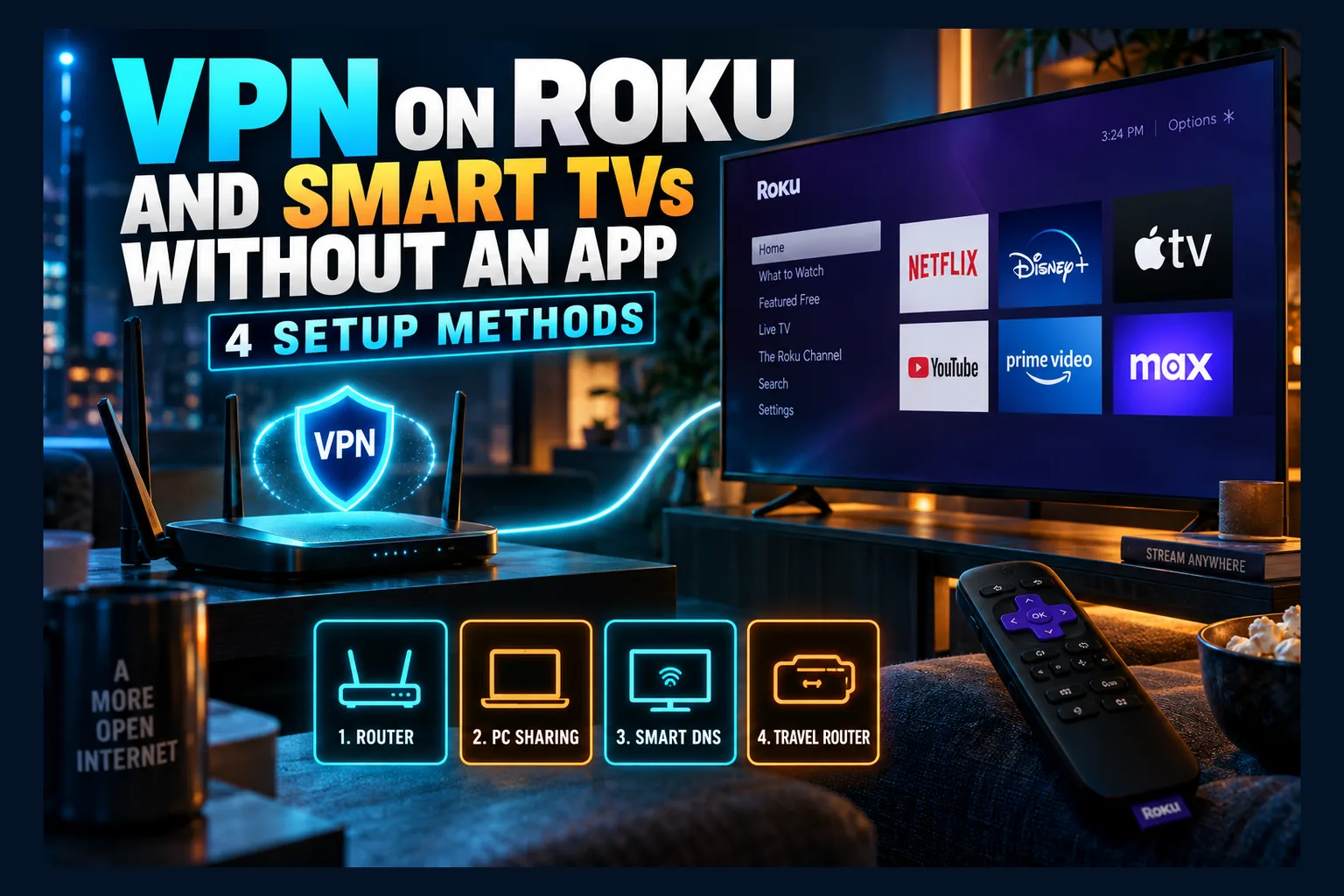
Roku has no native VPN support and no way to install one. Most smart TV app stores don’t carry VPN apps either, whether it’s Tizen on Samsung or webOS on LG. A router is the only clean way to cover them. If you want that coverage at home too, my router-level VPN guide covers the permanent setup.
Phones and Laptops on the Same Network
Phones and laptops get the same protection, which is useful for banking on hotel Wi-Fi. Turn off any VPN app on those devices while they’re connected. A VPN inside a VPN just slows everything down.
Common Problems and Fixes
Most travel router issues land in one of four buckets. Work through them before you reset anything.
Firestick Says Connected but No Internet
Nine times out of ten, the captive portal session expired. Plenty of hotels log you out every 24 hours, or whenever a new device checks in. Turn the VPN off on the router, reconnect from your phone, and redo the login page.
Portal looks fine? Check DNS next. Switch the router’s DNS to the VPN’s servers or to automatic, then restart the Firestick from Settings, My Fire TV, Restart.
Streaming Apps Detecting the VPN
Some services block known VPN IP ranges and throw proxy errors. Try another server in the same country, or ask your provider which servers play nicely with streaming; this changes often, and Reddit users regularly report servers that worked last month suddenly getting flagged. Region rules still apply, as covered in my Prime Video on Firestick abroad and VPN for NFL streams on Firestick guides.
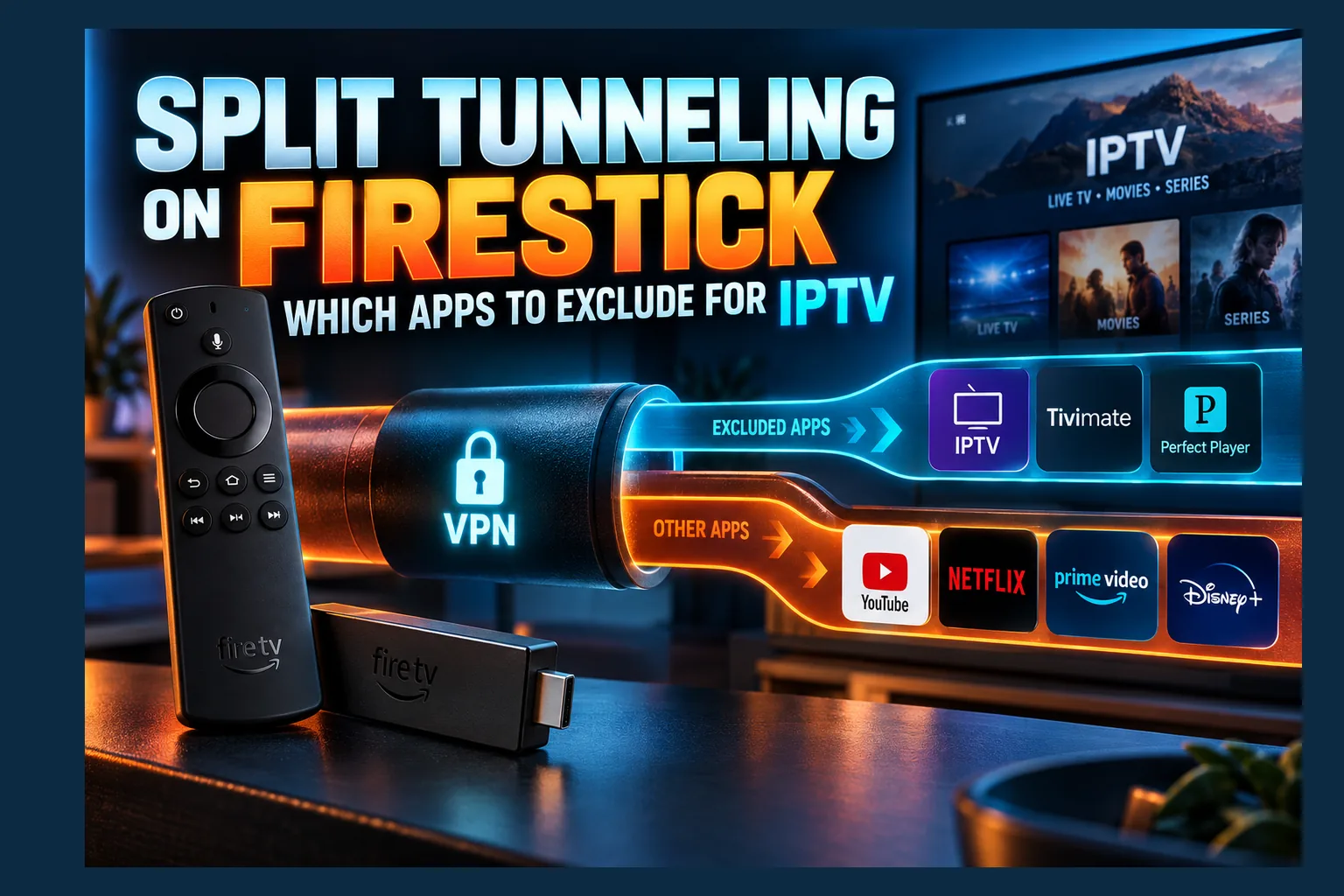
For apps that refuse to run over any VPN, use the router’s policy routing or split tunneling feature. Most OpenWrt-based firmwares let you exclude one device, say a single Firestick, from the tunnel while everything else stays protected. Trying to watch home-country broadcasters? My SABC+ on Firestick abroad guide walks through a typical region setup.
Slow Speeds or Constant Buffering
Find the bottleneck first. Switch the VPN off briefly and run a speed test from your phone, and if the hotel connection itself is crawling, no router setting will save you. If speeds only drop with the VPN on, move to WireGuard, pick a closer server, or try a wired hotel port.
Check the band setting too. On single-radio designs, using 5 GHz for both the hotel uplink and your own network can roughly halve throughput. Put one side on 2.4 GHz and see what happens.
Hotel Network Blocks VPN Ports
Some hotels, conference centers and cruise ships block UDP outright, or just WireGuard’s default port 51820. See whether your provider offers WireGuard on alternate ports like 53 or 443. If not, switch to your OpenVPN TCP 443 config. It’s slower, but it’s hard to block without breaking regular browsing.
And check local law. VPN use is restricted or regulated in several countries, including China, the UAE and Russia, and the rules shift, so look them up before you travel.
Security Risks of Pocket Network Gadgets
A travel router protects you on hostile networks. But only if the router itself is locked down.
Default Passwords and Admin Panels
Change both the admin password and the default Wi-Fi password before first use. Disable remote or cloud management unless you genuinely need it, and turn off admin access from the WAN side. Many routers ship with these off already. Check anyway.
Abandoned Firmware
Unpatched routers are a favorite target, mostly because people forget they own them. Log in before each trip and check for updates. If the vendor has stopped releasing firmware, either flash community OpenWrt or replace the device.
Multi-Tool Hacking Devices vs Simple Travel Routers
Crowdfunded multi-tools are built for security research. Think capturing radio signals, probing Wi-Fi networks, emulating access badges. A consumer travel router just joins a network and shares it, which is a completely different job.
Running network-testing features on a hotel network you don’t own can break laws like the US Computer Fraud and Abuse Act or the UK Computer Misuse Act. For streaming, all you need is a standard travel router acting as a normal client. Save the pentest gadgets for networks you’re authorized to test.
Is a Travel Router VPN for Firestick Worth It for Cord-Cutters?
For a lot of people, yes. It makes the most sense for frequent travelers, RV owners hopping between campground networks, Airbnb guests, families streaming on several screens, and anyone with a Roku or smart TV that can’t run a VPN app.
Travel twice a year with one Firestick? A VPN app on the stick may be all you need. Here’s how the two approaches stack up:
| Factor | Travel router VPN | VPN app on Firestick |
|---|---|---|
| Upfront cost | Roughly $30 to $150 for the router | None beyond the VPN subscription |
| Captive portal handling | Done once via phone | Often unreliable on Fire TV |
| Devices covered | Everything on the network | Only that Firestick |
| Roku and smart TV support | Yes | No |
| Firestick performance | No extra load on the stick | Can slow older models |
| Extra gear to carry | Router plus cable | Nothing |
| Per-app control | Policy routing per device | Split tunneling per app |
My take: if you’re on the road more than a few times a year, or you pack more than one streaming device, a pocket VPN router for streaming pays for itself in saved frustration. A travel router VPN for Firestick turns every hotel room into a familiar network your devices already trust.
⚖️ Legal Disclaimer: IPTV Wire does not own or operate any streaming service, application, or website mentioned in this article. We do not verify whether third-party services carry proper licensing. Users are responsible for ensuring they comply with copyright laws in their jurisdiction.
Frequently Asked Questions
Can I use a VPN on Firestick without installing a VPN app?
Yes. Run the VPN on a travel router or your home router, and the Firestick is covered just by joining that network. Nothing gets installed on the stick.
How do I connect a Firestick to hotel Wi-Fi with a login page?
Connect a travel router to the hotel Wi-Fi, then finish the login page from your phone while it’s connected to the router. The Firestick joins the router’s network and gets online without ever touching the portal.
Is WireGuard or OpenVPN better on a travel router for streaming?
WireGuard is the better default. It’s lighter on router CPUs and usually much faster. Keep an OpenVPN TCP 443 config handy as a backup for networks that block UDP.
How much VPN speed do I need for 4K streaming on a travel router?
Plan on about 15 to 25 Mbps per 4K stream, plus headroom for other devices. A router with at least 50 Mbps of published WireGuard throughput is a sensible minimum, though the hotel connection may still be what holds you back.
Is it legal to use a travel router on hotel Wi-Fi?
Using a router as a normal client on hotel Wi-Fi is generally legal, although some hotels restrict personal access points in their terms. Running network-testing or hacking tools on networks you don’t own is illegal in many countries, and VPN use itself is restricted in a few.
Will a travel router VPN work with Roku and Google TV?
Yes. Any device connected to the router is covered, including Roku, which has no VPN app. On Google TV, set Private DNS to Off or Automatic so DNS requests go through the tunnel.
Comments
Leave a comment
Your email address will not be published. Comments are moderated before they appear.