

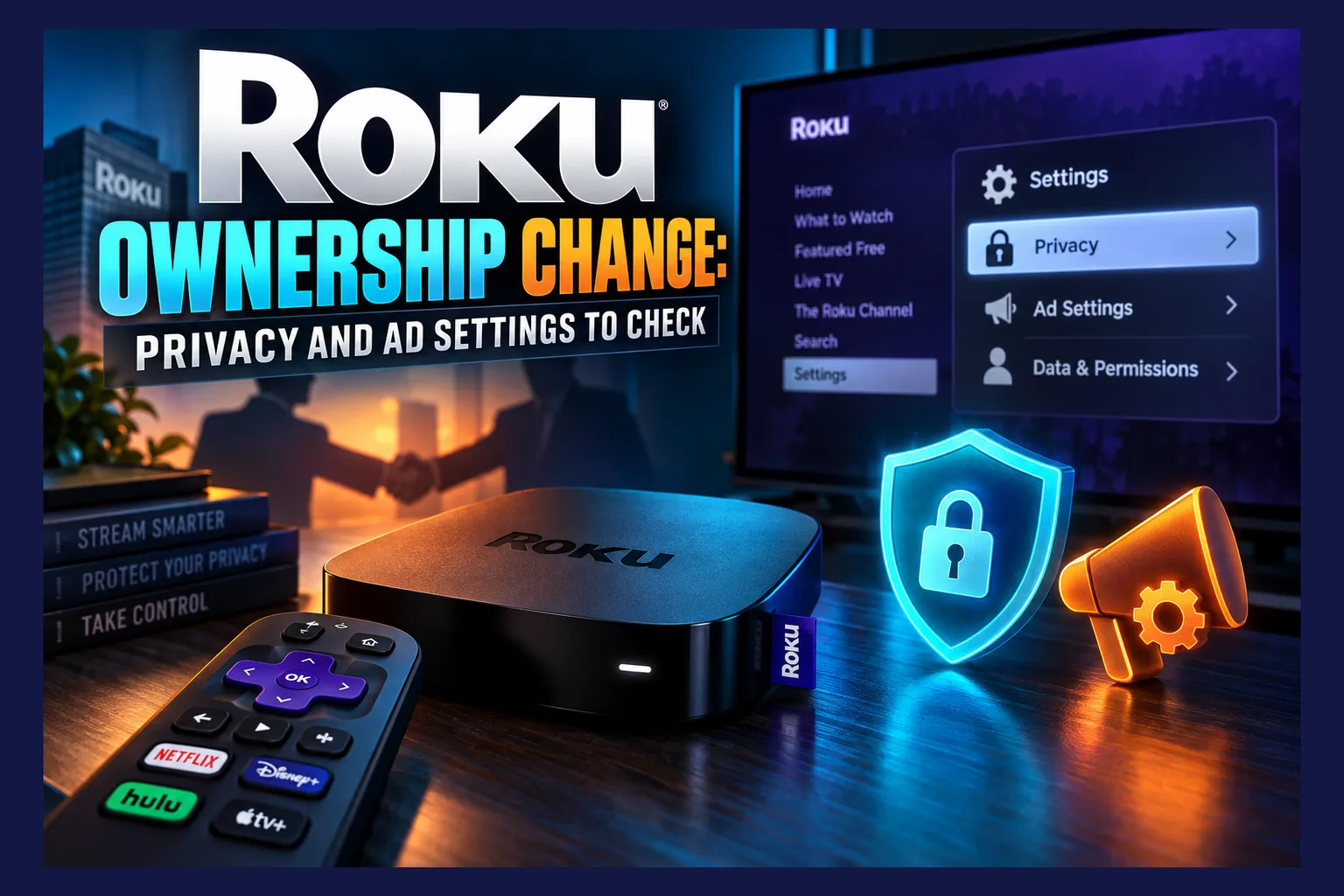
Roku ownership change headlines have plenty of owners eyeing the little box under their TV with fresh suspicion, and honestly, fair enough. This guide skips the boardroom gossip and gives you a practical 2026 checklist instead: how to verify what’s confirmed, what tends to shift after a platform sale, and which privacy, ad and billing settings deserve ten minutes of your time. It stays useful whether a deal closes, falls apart or turns out to be nothing but a slow news week.
Headlines about a possible Roku ownership change have a lot of owners eyeing the little box under their TV with fresh suspicion. Fair enough. This guide skips the boardroom gossip and gives you a practical 2026 checklist instead, one that stays useful whether a deal closes, falls apart or turns out to have been nothing but a slow news week.
Here’s the plan. First, how to check what’s actually confirmed. Then what tends to change after a platform sale, followed by the specific Roku privacy settings, ad controls and billing options worth ten minutes of your time. At the end you’ll find a simple framework for deciding whether switching devices makes any sense.
Roku Ownership Change: What Is Actually Confirmed About the Deal
Streaming rumors spread fast, and Roku ownership change chatter is no exception. Most of it goes nowhere. As of [INSERT DATE], [INSERT VERIFIED STATUS FROM PRIMARY SOURCES]. Until a Roku ownership change is officially announced and closed, nothing about your device changes.
One piece of background helps. Fox already owns Tubi, the free ad-supported streaming service it bought in 2020, so you’ll see Fox mentioned a lot in coverage. Anything beyond that is speculation until primary sources say otherwise.
Where to Verify Acquisition News
Skip the aggregator sites. Go straight to the sources where a real Roku ownership change would appear first:
- Roku’s investor relations page at roku.com/investor, which carries official press releases and shareholder announcements.
- SEC filings through the SEC EDGAR search tool. When a US-listed company like Roku (Nasdaq: ROKU) signs a material acquisition agreement, it typically files an 8-K, generally within four business days.
- The buyer’s own press release, if a buyer is named. Both sides normally announce on the same day.
Does the story cite only “people familiar with the matter”? Then treat that Roku ownership change story as a rumor. That’s no knock on the reporting. Unnamed sources describe talks, not signed agreements, and talks collapse all the time.
Announced vs Closed: Why Regulatory Approval Matters
Headlines blur three very different stages. A rumor means talks may be happening. An announced agreement means both companies have signed terms, but approvals still stand between them and the finish line.
Only a closed deal actually transfers ownership. Between announcement and closing, regulators such as the US FTC or DOJ, the UK’s Competition and Markets Authority and the European Commission may review the deal, a process that can drag on for six months to well over a year, or end in a block. Until closing day on any Roku ownership change, Roku runs the platform exactly as it does now.
What a Roku Ownership Change Usually Means for Device Owners
Nobody can tell you what a specific buyer would do with Roku. What we can look at is the pattern that tends to repeat when consumer tech platforms change hands. That beats guessing.
Things That Typically Stay the Same
- Your hardware keeps working. A Roku Express, a Streaming Stick 4K or a TCL Roku TV doesn’t brick itself because of a Roku ownership change.
- Existing accounts carry over. Account data, linked devices and purchase history usually transfer along with the rest of the business.
- Installed apps keep running, at least in the short term. App agreements don’t evaporate overnight.
- Warranties and support generally continue, though support branding or contact routes might shift later.
Things That Can Change Over Time
Watch the slow changes that follow a Roku ownership change. Those usually include revised privacy policies and terms of service, new ad partnerships, and different content pushed onto the home screen. Channel store rules can shift too.
When a policy update arrives, it typically comes by email or as an on-screen prompt the next time you power on. Don’t just hit “accept” to make it go away. Find the “what’s changed” or summary section, which is where companies tend to describe new data sharing or ad uses in plain language.
One easy habit: bookmark Roku’s current privacy policy today. Note the “last updated” date. If a Roku ownership change brings a revised version next year, you’ll have a baseline to compare it against.
Roku Privacy Settings to Review Right Now
None of these settings depend on any Roku ownership change, so why wait? The menu paths below follow Roku’s official documentation, but labels drift between Roku OS versions (Roku has been on version 13 and later through 2025) and between regions. If something doesn’t match your screen, look for the closest equivalent under Settings > Privacy.
For broader account hardening, see my guide to Roku security settings you should change right now.
Turn Off Smart TV Experience (ACR) on Roku TVs
Roku TVs, meaning sets from TCL, Hisense, Sharp and Roku’s own branded models, can use automatic content recognition, or ACR. When it’s on, the TV identifies what’s playing on screen. That includes antenna broadcasts and anything coming through HDMI, whether it’s a PlayStation, a cable box or a Blu-ray player. The resulting viewing data can feed recommendations and ad targeting.
Sticks and boxes like the Roku Express or Roku Ultra have no TV inputs, so this setting doesn’t apply to them. On a Roku TV, here’s how to switch it off:
- Press Home on your remote.
- Go to Settings > Privacy > Smart TV experience.
- Uncheck Use info from TV inputs (the wording varies slightly on some versions).
You may lose a few personalized suggestions for live TV. Most people won’t notice, Roku ownership change or not.
Limit Ad Tracking and Reset the Advertising Identifier
Every Roku carries an advertising identifier that’s used to build an ad profile about you. The limit ad tracking option tells Roku and participating apps not to use that ID for personalized ads. The path:
- Go to Settings > Privacy > Advertising.
- Check Limit ad tracking. Newer Roku OS versions may show this as a Personalize ads toggle that you switch off instead.
- If the option appears, select Reset advertising identifier to break the link with whatever profile exists so far.
Keep expectations grounded. Ads don’t disappear; they just get less targeted. Individual apps may also run their own ad settings, and this switch doesn’t fully govern those.
Voice Search and Microphone Data
Voice remotes send your spoken requests to Roku for processing. Under Settings > Privacy > Microphone, you can decide which channels may access the mic, setting channel mic access to prompt, always allow or never allow.
Read next: Roku Security Settings You Should Change Right Now
Roku’s privacy policy explains how voice inputs get collected and stored. Rarely use voice search? A standard IR remote or the free Roku mobile app’s keyboard works fine instead. (Yes, typing on a TV is still annoying, but it keeps the mic out of the equation.)
Requesting or Deleting Your Roku Account Data
Roku runs a privacy request process, linked from its privacy policy, where you can ask to access or delete your personal data. What you’re entitled to depends on where you live. GDPR gives people in the EU and UK stronger rights, and US state laws such as California’s CCPA add protections, though residents of other states may find their options narrower.
Deletion has limits. Companies typically keep data they need for legal, billing or fraud purposes. Deleting your whole account also kills access to anything tied to it, so cancel subscriptions first (this one catches people out).
Controlling Roku Home Screen Ads and Featured Content
Home screen ads draw more complaints from readers than anything else about Roku. The honest answer? You get some control, but very little over the paid placements themselves.
Home Screen Menu Options You Can Hide
Recent Roku OS versions let you tidy the left-hand menu. Open Settings > Home screen and look for toggles to hide entries such as Sports, Live TV, What to Watch or similar shortcuts. Your exact list depends on OS version and country.
App tiles can be rearranged too: highlight one, press the * button and choose Move channel. Put your five or six most-used apps in the top rows. Less scrolling, fewer promos.
What You Cannot Remove
That big sponsored banner on the home screen stays. So do promotional slots inside Roku’s own sections and ads in some screensavers. Roku has said publicly that advertising is central to its business, and its platform segment, which includes ads, generates the large majority of company revenue. That’s a big reason a basic Roku stick often sells for around $30, or less during sales.
So be realistic. You can cut clutter and targeting. You can’t make the home screen ad-free with built-in settings.
Subscriptions, Billing and Your Roku Account
People skip billing. It’s also the thing that most affects how painful a device switch will be later.
Checking Subscriptions Billed Through Roku
Sign in at my.roku.com and open Manage your subscriptions. Every service billed through Roku Pay shows up there, with renewal dates and prices. From the device itself, highlight an app tile, press * and choose Manage subscription.
While you’re signed in, check three things:
- Payment method on file: remove old cards and confirm the current one is right.
- Password: use a strong, unique one, ideally generated by a password manager.
- Linked devices: remove any Roku you no longer own or don’t recognize.
Moving Billing Directly to the Service
Subscriptions billed through Roku live inside your Roku account. Move to a Firestick or Apple TV later and you’d have to cancel through Roku and resubscribe elsewhere, which can mean losing a promo rate you’ve been holding for a year.
Paying the streaming service directly on its website keeps the subscription portable. The switch is simple: cancel in my.roku.com, let the current billing period run out, then resubscribe on the provider’s site using the same login.
App Availability and Firmware Updates
Why Apps Can Disappear From the Channel Store
Apps leave platforms for a handful of reasons. Carriage disputes flare up when a platform and a content company can’t agree on revenue sharing or ad inventory; Roku has had very public standoffs with YouTube TV and HBO Max in past years. Policy changes can also push out apps that no longer meet store rules.
Whoever owns the platform, now or later, shapes those negotiations. If one app is essential to you, follow news about it. Already-installed apps sometimes keep working for a while after they vanish from the store, though that’s not guaranteed.
Roku Automatic Updates: What You Can and Cannot Control
Roku firmware updates install automatically. There’s no official off switch. You can trigger an update manually but you can’t block one, and cutting the device off from the internet is the only practical way to stop updates, which rather defeats the point of a streaming device.
To see your current version, go to Settings > System > About. To force a check, use Settings > System > System update > Check now. Roku posts release notes for each OS version on its support site, the best place to find out what changed after an update lands.
Network-Level Options for Extra Privacy
Using a Router VPN With Roku
Roku doesn’t support VPN apps. The usual workaround is running a VPN on your router, or on a computer sharing its connection. That encrypts traffic between your home and the VPN server and hides your activity from your internet provider.
Know the limits, though. A VPN won’t stop Roku collecting data tied to your signed-in account. Some streaming services also block known VPN IP addresses outright. Your device’s own privacy settings still do most of the work.
DNS-Based Tracker Blocking: Benefits and Breakage Risks
Tools like NextDNS (its free tier covers 300,000 queries a month, which is plenty for most homes) or a self-hosted Pi-hole on a cheap Raspberry Pi filter requests to known ad and tracking domains at the network level. That can trim some telemetry and certain ads on the Roku home screen and inside apps.
The downsides are real. Aggressive blocklists can break apps, stall video or block sign-ins, because ad and content domains sometimes overlap. Reddit users also report Roku devices sending DNS queries to hardcoded servers such as Google’s 8.8.8.8 instead of following router settings, which sidesteps your filter unless you redirect that traffic at the router.
Trying it anyway? Start with a light blocklist. Add rules slowly. When something breaks, check the blocking logs to see which domain needs allowing.
Should You Switch Streaming Devices After a Roku Ownership Change?
Short answer: not because of a headline. Every major platform collects data and shows ads to some degree, so switching swaps one set of trade-offs for another.
Roku vs Google TV vs Firestick vs Apple TV on Privacy and Ads
This comparison draws on each platform’s published privacy policies and general ad model, not lab testing. Policies change, so check the current versions before you buy.
| Platform | Home screen ads | Ad personalization control | ACR on TV models | Sideloading |
|---|---|---|---|---|
| Roku | Yes, sponsored banners and promos | Limit ad tracking setting | Yes, can be disabled | No (closed system) |
| Google TV | Yes, sponsored recommendations | Google ad settings and ad ID controls | Varies by TV maker | Yes (Android-based) |
| Amazon Fire TV | Yes, prominent promotions | Interest-based ads toggle | Yes on Fire TV smart TVs, can be disabled | Yes (Android-based) |
| Apple TV 4K | Minimal, mostly Apple’s own content | Personalized ads toggle | Not applicable (box only) | No |
Apple TV is widely seen as the lightest on third-party ads, but at around $129 for the base model it costs roughly four times what a Roku stick does. If you go that way, my notes on what to check and change after setting up an IPTV player on Apple TV are a good next step.
Android-based devices like Firestick and Google TV let you sideload apps, a flexibility Roku simply doesn’t offer. That freedom comes with responsibility, so review app safety before installing anything, as covered in my Streamflix on Firestick safety check. Players like TiviMate also need tuning after install, explained in TiviMate settings you should change.
Questions to Ask Before Switching
- Has the deal actually closed, or is it still a rumor or pending approval?
- Has a new privacy policy or terms update arrived, and does it change anything you care about?
- Have you already turned off ACR and limited ad tracking? Those two steps may cover most of your concerns.
- Are your subscriptions billed directly by the services, so they’ll move with you?
- Do the apps you rely on exist on the alternative platform in your country?
- Is the alternative actually better on the specific thing bothering you, whether that’s ads, tracking or flexibility?
Work through these and still feel uneasy? Then switching is reasonable. If not, adjusting the Roku you already own is usually the smarter, cheaper move.
Final Thoughts on the Roku Ownership Change
Whatever happens with any Roku ownership change, your device won’t stop working overnight. The real work sits in the settings: disable the Smart TV experience, limit ad tracking, tidy the home screen and move billing somewhere portable.
Do those once. Watch for policy update emails. That puts you in a solid position however the deal plays out in 2026. For details on how this site handles your own data, see the IPTV Wire privacy policy.
⚖️ Legal Disclaimer: IPTV Wire does not own or operate any streaming service, application, or website mentioned in this article. We do not verify whether third-party services carry proper licensing. Users are responsible for ensuring they comply with copyright laws in their jurisdiction.
Frequently Asked Questions
Will my Roku stop working if Roku is sold to another company?
No. A change in ownership doesn’t disable existing hardware. Your Roku keeps working, and your account normally carries over. Any changes tend to arrive gradually, through policy, ad or software updates.
How do I turn off tracking on my Roku TV?
Go to Settings > Privacy > Smart TV experience and uncheck “Use info from TV inputs” to disable ACR. Then open Settings > Privacy > Advertising and turn on Limit ad tracking or switch off ad personalization, depending on your OS version.
Can I remove ads from the Roku home screen?
Not completely. You can hide some menu items under Settings > Home screen and rearrange app tiles. The sponsored banner and other promotional placements are built into the platform and can’t be switched off.
Do I need a new Roku account after an ownership change?
Typically not. Accounts usually transfer as part of a sale. You may be asked to accept updated terms or a new privacy policy, so read the summary of changes before agreeing.
Can I use a VPN on a Roku device?
Roku doesn’t support VPN apps directly, but you can route Roku traffic through a VPN configured on your router. Some streaming services block VPN connections, and a VPN won’t stop data collection tied to your Roku account.
Can I stop Roku from automatically updating?
No. Roku firmware updates install automatically, with no official setting to disable them. You can check your version under Settings > System > About and read release notes on Roku’s support site.
Comments
Leave a comment
Your email address will not be published. Comments are moderated before they appear.