

Table of contents
Streamflix Firestick guides usually stop at ‘type this code into Downloader and hit install.’ That’s the easy part. The questions that actually matter are tougher: is the APK you’re grabbing the real one, what does it do on your network, and can a 1GB Fire TV Stick Lite run it without choking? So for this 2026 write-up I skipped the click-by-click tutorial and put Streamflix through the full IPTV Wire audit instead.
Here’s what I found. Some of it doesn’t flatter the app.
What Streamflix Actually Is (and What It Isn’t)
Streamflix is a free, unofficial Android app that wraps movies and TV shows in a Netflix-style interface. It hosts nothing. Not one video file.
Think of it as a browser with a very narrow job: it visits third-party websites, finds video links, and hands them to a built-in player. That distinction matters for both safety and reliability, because the app can be perfectly clean while the sites it pulls from are anything but.
How Streamflix Pulls Streams from Third-Party Providers
Open the app and you’ll see a list of “providers.” Each one is a scraper. It’s a small chunk of code that knows how to read one particular streaming site and extract its video links. Pick a title, and Streamflix queries the selected provider, parses the page, then returns whatever playable links it finds.
This explains almost every Streamflix Firestick complaint you’ll see on Reddit. A source site tweaks its layout? That provider breaks. The site goes offline, or an ISP blocks it? Same result. Streamflix itself is fine in all of those cases; the well it was drawing from just dried up.
The good news is that the project is open source, so anyone can read the code. The legitimate repository lives on GitHub, and official APKs come from that repo’s Releases page. Everything else is a third-party mirror, including the dozens of “Streamflix APK download” sites crowding Google’s first page. Some mirrors are harmless repackages. Others bundle extra code you never asked for, and you can’t tell which is which by looking at the download button.
Why It’s Not on the Amazon Appstore or Google Play
Simple: neither Amazon nor Google allows apps that pull unlicensed content from third-party sites. Streamflix will never pass store review, so sideloading is the only route to a working Streamflix Firestick setup, or any Fire TV or Google TV device.
That also means a Streamflix Firestick install skips the automatic malware screening store apps get. Nobody at Amazon has looked at the APK you’re about to install. That’s why the next section exists.
Streamflix Firestick Safety: What I Found Before Installing
Every sideloaded app goes through three checks before it touches my Firestick. First comes source verification, then a permissions review, then a static scan. None of them are hard. All three together add about 15 minutes to a Streamflix Firestick install, and they catch most of the junk floating around APK mirror sites.
Verifying the APK Source and Signature
For this Streamflix Firestick test, I grabbed the APK from the official GitHub release, plus a second copy from one of the most popular mirror sites. Then I compared two things: the SHA-256 file hash and the signing certificate.
The hash tells you whether two files are byte-for-byte identical. The certificate tells you who built the APK. If a mirror’s certificate doesn’t match the official one, someone rebuilt the app, and you have no way of knowing what they changed.
- Official GitHub release (version [BODHI: version number]): SHA-256 [BODHI: hash]
- Mirror download ([BODHI: mirror site name, or describe generically]): SHA-256 [BODHI: hash]
- Signing certificate match: [BODHI: yes/no, plus what
apksigner verify --print-certsshowed]
[BODHI: 2–3 sentences interpreting the result. If the mirror matched, say so but still recommend the official source. If it didn’t match, flag it clearly and explain what that means.]
Getting the app through a Downloader shortcode? Check where that code actually points before you hit install. Shortcodes are just redirects, and they can be repointed at any time. I walk through the process in Are Downloader Codes Safe? How to Vet One Before Installing.
Streamflix Permissions: What It Requests vs. What It Needs
A streaming app like the Streamflix Firestick build needs very little. Internet access, network state, and the ability to keep the screen awake during playback cover roughly 90% of it. Anything touching contacts, location, microphone, or SMS on a TV app? Red flag. Full stop.
I pulled the permission list with aapt dump permissions. Here’s what the official Streamflix Firestick build requests:
| Permission | What It Does | Needed? |
|---|---|---|
| INTERNET | Fetches metadata and streams | Yes |
| ACCESS_NETWORK_STATE | Checks if you’re online | Yes |
| WAKE_LOCK | Keeps the device awake during playback | Yes |
| REQUEST_INSTALL_PACKAGES | Lets the app install its own updates | Optional (see settings section) |
| [BODHI: any others found] | [BODHI] | [BODHI] |
[BODHI: Your take. Did anything look excessive? Did the mirror build request anything extra compared to the official one? That comparison is the most valuable data point in this section.]
REQUEST_INSTALL_PACKAGES deserves a closer look. It lets an app download and install other APKs on its own. From a trusted developer, that’s convenient. On a tampered mirror build, it’s a door left wide open on your Streamflix Firestick. I’ll show you how to shut it below.
VirusTotal and Static Scan Results
Next, both Streamflix Firestick APKs went to VirusTotal, which runs a file past somewhere around 60–70 antivirus engines at once (the exact count shifts depending on file type and which engines are online that day).
- Official build: [BODHI: X/Y detections, plus names of any flags]
- Mirror build: [BODHI: X/Y detections, plus names of any flags]
[BODHI: insert screenshots here]
How should you read these? Streaming aggregators routinely pick up 1–3 generic flags like “Riskware” or “PUA” (potentially unwanted application). Those usually reflect the app’s category, not malicious behavior. A detection naming a trojan, dropper, or specific adware family is a different story entirely, and that one deserves real concern. [BODHI: say which category your results fell into.]
Network Traffic Test: Is Streamflix Phoning Home?
Static scans only tell you what’s sitting in the file. They say nothing about behavior. To see what the app actually does, I routed my test Firestick through a Pi-hole DNS server and logged every domain it contacted across a cold launch, about 20 minutes of browsing, and three playback sessions.
Never done this before? My guide on checking whether your Android TV box is phoning home covers the full setup.
Domains Contacted on First Launch
On a cold start, before I touched a single menu, Streamflix contacted the following:
- [BODHI: domain] — [what it’s for, e.g., metadata/artwork]
- [BODHI: domain] — [e.g., GitHub update check]
- [BODHI: domain] — [e.g., default provider]
[BODHI: total number of unique domains during the full session, and anything unexpected.]
Expect noise that isn’t Streamflix’s fault. Fire OS pings Amazon telemetry endpoints constantly, whether you’re running an app or staring at the home screen. Filter by timestamp to separate app traffic from system chatter (this took me longer than the actual test the first time).
Analytics, Ads, and Tracker Findings
[BODHI: Did the official build contact any analytics SDKs such as Firebase, AppsFlyer, or Google Analytics? Any ad networks? Did the mirror build differ?]
One distinction matters a lot here: the app and the providers it scrapes are separate things. Even if Streamflix itself is tracker-free, the provider websites can pull in ad and tracking domains when their pages get fetched. [BODHI: did you see provider-side tracker or ad domains, and how many?] Your ISP can also see every provider domain you connect to, which feeds directly into the VPN question further down.
Performance Results: Streamflix on Firestick vs. Android TV
Same official build, four devices, seven days, on a wired 300Mbps connection. The Fire TV Sticks ran through Ethernet adapters to keep Wi-Fi variability out of the picture. [BODHI: confirm or adjust test conditions.]
| Metric | Fire TV Stick 4K Max (2nd gen, 2GB) | Fire TV Stick Lite (1GB) | Onn Google TV 4K (2GB) | NVIDIA Shield (3GB) |
|---|---|---|---|---|
| Cold start time | [BODHI] | [BODHI] | [BODHI] | [BODHI] |
| RAM in use (browsing) | [BODHI] | [BODHI] | [BODHI] | [BODHI] |
| RAM in use (playback) | [BODHI] | [BODHI] | [BODHI] | [BODHI] |
| App + cache size, Day 1 | [BODHI] | [BODHI] | [BODHI] | [BODHI] |
| App + cache size, Day 7 | [BODHI] | [BODHI] | [BODHI] | [BODHI] |
| Avg. stream start time | [BODHI] | [BODHI] | [BODHI] | [BODHI] |
A bit of context on the lineup. The 4K Max (2nd gen, released in 2023) is Amazon’s current top stick, usually around $60 before sales. The Lite is the budget pick at roughly $30. Walmart’s Onn Google TV 4K sits in the $20–30 range, and the 2019 Shield, at around $150–200, is the long-standing benchmark for Android TV performance.
Launch Time and Menu Responsiveness
[BODHI: Describe the feel. Was scrolling through rows of posters smooth on the 4K Max but laggy on the Lite? Any dropped inputs?]
The Lite is always the stress test. With 1GB of RAM and Fire OS already claiming a big chunk of that, any poster-heavy interface starts to struggle once artwork begins loading. [BODHI: how Streamflix specifically handled it.]
RAM and Storage Footprint After a Week
Cache growth quietly kills Firesticks. Every poster and backdrop gets cached, and on a device with 8GB of total storage, much of it already eaten by Fire OS, that adds up faster than people expect. [BODHI: how much did the cache grow over 7 days, and on which device was it worst?]
Not sure whether cache, storage, or RAM is behind your slowdowns? My Android TV cache vs. storage vs. RAM explainer breaks down what each one actually affects.
Provider Load Speed and Stream Start Times
I timed each stream from pressing play to first frame, using the same five titles on every device. [BODHI: describe variation between providers vs. between devices.]
Going in, my bet was that the provider would matter more than the hardware. The slow part is waiting on someone else’s server, after all, not decoding video. [BODHI: confirm or refute this with your numbers.]
Settings Worth Changing Right After Setup
I’m assuming you already have the app installed. If you still need to allow unknown apps on Fire OS, start with Firestick Sideloading in 2026: What Changes After You Enable It.
One 2026-specific catch. Amazon’s newer Vega OS devices, like the Fire TV Stick 4K Select that launched in late 2025, don’t run Android APKs at all. Streamflix won’t install on them, period. Check your model before you spend an evening troubleshooting something that was never going to work. [BODHI: confirm current list of Vega OS models before publishing.]
Choosing a Default Provider
Streamflix opens on whichever provider is set as default. That one choice shapes your whole experience, and the out-of-the-box default isn’t always the most reliable. Spend five minutes testing the same popular title across three or four providers. Whichever returns links fastest becomes your default. [BODHI: which provider performed best for you, if you’re comfortable naming it, and whether results differed for US vs. UK testers if you checked.]
Region matters too. A source that loads instantly in the US might be DNS-blocked by UK ISPs like Sky, BT, and Virgin Media, which block domains under court orders far more aggressively than most US providers do. Availability really does vary by country, so treat anyone’s “best provider” list (mine included) as a starting point.
Subtitle and Player Settings
Two quick wins. First, set your preferred subtitle language and bump the text size up a notch; the default renders surprisingly small on anything over 55 inches. Second, if playback stutters on a Lite or another low-RAM device, look for a lower default quality or a hardware decoding toggle in the player options. [BODHI: confirm which player options exist in the current build.]
Disabling Auto-Updates from Unverified Sources
This is the setting I care about most. If the app offers in-app updates, those updates should come from the official GitHub release. Not from some random URL. [BODHI: describe how the current build handles updates and where it pulls them from.]
Here’s what I do on my own devices: once installation is finished, I switch off Streamflix’s “install unknown apps” permission in Fire OS settings (it’s buried under Settings → My Fire TV → Developer Options → Install Unknown Apps, annoyingly). Then I update manually from the verified source. You give up a little convenience. In exchange, a compromised update can’t quietly install itself while you’re asleep.
Streamflix Not Working? Common Errors and Fixes
These are the errors I hit during the test week, roughly ordered by how often they showed up.
“No Links Found” and Dead Providers
This is the big one. It’s usually not your device. “No links found” means the selected provider came back empty, either because the source site is down, its layout changed, or it’s blocked on your network.
- Switch to a different provider and search the same title again.
- If every provider fails, try a public DNS like 1.1.1.1 (Cloudflare) or 8.8.8.8 (Google). ISP-level DNS blocking looks exactly like a dead provider from inside the app.
- Check the Issues tab on the GitHub repo. If ten people reported the same provider broken yesterday, you’re waiting on a code fix, and nothing on your end will solve it.
[BODHI: how many times you hit this during testing, and which fix worked.]
Endless Buffering on Firestick
Buffering almost always traces back to one of three places: the source server, your connection, or a device running low on memory. To figure out which:
- Try a different link or provider for the same title. If the new one plays fine, the original server was the bottleneck.
- Clear the cache: Settings → Applications → Manage Installed Applications → Streamflix → Clear Cache. Don’t touch Clear Data unless you want to reset all your settings.
- Force stop background apps, especially on the Lite.
- Run a speed test on the Firestick itself, not your phone. Fire TV Wi-Fi is often much slower than people assume, particularly when the stick sits behind the TV.
[BODHI: what fixed buffering in your testing.]
App Crashes After an Update
Open-source projects occasionally push builds that break on specific Fire OS versions. Current sticks run either Fire OS 7 (based on Android 9) or Fire OS 8 (based on Android 11), and a change that works fine on one can trip up the other. If Streamflix starts crashing right after an update, clear the cache first. Still crashing? Roll back. Uninstall, grab the previous release from the official GitHub Releases page, and install that instead. You’ll lose your settings this way, unfortunately.
[BODHI: did any update crash on your test devices? Which Fire OS version?]
Do You Need a VPN with Streamflix?
Honest answer: it depends on where you live and what you care about. Let’s separate the real reasons from the marketing.
ISP Throttling and Blocked Provider Domains
People run a VPN with apps like this for two practical reasons. The first is privacy, since your ISP can see every provider domain Streamflix connects to, as the traffic test showed. The second is blocking. UK ISPs in particular block many source domains outright, and some ISPs throttle traffic they identify as streaming, though how common that is in practice is hard to pin down.
Now the part VPN ads skip. A VPN doesn’t make unlicensed streaming legal. Streamflix sits in a legal gray area because it accesses content the source sites very likely have no rights to distribute. The rules on viewing, as opposed to distributing, differ a lot between the US, UK, Canada, and EU countries, and I’m not a lawyer. A VPN is a privacy tool. It is not a legal shield.
Speed Impact of a VPN During Testing
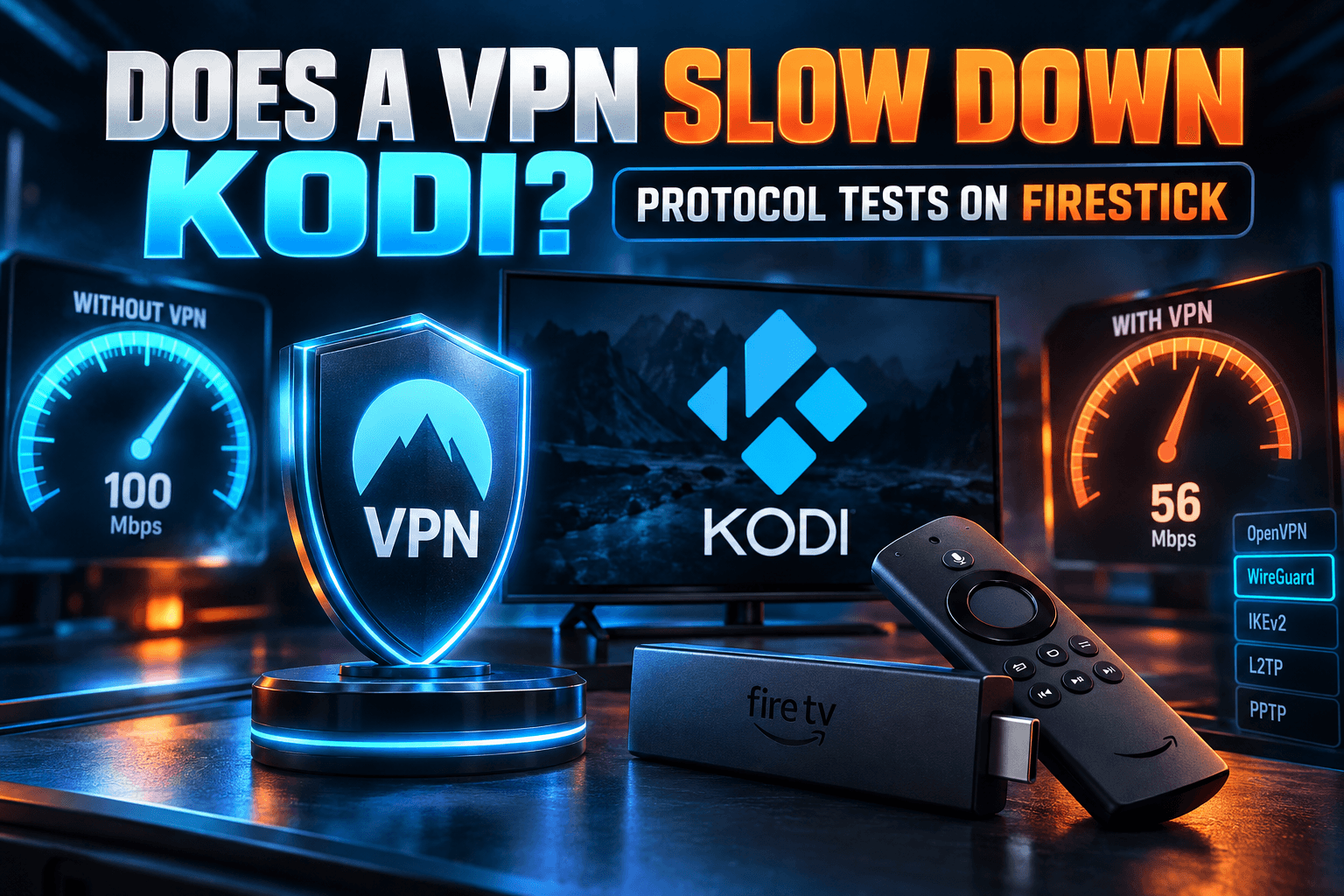
I tested stream start times and throughput with a VPN on and off, using the Fire TV Stick 4K Max.
- Without VPN: [BODHI: Mbps / avg start time]
- With VPN ([BODHI: provider], WireGuard, nearby server): [BODHI: Mbps / avg start time]
[BODHI: interpretation of the results.] For broader numbers across providers, see my VPN speed test results. Want to cover every device in the house at once? The router VPN setup guide walks through that.
Bodhi’s Verdict: Who Should (and Shouldn’t) Install Streamflix on Firestick
[BODHI: 2–3 sentences with your overall risk rating based on the actual results, e.g., “Low risk if installed from the official source, higher risk from mirrors.”]
What works in its favor:
- Open source, so anyone can inspect the code
- [BODHI: tracker/ads finding if positive]
- [BODHI: performance highlight]
What holds it back:
- Provider reliability is out of your hands, and providers break regularly
- Mirror APKs make it far too easy to grab a tampered build
- Legal gray area, depending on your country
- [BODHI: performance or other drawbacks found]
Install it if you’re comfortable verifying APKs, you’re on a device with 2GB of RAM or more, and you can live with the fact that some nights providers simply won’t cooperate. Skip it if you’re on a Fire TV Stick Lite [BODHI: confirm based on results], you want something that just works every evening, or you’re not willing to get the APK from the official source.
Want a comparison point? Stremio takes a different approach, with a modular add-on system and an official app store presence. I cover it in my Stremio on Firestick guide. For a similar scraper-style app put through the same tests, read ClipBox APK in 2026: Safety Check & Firestick Test Results. And if you landed here because OnStream stopped working, OnStream APK Dead? What to Install on Firestick Instead covers the other options.
Bottom line on Streamflix Firestick installs: the app is only as trustworthy as the place you downloaded it from. Get it from the official repo. Lock down the install permission. Treat every provider as temporary.
⚖️ Legal Disclaimer: IPTV Wire does not own or operate any streaming service, application, or website mentioned in this article. We do not verify whether third-party services carry proper licensing. Users are responsible for ensuring they comply with copyright laws in their jurisdiction.
Frequently Asked Questions
Is Streamflix safe to install on a Firestick?
The official build from the project’s GitHub page [BODHI: summarize your scan/traffic result in one line]. Mirror sites are the bigger risk, since they may host modified APKs. Always compare the hash and signing certificate against the official release before installing.
Is Streamflix legal to use?
The app itself is legal software. The catch is that it pulls content from third-party sites that likely don’t hold distribution rights. Streaming that content falls into a legal gray area that varies by country, and the UK and parts of the EU enforce more strictly than the US. Check your local laws.
Why does Streamflix say no links found?
The selected provider came back empty. Usually the source site is down, changed its structure, or is blocked by your ISP’s DNS. Switch providers, try a public DNS like 1.1.1.1, and check the GitHub Issues page for known breakages.
Does Streamflix work on Google TV and NVIDIA Shield?
Yes. It runs on Android TV and Google TV devices, including the Onn Google TV 4K and NVIDIA Shield. [BODHI: one line on how they performed.] It won’t run on Amazon’s Vega OS devices, which don’t support Android APKs.
Does Streamflix have ads or trackers?
[BODHI: answer based on your Pi-hole results for the app itself.] Provider websites may still load their own ad and tracking domains when Streamflix fetches links, so a DNS blocker like Pi-hole adds a useful extra layer.
How do I update Streamflix on Firestick without losing settings?
Download the newer APK from the official GitHub release and install it directly over the existing app. Don’t uninstall first. Because it’s signed with the same certificate, Android treats it as an update and keeps your settings. Uninstalling first, or installing a mirror build with a different signature, will wipe them.
Comments
Leave a comment
Your email address will not be published. Comments are moderated before they appear.