

Table of contents
Cheap VPN for streaming deals look like an easy win: under two bucks a month to hide your traffic from your ISP and run on your Firestick. I’ve spent the past few weeks (as of early 2026) testing budget plans on three of my streaming devices, and the sticker price leaves out a lot. Below I’ll cover what you actually give up, what turns out not to matter, and how to vet a deal before the refund window closes.
This is vendor-neutral. I’m not pushing anyone. I’ll walk through the tradeoffs that apply to nearly every sub-$2 plan, so you can judge whatever deal shows up in your inbox next Black Friday.
Why Sub-$2 VPN Deals Exist (and Who They’re Built For)
No cheap VPN for streaming runs a global server network at $1.79 a month out of kindness. That headline number is marketing. It targets people who want to buy once and never think about it again, which describes a lot of streamers. It also describes exactly the type of customer who forgets to check the renewal date.
The Multi-Year Prepay Math
Sub-$2 pricing almost always requires a 2-year or 3-year prepay, usually padded with “bonus” months. Take a $1.99/month deal on a 24-month plan with 3 free months. You pay roughly $53.73 upfront for 27 months. The monthly figure is just that total divided by the term.
Is that good value? It can be, if that cheap VPN for streaming actually works on your devices. The catch: you’re handing over more than two years of money before you know whether the Firestick app is even usable.
Intro Price vs. Renewal Price
The bigger problem shows up when the term ends. Plenty of plans sold as a cheap VPN for streaming renew at an annual rate that works out to two to four times more per month. Here’s a typical example, based on the pricing patterns I’ve seen over the last year or so:
| Cost Point | Sub-$2 Promo Plan | Flat $4.99/mo Annual Plan |
|---|---|---|
| Upfront payment | $53.73 (27 months) | $59.88 (12 months) |
| Effective monthly rate, first term | $1.99 | $4.99 |
| First renewal (12 months) | $69.99–$99.99 | $59.88 |
| Effective monthly rate after renewal | $5.83–$8.33 | $4.99 |
| Total over 39 months (approx.) | $124–$154 | ~$195 |
Example figures only. Check the provider’s renewal terms on the checkout page, usually in small grey print right under the price.
Renewal is where the savings shrink. Even so, the promo plan still comes out ahead over roughly three years in this example. Push into a second renewal and the gap closes fast, and at the high end it flips. So the real question isn’t whether the savings are fake. It’s whether a cheap VPN for streaming works well enough on your TV devices to justify a two-year commitment.
How I Tested Each Cheap VPN for Streaming on Real TV Devices
I skipped the lab setup. I wanted conditions that match how most of you actually watch TV, so everything ran on my living room network on ordinary weeknights.
Devices and Network Setup
- Amazon Fire TV Stick 4K Max (2nd gen): Fire OS 8, Wi-Fi 6E
- Google TV Streamer: Google TV, wired Ethernet
- Nvidia Shield TV Pro: Android TV 11, wired Ethernet
All three shared one 500 Mbps fiber line in the US Midwest, routed through the same mesh system. I tested several sub-$2 plans, each pitched as a cheap VPN for streaming, and compared them against a mid-priced VPN I already pay for, which served as my control.
What I Measured
- Baseline vs. VPN speed: Measured with the Analiti speed test app, at noon and again at 9 p.m. local time.
- Time-to-connect: Seconds from pressing Connect to a confirmed tunnel.
- IPTV channel zap time: Average seconds to load a live channel in TiviMate, over 20 channel changes.
- 4K buffering events: Number of rebuffers during a 30-minute 4K stream.
- App stability: Crashes, silent disconnects, or failed auto-connects over seven days.
My notes went into a plain spreadsheet. Nothing clever. But it meant I couldn’t fall back on “eh, it felt slower.”
Tradeoff #1: Native Apps on TV Devices
This is the big one. In my testing it mattered more than raw speed, because a fast VPN is useless if you need a phone and a mouse-toggle utility just to get into its Firestick app.
Firestick and Android TV App Availability
Most big-name providers selling a cheap VPN for streaming now list apps in the Amazon Appstore and Google Play. The smaller ones, which tend to have the most aggressive pricing, sometimes don’t. Before you pay, search the Appstore directly from your Firestick. Don’t trust a “works on Fire TV” badge on the provider’s homepage. Sometimes that just means “you can sideload our Android APK.”
Regional quirks matter too. Store listings can differ between the US, UK, and Canada, and a few providers publish their Fire TV app on Amazon.com but not Amazon.co.uk. UK readers, check your own store. I’ve only been able to verify the US listings myself.
Remote-Friendly UI vs. Phone-Port Apps
Two of the apps in my cheap VPN for streaming test group were obviously phone apps stretched onto a TV. Logging in meant pecking at the on-screen keyboard with clumsy D-pad moves. The server list wouldn’t scroll properly with the remote. On one app, I couldn’t reach the settings menu at all without a mouse-toggle tool.
Good TV apps let you sign in by scanning a QR code or typing a short code on your phone, and every menu responds to the D-pad. Check the store screenshots. Portrait phone layouts? That tells you exactly what you’re getting.
When You’re Forced to Sideload
No store app means installing the APK through Downloader or something similar. It works. But you lose automatic updates, and VPN apps update constantly. I cover the full process and its side effects in Firestick Sideloading in 2026: What Changes After You Enable It.
One 2026-specific gotcha: Amazon’s newer Fire TV Stick 4K Select runs Vega OS rather than Android-based Fire OS, and as far as I can tell it doesn’t support sideloading Android APKs at all. If your cheap VPN for streaming has no native Appstore app, that stick simply can’t run it.
Tradeoff #2: Speed and Protocol Limits on a Cheap VPN for Streaming
Speed is where most people expect a budget plan to fall over. My results were messier than that.
WireGuard Support on Cheap Plans
Protocol mattered more than price. Every plan I tested that offered WireGuard (or a provider-branded protocol built on it) inside its TV app kept 4K streams stable at midday. On the Shield, I lost roughly 10–20% of baseline speed at noon. That’s loads of headroom, since 4K needs around 25 Mbps.
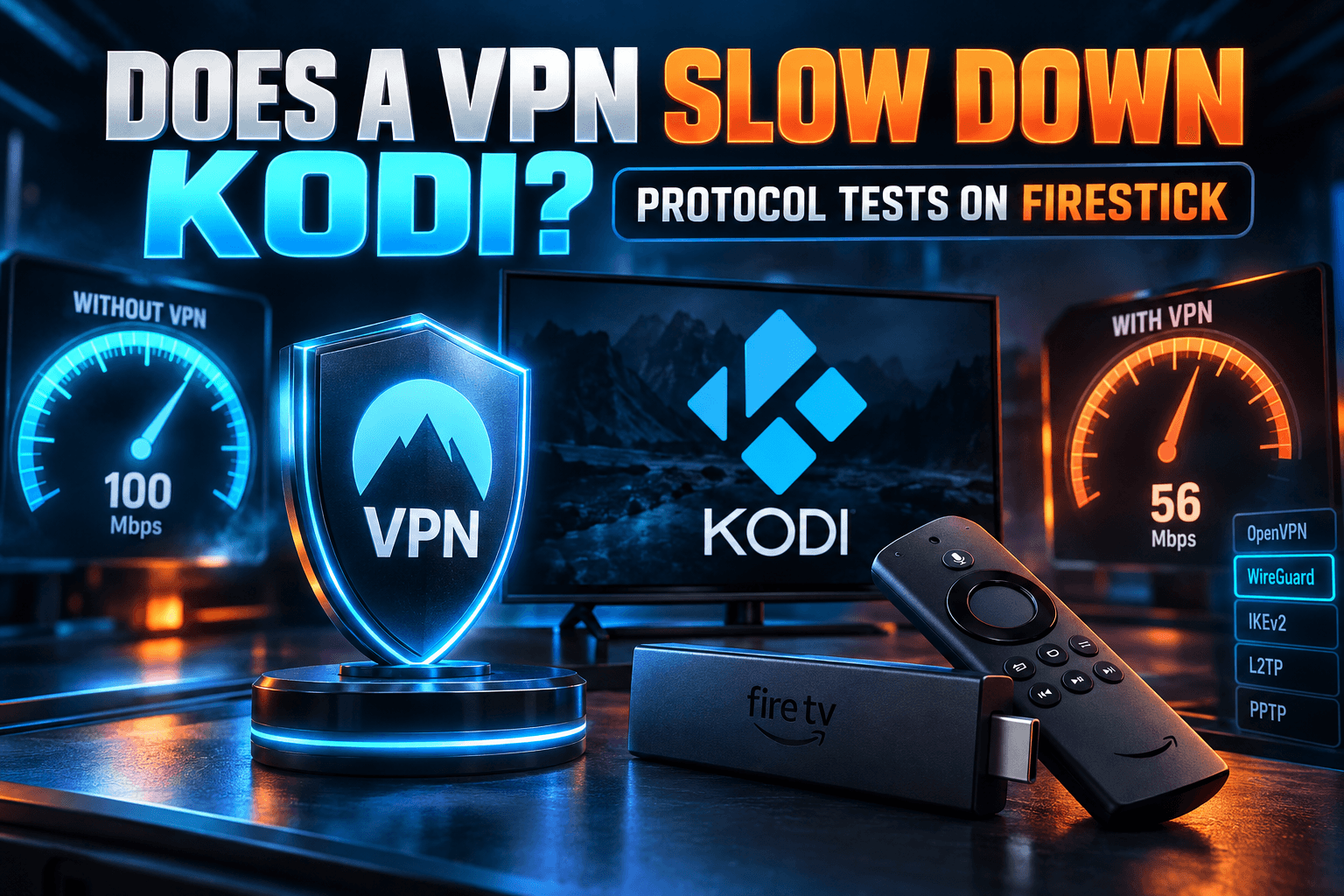
Trouble came from apps that defaulted to OpenVPN, or that buried WireGuard in a menu the remote couldn’t reach. OpenVPN on the Firestick 4K Max cut my throughput by more than half on some servers. I ran the full protocol comparison separately in Does a VPN Slow Down Kodi? Protocol Tests on Firestick, so I won’t rehash it here.
Server Congestion at Peak Hours
Here’s where the cheaper plans actually lost. Between about 8 and 10 p.m., when live sports and prime-time IPTV traffic peak, two budget providers had popular US servers that slowed badly. TiviMate zap times went from around 1.5 seconds to more than 4. During one Sunday night football window, I logged several rebuffers in 30 minutes of 4K. Annoying.
The fix was usually simple: switch to a less popular city a few hundred miles away. My takeaway is that budget plans aren’t inherently slow, but they’re less forgiving when everyone logs on at once. If you watch live events in the evening, test in the evening. A noon speed test tells you almost nothing.
Tradeoff #3: Device Limits and Household Reality
Budget plans sometimes cap simultaneous connections lower than premium tiers do. Some also count devices in ways that quietly punish streamers.
Counting Your Streaming Devices
Be honest with the count. My house has two Firesticks, a Shield, two phones, two laptops, and a tablet. That’s eight devices before guests arrive. A 5-device cap fills up fast.
Also check how a provider handles idle connections. One app I tested held a slot open for several minutes after the Firestick went to sleep, so my phone kept throwing “connection limit reached” errors. Nowhere in the plan details did it mention this. You only find out through daily use.
Router Install as a Workaround
A VPN on your router counts as a single connection and covers everything behind it, including devices that can’t run VPN apps at all, like many smart TVs. The tradeoff? All your traffic goes through the tunnel, and some streaming apps object to that. I go through the details in VPN on Your Router: What Actually Changes for IPTV.
Confirm the budget plan offers manual WireGuard or OpenVPN config files. A few cheap plans only work through their own apps, which kills the router option entirely.
Tradeoff #4: Features That Get Stripped or Upsold
The base price buys you the tunnel. Everything else might cost extra, or might exist on the phone app and vanish on the TV build.
Split Tunneling on TV Apps
Split tunneling lets you send IPTV or Kodi traffic through the VPN while Netflix or your banking app go out normally. It’s common on Android phones. On budget providers’ TV apps, it’s often missing. Two plans I tested had it on Android phones but not in the Fire TV build.
If you depend on it, confirm it exists in the TV version specifically. For what to route and what tends to break, see Kodi VPN Split Tunneling: What to Route & What Breaks.
Kill Switch Behavior on Android TV
A kill switch blocks traffic when the tunnel drops. Without one, your IPTV app just keeps streaming over your normal connection and never tells you. In-app kill switches on TV builds were inconsistent in my testing. One app claimed to have one, yet leaked traffic for several seconds when I yanked the router’s WAN cable.
On Google TV and Android TV, you can sometimes enable the system-level “Always-on VPN” and “Block connections without VPN” options in network settings. Fire OS hides these on most models (annoyingly, with no official way to get them back). That makes the in-app kill switch far more important on a Firestick. So test it. Pull the cable mid-stream and watch what happens.
Add-Ons Sold Separately
Watch for pre-ticked boxes at checkout. Common add-ons include dedicated IPs (typically $2–$5/month extra), ad and tracker blocking, password managers, and “streaming-optimized” servers. A dedicated IP can occasionally help with services that block shared VPN addresses, but most streamers don’t need one. Untick anything you didn’t come for. Otherwise a $1.99 plan quietly becomes a $4.50 plan.
Taking Your Streaming Setup on the Road
Travel is where a VPN earns its keep. Hotel and Airbnb networks are shared, often unencrypted, and sometimes throttle video. Here’s what’s worked for me on recent trips.
Hotel and Airbnb Wi-Fi with a Firestick
Before leaving, sign in to the VPN app on your Firestick at home and pick a default server. Trust me, typing a password with a hotel remote at midnight is miserable. Pack a short HDMI extender, since hotel TV ports are often wedged against the wall. And some hotel TVs lock their HDMI inputs, so check the input menu before you unpack everything.
Airbnbs are easier. Usually it’s a normal router with a password and no login page, so the VPN connects the same way it does at home.
Captive Portals and VPN Conflicts
Hotel Wi-Fi often uses a captive portal, that login page asking for your room number. Your VPN can’t connect until you’ve cleared it, and an auto-connecting VPN can actually stop the portal from loading. The first time I hit this, I spent a good 20 minutes blaming the hotel. The order that works on a Firestick:
- Turn off the VPN’s auto-connect or “connect on launch” setting before you leave home.
- Go to Settings → Network on the Firestick and select the hotel network.
- Fire OS should show the portal page. Complete the login with the remote.
- Open a website or app to confirm the connection works.
- Now open the VPN app and connect.
If WireGuard won’t connect afterward, the hotel may be blocking UDP. Switch to OpenVPN over TCP, or your provider’s obfuscated mode if it has one. Budget plans sometimes skip obfuscation, so check before you travel, not at the front desk.
Using a Travel Router Instead
These days I carry a pocket travel router on most trips: a GL.iNet Beryl AX, which runs around $80–$90 in the US. You connect it to the hotel Wi-Fi, clear the captive portal once from your phone, and run the VPN on the router itself. Your Firestick, phone, and laptop then join your own private network.
That one gadget fixes several headaches at once. The portal gets done once, not on every device. Only one VPN connection is used, which helps with caps. Hotels that limit devices per room see just the router. And because it always broadcasts the same network name, your Firestick reconnects automatically on every trip.
Buying Checklist: Is a Cheap VPN for Streaming Right for You?
Here’s how I’d size up any long-term VPN deal before handing over two years of money.
Green Flags
- Native app in both the Amazon Appstore and Google Play, with QR or code login
- WireGuard available in the TV app, not only on mobile
- At least 8 simultaneous connections, or unlimited
- Manual config files for router installs
- A 30-day money-back guarantee that covers direct purchases
- A no-logs policy confirmed by an independent audit within the last two years
- Renewal price shown clearly on the checkout page
Red Flags
- “Fire TV support” that turns out to be an APK download link
- Portrait-mode phone screenshots in the TV store listing
- Kill switch or split tunneling listed for “Android” but not tested on TV builds
- Renewal terms you can’t find without contacting support
- Pre-ticked add-ons at checkout
- No audit, or an audit that’s several years old
When to Spend More
Go mid-tier if you watch lots of live sports in the evening, run more than five devices without a router, or need obfuscation for hotels and restrictive networks. Once you’re past a second renewal, a plan around $4–$5 a month can end up costing about the same as a “cheap” one, or less.
A refund warning: subscribe through the Amazon Appstore or Google Play and the refund follows their policy, not the provider’s 30-day guarantee. Buy directly from the provider’s site if you want the full window. (Yes, this catches people every single year.)
Then actually use that window. My 7-day routine:
- Day 1: Install on every device you own. Note any that need sideloading.
- Day 2: Run speed tests at noon and 9 p.m. on your main streaming device.
- Day 3: Do 20 IPTV channel changes and time them.
- Day 4: Stream 30 minutes of 4K during prime time and count rebuffers.
- Day 5: Test the kill switch by unplugging your router’s WAN cable mid-stream.
- Day 6: Connect every device at once to check the connection cap. Test on a phone hotspot to simulate travel.
- Day 7: Decide. If it failed two or more tests, request a refund the same day.
Final Verdict: Is a Cheap VPN for Streaming Worth It?
For a lot of people, yes. With conditions. A cheap VPN for streaming works well if it has a real TV app, offers WireGuard inside that app, and your household fits under the device cap (or you’re willing to run it on a router). Over the first two or three years, the savings are real, even after the renewal jump.
What do you give up? Consistency at peak hours, a few features on TV builds, and the luxury of never thinking about renewal dates. Set a calendar reminder for one month before renewal, run the 7-day test, and within a week you’ll know whether the deal fits your setup.
⚖️ Legal Disclaimer: IPTV Wire does not own or operate any streaming service, application, or website mentioned in this article. We do not verify whether third-party services carry proper licensing. Users are responsible for ensuring they comply with copyright laws in their jurisdiction.
Frequently Asked Questions
Is a cheap VPN good enough for streaming IPTV on Firestick?
Usually, as long as it has a native Amazon Appstore app with WireGuard support. The main weak spot is evening server congestion, so test during prime time inside your refund window before you commit.
Why does my VPN price go up after the first term?
The sub-$2 rate is a promotional price tied to a multi-year prepay. When the term ends, most providers renew at their standard annual rate, often two to four times higher per month. Sometimes you can get the promo rate back by cancelling and signing up fresh, though providers don’t always allow it.
Do budget VPNs slow down 4K streaming?
Not much at off-peak times if you’re on WireGuard. 4K needs about 25 Mbps, and most decent connections leave plenty of headroom. Slowdowns mostly hit on crowded evening servers or when the app falls back to OpenVPN.
Can I use one VPN subscription on all my streaming devices?
Yes, up to the plan’s simultaneous connection limit. Got more devices than the cap allows? Install the VPN on your router. It counts as one connection and covers every device on your network.
How do I use a VPN on a Firestick with hotel Wi-Fi?
Turn off VPN auto-connect, join the hotel network, and finish the captive portal login first. Then open the VPN app and connect. If WireGuard refuses to connect, switch to OpenVPN TCP or an obfuscated protocol.
Is a free VPN better than a sub-$2 paid VPN for streaming?
Almost never. Free VPNs typically cap data, throttle speeds, offer few servers, and rarely ship proper TV apps. Some also make money from user data. For regular streaming, a sub-$2 paid plan is the far better pick.
Comments
Leave a comment
Your email address will not be published. Comments are moderated before they appear.