

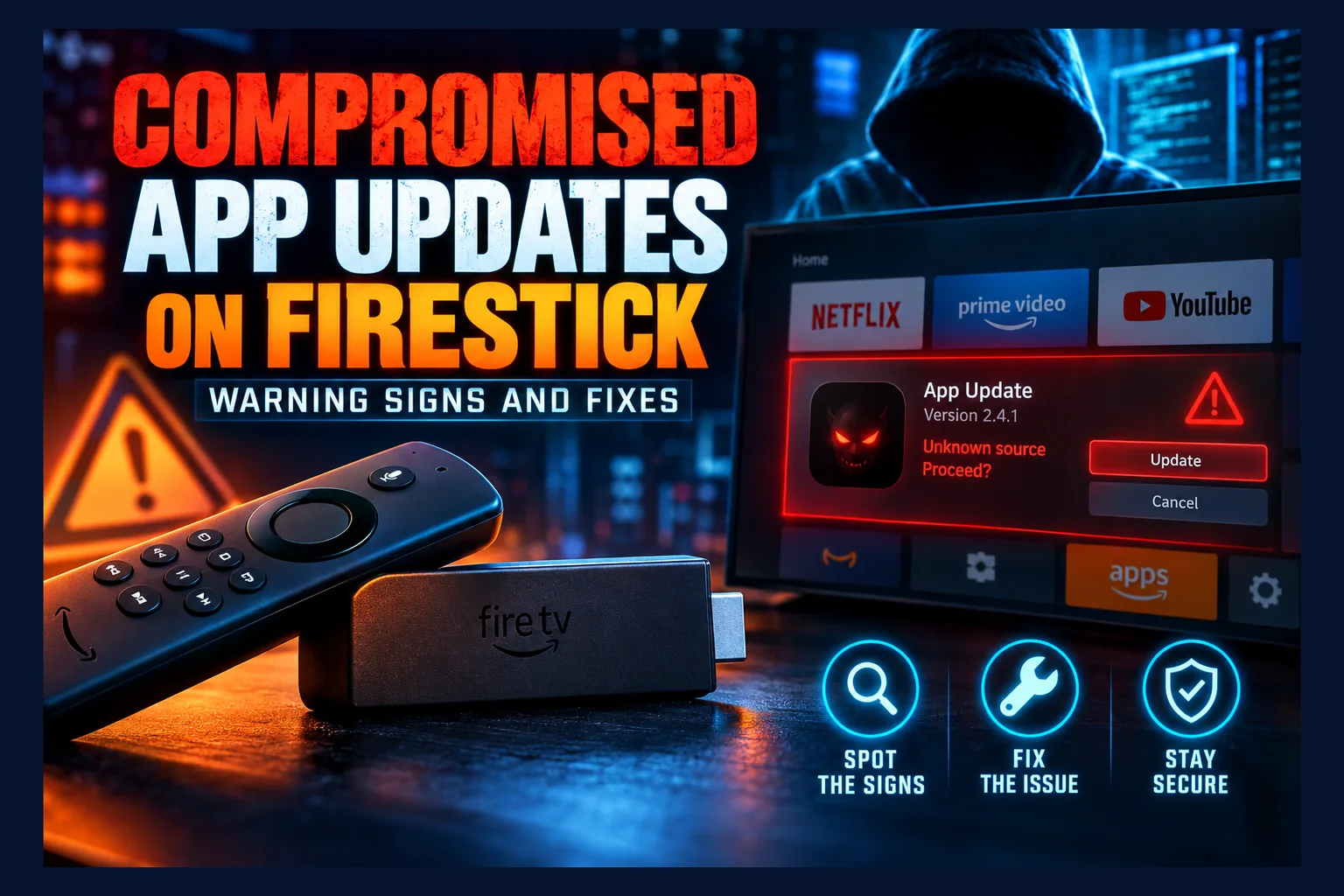
Compromised app update Firestick problems are one of the least-discussed risks in cord-cutting as of 2026. Most of us vet an app once, at install, then forget about it, while the code keeps changing in the background one silent update at a time. In this guide I’ll walk through how streaming apps get hijacked, which ones on your stick are most exposed, and how to spot a bad update. I’ll also cover controlling updates on Fire OS and Google TV, plus cleanup if one already slipped through.
A compromised app update Firestick owners never see coming is one of the least-discussed risks in cord-cutting as of 2026. Most of us vet an app once, at install, and then forget about it. But the app keeps changing in the background, one update at a time, often without a single prompt.
This guide covers what happens after installation. You’ll learn how apps get hijacked, which ones on your stick are most exposed, and how to spot a bad update. It also covers controlling updates on Fire OS and Google TV, plus cleanup if a bad update already got through.
Why a Trusted Streaming App Can Turn Malicious Overnight
The version you checked six months ago is not the code running on your Fire TV Stick today. Every update replaces it, sometimes silently, which is exactly how a compromised app update Firestick owners never review slips in.
The install is rarely the dangerous part. The compromised app update Firestick owners accept later usually is. Update number seven, pushed on a random Tuesday by someone you’ve never heard of, is where things tend to go wrong.
What a Supply-Chain Attack Means for Streaming Apps
A supply chain attack goes after something you already trust instead of going after you. For streaming apps, that “something” is the developer, the update server, or the addon host. You never download anything suspicious, because the trusted channel hands it to you.
So “only install from reputable sources” is good advice. It’s just incomplete. It protects day one and does nothing at all for day 200.
Recent Plugin and App Store Incidents as Context
None of this is theoretical, and it isn’t unique to streaming. In early 2021, Google pulled The Great Suspender, a Chrome extension with millions of users, after it changed hands and got flagged for malicious behavior. Around mid-2024, WordPress.org closed several plugins after attackers pushed backdoored updates through compromised developer accounts.
Then came late 2024. A phishing attack on a developer account let a malicious version of the Cyberhaven Chrome extension reach users through ordinary auto-updates, right around the Christmas holidays.
Three ecosystems, three different setups, and each one maps neatly onto a compromised app update Firestick scenario. Same lesson every time: the update channel is the attack surface.
How Streaming Apps Get Hijacked
There are four common routes. None require you to make a mistake, which is exactly why every compromised app update Firestick owners receive feels so routine.
Developer Account Takeovers
Attackers phish or brute-force the account a developer uses to publish. Once inside, they upload a modified build under the real app’s name. Because it comes from the legitimate account, it can clear basic store checks and land on your device looking like any other patch.
Abandoned Apps Sold to New Owners
Plenty of small IPTV players and utility apps start life as weekend side projects. The original developer gets bored, or busy, or just wants a few thousand dollars, and sells the app (user base and update channel included) to a buyer they barely know. The new owner can keep the same name and icon while bolting on aggressive ad SDKs, heavy data collection, or worse.
Users almost never get told, so the first compromised app update Firestick owners install looks like a normal patch. Usually the first clue is a different developer name, or the app suddenly behaving in ways it never used to.
Hijacked In-App Update Servers
Lots of sideloaded IPTV players ship with a built-in updater. The app pings a server, grabs a new APK, and asks you to install it. At no point does anyone review that file.
Now picture that server getting hacked, or the domain expiring and someone else re-registering it for about $10. Or the developer simply going rogue. Whatever sits at that URL becomes your next “update.”
When it comes to compromised app update Firestick risk, this route tops the list, and it’s the one almost nobody thinks about.
Stremio Addon Manifest and Endpoint Changes
Stremio addons aren’t installed code in the normal sense. They’re remote URLs that serve a manifest and answer requests. The operator can change what the addon returns whenever they like, and you’ll never see a prompt or touch an update button.
Many addons also bake your debrid API key right into the configured URL. If the operator turns malicious or loses control of their server, that key is out in the open. You can review what’s installed from the Addons section in Stremio, and removals sync across every device tied to your account (handy if you run Stremio on a phone and a TV).
Compromised App Update Firestick Risk: Which Apps Are Most Exposed
Compromised app update Firestick risk isn’t spread evenly. Here’s how I’d rank the categories, most exposed at the top.
| App category | Who reviews updates | Exposure level | Main risk |
|---|---|---|---|
| Sideloaded APKs with self-updaters | Nobody | High | Hijacked update server or rogue developer |
| Remote addons (Stremio, Kodi repos) | Nobody, or the community | Medium-high | Silent behavior changes, leaked API keys |
| Manually sideloaded APKs (no updater) | You | Medium | Installing a tampered version from a bad mirror |
| Amazon Appstore / Google Play apps | Store review | Lower | Account takeover or ownership change slipping past review |
Sideloaded APKs With Self-Updaters
These top the list for good reason, since they’re the easiest path for a compromised app update Firestick users never audit. They pair full app permissions with an update path nobody audits. If you lean on third-party app stores or in-app updaters, treat every update prompt as a brand-new install decision rather than routine maintenance.
Read next: Best Workout Streaming Apps for Firestick 2026
Kodi Repositories and Stremio Addons
Kodi repositories can push addon updates automatically, and a repo is only as trustworthy as whoever controls its hosting today. Kodi lets you change this under Settings > System > Add-ons > Updates, where you can switch to “Notify, but don’t install updates.”
Stremio addons sit slightly lower on the compromised app update Firestick risk scale because they don’t run arbitrary code on your device. The bigger issue there is data exposure, especially debrid keys and any account details tied to the addon URL.
Manually Sideloaded APKs and Official Store Apps
An APK you install by hand with no updater only changes when you choose. The risk shifts to where you download the next version, since mirror sites are a common source of repackaged builds.
Apps from the Amazon Appstore or Google Play get some review, but the incidents above show that review isn’t a guarantee. Lower risk, not zero risk.
Spotting a Compromised App Update Firestick Users Often Miss
Bad updates rarely announce themselves. Still, they tend to leave a few fingerprints, and most of them are easy to check from the couch.
Red Flags to Watch For
- Signature errors: Android refuses to install an update signed with a different key than the original. If you see “App not installed” or a package conflict message, don’t work around it.
- “Uninstall first” instructions: A developer asking you to remove the old version so the new one installs is a classic sign the signing key changed hands.
- New permissions: A video player that suddenly wants microphone, contacts, or accessibility access has no business asking.
- Developer name changes: Check the listing or the app info screen for a different publisher.
- Behavior changes: Pop-up ads, new redirects, unexplained sluggishness, or the stick running warm while idle.
- Update source changes: The in-app updater pulling from a new domain, or a link-shortener URL.
How to Check Permissions on Fire OS
Go to Settings > Applications > Manage Installed Applications, select the app, and open Permissions. Note what’s listed before you update, then compare afterward.
On Google TV devices, the path is Settings > Apps, then select the app and choose Permissions. A quick screenshot on your phone before updating makes the comparison painless.
How to Verify an APK Before Installing
If a developer publishes SHA-256 checksums, compare them against the file you downloaded using any hashing tool on a PC. A mismatch means the file isn’t what the developer released.
For a deeper check, Google’s apksigner tool can print the signing certificate of an APK. If the certificate fingerprint differs from the version you already trust, stop there.
Controlling Updates on Fire OS and Google TV
The goal isn’t to never update. Updates fix real security holes. The goal is to update on your schedule, after other people have had a chance to spot problems.
Turn Off Automatic Updates
On Fire TV, go to Settings > Applications > Appstore and switch Automatic Updates off. This only covers Appstore apps, so sideloaded apps with built-in updaters need their own setting changed inside each app, if the option exists.
On Google TV and Android TV, open the Play Store, select your profile icon, go to Settings, and set Auto-update apps to “Don’t auto-update apps.” Menu labels shift slightly between firmware versions, so look for similar wording if yours differs.
Use the One-Week Rule
When an update lands, wait about seven days before installing it. Most hijacked updates get noticed within that window, usually on Reddit, GitHub issue trackers, or the app’s own community channels.
This is the single most practical defense against a compromised app update Firestick households will ever face. It costs nothing except a little patience.
Lock Down Sideloading Permissions
Fire OS grants install rights per app under Settings > My Fire TV > Developer Options > Install unknown apps. Turn this on only for the app you’re actively using to install something, such as Downloader, then switch it back off.
Any IPTV player that has install permission can push its own APKs. Revoking it means a hijacked updater can’t quietly install anything without you noticing.
Keep Backups of Known-Good APKs
Before updating a sideloaded app, save the current APK to a USB drive, a PC, or cloud storage. Label it with the version number and date.
If the next release turns out to be bad, you can uninstall and roll back in minutes. Without a backup, you’re stuck hunting for older versions on mirror sites, which is its own risk.
What to Do If a Compromised App Update Firestick Install Already Happened
Don’t panic, but don’t wait either. Work through these steps in order.
- Disconnect from the network: Unplug the stick or disable Wi-Fi so the app can’t phone home.
- Uninstall the app: Go to Settings > Applications > Manage Installed Applications, clear data, clear cache, then uninstall.
- Check other apps: Look for anything you don’t recognize that may have arrived alongside the update.
- Rotate credentials: Change passwords for any service you logged into through the app, regenerate debrid API keys, and request new IPTV credentials from your provider.
- Factory reset if unsure: Settings > My Fire TV > Reset to Factory Defaults wipes everything, which is the safest option if you can’t tell what the app did.
- Review your router: Check for unfamiliar connected devices and change your Wi-Fi password if the app had broad network access.
Does a VPN Protect Against Malicious Updates?
Not really. A VPN encrypts your traffic and hides your IP address from your ISP, but it doesn’t stop an app on your device from doing harmful things.
Some VPN apps include DNS-level blocking of known malicious domains, which can help a little. Think of it as one layer, never a replacement for update discipline.
Building Safer Update Habits for 2026
Every app on your stick is a relationship that keeps changing. The developer, the server, and the code can all shift without warning.
Turn off blind auto-updates, follow the one-week rule, check permissions before and after, and keep known-good APK backups. Those four habits shut down most of the routes a compromised app update Firestick setups are exposed to, and none of them take more than a few minutes.
Trust at install time is a starting point. Keep checking, and your stick stays yours.
⚖️ Legal Disclaimer: IPTV Wire does not own or operate any streaming service, application, or website mentioned in this article. We do not verify whether third-party services carry proper licensing. Users are responsible for ensuring they comply with copyright laws in their jurisdiction.
Frequently Asked Questions
Can an app from the Amazon Appstore receive a malicious update?
Yes, though it’s less likely than with sideloaded apps. Store review catches many problems, but developer account takeovers and ownership sales can still slip a bad update through.
How can I tell if an app changed owners?
Check the developer name on the store listing or in the app’s info screen and compare it with what you remember. Sudden new ads, new permissions, or a changed website domain are also strong hints.
Should I stop updating apps entirely?
No. Updates patch real security flaws. Disable automatic updates, wait about a week after a release, and check community feedback before installing.
What does an “App not installed” error during an update mean?
It often means the new APK was signed with a different key than your installed version. Treat that as a warning sign and don’t uninstall the original just to force the update through.
Are Stremio addons safe from malicious updates?
They don’t run code on your device like APKs do, but operators can change addon behavior at any time. Remove addons you no longer use and rotate any debrid API key embedded in an addon URL you stop trusting.

Comments
Leave a comment
Your email address will not be published. Comments are moderated before they appear.