

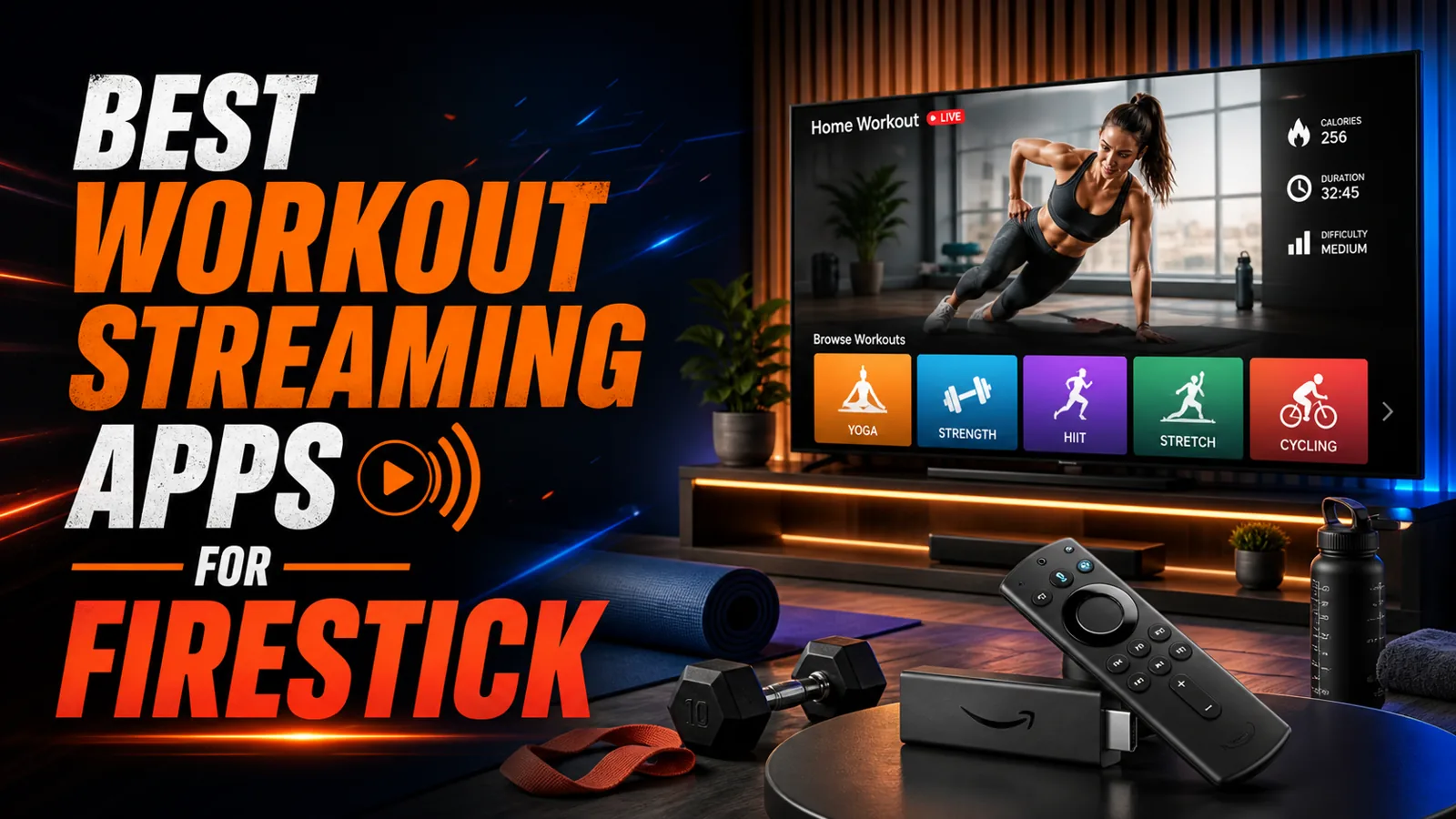
Workout streaming apps for Firestick have quietly become one of the smartest home-gym upgrades you can make in 2026 — and you probably already own the hardware. The best workout streaming apps for Firestick can replace a $40–$58/month gym membership, a $1,500 Peloton, and a shelf of dusty DVDs, all on a stick you already plug in to watch Netflix. I spent 30 days testing every major fitness app on my Fire TV setup, and this guide covers exactly what works, what doesn’t, and what’s worth paying for.
[TOC] If you already own a Firestick, you’re sitting on one of the most underrated home gym tools available right now. The best workout streaming apps for Firestick can genuinely replace a $40–$58/month gym membership, a $1,500 Peloton, and a dusty shelf of workout DVDs — all on hardware you probably already use to watch Netflix after dinner. I spent 30 days testing every major fitness app I could find on my Fire TV setup, and this guide covers exactly what works, what doesn’t, and what’s actually worth paying for in 2026. Before we get into specific apps, check out our Best Firestick Apps: 15 Essential Downloads for 2026 if you want a broader picture of what your stick can do. Fitness — and specifically workout streaming apps for Firestick — is just one piece of that puzzle.Why Workout Streaming Apps for Firestick Beat Every Other Setup
Big Screen vs. Phone or Tablet
Following a yoga instructor on a 6-inch phone screen while you’re in downward dog is a genuinely terrible experience. Your Firestick plugs into whatever TV you already own — 40, 55, 65 inches — and suddenly you have a coaching display without buying anything new. I’ve used both setups extensively, and the difference in actually checking your own form is significant. You can see what the instructor’s feet are doing. That matters more than it sounds. There’s a motivation factor too. A big screen makes a workout feel like an event rather than a chore. That sounds soft, but it’s a real part of why Peloton users actually show up — and it’s exactly why workout streaming apps for Firestick hit differently than phone-based fitness apps. The screen is part of the product, not just a bonus feature.Cost vs. Gym Membership
The average US gym membership runs about $40–$58/month according to Statista fitness industry data. Most paid apps in this guide run between $10 and $30/month — and several have solid free tiers that cost exactly nothing. When you already own a Fire TV Stick 4K (retail $49.99, frequently on sale around $24.99), the math for using workout streaming apps for Firestick becomes hard to argue with. Dedicated fitness hardware like a Mirror, Tonal, or Peloton Bike locks you into both a device cost and an ongoing subscription. Your Firestick has zero lock-in — that’s one of the biggest practical advantages of workout streaming apps for Firestick. Cancel any app and install a different one the same afternoon.How We Tested These Fitness Apps
Testing Criteria
Each workout streaming app for Firestick got evaluated on five things: whether it’s available natively in the Fire TV App Store or needs sideloading, the size and variety of the content library, video quality at 1080p and 4K where available, how well the interface handles remote navigation from across the room, and the honest value gap between free and paid tiers. Apps that looked great on paper but crashed twice during a HIIT session got marked down accordingly.Devices Used
Primary testing ran on a Fire TV Stick 4K (2nd generation) and a Fire TV Cube (3rd generation) over roughly 30 days in early 2026. Both were running Fire OS 8 on a 200Mbps connection via 5GHz Wi-Fi. I also ran sideloaded apps on an older Fire TV Stick 4K Max to see how performance held up on slightly dated hardware — results were mostly fine, with occasional frame drops on 4K streams.Best Free Workout Streaming Apps for Firestick
YouTube Fitness Channels Worth Bookmarking
The YouTube app comes pre-installed on every Fire TV device, making it the easiest entry point for free workout streaming on Firestick. Channels like Heather Robertson, Sydney Cummings Houdyshell, and Juice & Toya collectively offer thousands of free workouts — HIIT, strength, barre, yoga, prenatal — most in 1080p and a growing number in 4K. No subscription, no sign-up, no upsell anywhere. The main drawback is curation. You’re building your own programming rather than following a structured plan. Disciplined enough to handle that? YouTube is unbeatable on pure value.Nike Training Club
Nike Training Club (NTC) made its entire library free back in 2020 and, as of mid-2026, it’s still completely free. The Fire TV app is available directly in the App Store — no sideloading needed. The library includes over 185 workouts ranging from quick 15-minute express sessions to 60-minute full-body strength programs, with beginner through advanced levels well covered. Remote navigation is clean and responsive. My only real gripe: the app occasionally nudges you toward the Nike Run Club ecosystem (this happens about once a week, annoyingly), but it never actually gates content behind a paywall. As far as workout streaming apps for Firestick go, NTC is hard to beat at the free tier.Daily Burn Free Tier
Daily Burn offers a 30-day free trial — generous enough to earn a spot on this list. After that, it runs $19.99/month. The Fire TV app installs natively, and the trial gets you full access to programs including True Beginner, Cardio Sculpt, and Inferno HR. Video quality holds at 1080p consistently on a decent connection. My suggestion: use the trial strategically. Pick a structured 4-week program, commit to it, and decide before billing kicks in whether the content is worth $20/month to you.FitOn — Best Free All-Rounder
FitOn is the most fully featured free fitness app currently on Fire TV. Full stop. It’s in the Fire TV Store, installs in under two minutes, and the free tier includes hundreds of classes across HIIT, yoga, Pilates, strength, meditation, and stretching. The celebrity trainer content is actually decent — not just a marketing facade. FitOn Pro runs $9.99/month or $79.99/year and adds meal planning and offline downloads, but the free version alone is substantial. This is my top pick if you want zero spend and genuine content variety.Best Paid Workout Apps Worth the Subscription
Peloton App — Is It Worth It Without the Bike?
Yes — the Peloton app works on Amazon Fire TV Stick, and you don’t need the bike, tread, or row machine to use it. The app is available directly in the Fire TV Store. Peloton App+ runs $24/month and opens up thousands of classes: cycling, running, strength, yoga, outdoor audio runs, meditation, and stretching programs. I tested it extensively on the Fire TV Cube, and the experience is polished. Instructor quality is genuinely high. The programming runs deep enough that you can follow it for months without repeating a class. Community features like leaderboards and high-fives don’t translate perfectly to a TV-and-remote setup, but the class content absolutely does. For serious training, this is the one to pay for.Apple Fitness+ via AirPlay Workaround
Apple Fitness+ has no native Fire TV app. That’s just the reality. If you have an iPhone or iPad, you can theoretically mirror content to a screen, but the latency during live-paced workouts is noticeable and the setup is clunky enough that I can’t recommend it as a primary Fire TV fitness solution. Already deep in the Apple ecosystem with an Apple TV around? Use that instead. For Firestick-first setups, the workaround friction isn’t worth it. Move on to one of the other options here.Beachbody on Demand (BODi)
BODi (formerly Beachbody on Demand) has a native Fire TV app and a genuinely deep content library. Programs like P90X, Insanity, 21 Day Fix, and newer streaming originals are all here. A BODi membership runs $179/year (roughly $14.92/month billed annually) or around $59/month for their “all-access” tier that includes nutrition coaching. The day-by-day program calendars are the real selling point — if you don’t want to make programming decisions yourself, this structure does it for you. Video quality is solid at 1080p. Main critique: the interface is busier than competitors, and supplement upsells pop up more than I’d like (yes, every few sessions).Alo Moves for Yoga and Mindfulness
Alo Moves is the premium yoga and mindfulness option on this list. At $19.99/month or $199/year, it’s not cheap. The production quality is the best I’ve seen in the yoga streaming space — think spa-level aesthetics, not a webcam pointed at someone’s living room floor. The Fire TV app requires sideloading, which adds a small barrier upfront. Content covers yoga flows, meditation, breathwork, Pilates, and mobility work. If yoga or mindfulness streaming is your primary use case and you’re willing to sideload once, Alo Moves is best-in-class.Sideloading Fitness Apps Not in the Fire TV Store
Which Apps Need Sideloading?
Several solid fitness platforms don’t have official Fire TV apps but work fine when sideloaded as Android APKs. In 2026, apps that commonly require this treatment include Alo Moves, certain boutique class-based platforms, and older app versions that got pulled from the store. Fire TV runs Android under the hood, so most fitness APKs built for Android TV install and run without major issues — availability varies a bit by app and device generation, though.Quick Sideload Steps for Beginners
The full process is covered in our Fire TV Sideloading: 7 Proven Methods That Still Work in 2026 guide, but here’s the short version:- Go to Settings → My Fire TV → Developer Options and enable “Install Unknown Apps.” (This is buried in settings, annoyingly — most people miss it the first time.)
- Install the Downloader app from the Fire TV Store.
- Use Downloader to pull the APK file from a trusted source.
- Open the downloaded file and follow the install prompt.
Optimizing Your Firestick for Workout Streaming
Fix Buffering During Live Classes
Buffering mid-class is infuriating — especially during a live spin session where you lose the beat entirely. The most common culprit is Wi-Fi signal strength rather than raw internet speed. Move your router closer to your TV, or use an Ethernet adapter with the Fire TV Cube for a wired connection. Not feasible? Switch your 5GHz Wi-Fi channel to a less congested band in your router settings. For a deeper fix, our Firestick Performance Issues: 7 Proven Solutions for 2026 guide covers clearing app cache, disabling background processes, and adjusting streaming quality settings — all directly relevant when fitness apps are streaming HD video continuously for 45+ minutes at a stretch.Free Up Storage for Fitness Apps
The Fire TV Stick 4K has 8GB of internal storage. That sounds fine until two or three fitness apps with offline download features start competing for space. Head to Settings → Applications → Manage Installed Applications and clear cache on anything you’re not actively using. On a Fire TV Stick 4K Max you get 16GB — much more comfortable for heavy app users.Best TV Placement for Working Out
This gets overlooked constantly. For floor work like yoga or Pilates, your TV needs to sit at a height where you can see it lying on your back without craning your neck up awkwardly. Standing cardio? Eye level works fine. If your current TV placement doesn’t handle both, a tilting wall mount runs around $25 and makes a real, immediate difference to your experience.Quick Comparison: Top Fitness Apps at a Glance
| App | Price (Monthly) | Native Fire TV App | Content Types | Free Trial | Offline Downloads |
|---|---|---|---|---|---|
| FitOn | Free / $9.99 Pro | ✅ Yes | HIIT, Yoga, Pilates, Strength | Always free tier | Pro only |
| Nike Training Club | Free | ✅ Yes | Strength, Cardio, Yoga | Always free | No |
| Peloton App+ | $24.00 | ✅ Yes | Cycling, Running, Strength, Yoga | 30 days | Yes |
| BODi | $14.92 (annual) | ✅ Yes | HIIT, Strength, Dance, Yoga | 14 days | Yes |
| Daily Burn | $19.99 | ✅ Yes | Cardio, Strength, Yoga, Beginner | 30 days | No |
| Alo Moves | $19.99 | ❌ Sideload | Yoga, Pilates, Meditation | 14 days | Yes |
| Apple Fitness+ | $9.99 | ❌ Workaround only | HIIT, Yoga, Cycling, Strength | 1 month (new users) | No (streaming only) |

Comments
Leave a comment
Your email address will not be published. Comments are moderated before they appear.