

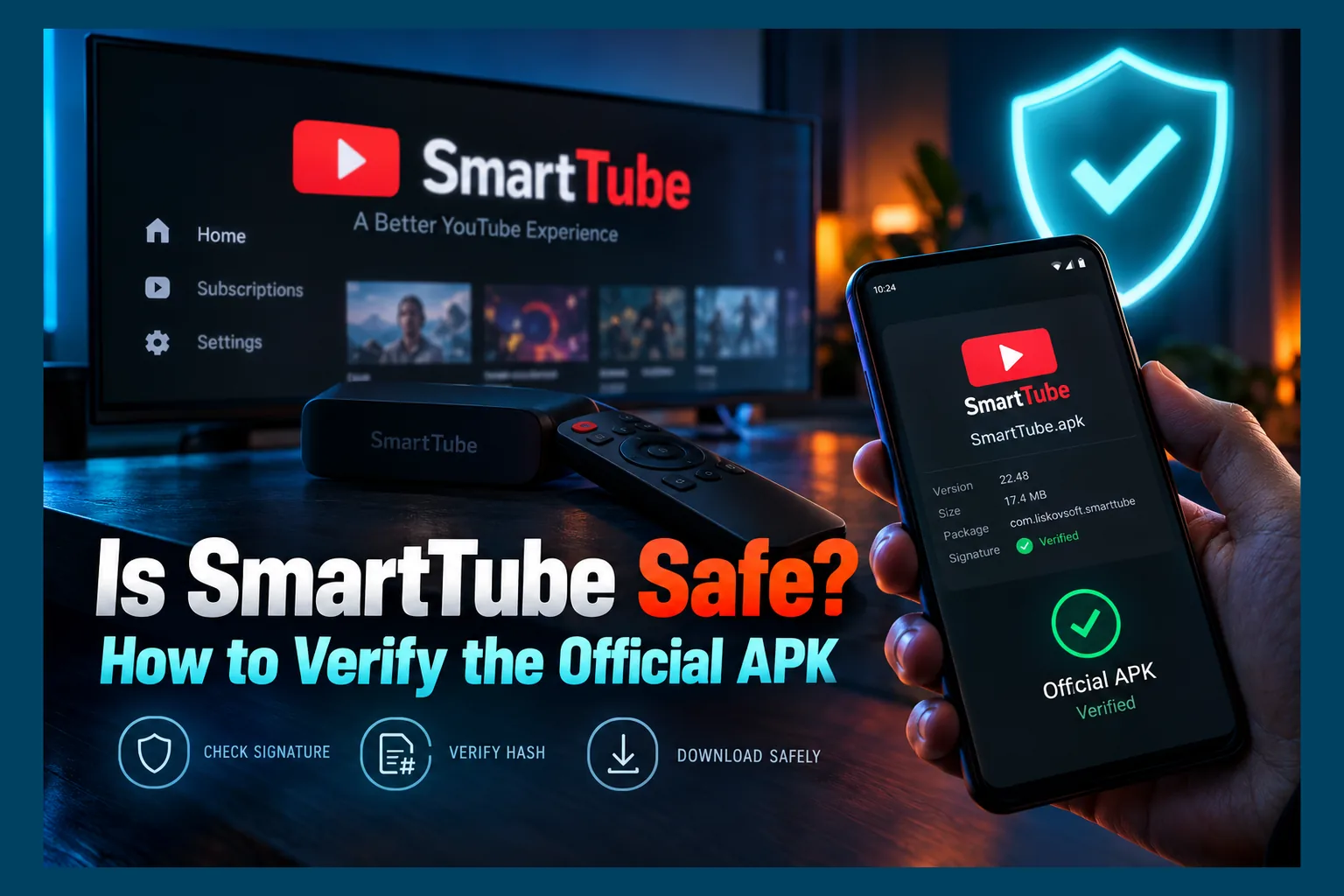
Is SmartTube safe? Short version: the genuine open-source build from GitHub is generally trustworthy, but your real safety hinges on where the APK came from and whether its signature matches the developer’s. I’ve sideloaded it on Firesticks, Onn boxes, and Android TV for a long time. The dangers I see aren’t the app itself. They’re fake clones, builds caught up in the late-2025 compromise, and handing a YouTube login token to an app you never verified.
SmartTube is now the go-to ad-free YouTube client for a huge number of Firestick, Onn, and Android TV owners. That popularity is exactly why impostors target it. This 2026 guide skips the installation walkthrough. It’s about trust.
Below you’ll find how to spot the official build versus a repackaged copy, how to check signing certificates and hashes, what a Play Protect warning actually means, and how to clean up if something has already gone sideways.
Is SmartTube Safe? The Short Answer
Yes, with conditions. When people ask me is SmartTube safe, I start with this: the official app is open source, and one developer has maintained it for years. Its user base is large enough that suspicious behavior tends to get spotted and discussed fast, usually on GitHub issues and Reddit first. If you’re asking is SmartTube safe, that kind of track record carries real weight in the sideloading world.
Still, the conditions matter. Three risks deserve your attention:
- Fake clones: lookalike sites and “premium” versions that bundle adware or worse.
- Compromised builds: in late 2025 the developer disclosed that malware on a build machine affected some releases, which forced users to re-verify what they had installed.
- Google account exposure: signing in gives the app a token that can act on your YouTube account.
Get those three right and the answer to is SmartTube safe becomes an easy yes, because it sits near the bottom of the risk scale for sideloaded apps.
What SmartTube Actually Is (and Isn’t)
SmartTube is a third-party YouTube client built for TV remotes. Yuriy Liskov (GitHub handle yuliskov) develops it. It blocks ads, integrates SponsorBlock, lets you adjust playback speed, and supports high resolutions and frame rates even on underpowered sticks like the older Fire TV Stick Lite, where the official app can feel sluggish.
Open-Source Project vs. Closed Mod APKs
The code lives publicly on the official SmartTube GitHub repository. Anyone can read it. Anyone can file an issue or compile it themselves. None of that settles is SmartTube safe on its own, but it makes slipping in hidden data collection a lot harder to pull off quietly.
Now compare the pile of closed “YouTube mod” APKs floating around random download portals. Most are patched versions of Google’s own app, with changes nobody outside the uploader can see. You’re trusting an anonymous stranger, not a project you can audit.
Why It Isn’t on the Amazon or Google Play Store
Simple. SmartTube blocks ads and reaches YouTube outside Google’s official app, and neither Amazon nor Google will list something that does that. Sideloading is the only route in.
So if you’re wondering is SmartTube safe given its absence from the stores, relax. For this category, that’s normal. Not a red flag. It does mean no store review stands between you and a bad file, so verification falls on you.
Stable vs. Beta Builds
The project ships two release channels. Each installs as its own app with its own package name, so running both side by side works fine.
| Channel | Package name | Update frequency | Best for |
|---|---|---|---|
| Stable | com.liskovsoft.smarttubetv | Less frequent, more tested | Family TVs, most users |
| Beta | com.liskovsoft.smarttubetv.beta | Frequent, sometimes several per week | Users who want fixes early and accept bugs |
Double-check the current package names on GitHub before trusting this table. Is SmartTube safe to trust on old package names alone? Not blindly. Naming is precisely the sort of detail that can shift after a security incident.
Is SmartTube Safe to Install? The Real Risks First
Fake SmartTube Clones and Lookalike Websites
Type “SmartTube download” into a search engine. You’ll get sites with names like smarttube-apk-dot-something or smarttubeapp-download, and plenty of them look polished. Some just mirror the real APK. Others repackage it with ad SDKs, trackers, or droppers that pull down extra payloads days or weeks later, long after you’ve stopped paying attention.
Watch for any site offering a “Pro,” “Premium,” or “Mod” edition. The real SmartTube costs nothing and has no paid tier. If a version wants money, or wants you to finish a survey first, it’s fake. Is SmartTube safe in that form? Not a chance.
Compromised Builds and Signing Key Concerns
In late 2025 the developer publicly disclosed that malware had infected a build machine and that some published builds were affected. Around the same time, lots of users reported Play Protect suddenly flagging or disabling SmartTube on their devices.
Which versions were hit? Did the signing key change? What exactly should users do? The answers have been updated over time. Before you install or update, read the newest announcement on the official GitHub releases page and the developer’s linked channels. Don’t lean on a third-party summary to decide is SmartTube safe right now (and yes, that includes this one).
Here’s the part that trips people up: an incident like this can change the “known good” certificate. If the developer switched to a new signing key, older installs can’t update in place, because Android refuses updates when signatures don’t match. You’d need a clean uninstall and reinstall.
Google Account Sign-In Exposure
SmartTube signs you in through the TV-style device code flow. A code appears on screen; you approve it on your phone. The app gets an OAuth token tied to your YouTube account. It never gets your password.
That token isn’t harmless, though, and it sits at the center of the is SmartTube safe question. It can read your subscriptions and watch history, like videos, and manage playlists. In a compromised build, a token like that is exactly the prize an attacker would go after, which is why later sections focus on limiting its reach.
YouTube Terms of Service Considerations
YouTube’s terms prohibit using unauthorized clients and blocking ads. So when you ask is SmartTube safe from a rules standpoint, using it is a terms-of-service matter between you and Google. For ordinary viewers in the US, UK, Canada, or EU, it isn’t typically treated as a criminal issue, though rules and enforcement vary by region.
Realistically, enforcement lands on the app itself: playback breaks after YouTube changes something on its end, and you wait for a fix. Action against individual viewers seems unlikely. Still, if your main Google account holds a decade of email and photos, the secondary-account approach below is cheap insurance.
How to Verify You Have the Official SmartTube APK
This is where the question of whether SmartTube is safe for you actually gets answered. Expect roughly ten minutes the first time. After that, maybe two minutes per update.
Download Only From the Official GitHub Releases Page
- Go to the GitHub repository linked above and open Releases.
- Read the release notes for any security notices before downloading.
- Download the APK listed under Assets on that release.
- If you use a Downloader shortcode, confirm it resolves to a github.com URL. Type the full URL manually at least once to check.
The project’s official website and in-app updater both point back to these same release files. A mirror that can’t show where its file came from? Skip it. For more on why third-party APK stores are risky, see my breakdown of APK store replacements and which ones are actually safe.
Read next: OnStream APK Review: Is It Safe to Sideload in 2026?
Check the Package Name and Signing Certificate
This is easiest on a computer, before the file ever touches your TV. With the Android SDK build-tools installed, run:
aapt dump badging SmartTube.apk | grep packageto confirm the package name.apksigner verify --print-certs SmartTube.apkto display the signer’s SHA-256 certificate digest.
Google documents apksigner on the Android Developers site. Not a command-line person? An APK info app on Android can show the same certificate details for installed apps.
Match the fingerprint against the one the developer currently publishes or references. No published fingerprint? Compare it to a build pulled straight from GitHub after the latest security notice. I walk through the full Firestick-side process in how to verify APK signatures on Firestick before updating.
Compare SHA-256 Hashes
A certificate check tells you who signed the file. A hash check tells you the exact file hasn’t been altered by even one byte. Generate the hash locally:
- Windows:
certutil -hashfile SmartTube.apk SHA256 - macOS:
shasum -a 256 SmartTube.apk - Linux:
sha256sum SmartTube.apk
Recent GitHub release pages can display a SHA-256 digest beside each asset. If yours shows one, all 64 characters should match. Downloaded from somewhere else and got a mismatch? Delete the file.
What to Do If Play Protect Flags It
A Play Protect warning on SmartTube isn’t automatically a false alarm. It isn’t automatically proof of infection, either. Google routinely flags apps that interfere with its own services, but after the 2025 incident, some flags were also tied to the affected builds.
So don’t hit “install anyway” on reflex. Run the certificate and hash checks above, then read the latest developer notice. If everything lines up with a current, clean official release, you’re looking at a policy flag rather than a malware signal, and the decision is yours.
If anything fails to match, uninstall and jump to the cleanup steps further down.
Permissions and Settings to Review After Installing
Which Permissions Are Expected
A YouTube client legitimately needs very little. These are normal:
- Internet and network state access
- Install packages or storage access, which the built-in updater uses
- Microphone, but only if you use voice search
- Foreground service for background playback
These are red flags for any video player: accessibility service, device administrator, SMS, contacts, call logs, or precise location. Malware wants them so it can read your screen or block its own removal. A YouTube app has zero reason to ask.
Built-In Auto-Updater: Keep It or Disable It?
The in-app updater is handy, and it pulls releases from the official source. The catch became painfully obvious in 2025. If the upstream build process gets compromised, an auto-updater delivers the problem straight to your living room.
My preference: leave update checks on so you get notified, then install manually after a quick signature check. On a shared family TV where nobody’s going to verify anything, though, auto-updating from the official source still beats running an outdated version forever.
Unknown Sources: Lock It Back Down
On Fire TV, head to Settings > My Fire TV > Developer Options > Install unknown apps and switch Downloader off once SmartTube is installed. On Google TV devices like the Chromecast with Google TV or an Onn 4K box, the equivalent toggle sits under Settings > Apps > Security & Restrictions (the exact menu label can differ slightly between firmware versions, annoyingly).
Flipping it back on for every update is mildly irritating. Worth it. That small hassle shuts the door on drive-by installs from any other app.
Reducing Google Account Risk
Use It Signed Out or With a Secondary Account
SmartTube works fine signed out. You lose synced subscriptions and history, but search and playback still work. For plenty of households, that’s all they need.
Want subscriptions? Create a separate Google account purely for TV viewing and subscribe to your channels there. If the token ever leaks, the attacker walks away with a YouTube-only account instead of your Gmail, Drive, and Photos.
How to Revoke SmartTube’s Access From Your Google Account
- Open myaccount.google.com on a phone or computer.
- Go to Security, then Your connections to third-party apps & services. The wording varies slightly by region.
- Find the entry tied to your TV sign-in. It may appear as a YouTube TV-type client rather than “SmartTube.”
- Select it and remove access.
While you’re there, check Your devices and sign out any streaming stick you don’t recognize. Once access is revoked, the app will show you as signed out on its next refresh.
Profiles on Shared or Family TVs
SmartTube lacks the supervised-account features of the official YouTube Kids experience. If kids use the TV, don’t sign them in under an adult account. Keeping the official YouTube app, with its supervised profiles, as their default is the safer call.
SmartTube does include some content-filtering options in settings. Treat them as conveniences. They are not real parental controls.
If You Think You Installed a Bad Build
Immediate Cleanup Steps
- Uninstall SmartTube from Settings > Applications > Manage Installed Applications.
- Open Downloader, delete any saved APK files, and clear its cache and data.
- Scroll through your installed apps for anything you don’t remember installing, and remove it.
- Turn off “Install unknown apps” for every app.
Securing Your Google Account
- Revoke the TV app’s access using the steps above.
- Change your Google password. A token leak doesn’t strictly require it, but it signs out other sessions.
- Run Google’s Security Checkup and review recent sign-in activity.
- Turn on 2-Step Verification if it isn’t already enabled.
- Check your YouTube channel for uploads, comments, or playlist changes you didn’t make.
When to Factory Reset the Device
Reset if you find apps you never installed, if something holds accessibility or device-admin rights you can’t strip away, or if weird behavior survives the cleanup. Think pop-ups, unknown processes, or settings that change on their own.
Until then, move the stick to a guest Wi-Fi network so it can’t reach your other devices. If you’ve used other questionable apps on the same device, my safety checks for OnStream, Nova TV, Viva TV, and Streamflix Reborn cover what to look for.
Red Flags Checklist Before Any SmartTube Update
Run through this every single time an update shows up:
- Package name changed without an official announcement explaining why.
- Signature mismatch, where Android says the update conflicts with the existing app.
- Unofficial mirror as the source, rather than github.com.
- “Premium,” “Pro,” or paid version, which the real project doesn’t offer.
- Accessibility or device-admin permission requests.
- A new Play Protect flag that appears alongside a release with no developer notes.
- A hash that doesn’t match the digest shown on the GitHub release.
Spot even one? Stop. Investigate before you tap install.
Final Verdict: Is SmartTube Safe in 2026?
So, is SmartTube safe? The official build is a reasonable choice, and being open source makes it more trustworthy than any closed YouTube mod. But that trust needs to be checked, not assumed. The 2025 build compromise proved that even a legitimate, well-liked project can ship a bad release.
Four habits cover almost all of the real-world risk: download only from GitHub, check the certificate and hash, stay signed out or use a secondary account, and keep unknown sources disabled between updates. That’s it.
⚖️ Legal Disclaimer: IPTV Wire does not own or operate any streaming service, application, or website mentioned in this article. We do not verify whether third-party services carry proper licensing. Users are responsible for ensuring they comply with copyright laws in their jurisdiction.
Frequently Asked Questions
Is SmartTube safe to use on Firestick?
Yes, provided you install the official GitHub build and verify its signature. The Firestick-specific risks come from Downloader shortcodes that point to mirrors, and from leaving “Install unknown apps” switched on after you’re done.
Is SmartTube legal to use?
The app itself is open-source software and isn’t illegal to install. Using it does break YouTube’s terms of service, which is a contract matter with Google. For viewers, it’s not generally treated as criminal, though laws differ by country.
Can SmartTube steal my Google account?
The official app never sees your password, since sign-in uses a device code. A malicious or compromised build could misuse the YouTube access token, though. That’s why a secondary account and occasional token revocation make sense.
Why does Google Play Protect flag SmartTube?
Google flags apps that block YouTube ads and reach its services unofficially. After the late-2025 incident, some flags were also linked to affected builds. Check the certificate and hash before deciding what the warning means.
What is the official SmartTube download source?
The Releases page of the yuliskov/SmartTube repository on GitHub. The project’s website and in-app updater point to those same files.
Is SmartTube Next the same as SmartTube?
Yes. “SmartTube Next” was the project’s earlier name before it got shortened to SmartTube. It’s a newer app than the developer’s original “Smart YouTube TV,” which is no longer the maintained version.
How do I remove SmartTube’s access to my Google account?
Go to myaccount.google.com, open Security, then third-party connections, and remove the TV client entry tied to your sign-in. Also sign out any unfamiliar devices under “Your devices.”


Comments
Leave a comment
Your email address will not be published. Comments are moderated before they appear.