

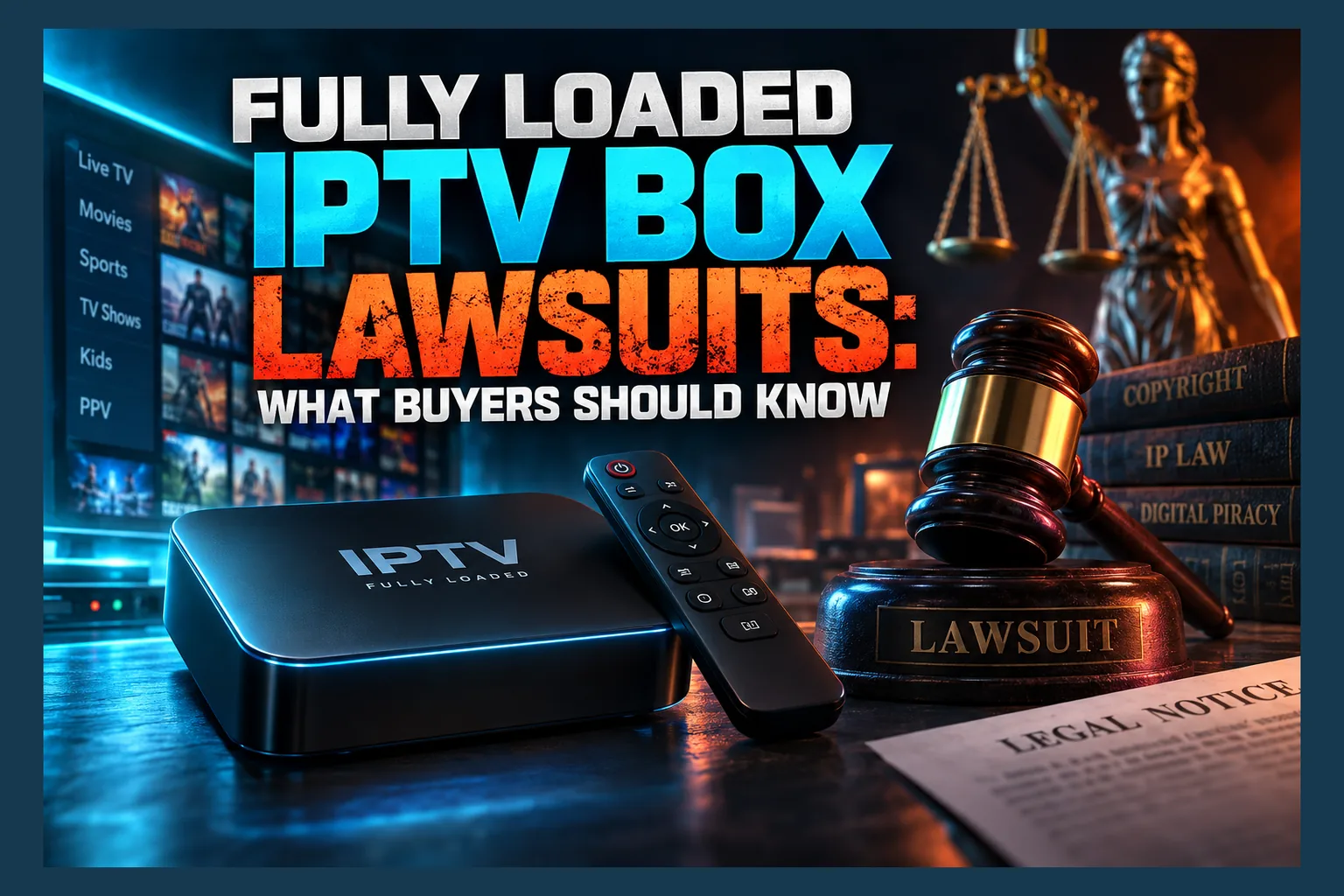
Fully loaded IPTV box lawsuit stories almost always end with the seller in trouble, not the people who bought the box. As a buyer, your realistic risks are losing a prepaid service overnight, having your details turn up in seized sales records, and running hardware that may ship with firmware malware. The box itself is usually legal; the preloaded pirate content is the real problem. Below, I’ll walk through what that means for you and how to spot a properly certified Android TV box instead.
A new fully loaded IPTV box lawsuit makes headlines every few months. DISH sues a reseller in Texas, or a studio coalition announces it has shut down some box operation, and then the news cycle moves on. This guide, updated for 2026, looks at the hardware those stories tend to skip.
You’ll find out why sellers get sued, what a fully loaded IPTV box lawsuit realistically means for you as a buyer, and how to tell a certified Android TV box from a pirate one. There’s also a section on security, because these boxes carry problems that have nothing to do with how any fully loaded IPTV box lawsuit ends. Already own one? The step-by-step plan is near the end.
Why Broadcasters File a Fully Loaded IPTV Box Lawsuit Against Sellers
From a rights holder’s chair, it’s basic math. Chasing thousands of individual viewers is slow and expensive. One reseller who moved 5,000 boxes is a single defendant with invoices, shipping labels and a PayPal history.
Sellers also help build the fully loaded IPTV box lawsuit against themselves. They advertise the unlicensed channels as the whole point of the product, so the evidence exists before anyone files a complaint.
Who Files These Lawsuits: DISH, ACE and Sports Leagues
DISH Network has been one of the most active US plaintiffs for years. Search public federal dockets and you’ll find a steady run of DISH complaints against IPTV resellers and box sellers, many filed in Texas and Florida. Because DISH holds US rights to a lot of international channels (Arabic, South Asian and Latin American packages especially), it often targets services that rebroadcast foreign-language channels without a license.
The Alliance for Creativity and Entertainment (ACE) formed in 2017. It’s a coalition of major studios and streaming companies. Early on, it went after makers of preloaded Kodi-style boxes; now it also runs takedown campaigns against IPTV operators worldwide.
Sports rights holders don’t wait for anyone else. In the UK, the Premier League works with FACT (the Federation Against Copyright Theft) to pursue sellers, and several UK sellers have received prison sentences over the past few years. In Canada, Bell, Rogers and others have taken box sellers and IPTV operators to Federal Court.
Common Legal Claims Against Box Resellers
A US fully loaded IPTV box lawsuit tends to stack the same handful of claims. Details shift from case to case. These appear constantly, though:
- Direct copyright infringement — for sellers who host or retransmit the streams themselves.
- Contributory or induced infringement — for sellers who promote the box as a way to watch content without paying for it.
- Communications Act claims — some DISH complaints add claims about unauthorized reception and retransmission of satellite programming.
- Trademark claims — when sellers use network logos or channel names in their ads.
For box sellers, “inducement” matters most. A Facebook ad saying “never pay for cable again” is practically a signed confession of intent.
Why Damages Often Reach Millions
US copyright law lets plaintiffs skip proving actual losses and ask for statutory damages instead. The range runs from $750 to $30,000 per infringed work. If the court finds the infringement willful, that ceiling jumps to $150,000 per work.
Do the multiplication. Dozens of channels, hundreds of registered works, and the figure balloons. That’s why default judgments in a fully loaded IPTV box lawsuit, the kind issued when a seller simply never shows up in court, so often land in the millions.
Does a Fully Loaded IPTV Box Lawsuit Affect People Who Bought the Box?
This is what most readers really want to know. Short version: rarely directly, but often indirectly.
This is not legal advice. Laws differ between the US, UK, Canada and EU countries, so speak to a lawyer in your jurisdiction if you’re genuinely worried.
Enforcement Usually Targets Distributors, Not Viewers
Criminal cases and the typical fully loaded IPTV box lawsuit have historically gone after whoever profits: box sellers, resellers, service operators. Suing an individual viewer costs a lot, recovers little and makes the plaintiff look bad.
Still, “historically” isn’t a promise. Some European rights holders have sent warning letters to subscribers after seizing customer data, and availability of that kind of enforcement varies a lot by country. I cover the subscriber side of police raids in more detail in IPTV Provider Shut Down by Police? What Subscribers Should Do, so I won’t repeat it here.
Customer Records and Discovery
Once a fully loaded IPTV box lawsuit is filed, the plaintiff can demand the seller’s business records through discovery. Settlements frequently include handing over sales data, too.
What’s in those records? Names, shipping addresses, emails, payment details. Paid by PayPal, credit card or an online store checkout? Then your purchase can probably be traced back to you.
Usually that data serves to size up the operation rather than to chase each buyer. Even so, it’s a solid reason not to give your real details to an anonymous seller on Instagram.
What Happens to Your Paid Subscription
Here’s where buyers actually lose money. A seller who loses a fully loaded IPTV box lawsuit, or just sees one coming, tends to vanish overnight.
- The preloaded IPTV app stops loading channels.
- Renewal codes and support contacts disappear.
- Refunds almost never happen.
- Multi-year “prepaid” plans are lost entirely.
That last one is why I’m so wary of long prepaid plans. Our article on why you should avoid IPTV lifetime subscriptions explains the math. If your service has already gone dark, see IPTV Service Shut Down? What Subscribers Should Do Next.
The Hardware Is Legal. The Preloaded Content Is the Problem
An Android TV box is a small computer. Owning one is about as illegal as owning a laptop.
Trouble starts with the software loaded before shipping, and with how the box gets sold. In the EU, the Court of Justice’s April 2017 Filmspeler ruling (case C-527/15) found that selling a media player preconfigured with add-ons pointing to unlicensed streams can itself count as copyright infringement.
Legal Android TV Boxes vs ‘Fully Loaded’ Boxes
The table below shows the typical split. Not every cheap box ticks every box in the right column, but most fully loaded ones tick several.
| Feature | Certified Android TV / Google TV box | Typical “fully loaded” box |
|---|---|---|
| Operating system | Licensed Android TV OS or Google TV | Generic AOSP build or modified firmware |
| Google Play Store | Built in, official | Missing, or sideloaded and uncertified |
| Play Protect certification | Yes | No |
| Security updates | Regular patches from the manufacturer | Rare or none |
| Preinstalled apps | Licensed apps (YouTube, Netflix, etc.) | Unlicensed IPTV apps, custom launchers |
| Brand and support | Known manufacturer, warranty | Unbranded or rebadged, no real support |
| Marketing | Specs and apps | “Free channels,” “no monthly fees” |
What Google Play Protect and Google TV Certification Mean
Google certifies devices that pass its compatibility and security testing. Certified hardware ships with the official Play Store, Google’s own apps and Play Protect, which scans installed apps for known malware.
On TV hardware, certification means the box runs a licensed copy of Android TV OS or Google TV, and the manufacturer has agreed to the baseline requirements that come with that license. Uncertified boxes skip the whole process. That’s a big part of how they hit a $25 price tag.
Read next: What You NEED to Know Before You Purchase IPTV
How to Check a Box’s Certification Status
Checking takes a few minutes, whether you’re shopping or looking at a box already plugged into your TV. Menu wording shifts a bit between devices and Play Store versions (and the setting is buried, annoyingly).
- Open the Google Play Store on the device. If there’s no Play Store at all, that’s your first red flag.
- Select your profile icon, then open Settings.
- Look for an About section and find Play Protect certification.
- It should say “Device is certified.” Anything else means it isn’t.
Before you buy, search the manufacturer and exact model number on Google’s Android certified partners list. Brand missing? Model name that doesn’t match anything online? Treat the box as uncertified.
Then look under Settings > Device Preferences > About (just Settings > About on some models) for the Android version and security patch date. A box sold in 2026 showing a patch from 2021 or 2022 should worry you.
Red Flags That a Box Is Preloaded With Pirate IPTV
Most of these boxes out themselves in the listing. Run through this checklist before buying anything, second-hand units especially.
Marketing Language to Watch For
- “No monthly fees” or “never pay for cable again”
- “20,000+ channels” or any huge, round channel count
- “All PPV included” or “every sports package”
- “Jailbroken” or “fully loaded” (legitimate products don’t use either term)
- Network or league logos plastered across the box photos
- “Kodi fully loaded” or a list of preinstalled third-party add-ons
Pricing and Subscription Warning Signs
Price gives the game away fastest. Licensed sports and cable rights cost broadcasters billions. A box offering all of it for a one-time $150 payment can’t be legitimate.
- Multi-year prepaid activation codes bundled with the box
- Full sports coverage for a fraction of what official services charge
- Payment requested by gift card, crypto, Zelle or “friends and family” PayPal
- Renewals sold through WhatsApp or Telegram
For a wider checklist on vetting services, read What You NEED to Know Before You Purchase IPTV.
Where These Boxes Are Sold
Big electronics retailers like Best Buy rarely stock them, and marketplaces tend to pull listings once they’re flagged. So where do they turn up?
- Facebook Marketplace, Instagram and TikTok sellers
- Flea markets, mall kiosks and pop-up stalls
- Unbranded listings on large online marketplaces, often with random letter-string brand names
- “Local installer” offers that include setup at your home
On the device itself, be suspicious of any box without a Play Store, any custom launcher you can’t swap out, and any generic AOSP build. Our guide to choosing the best IPTV set-top box covers hardware specs if you want to compare legitimate options.
Security Risks Beyond the Legal Ones
Suppose nobody ever sues the seller. An uncertified box can still hurt you. Lawsuit coverage almost always leaves this part out.
Firmware-Level Malware and Botnets
In June 2025, the FBI published a public service announcement about BadBox 2.0, a botnet built mostly on cheap, uncertified Android hardware: streaming boxes, digital projectors, budget tablets. Plenty of those devices shipped with malicious code already sitting in the firmware. Others got infected after owners sideloaded apps from unofficial sources.
Compromised devices became residential proxies. In plain terms, criminals pushed their traffic through your home connection, so ad fraud, account takeovers and other abuse looked like it came from your IP address. Researchers at HUMAN put the botnet at more than a million devices, and Google later filed its own lawsuit against the operators.
It’s not a one-off. Back in 2024, Doctor Web reported the Vo1d malware on roughly 1.3 million Android TV boxes, again mostly cheap off-brand units, with infections spread across dozens of countries. You can read FBI warnings directly at the Internet Crime Complaint Center (IC3).
Outdated Android Versions and Missing Patches
Plenty of fully loaded boxes run Android builds that are years old. Some even fake the version number in settings, so a box claiming Android 12 might really be running something like Android 7 or 9. Without patches, publicly documented vulnerabilities stay open permanently.
Certified boxes generally get at least some updates. Unbranded ones? They stay exactly as the factory left them.
Preinstalled Adware and Data Harvesting
Custom launchers on these boxes frequently bundle adware that runs in the background. Some quietly collect device IDs, network details and lists of installed apps, then ship that data off to remote servers.
Since the code lives in system apps, uninstalling it usually isn’t an option. And the unlicensed IPTV apps often ask for permissions they have no business needing.
Already Own a Fully Loaded Box? What to Do Now
No need to panic. Don’t shrug it off either. Here’s the order I’d tackle things in.
Stop Renewals and Avoid Prepaying
- Cancel any recurring payment tied to the box or its IPTV service.
- Check your PayPal “automatic payments” list and card statements for subscriptions you’ve forgotten.
- Don’t buy another multi-month or multi-year code, even if the seller offers a discount.
If a seller is facing a fully loaded IPTV box lawsuit, a steep discount on a 24-month renewal often means they’re grabbing cash before they disappear.
Why a Factory Reset May Not Be Enough
A factory reset wipes your data and the apps you installed. The system firmware stays put.
So if the malware was baked into the firmware at the factory, it’s right back after the reset finishes. That’s precisely how BadBox-style infections persist. Resetting can clear app-level adware, sure, but it can’t be trusted to clean an uncertified box.
Isolating or Replacing the Device
Retiring the box is the safest move. Want to keep it running for a while? Then contain it:
- Move it to your router’s guest network so it can’t see your laptops, phones or NAS drives.
- Turn off the box at the wall when you’re not using it.
- Watch your router’s traffic stats for heavy uploads while the box sits idle, a common sign of proxy abuse.
- Never sign into email, banking or shopping accounts on it.
When it’s time to let go, drop it at an e-waste recycler instead of listing it on Marketplace. Reselling just hands the problem to a stranger.
Securing Accounts Used on the Box
- List every account you signed into on the device: Google, Netflix, YouTube, email, anything else.
- Change those passwords from a different, trusted device.
- Turn on two-factor authentication where it’s offered.
- In your Google account, open the security page and remove the box from your signed-in devices.
- Review saved payment methods in any app you used, and remove cards you don’t recognize or no longer need.
A VPN hides your traffic from your ISP. It does nothing to clean an infected device or stop firmware malware. If you’re curious about where VPNs do help, see Why You Should Stop Using IPTV Without a VPN.
Safer Device Options for Live TV
Good news. Legitimate streaming hardware has never been cheaper, and you don’t need a sketchy box for a solid live TV setup.
Certified Streaming Devices Worth Considering
Prices are typical US list prices as of early 2026. They swing a lot during sales like Prime Day and Black Friday.
| Device | Platform | Approx. US price | Good for |
|---|---|---|---|
| Amazon Fire TV Stick 4K | Fire OS (Amazon-managed) | $49.99 | Budget 4K, wide app support |
| Google TV Streamer | Google TV (certified) | $99.99 | Google ecosystem, smart home |
| Onn 4K Pro (Walmart) | Google TV (certified) | About $50 | Low-cost certified Google TV |
| NVIDIA Shield TV / Pro | Android TV (certified) | $149.99 / $199.99 | Power users, Plex, upscaling |
| Roku Streaming Stick 4K | Roku OS | About $50 | Simplicity, US live TV apps |
| Apple TV 4K | tvOS | From $129 | Apple households, long update support |
Fire TV, Roku and Apple TV aren’t Play Protect devices, since none of them runs Google’s Android, but each one gets maintained and updated by a major company. Outside the US, availability varies. Onn boxes are mostly a US product, while Fire TV, Roku and Apple TV sell widely in the UK and Canada.
Legal Live TV and Free Streaming Apps
Pair any of those with licensed services. US live TV options include YouTube TV, Sling TV, Hulu + Live TV and Fubo. Check each provider’s site for current pricing; rates go up most years, and YouTube TV alone has climbed well past $80/month.
Want free live channels? FAST apps (free ad-supported streaming TV) such as Pluto TV, Tubi, The Roku Channel, Samsung TV Plus, Plex and Sling Freestream cost nothing and are fully licensed. In the UK, there’s BBC iPlayer, ITVX and Freely. Canadians can use CBC Gem.
Lots of leagues and broadcasters also offer official apps in each device’s store. People are often surprised at how cheap they are, particularly if you only follow one team or one competition.
The Bottom Line on Fully Loaded IPTV Box Lawsuits
A fully loaded IPTV box lawsuit is mostly the seller’s problem. For buyers, the realistic fallout is a dead service, a lost prepaid plan and possibly your name in a spreadsheet of seized sales records.
The hardware is the bigger long-term risk. Uncertified boxes running stale firmware have been tied to botnets with over a million devices, and no factory reset fixes that. Check certification before you buy. Retire anything suspicious. Then spend that $50 on a device a real company actually supports.
⚖️ Legal Disclaimer: IPTV Wire does not own or operate any streaming service, application, or website mentioned in this article. We do not verify whether third-party services carry proper licensing. Users are responsible for ensuring they comply with copyright laws in their jurisdiction.
Frequently Asked Questions
Are fully loaded IPTV boxes legal in the US?
Owning the hardware is legal. Selling boxes preloaded with apps that stream unlicensed channels is not, and sellers have been hit with large civil judgments. Watching those unlicensed streams isn’t legal either, though enforcement has historically focused on sellers and operators.
Can I get in trouble for buying a box from a seller who was sued?
It’s uncommon, since lawsuits usually go after distributors. That said, seized or disclosed sales records can include buyer names and addresses. This isn’t legal advice, so talk to a local lawyer if you’re concerned.
How do I know if my Android TV box is Play Protect certified?
Open the Google Play Store, select your profile icon, go to Settings, then About, and find “Play Protect certification.” It should read “Device is certified.” You can also look up the brand on Google’s Android certified partners list.
Does a factory reset remove malware from a cheap Android TV box?
Not reliably. A reset clears apps and user data, but malware built into the system firmware survives. If a box is uncertified and acting strangely, replacing it is the safer bet.
What happens to my IPTV subscription if the box seller gets shut down?
Typically the channels stop working, support vanishes and nobody issues refunds. Prepaid multi-year plans are usually lost in full. That’s the main reason not to pay far in advance.
What is the difference between a legal Android TV box and a fully loaded one?
A legal box runs certified Android TV or Google TV, includes the official Play Store and receives security updates. A fully loaded box usually runs generic, uncertified firmware with unlicensed IPTV apps preinstalled, and it’s marketed as free access to paid channels.
Comments
Leave a comment
Your email address will not be published. Comments are moderated before they appear.