

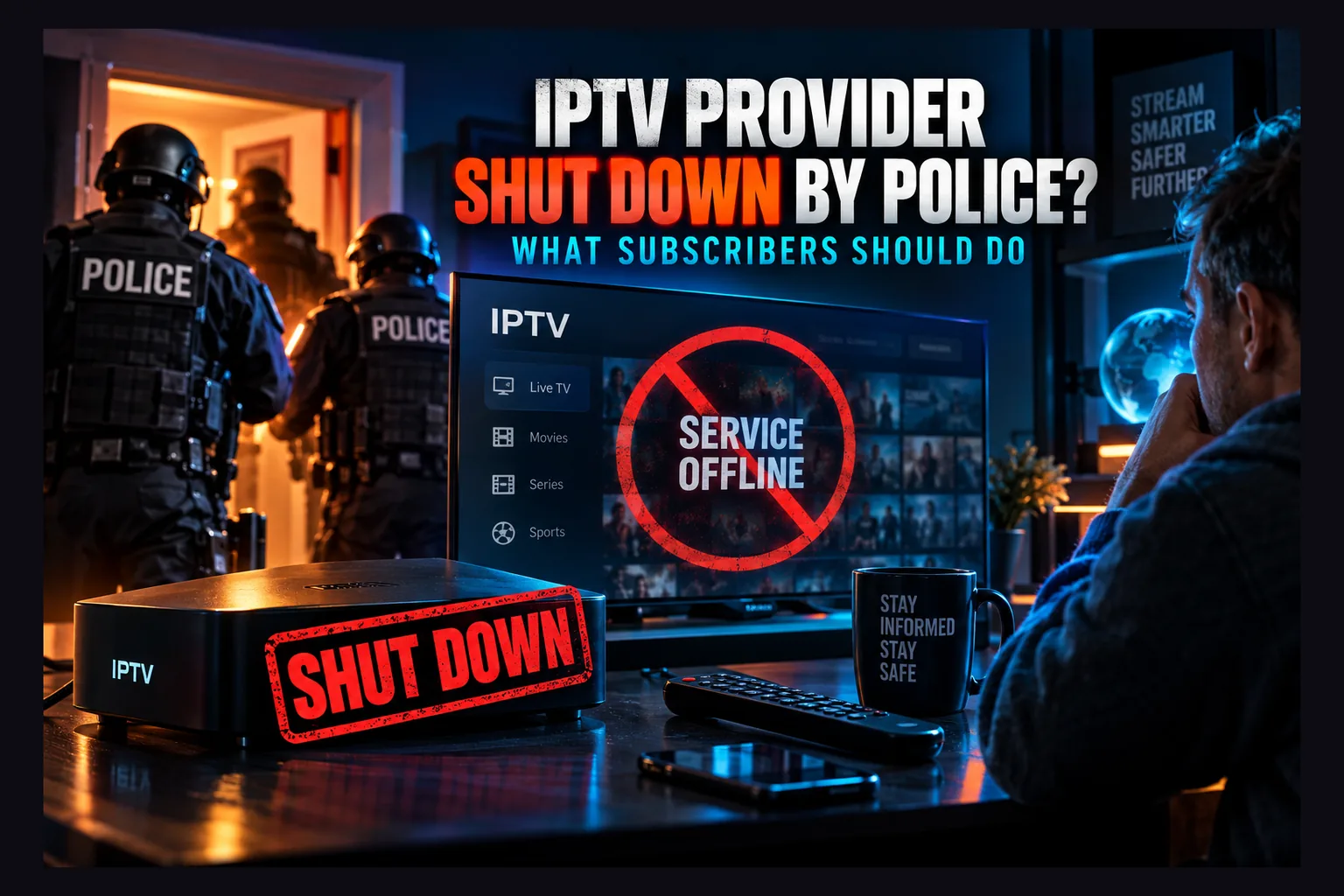
IPTV provider shut down by police? Then the next few days matter more than the outage itself. Stop every payment linked to the service, change any password you reused on that account, and delete the old apps and playlists from your devices. After that, treat any email or letter demanding settlement money as suspect until you’ve verified it independently, because most post-takedown messages are scams. This 2026 checklist walks you through confirming the takedown, spotting exposed data, and cleaning up safely.
An IPTV provider shut down by police almost never announces itself. Channels stop loading. The reseller goes quiet. Within a few days, your inbox starts filling up with “refund” offers, “we’ve moved” announcements, and the occasional threatening letter with an official-looking logo. This 2026 guide is a checklist for subscribers in that situation. It covers how to confirm a takedown, what data might be exposed, which scams to expect, and how to clean up your devices.
One thing this article doesn’t cover is whether subscribers can be held liable. That question gets its own article. This one sticks to practical steps you can take today.
Why IPTV Operators Keep Getting Prosecuted
Criminal cases against unlicensed IPTV operators used to be rare. They aren’t anymore. Over roughly the last five years, police in the UK, Italy, Spain, the Netherlands, and the US have started working directly with rights-holder groups such as ACE (the Alliance for Creativity and Entertainment) and the Premier League’s anti-piracy team. Cases where an IPTV provider shut down with just a seized domain and a stern press release now increasingly end in prison sentences. In some UK cases, those sentences have run to a decade or more.
For subscribers, the pattern matters more than any single headline. Services that looked stable for years can vanish overnight, and an IPTV provider shut down this way rarely gives any warning. And when they go, everything goes with them: the servers, the panels, and the customer records.
Why Enforcement Targets Operators and Resellers First
Investigators follow the money. Simple as that.
The people who run the panels, buy the source feeds, and sell subscriptions through reseller networks earn the most and leave the clearest financial trail, so taking one of them down kills thousands of streams in a single move. From a police budget point of view, one IPTV provider shut down at the source is a far better return than chasing individual viewers.
Resellers often get caught in the same sweep. Why? They hold their own customer lists and their own payment accounts. When a “main” panel is seized, every reseller that depended on it goes dark too, which is why one raid can wipe out dozens of differently branded services in the same week (Italy’s large “Taken Down” operation in late 2024 is a good example of this ripple effect, as far as public reporting shows).
If you want the bigger picture on how these operations play out for end users, see IPTV police crackdowns and what subscribers actually risk.
Why Long Prison Sentences Matter to Subscribers
Long sentences change the defendant’s math. An operator facing seven, ten, or more years has every reason to cooperate, and cooperation can mean handing over databases, payment logs, and reseller contacts. Once an IPTV provider shut down by police loses its servers, those servers become evidence. Evidence gets examined.
Does that automatically lead to action against individual customers? No. But it does mean your account details may now sit in a police evidence file rather than a shady admin panel somewhere in Eastern Europe. For the liability side of this, read what IPTV legal risks actually mean for subscribers.
Signs Your IPTV Provider Shut Down for Good, Not Just Went Down
Most IPTV outages are boring, and they’re not the same as an IPTV provider shut down for good. Servers buckle under load during a Saturday 3pm kickoff or a big PPV fight, a source feed drops, or the provider shifts to a new domain without telling anyone. A genuine IPTV provider shut down looks different. You just need to know what to check.
Seizure Banners and Domain Redirects
The clearest sign of an IPTV provider shut down is a seizure notice. Open the provider’s website or portal URL in a normal browser. If you see a banner from a police agency, a government body, or an anti-piracy alliance, the service is finished. These pages usually stack several agency logos together above a short legal statement.
Sometimes you’ll get a redirect to a warning page instead. Same result. If the authorities control the domain, the IPTV provider shut down for good and isn’t coming back. Don’t type any login details into that page, and don’t download anything it offers.
Panel, DNS, and Portal URL Failures
Using an Xtream Codes login or an M3U URL? Paste the server address into a browser. A normal outage usually still returns something: a login page, a timeout, maybe a 502 or 503 error from the web server. A seized or wiped server often returns nothing at all, or the domain stops resolving entirely.
You can check this with any free DNS lookup tool (DNSChecker and MXToolbox both work fine). Paste in the server domain. If it no longer points anywhere, or it suddenly points to an unfamiliar IP address in a different country, the infrastructure has probably changed hands. Payment pages and “renew” links disappearing at the same time is another strong signal.
Reseller Silence vs Normal Outages
During routine outages, resellers talk. A lot. They want to keep your £10 or $15 a month, so they post updates in Telegram groups, answer WhatsApp messages, or push out a fresh server URL. Sudden, total silence across every channel is the red flag that your IPTV provider shut down rather than just stumbled.
Watch for deleted Telegram channels, bouncing support emails, and contacts that vanish from your messaging apps overnight. Here’s how the two scenarios usually compare:
| Sign | Routine outage | Likely takedown |
|---|---|---|
| Website | Loads, maybe slowly | Seizure banner, redirect, or gone |
| Portal / Xtream URL | Error or timeout, returns within hours | Domain doesn’t resolve, nothing returns for days |
| Payment page | Still available | Removed or broken |
| Reseller contact | Replies with an ETA or new URL | No reply, channels deleted |
| Duration | Minutes to a day or two | Days to permanent |
| Community chatter | “Down for everyone, back soon” | Reports of raids or arrests |
If you suspect your IPTV provider shut down permanently and three or more of those “takedown” signs line up, treat the service as dead. Waiting for a comeback just gives scammers more time to reach you first.
After an IPTV Provider Shut Down: What Data May Be Exposed
This is the part that worries people most, so let’s keep it realistic. Unlicensed services vary wildly in how much they log. Some keep next to nothing. Others run full customer management panels with years of history, every renewal, and every reseller note attached.
The safe assumption: anything you gave them, plus anything their system needed in order to work, could be in the seized data. IPTV customer data seized in a raid is typically just the same data the operator used to run the business day to day.
Payment Records: Cards, PayPal, and Crypto
Payment is the strongest link between a real person and an account. Card payments go through processors that keep their own records, often for five years or longer depending on the jurisdiction. Even if the operator hid behind a front business name (“Digital Media Services Ltd” or something equally bland), the transaction still exists on the payment side.
PayPal works much the same way, since your PayPal account is tied to your identity and email. Crypto feels anonymous. It usually isn’t. If you bought your Bitcoin or USDT on a regulated exchange like Coinbase or Kraken, which require ID checks, there’s a traceable path from your bank to that wallet. Gift cards and cash-style methods leave a thinner trail, but they also give you zero buyer protection when things go wrong.
Account Emails, IP Logs, and Device MACs
Most panels store the email you signed up with and the username they issued you. Many also log the IP address behind each connection, which points to your internet provider and rough location. Logs can include timestamps and which streams you requested, too.
MAG boxes and Stalker portal setups authenticate by MAC address (the ones that start with 00:1A:79 are the classic giveaway), so the panel records your device’s MAC. By itself, a MAC address doesn’t identify a person. Combined with an email and a payment record, though, it fills in the picture.
Reseller Panels and Customer Lists
Bought through a reseller? Then there’s a second dataset to think about. Resellers often keep their own spreadsheets, chat histories, and payment records outside the main panel, and your WhatsApp or Telegram conversations with them may include your name and phone number.
When a main panel is seized, investigators can see which reseller accounts created which subscriptions. That lets them trace reseller customers as well. To be clear, this isn’t legal advice, and the existence of data doesn’t predict what anyone will actually do with it. Practice differs a lot from country to country.
Read next: IPTV Police Crackdowns: What Subscribers Actually Risk
Immediate Steps After an IPTV Provider Shut Down
Once you’re confident the service is gone, work through this list in order. It won’t take long. Most of it is the same basic account hygiene you’d do after any data breach.
Stop Payments and Cancel Auto-Renewals
Check card statements, PayPal automatic payments, and any subscription managers for recurring charges tied to the provider. In PayPal, it’s Settings, then Payments, then “Manage automatic payments” (it’s buried a couple of menus deep, annoyingly). Cancel anything linked to the dead service or its reseller.
If a charge went through after the service died, contact your card issuer about a dispute. Time limits vary by issuer and card network. Many sit somewhere around 60 to 120 days from the transaction, but check yours rather than assuming. Keep screenshots of the dead service and any unanswered support messages as evidence.
It’s also a good moment to remember why long prepaid plans are a bad bet. I’ve covered that in detail in why you should avoid IPTV lifetime subscriptions.
Change Reused Passwords
Seized databases can leak. Operators of unlicensed services aren’t exactly known for strong security, either. If the password on your IPTV account also protects your email, PayPal, or Amazon login, change it now, starting with your email, since that’s the account you’d use to reset everything else.
Turn on two-factor authentication anywhere it’s offered. An authenticator app beats SMS codes. A password manager like Bitwarden (free tier) or 1Password (roughly $3 a month) makes unique passwords painless. And if you used the same email everywhere, keep an eye out for login alerts over the next few weeks.
Remove the Old Provider’s Apps and Playlists
Open every IPTV player you use, whether that’s IPTV Smarters Pro, TiviMate, or something similar, and delete the saved playlist or Xtream profile. Leaving dead credentials sitting there does nothing for you. Worse, a clone service could later grab the old domain and start serving content or prompts straight through your player.
Next, uninstall any provider-branded APK. The operator built these custom apps, usually with zero transparency about what they do in the background. On a Firestick, go to Settings, then Applications, then Manage Installed Applications, and remove anything you don’t recognize or no longer use.
Scams That Follow IPTV Takedowns
IPTV shutdown scam emails arrive fast. Sometimes within days of a raid hitting the news. Scammers know subscribers are anxious, confused, and possibly a bit embarrassed, which is about the perfect profile of a target.
Fake ‘Settlement’ and Legal Threat Emails
The classic version is a letter or email claiming you’ve been identified as a subscriber and must pay a “settlement” to avoid prosecution. Expect a deadline, an official-looking logo, and a payment method like crypto, gift cards, or a bank transfer to a personal account. Real enforcement bodies don’t work like this.
Genuine warning letters do exist in some countries. But they don’t demand instant payment through untraceable methods. Red flags include:
- Payment requested in crypto, gift cards, or to an individual’s bank account
- A deadline measured in hours or a couple of days
- Sender addresses on free email services or misspelled agency domains
- No reference number you can verify through the agency’s official website
- Threats of arrest unless you pay immediately
To verify, find the agency’s contact details yourself through a search engine, never through the links in the message. The FTC’s phishing guidance is a solid reference for US readers. UK readers can report suspicious messages to Action Fraud, and Canadian readers can use the Canadian Anti-Fraud Centre.
Clone Services Claiming to Be the Old Provider
Copycats move quickly after a takedown. They register lookalike domains (think an extra hyphen, or .net instead of .com) or simply reuse the old brand name, then claim the service “moved” and invite you to resubscribe. Some even push APKs with the old logo that carry adware or worse.
Be suspicious of any “we’re back” message. Doubly so if it comes from an unknown number or a Telegram channel created last Tuesday. An operator who’s just been arrested isn’t relaunching next week. For a real-world example of how scams spread after a raid, see how users can avoid scams after Italy’s IPTV crackdown.
Phishing Disguised as Refund Offers
Refund phishing looks friendly. That’s exactly why it works. You get a message saying affected customers can claim back their subscription fee by filling in a short form, and the form asks for your full card number, expiry date, CVV, and sometimes a one-time code.
No legitimate refund needs your CVV. None needs a verification code sent to your phone, either. If you already typed card details into one of these forms, call your bank right away and ask them to cancel the card and send a replacement. Minutes matter here, not days.
Device Cleanup and Network Hygiene
Your streaming device is the bit most people forget about. Apps sideloaded from an operator’s website ran with whatever permissions you granted them. Now the operator is gone and nobody is maintaining or patching those apps.
Checking Sideloaded APKs for Leftover Risks
On a Firestick or Fire TV, head to Settings, then Applications, then Manage Installed Applications. Scroll the whole list. Note anything you didn’t install from the Amazon Appstore, then remove apps you can’t identify along with any Downloader-type apps you no longer need.
After that, go to Settings, then My Fire TV, then Developer Options, and switch off “Install unknown apps” for every app that has it enabled. (Yes, you really do need to check each one individually.) On Android TV or Google TV, the equivalent lives under Settings, then Apps, then special app access for unknown sources. Closing those doors stops a leftover app from quietly installing something new.
When to Factory Reset a Firestick or Android Box
You don’t always need a factory reset. If you only used a standard player like TiviMate with an M3U link, deleting the playlist is usually enough. The case for a reset gets stronger if you installed the provider’s own APK, granted it unusual permissions, or noticed strange behavior such as random pop-ups or a Fire TV Stick 4K that suddenly feels sluggish.
Preloaded boxes supplied by the provider deserve the most caution. Many run modified firmware you can’t fully inspect, and a factory reset may just restore the same modified image. On a Firestick, the path is Settings, then My Fire TV, then Reset to Factory Defaults. Expect roughly 5 to 10 minutes for the reset, plus however long it takes you to sign back in to everything.
Isolating Unknown Boxes on Your Network
Want to keep using an unbranded Android box? Move it off your main network. Most consumer routers from the last few years offer a guest Wi-Fi network that blocks access to your other devices, which keeps the box away from your laptop, phone, NAS, and smart home gear.
More advanced setups can use a VLAN to separate untrusted hardware completely. Routers running UniFi, OpenWrt, or pfSense handle this well, while many ISP-supplied routers don’t support it at all. If yours does, put streaming boxes, smart TVs, and cheap IoT devices on their own segment. Honestly, though? For a preloaded box from a seized provider, retiring it is the safer call.
Choosing What to Use Next
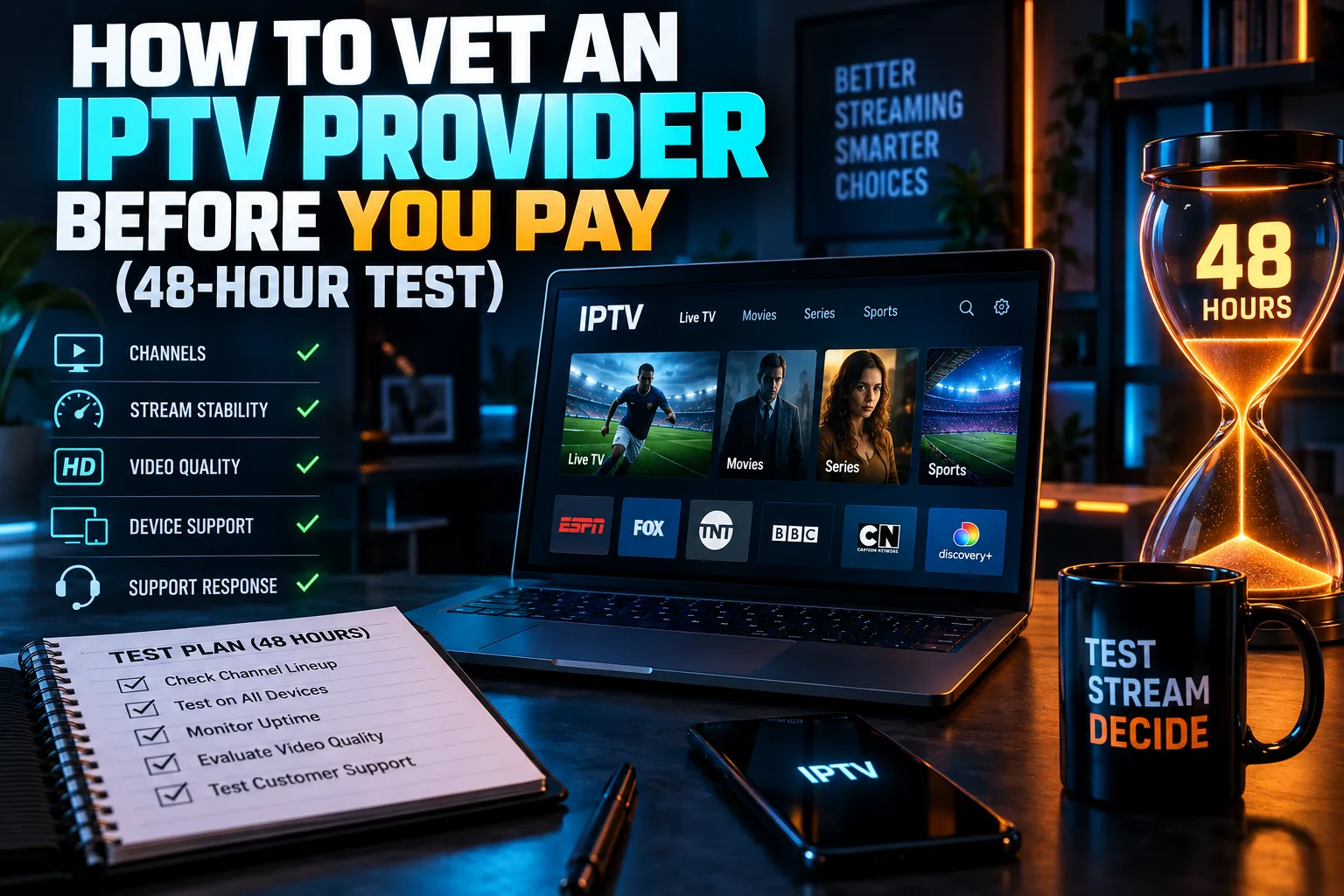
After a shutdown, the tempting move is to grab the next cheap subscription you see on Reddit or Telegram. That’s exactly how people end up going through this whole process again six months later. Slow down. Look for warning signs first.
Red Flags That Predict the Next Shutdown
Certain patterns keep showing up in services that eventually disappear:
- Long reseller chains: you can’t tell who actually runs the service
- Crypto-only or gift card payment: no buyer protection and a sign the seller avoids normal processors
- Huge channel counts: 20,000+ channels for $10 a month is not a sustainable licensed product
- Lifetime or multi-year deals: designed to collect cash up front
- Custom APK required: the service won’t work through mainstream app stores
For a broader framework on judging any service, see what 4K IPTV is and how to choose a provider.
Legal Live TV Options for Firestick and Android TV
Legal live TV has come a long way, and several decent options cost nothing at all. Where you live matters a great deal, though, so here’s a rough regional snapshot. Prices move often (YouTube TV, for instance, has crept up to roughly $80+ a month in the US as of 2025), so check the official site before signing up.
| Service | Type | Main regions | Cost |
|---|---|---|---|
| Pluto TV | Free ad-supported live channels | US, UK, Canada, much of Europe | Free |
| Samsung TV Plus | Free ad-supported live channels | US, UK, Canada, parts of Europe | Free |
| Tubi | Free on-demand plus some live news | US, Canada, UK, others | Free |
| BBC iPlayer / ITVX | Broadcaster streaming apps | UK | Free (iPlayer needs a TV licence) |
| CBC Gem | Broadcaster streaming app | Canada | Free tier, paid ad-free option |
| Sling TV / YouTube TV | Paid cable-replacement live TV | US only | Paid monthly plans |
Most of these install straight from the Amazon Appstore or Google Play. No sideloading. That alone removes a big chunk of the device risk described above.
Where a VPN Helps and Where It Doesn’t
A VPN encrypts traffic between your device and the VPN server. In practice, that hides what you’re streaming from your internet provider and keeps your home IP address out of logs on the other end. On hotel or café Wi-Fi, it’s a genuinely useful privacy layer.
What a VPN can’t do is reach back in time. If you already paid by card, used your real email, or connected without a VPN for 18 months, those records exist no matter what you switch on today. A VPN also tells you nothing about whether a service is legitimate or whether its APK is safe to install.
For more on how risk changes year to year, read IPTV legal risk in 2026 and what subscribers actually face.
Final Thoughts: Handling an IPTV Provider Shut Down Calmly
When an IPTV provider shut down hits your living room, panic is the scammer’s best friend. Confirm the takedown. Stop payments, rotate any reused passwords, and clean the old apps off your devices. Then treat every “settlement” letter and refund offer as fake until you’ve verified it yourself through official channels.
After that, take your time picking what comes next. A service with clear ownership, normal payment methods, and apps from official stores is far less likely to drag you through all of this a second time.
⚖️ Legal Disclaimer: IPTV Wire does not own or operate any streaming service, application, or website mentioned in this article. We do not verify whether third-party services carry proper licensing. Users are responsible for ensuring they comply with copyright laws in their jurisdiction.
Frequently Asked Questions
What happens to subscribers when an IPTV provider is shut down by police?
Streams stop, usually for good, and any remaining subscription time is simply lost. Customer records may be seized along with the servers. Expect a wave of scam emails and clone services once the news spreads, often within a week.
Can authorities see my details if my IPTV provider’s servers are seized?
Potentially, yes. Seized panels can hold emails, usernames, IP logs, MAC addresses, and payment records, depending on what the operator kept. How that data gets used varies by country and by case, so check our legal risk articles for context.
Will I get a refund if my IPTV service gets shut down?
Almost certainly not from the provider. Its accounts and assets are usually frozen. If you paid by card recently, your card issuer may consider a dispute within its time limit. Any unsolicited “refund” form is very likely phishing.
Is a letter demanding payment after an IPTV shutdown real or a scam?
Assume it’s a scam until proven otherwise, especially if it wants crypto, gift cards, or payment within a few days. Look up the agency’s official contact details on your own and ask them to confirm. Never use phone numbers or links from the message itself.
Should I factory reset my Firestick after my IPTV service is seized?
Only if you installed the provider’s own APK or you’re seeing strange behavior. If you just used a mainstream player with an M3U link, deleting the playlist and reviewing installed apps is usually enough. Preloaded provider boxes are better retired than reset.
Does using a VPN protect me if my IPTV provider gets raided?
Partly. A VPN can keep your home IP address out of the provider’s connection logs and hide your traffic from your ISP. It does nothing for payment records, emails, or account details you already handed over.
Comments
Leave a comment
Your email address will not be published. Comments are moderated before they appear.