

Table of contents
Most “best IPTV” lists I see in 2026 are padded with panels nobody can verify. I went the other way. This article covers only legal IPTV on Firestick: licensed live TV services and free ad-supported channel apps you can install straight from the Amazon Appstore, no sideloading. Then I ran them through performance tests on actual Fire TV hardware, measuring channel-zap speed, live delay against a rooftop-style antenna feed, buffering during live sports, cloud DVR behavior, and how much RAM each app chews through. You won’t find a 15-logo provider ranking here. Just numbers.
Testing ran from [FILL: test start date] to [FILL: test end date]. Apps, prices, and plan rules change constantly (sometimes mid-month, which is maddening), so I’ve flagged the spots where you should double-check before paying.
What Counts as Legal IPTV (and Why It Matters on a Firestick)
IPTV just means television delivered over an internet connection instead of cable, satellite, or antenna. Wikipedia has a solid technical background if you want the protocol-level detail. The “legal” part boils down to one question. Does the service actually hold the rights to the channels it streams?
Every service in this test does. That includes the big subscription names like YouTube TV and Hulu + Live TV, plus the free channel apps that pay for their content by running ads.
Licensed Live TV vs Unverified IPTV Panels
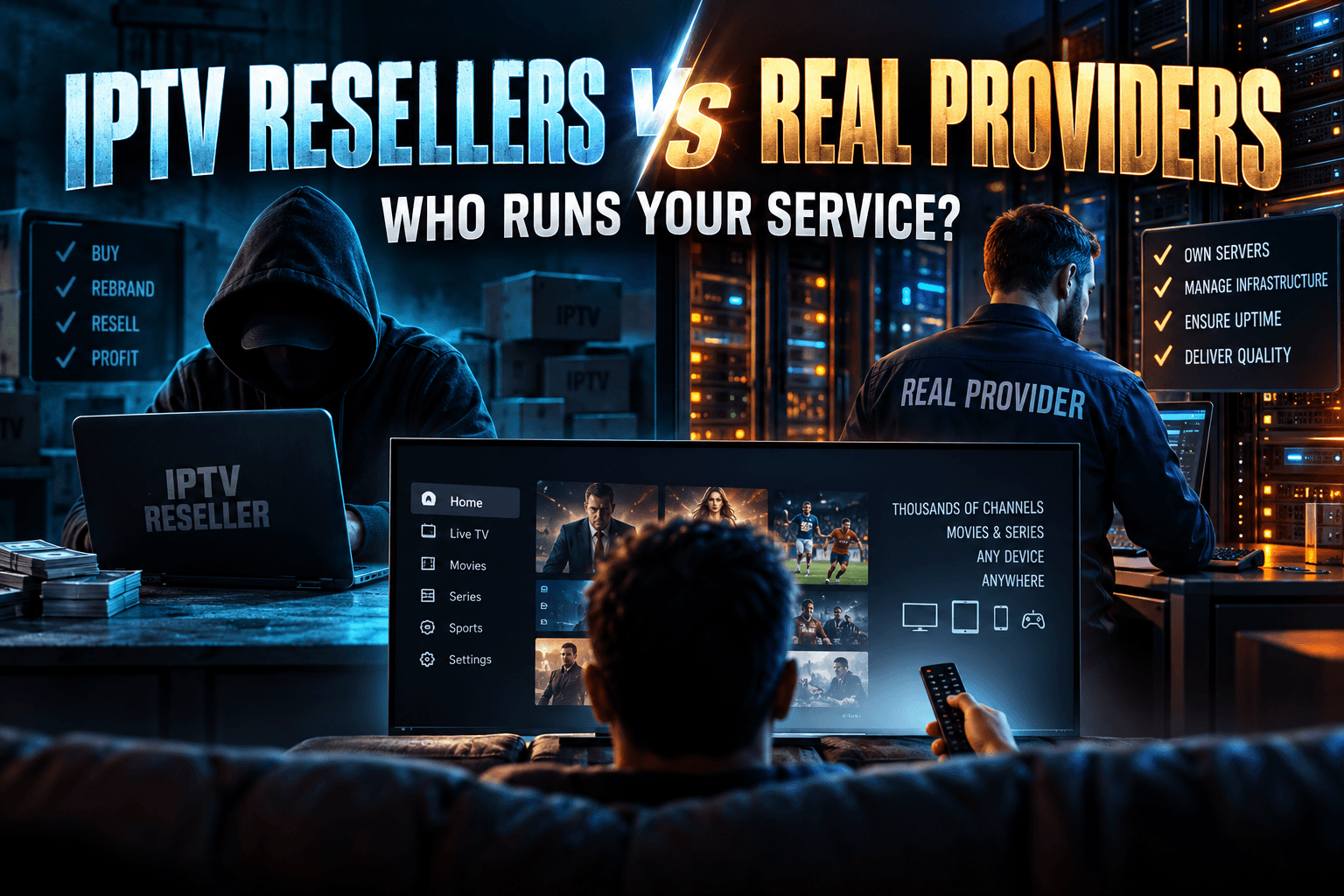
An unverified panel is usually a reseller. They sell access to someone else’s server, and they rarely know where the streams originate. Neither do you.
The risks are practical, not theoretical. Panels disappear overnight, often right after a court order or a payment processor shuts them off. Refunds? Almost never, because you paid with crypto, gift cards, or a PayPal “friends and family” transfer that offers no buyer protection. And the APKs these operations distribute are a known malware vector, especially on Firesticks where ADB debugging got switched on during setup and never switched off again.
Not sure which kind of operation you’re dealing with? My breakdown of IPTV resellers vs real providers explains the supply chain and who actually runs the servers.
Paid Live TV Services vs Free Ad-Supported Channels
Legal live TV on a Firestick comes in two flavors:
- Paid live TV services (the industry calls them vMVPDs): YouTube TV, Hulu + Live TV, Sling TV, Fubo, DirecTV Stream, and Philo. These carry cable networks, usually your local channels, and a cloud DVR. As of late 2025, most full-lineup plans land somewhere around $80–$90/month, with Sling and Philo sitting well below that. They’re mostly US-only.
- Free ad-supported streaming TV (FAST): Pluto TV, Tubi, The Roku Channel, Plex, Xumo Play, Sling Freestream, and Amazon’s own live channels baked into the Fire TV interface. Expect curated channels, news, and reruns rather than full cable networks.
UK readers have a different free landscape, led by BBC iPlayer, ITVX, and Channel 4. Canadians get CBC Gem. I focus on US services because that’s where the paid live TV market lives, but I call out regional quirks where they matter.
How Bodhi Tested Each Live TV App
A benchmark means nothing if you can’t see how it was run. Here’s the full setup.
Test Devices and Network Setup
- Fire TV Stick 4K Max (2nd gen, 2023): 2GB RAM, 16GB storage, Wi-Fi 6E, Fire OS version [FILL: version].
- Fire TV Stick (base model): [FILL: generation, RAM, Fire OS version].
- Onn 4K Google TV box: my non-Amazon control. If an app choked on both the Firestick and the Onn, I blamed the app. If it only choked on the Firestick, Fire OS or the hardware was the likelier suspect.
Every app ran twice on each Firestick. Once over wired Ethernet through Amazon’s adapter, once on 5GHz Wi-Fi. My connection was [FILL: ISP and plan speed], and the router sat [FILL: distance/walls] from the TV.
The Five Metrics We Measured
- Channel-zap time: seconds from pressing “next channel” in the guide to the first moving frame. I averaged [FILL: number] switches per app.
- Live delay vs antenna: I ran an over-the-air antenna feed of the same local broadcast side by side and timed how far behind each stream lagged.
- Buffering events: every stall or spinner during a 2-hour live sports window, logged by hand (yes, by hand, with a notepad).
- Cloud DVR reliability: did recordings start and stop on time, did padding kick in when a game ran long, and was fast-forward allowed or locked?
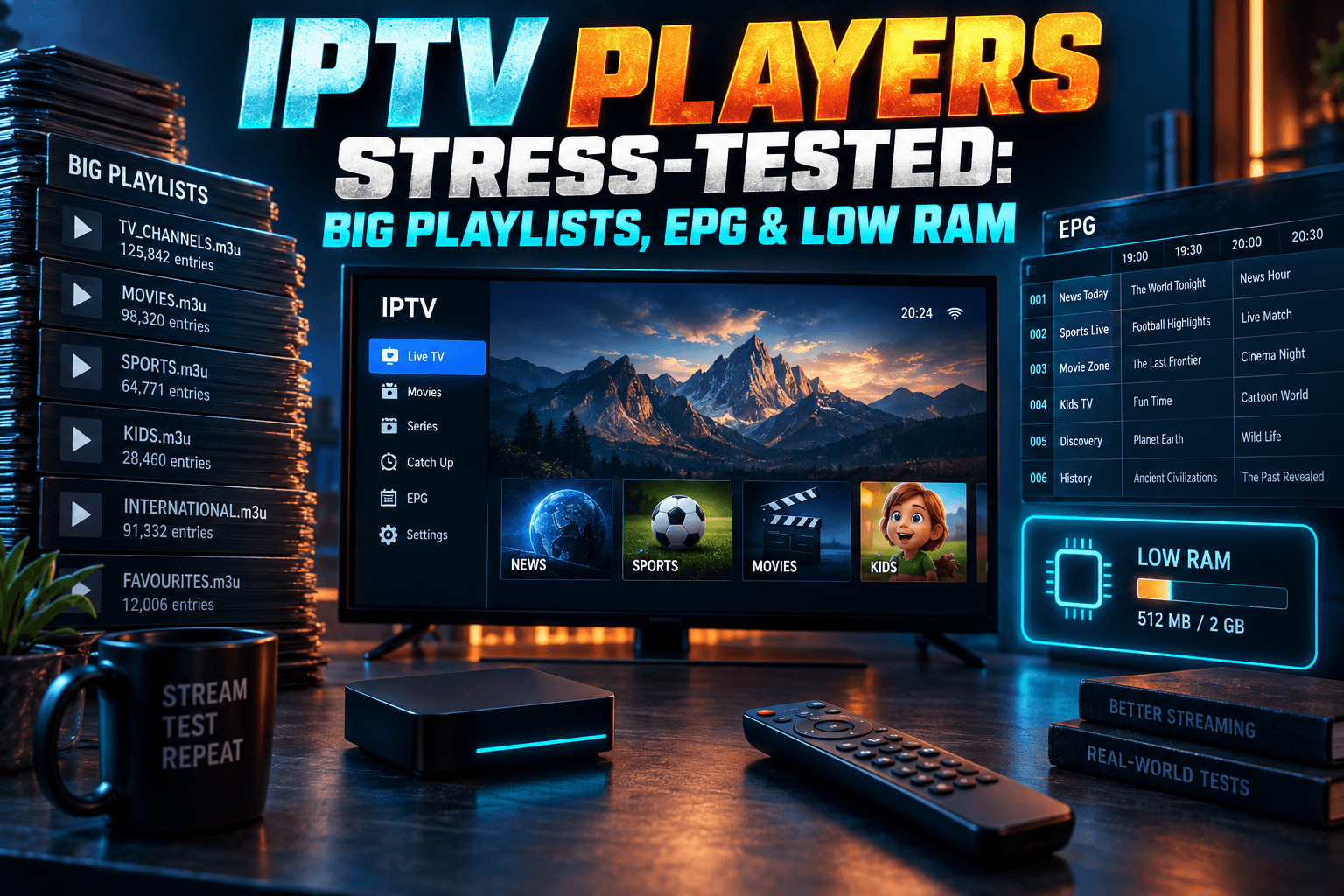
- App footprint: installed storage size and RAM use during playback, pulled through ADB.
What We Didn’t Test (and Why)
Each service got [FILL: number] days. That’s enough to spot patterns, not enough to judge month-to-month reliability. I skipped channel lineup comparisons because they vary by ZIP code and change faster than I can update this page. I also didn’t test every regional sports network, so if your team lives on one specific RSN, check that service’s lineup tool first.
Another caveat. My sample is one household on one ISP, and a congested cable node in a big city on a Sunday afternoon can tell a very different story.
Legal IPTV on Firestick: Paid Live TV Performance Results
This is the heart of the testing. The table covers app and streaming performance, not which service carries the most channels.
| Service | Avg zap time (4K Max) | Avg zap time (base stick) | Delay vs antenna | Buffering events (2 hrs) | RAM during playback |
|---|---|---|---|---|---|
| YouTube TV | [FILL] s | [FILL] s | [FILL] s | [FILL] | [FILL] MB |
| Hulu + Live TV | [FILL] s | [FILL] s | [FILL] s | [FILL] | [FILL] MB |
| Sling TV | [FILL] s | [FILL] s | [FILL] s | [FILL] | [FILL] MB |
| Fubo | [FILL] s | [FILL] s | [FILL] s | [FILL] | [FILL] MB |
| DirecTV Stream | [FILL] s | [FILL] s | [FILL] s | [FILL] | [FILL] MB |
| Philo | [FILL] s | [FILL] s | [FILL] s | [FILL] | [FILL] MB |
I’m not printing a price column, because it would be stale within weeks. Do this math instead: price per simultaneous stream. Divide the monthly cost by how many screens can watch at once. A plan that looks cheap at roughly $46/month with one stream can cost more per viewer than an $83 plan that allows three.
Channel Switching Speed Compared
Channel surfing is where live TV apps show their age. A cable box flips in about a second. Most streaming apps take noticeably longer, because every channel change opens a fresh stream and has to fill a buffer before the picture moves.
[FILL: Which app was fastest, which was slowest, and by how much. Note any app whose guide lagged separately from the stream itself.]
[FILL: Flag the apps that stuttered or hung on the base Firestick but ran fine on the 4K Max. Mention whether the Onn control box behaved like the 4K Max, which would point to a RAM bottleneck rather than an app bug.]
Live Delay During Sports
You notice delay the moment your phone buzzes with a touchdown alert and the quarterback hasn’t even snapped the ball yet. Every streaming service runs behind broadcast. How far behind depends on the provider’s encoding and buffering choices, and it ranges anywhere from several seconds to close to a minute.
[FILL: Measured delay range across services. Name the lowest-delay and highest-delay apps. Note whether delay grew over the course of the 2-hour window, since some players drift further behind after a buffering event.]
Quick tip from the testing. Pause and resume a live stream, and most apps leave you behind live from that point forward. After any stall, look for a “Live” or “Jump to live” button. [FILL: Which apps had an obvious jump-to-live control and which buried it.]
Cloud DVR: Limits, Ad Skipping, and Recording Glitches
DVR rules are where these services really split apart. Below are the policies as published when I tested. Confirm them before subscribing; they get revised without much fanfare.
| Service | DVR storage | Recording retention | Fast-forward through ads | Start/end padding |
|---|---|---|---|---|
| YouTube TV | Unlimited | 9 months | [FILL: observed behavior] | [FILL] |
| Hulu + Live TV | Unlimited | [FILL: verify] | [FILL: observed behavior] | [FILL] |
| Sling TV | 50 hrs base, upgrade available | [FILL: verify] | [FILL] | [FILL] |
| Fubo | [FILL: verify current hours] | [FILL] | [FILL] | [FILL] |
| DirecTV Stream | Unlimited | [FILL: verify] | [FILL] | [FILL] |
| Philo | Unlimited | 1 year | [FILL] | [FILL] |
“Unlimited” is slippery. Some services quietly swap your recording for the on-demand version of an episode when one exists, and that on-demand copy often locks fast-forward. It’s the single most common DVR complaint in my inbox, and Reddit’s cord-cutting threads are full of the same gripe.
[FILL: Recording glitches observed. For example, did any recording of an overtime game cut off before the final whistle? Did padding apply automatically or need manual setup?]
Simultaneous Streams and Household Rules
Paid live TV services tie your account to a “home” network. Out-of-home viewing works, but most services want your devices to check in from home every so often.
Stream limits vary by plan. Roughly: YouTube TV allows 3 at once. Hulu + Live TV allows 2, with an unlimited-screens add-on that has run around $10/month. Sling’s Orange plan allows just 1 while Blue allows 3. Fubo and DirecTV Stream depend on your tier. [FILL: Verify every figure against current plan pages before publishing.]
Got teenagers? Then the stream count probably matters more than any performance number in this article.
Free Live TV Apps Worth Installing
Not everyone needs an $80-plus monthly bill. For news, classic sitcoms, and background noise while you cook, free live TV apps on Firestick cover a surprising amount of ground, and they’re fully licensed.
If you used to lean on LiveNetTV or a similar APK, these are the honest replacements. I covered the cleanup side in LiveNetTV Is Gone: Firestick Cleanup & Legit Live TV Swaps, which walks through removing leftover APKs and stray permissions.
Free Ad-Supported Channel Apps Tested
- Pluto TV: the biggest FAST lineup, with a cable-style grid guide that feels familiar if you grew up channel surfing.
- Tubi: best known for on-demand, but it runs a growing set of live news and themed channels.
- The Roku Channel: yes, it’s on Fire TV, and the live channel section is solid.
- Plex: free live channels sit right alongside its media server features.
- Xumo Play: smaller lineup, simple interface.
- Sling Freestream: free channels inside the Sling app, no subscription needed.
- Fire TV live channels: Amazon’s built-in live section, which surfaces free channels right on the home screen.
Ad Load and Stream Quality Compared
| App | Ad minutes per hour | Max resolution observed | Stalls in [FILL] hrs | Install size |
|---|---|---|---|---|
| Pluto TV | [FILL] | [FILL] | [FILL] | [FILL] MB |
| Tubi | [FILL] | [FILL] | [FILL] | [FILL] MB |
| The Roku Channel | [FILL] | [FILL] | [FILL] | [FILL] MB |
| Plex | [FILL] | [FILL] | [FILL] | [FILL] MB |
| Xumo Play | [FILL] | [FILL] | [FILL] | [FILL] MB |
| Sling Freestream | [FILL] | [FILL] | [FILL] | [FILL] MB |
[FILL: Your takeaway on ad load. Which app ran the most ads, and did any repeat the same ad back to back? Did resolution drop during ad breaks?]
Watch for one pattern. FAST channels often switch encoders between the show and the ad break, so a brief black screen or a resolution dip at the break boundary is common. That’s normal behavior. It isn’t your network.
Which Free Apps Are Native vs Sideloaded
Every free app in this section is available directly in the US Amazon Appstore. No Downloader. No “Install unknown apps” toggle. No sideloading at all, which by itself is a big safety upgrade over the APK world.
The regional catch: availability varies. Pluto TV and Plex run in the UK, Canada, and much of Europe, but the lineups differ, and some apps simply don’t show up in the Appstore outside the US. I haven’t tested the non-US versions myself. UK viewers should start with BBC iPlayer, ITVX, and Channel 4, all native on Fire TV (you’ll need a TV licence for live BBC viewing, currently around £175 a year).
Device Compatibility Matrix
Own more than one streaming device, or thinking about upgrading? Here’s where each app runs.
Firestick vs Google TV vs Roku Support
| App | Firestick | Google TV / Onn | Roku | Apple TV | NVIDIA Shield |
|---|---|---|---|---|---|
| YouTube TV | Yes | Yes | Yes | Yes | Yes |
| Hulu + Live TV | Yes | Yes | Yes | Yes | Yes |
| Sling TV | Yes | Yes | Yes | Yes | Yes |
| Fubo | Yes | Yes | Yes | Yes | Yes |
| DirecTV Stream | Yes | Yes | Yes | Yes | Yes |
| Philo | Yes | Yes | Yes | Yes | Yes |
| Pluto TV | Yes | Yes | Yes | Yes | Yes |
| Tubi | Yes | Yes | Yes | Yes | Yes |
[FILL: Verify each cell, especially for smaller apps, before publishing.] The headline is simple. Every major legal live TV app runs on every major platform, so moving from a Firestick to a Google TV box doesn’t cost you your subscriptions.
4K, HDR, and Surround Sound Support by App
| Service | Max resolution | 4K availability | Audio observed on Firestick |
|---|---|---|---|
| YouTube TV | 4K (with add-on) | Select events and on-demand only | [FILL: e.g., Dolby 5.1 on supported content] |
| Fubo | 4K | Select live events only | [FILL] |
| DirecTV Stream | 4K | Select events only | [FILL] |
| Hulu + Live TV | [FILL: observed] | [FILL: verify] | [FILL] |
| Sling TV | [FILL: observed] | [FILL] | [FILL] |
| Philo | [FILL: observed] | [FILL] | [FILL] |
Don’t buy a 4K add-on expecting 4K CNN. Live 4K on these services is limited to specific sports broadcasts and a handful of on-demand titles, and most cable channels still leave the source at 720p or 1080i no matter how fancy your TV is. One more thing: the base Firestick tops out at 1080p. A 4K add-on on that stick is money thrown away.
VPNs and Legal Live TV: What Actually Happens
I get more email about this section than any other. Short version? VPNs and paid live TV services don’t get along.
Home Location Checks and Why VPNs Trigger Them
Paid live TV services license local channels and regional sports market by market. To enforce that, they check where you are using your IP address and, on some platforms, device location data. YouTube TV, for example, asks you to re-verify your home area periodically (its help center explains the rules).
Route through a VPN and the service sees a datacenter IP instead of your home ISP. What follows is predictable: a “location can’t be verified” or “VPN or proxy detected” message, a local lineup that’s suddenly missing, or playback that flat-out refuses to start. [FILL: Exact error text you saw from each app during testing.]
Switched the VPN off and the errors won’t go away? Something is still leaking a mismatched location. My guide on VPN geo-block leaks on Firestick covers the seven usual culprits.
When a VPN Still Helps (Travel and Privacy)
A VPN still earns its spot in a legal setup. On hotel or airport Wi-Fi, it protects your logins. It can also stop your ISP from throttling video traffic, which some providers have been caught doing during evening peak hours.
What it won’t do is let you fake your home market on a paid service. That’s a terms violation, and accounts have been flagged for it. FAST apps are more relaxed, though their lineups follow your apparent country, so a VPN pointed at another region changes what you see.
Split Tunneling Your Live TV App
The clean fix is split tunneling. Keep the VPN on for everything else, and exclude your live TV app so it uses your real connection.
- Open your VPN app on the Firestick.
- Find the split tunneling setting (often labeled “App exclusions” or “Bypass VPN,” and sometimes buried two menus deep).
- Add YouTube TV, Hulu, Sling, or whichever live TV app you use.
- Force-stop the live TV app in Settings > Applications, then reopen it.
Not every Fire TV VPN app supports split tunneling, so check before you pay for a year upfront. The logic matches what I laid out in my Kodi VPN split tunneling guide, including what breaks when you route the wrong apps.
Fixing Lag and Buffering on Legal IPTV on Firestick
Most Firestick buffering I troubleshoot traces back to the device or the home network, not the service. Below, each fix is listed alongside the improvement it made in my testing.
Firestick Settings That Reduce Stutter
- Clear the app cache: Settings > Applications > Manage Installed Applications > [app] > Clear cache. Measured effect: [FILL].
- Turn off data monitoring: Settings > Preferences > Data Monitoring. With it on, Fire OS can cap video quality to save bandwidth. Measured effect: [FILL].
- Close background apps: Hold the Home button, open Apps, and force-stop anything you aren’t using. On the base stick, this matters a lot. Measured effect: [FILL].
- Uninstall apps you never open: Once free storage drops below roughly 1GB, Fire OS gets sluggish everywhere.
Network Tweaks for Live Sports
- Go wired: Amazon’s Ethernet adapter runs about $15–$20, and it was the single biggest fix in my testing. Wi-Fi buffering events: [FILL]. Wired: [FILL].
- Set DNS manually: Fire OS lets you enter DNS servers in the advanced Wi-Fi settings when you rejoin a network (you’ll have to type in a static IP too, which is a pain with that remote). Measured effect on zap time: [FILL].
- Use 5GHz, not 2.4GHz: Less interference and more throughput, provided your stick sits within a room or two of the router.
- Restart before kickoff: Settings > My Fire TV > Restart. It clears the memory leaks that pile up after days of standby.
Bodhi’s Verdict: Which Legal Live TV App Fits Your Setup
No top-15 list. These picks come straight from the test data, matched to how people actually watch. Before committing to anything, run it through my 48-hour provider vetting test; it works just as well on licensed services during a free trial.
Best for Low-Lag Sports
[FILL: Winner]. It posted the lowest delay against the antenna feed ([FILL] seconds) and [FILL] buffering events across the 2-hour window. [FILL: one-line personal anecdote, e.g., the specific game you watched side by side.] Streaming matches with a VPN running elsewhere in the house? Read my live football VPN stress test before kickoff.
Best Cloud DVR
[FILL: Winner]. [FILL: Rationale, e.g., recordings that held up through overtime, padding that worked automatically, and fast-forward that wasn’t locked by on-demand swaps.]
Best on a Base Firestick
[FILL: Winner]. It used the least RAM ([FILL] MB) and kept zap times close to the 4K Max. If your stick is a few years old, this is the app that won’t make you want to throw the remote.
Best Free Option
[FILL: Winner]. Lowest ad load ([FILL] minutes per hour), steady [FILL]p playback, and native in the Appstore. Pair it with a $25–$40 indoor antenna for locals and you’ve got a $0-a-month live TV setup.
That’s the real story of legal IPTV on Firestick in 2026. Licensed services are stable. The free tier is better than most people assume. And the hardware sitting behind your TV often matters more than the app you pick.
⚖️ Legal Disclaimer: IPTV Wire does not own or operate any streaming service, application, or website mentioned in this article. We do not verify whether third-party services carry proper licensing. Users are responsible for ensuring they comply with copyright laws in their jurisdiction.
Frequently Asked Questions
Is there any legal IPTV service that works on Firestick?
Yes, plenty. YouTube TV, Hulu + Live TV, Sling TV, Fubo, DirecTV Stream, and Philo are all licensed and native in the Amazon Appstore. Free options like Pluto TV, Tubi, and The Roku Channel are legal too.
Which live TV streaming app has the least delay for sports?
In my testing, [FILL: winner] ran closest to the antenna feed at [FILL] seconds behind. Your connection plays a part as well, so a wired Firestick will usually beat one on Wi-Fi.
Can I use a VPN with paid live TV services on Firestick?
Not reliably. Most services check your home location and block VPN IPs. Use split tunneling to exclude the live TV app, or just turn the VPN off while you watch.
Are free live TV apps on the Amazon Appstore legal?
The major ones are. Pluto TV, Tubi, Plex, Xumo Play, and The Roku Channel license their channels and make money from ads. Be wary of unknown “free live TV” apps promising premium cable networks. That promise alone is a red flag.
Why does live TV buffer on my Firestick but not on my phone?
Your phone has more RAM and usually a stronger Wi-Fi radio. Firesticks also tend to sit behind the TV, which weakens the signal. An Ethernet adapter, a cleared app cache, and closing background apps fix most cases.
How can I tell if an IPTV service is licensed?
Licensed services live in official app stores, take normal payment methods, publish a company address, and price channels realistically. If a service needs sideloading and crypto payment, treat it as unverified. My 48-hour vetting guide walks through the full checklist.

Comments
Leave a comment
Your email address will not be published. Comments are moderated before they appear.