

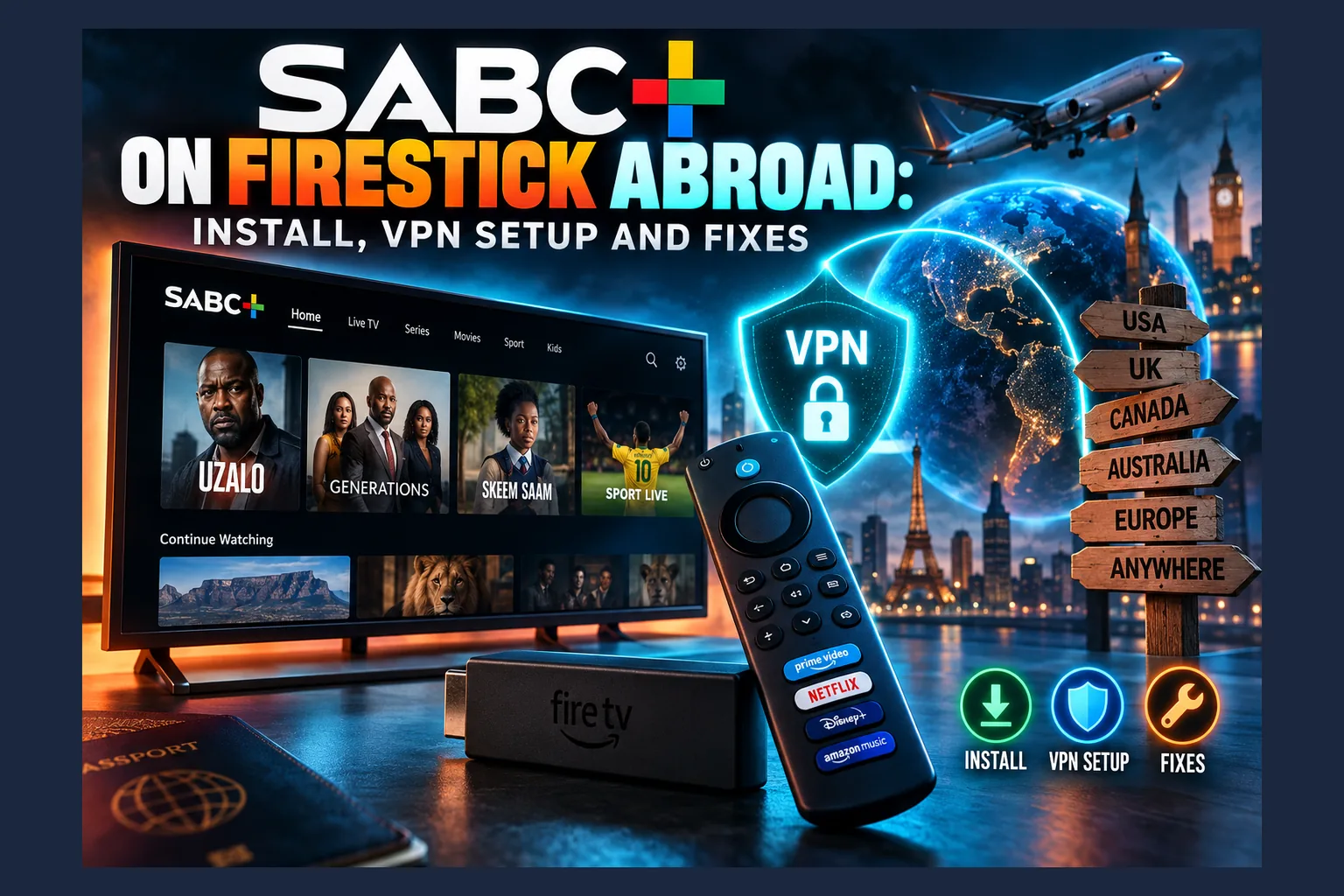
SABC+ on Firestick usually works from outside South Africa, but only once two things are sorted. First, get the app onto the device through the Amazon Appstore, the Silk browser, or a carefully verified sideload. Second, connect a VPN to a South African server with DNS leak protection on and the kill switch switched on. Skip either step and you’ll end up with a missing app or a region error, which is exactly where most expats get stuck.
SABC+ is still one of the most-searched South African streaming apps among expats as of 2026. Saffas in London, Perth, Toronto, Auckland and Dubai who try SABC+ on Firestick all run into the same two walls. Either the app is missing from their store, or it opens and says it isn’t available in their region. This guide covers the TV box itself: Fire TV, Android TV and Google TV. It doesn’t cover phones or laptop browsers.
The install routes run from safest to riskiest. Already have SABC+ on Firestick? Jump to the troubleshooting section, which is organized by the error message you’re actually seeing.
Why SABC+ on Firestick Is Blocked Outside South Africa
The South African Broadcasting Corporation is a public broadcaster, funded partly by South African TV licence fees. SABC+ is its streaming platform. It carries live channels (SABC 1, 2 and 3, plus news and radio feeds) alongside on-demand shows, and a large share of that catalogue was licensed for South African viewers only. The broadcaster’s structure is covered in more detail on Wikipedia’s SABC page.
How Broadcast Rights Lead to Geo-Blocking
Rights deals come with borders. When SABC buys a programme, a sports feed or an international series, the contract almost always names a territory, and streaming that content to a flat in Croydon or a condo in Toronto could breach it. Blocking anyone who doesn’t look South African, including expats running SABC+ on Firestick, is the simplest way to stay compliant.
Local productions are sometimes handled differently from licensed imports. Platforms still tend to apply one blanket rule to the whole app, though. Filtering show by show is expensive and easy to get wrong.
The Three Location Checks: IP Address, App Store Region, and DNS
Most VPN tutorials for SABC+ on Firestick skip this part entirely. A streaming service can guess your location several ways, and a VPN only covers some of them.
- IP address: The big one. Geolocation databases map your public IP to a country. A VPN swaps your IP for the IP of the server you connect to.
- App store region: The Amazon Appstore and Google Play decide which apps you can see based on the country attached to your account. Your IP doesn’t matter here. A VPN does nothing for this check, which is why the app stays “missing” even with the VPN switched on.
- DNS lookups: If your device keeps sending DNS requests to your home ISP’s resolver (BT, Comcast, Rogers, whoever), the service may work out that your real network sits outside South Africa. That’s a DNS leak, and it’s one of the most common reasons an SABC+ geo-block fix works for a day and then stops.
Some services also look at IPv6 addresses, your device’s time zone, or whether an IP range belongs to a known VPN provider. SABC+ hasn’t published which checks it runs. So if you want SABC+ on Firestick to keep working, cover all of them.
What You Need Before You Start
Gather these before setting up SABC+ on Firestick. Trust me, it saves a lot of back-and-forth later.
Supported Devices: Fire TV, Android TV, Google TV
- Amazon Fire TV: Fire TV Stick, Fire TV Stick 4K / 4K Max, Fire TV Cube and Fire TV smart TVs running Fire OS (Android-based).
- Android TV: Nvidia Shield, Xiaomi Mi Box and many Sony, TCL and Philips sets.
- Google TV: Chromecast with Google TV, Google TV Streamer, Onn 4K boxes and newer Sony, Hisense and TCL models.
Fire TV buyers, one warning. Amazon’s newer Vega OS devices, such as the Fire TV Stick 4K Select that arrived in late 2025, aren’t built on Android at all. The sideloading route for SABC+ on Firestick described later won’t work on them. To confirm which OS you’re running, check Settings > My Fire TV > About.
Choosing a VPN With South African Servers
Your VPN has three boxes to tick: South African server locations, a native app in the Amazon Appstore or Google Play, and a kill switch that actually works on TV. Plenty of providers list Johannesburg or Cape Town. Some of those are “virtual locations,” though, where the IP is registered to South Africa while the physical server sits somewhere like London or Frankfurt.
Can a virtual server pass an IP check? Often, yes. But virtual servers usually add latency, and some streaming services flag them anyway. Look for a physical/virtual label in the provider’s server list or support docs. Mainstream providers mostly fall somewhere around $3 to $13 a month depending on plan length. For a wider shortlist, see our guide to the best VPN for streaming while traveling abroad.
Creating an SABC+ Account
SABC+ makes you register before you can watch anything, and the sign-up form has changed more than once. Some versions have asked for South African details, such as a local phone number or TV licence information. Check the current requirements on the official SABC+ website, and create the account on a phone or laptop. Typing an email address with a Fire TV remote is nobody’s idea of fun.
Sort out your connection too. Ethernet, or at least a strong 5GHz Wi-Fi signal, makes a real difference to SABC+ on Firestick when your video is coming from the other side of the planet.
Getting the SABC+ App on Firestick
Go through these routes to SABC+ on Firestick in order. Only move on if the previous option fails.
Checking the Amazon Appstore in Your Region
Start with the official store for SABC+ on Firestick. It updates the app automatically, and you know the build is genuine. From the Fire TV home screen, open Find > Search and type “SABC”. If SABC+ shows up, install it and skip ahead to the VPN section.
Not there? Your Amazon account’s country is almost certainly why. The Appstore catalogue follows the country set under Your Content and Devices > Preferences > Country/Region Settings on the Amazon website (not on the Fire TV itself, annoyingly). Changing that country can mess with your Kindle library and Prime Video purchases, and Amazon may ask for a local payment method. My advice: don’t touch it on a whim.
Using the Silk Browser as a Fallback
Amazon’s Silk Browser is free in the Appstore. Install it, connect your VPN, and open the SABC+ website. If playback works, you’ve got a fallback that needs no install.
Keep expectations low. Silk wasn’t built for long viewing sessions, moving around the page with a D-pad is clumsy, and some DRM-protected streams simply won’t play in it. I’d treat it as a quick test or a stopgap, not a daily setup.
Sideloading: Risks and How to Verify the APK
Sideloading means installing an APK file directly, outside the Appstore. It works on Android-based Fire OS devices. It’s also genuinely risky, because modified APKs on mirror sites can hide adware, credential stealers or worse.
If you go this route anyway, follow these steps:
- Go to Settings > My Fire TV > About and click the device name seven times to reveal Developer Options.
- Open Developer Options > Install unknown apps and allow only the one app you’ll install the file with, such as Downloader.
- Use only an APK pulled from an official source. The safest method is extracting it from the Play Store version on an Android phone you own.
- Before installing, check the signing certificate on a computer with
apksigner verify --print-certs sabcplus.apk. The certificate fingerprint should match the one from the genuine Play Store build. - After installing, switch “Install unknown apps” back off (yes, you really do need to do this).
There’s another snag. Fire TV ships without Google Play Services, and some Android apps lean on them. A sideloaded SABC+ might crash or refuse to log in for that reason alone, even when the APK is completely genuine. Sideloaded apps also tend to vanish from the home screen row. A third-party launcher fixes that, which we cover in our AT4K Launcher on Firestick review.
Read next: Best VPN for Streaming Sports Abroad in 2026
Getting SABC+ on Android TV and Google TV
The SABC+ Android TV install is simpler than the Fire TV version, because Android TV and Google TV run the real Google Play Store. Region rules still apply, though.
Google Play Country Settings and Their Limits
Google Play lists apps based on your account’s country, not your current IP. If you live in Manchester or Melbourne, your account is probably set to the UK or Australia, so SABC+ may be hidden. Search for it on the TV anyway. Availability does change.
Switching countries is tightly restricted. According to Google’s Play country help page, you can only change once a year, and you’ll generally need a payment method from the new country. Any Play balance from your old country is lost too. A second Google account set to South Africa is possible, but juggling two accounts on one TV gets tedious fast.
Casting From a Phone Instead
Honestly? This is often the least painful option. If SABC+ on your Android phone or iPhone supports Chromecast, connect the phone to the VPN, start playback, and cast to your Google TV or Chromecast.
One catch. When you cast, the TV device usually fetches the stream itself, which means its own location can get checked as well. A cast that fails with a region error means the TV needs the VPN too. A router-level VPN, covered below, takes care of that.
Setting Up the VPN for SABC+ on Firestick and Android TV
Installing the app is only half the job. The other half is setting up the VPN so it doesn’t leak your real location, and that’s where most SABC+ on Firestick setups quietly fall apart.
Install the VPN App and Pick a South African Server
- Search your VPN provider’s name in the Amazon Appstore or Google Play and install the official app.
- Sign in. Most providers support a code or QR login, so you won’t have to peck out a password with the remote.
- Open the location list and choose South Africa, or a specific city such as Johannesburg.
- Connect, then accept the Android VPN connection request that pops up.
- Open a browser on the device, visit any “what is my IP” site, and confirm it shows a South African location.
Protocol, Kill Switch, and Auto-Connect Settings
Protocol: WireGuard, or a provider’s own variant of it (NordLynx, Lightway and so on), usually suits TV sticks best. It’s light on weak processors. When a connection keeps dropping, switch to OpenVPN over TCP, which is slower but more stubborn.
Kill switch: Turn it on. If the tunnel drops halfway through a show, the kill switch blocks traffic instead of falling back to your real connection. Without one, SABC+ can catch your real IP for a few seconds and flag the session. On Android TV, you may also find Always-on VPN and Block connections without VPN under Settings > Network & Internet > VPN, though plenty of TV builds hide those menus.
Auto-connect: Set the VPN to connect on boot. Fire TV sticks restart for updates far more often than most people realise, and opening SABC+ once without protection can cache the wrong location (more on that below).
Router-Level VPN for Multiple TVs
Got several TVs, or a smart TV with no VPN app at all? Put the VPN on your router. GL.iNet routers, Asus models with VPN client support, and anything flashed with OpenWrt can all hold a WireGuard or OpenVPN profile from your provider.
The trade-off is that everything on that network suddenly looks South African, including your laptop when you log in to your UK or Canadian bank. A tidier option is a small travel router dedicated to the TV (GL.iNet’s Beryl AX runs somewhere around $80 to $90, depending on where you buy it). Policy-based routing, which sends only the TV’s traffic through the tunnel, also works if your router supports it.
SABC+ Not Working With a VPN? Fixes by Error
Find your symptom. Work through the fixes in order.
‘Not Available in Your Region’ Despite the VPN
Likely cause: The service has flagged the server’s IP, or the app checked your location before the VPN finished connecting.
Fix: Force-stop SABC+, reconnect to a different South African server, then reopen the app. If your provider lists several Johannesburg or Cape Town servers, try each one. When the “SABC+ not available in your region” message keeps coming back, choose physical South African servers over virtual ones.
DNS and IPv6 Leaks
Likely cause: DNS queries or IPv6 traffic are slipping past the tunnel and exposing your home network.
Fix: Enable DNS leak protection or “use VPN DNS” in the VPN app. Then run a DNS leak test in the device browser. Every resolver listed should belong to your VPN. If you see your ISP’s name, you’ve found the leak.
Fire TV and most Android TV boxes don’t have an IPv6 toggle. If your VPN app lacks IPv6 leak protection, disable IPv6 in your router’s admin panel instead.
Cached Location Data and App Storage
Likely cause: SABC+ remembered your real region from an earlier launch.
Fix: On Fire TV, go to Settings > Applications > Manage Installed Applications > SABC+, then choose Force stop, Clear cache and Clear data. Android TV keeps the same options under Settings > Apps > SABC+. Connect the VPN first, then open the app and log in again.
Constant Buffering on Long-Distance Servers
Likely cause: Distance, mostly. Johannesburg sits roughly 9,000 km from London and around 13,000 km from Toronto, so every request makes a very long round trip. Expect latency well into the hundreds of milliseconds from North America. Add VPN encryption overhead and throughput drops, especially on older Fire TV sticks with slow chips.
Fix: Lower the stream quality in the player if SABC+ gives you that option. Swap Wi-Fi for an Ethernet adapter (Amazon’s own sells for about $15 to $20), and move to WireGuard if you’re still on OpenVPN. Want to know where the bottleneck is? Run one speed test with the VPN connected to South Africa and another with it off. A big gap points at the tunnel; two slow results point at your home line.
Login or Verification Problems
Likely cause: Verification steps such as SMS codes, a session limit, or an account problem that has nothing to do with location.
Fix: Try logging in on the SABC+ website from a laptop with the VPN connected. If that fails as well, contact SABC+ support through the official channels on its site. Skip third-party “account unlock” services. They’re a fast way to lose the account.
Smart DNS vs VPN for SABC+
Some VPN providers also sell Smart DNS, which reroutes only the DNS lookups for specific services and leaves the rest of your traffic unencrypted. It’s a different trade-off. Here’s how the two compare in principle.
| Factor | Smart DNS | VPN |
|---|---|---|
| Encryption | None | Full tunnel encryption |
| Changes your IP address | No | Yes |
| Speed overhead | Usually lower | Higher, depending on protocol and distance |
| Ease of detection | Easier to spot, since your real IP stays visible | Harder, especially on physical servers |
| Works on devices without VPN apps | Yes, through router or network DNS settings | Only through a router VPN |
| Privacy benefit | None | Hides traffic from your ISP |
Smart DNS only helps if the service leans mainly on DNS-based checks. Most platforms check your IP address, and if SABC+ does too, Smart DNS on its own probably won’t get you through. For most readers, a VPN is the more dependable pick. I’d only reach for Smart DNS on a TV that can’t run a VPN app, and only if you don’t want to mess with your router.
Follow South African sport on other platforms as well? Our guide to the best VPN for streaming sports abroad covers providers that hold up well on long-distance live streams.
Legal and Terms-of-Service Considerations
This isn’t legal advice. It’s a list of questions worth checking for your own situation.
Is Using a VPN for SABC+ Legal?
VPNs are legal in the UK, USA, Canada, Australia and most of the EU. Using one to change your apparent location usually isn’t a crime there. Some countries do restrict or ban VPN use, though, including the UAE, where the rules are stricter than many expats expect. Check your local law if you’re based outside the usual expat destinations.
What the Platform’s Terms May Say
Legal and permitted aren’t the same thing. Many streaming platforms say in their terms that you may only use the service inside their licensed territory, and that dodging geo-restrictions can get your account suspended. Read the current SABC+ terms of use on its official site before you rely on a VPN.
Then there’s the TV licence. South African residents are generally expected to hold one, and expats who still own property or devices back home may have obligations as well. The rules have been under review for a while now, so go to the official SABC TV licence information rather than trusting forum posts.
Final Thoughts on SABC+ on Firestick Abroad
Running SABC+ on Firestick or Google TV from outside South Africa really comes down to two separate problems. First, getting the app onto the device. Second, convincing the service you’re in South Africa, which a VPN only manages when DNS, IPv6 and the kill switch are all set up properly.
Start with the official store. Fall back on casting or the browser. Sideload only an APK whose signature you’ve verified. And when errors appear, clear the app data, reconnect, and test for leaks before you blame the VPN.
⚖️ Legal Disclaimer: IPTV Wire does not own or operate any streaming service, application, or website mentioned in this article. We do not verify whether third-party services carry proper licensing. Users are responsible for ensuring they comply with copyright laws in their jurisdiction.
Frequently Asked Questions
Can I watch SABC+ on Firestick outside South Africa?
Usually, yes. You need the app installed, either from the Appstore if it’s listed for your account or through a verified sideload, plus a VPN connected to a South African server. Newer Vega OS Fire TV devices can’t sideload Android apps, so check your OS first.
Why does SABC+ still say it’s not available in my region when my VPN is on?
The usual suspects are a flagged server IP, DNS or IPv6 leaks, or location data the app cached before the VPN connected. Clear the app’s cache and data, enable DNS leak protection, then connect the VPN first and open SABC+ after.
Is SABC+ free to use?
SABC has positioned SABC+ as a free, registration-based service. Sign-up rules and any paid tiers can change, so confirm the current details on the official SABC+ website.
Do I need a South African VPN server specifically for SABC+?
Yes. The service is restricted to South Africa, so a server anywhere else won’t help. Physical South African servers tend to be more reliable than virtual locations that only carry a South African IP.
Can I cast SABC+ from my phone to my TV abroad?
Often, yes, if the app supports casting. The TV device frequently pulls the stream itself, though, so it may need to look South African too. A router-level VPN covers both devices at once.
Is it legal to use a VPN to access SABC+?
VPN use is legal in most Western countries, but it may clash with SABC+’s terms of service. Check the platform’s terms and your local laws, since this article isn’t legal advice.


Comments
Leave a comment
Your email address will not be published. Comments are moderated before they appear.