

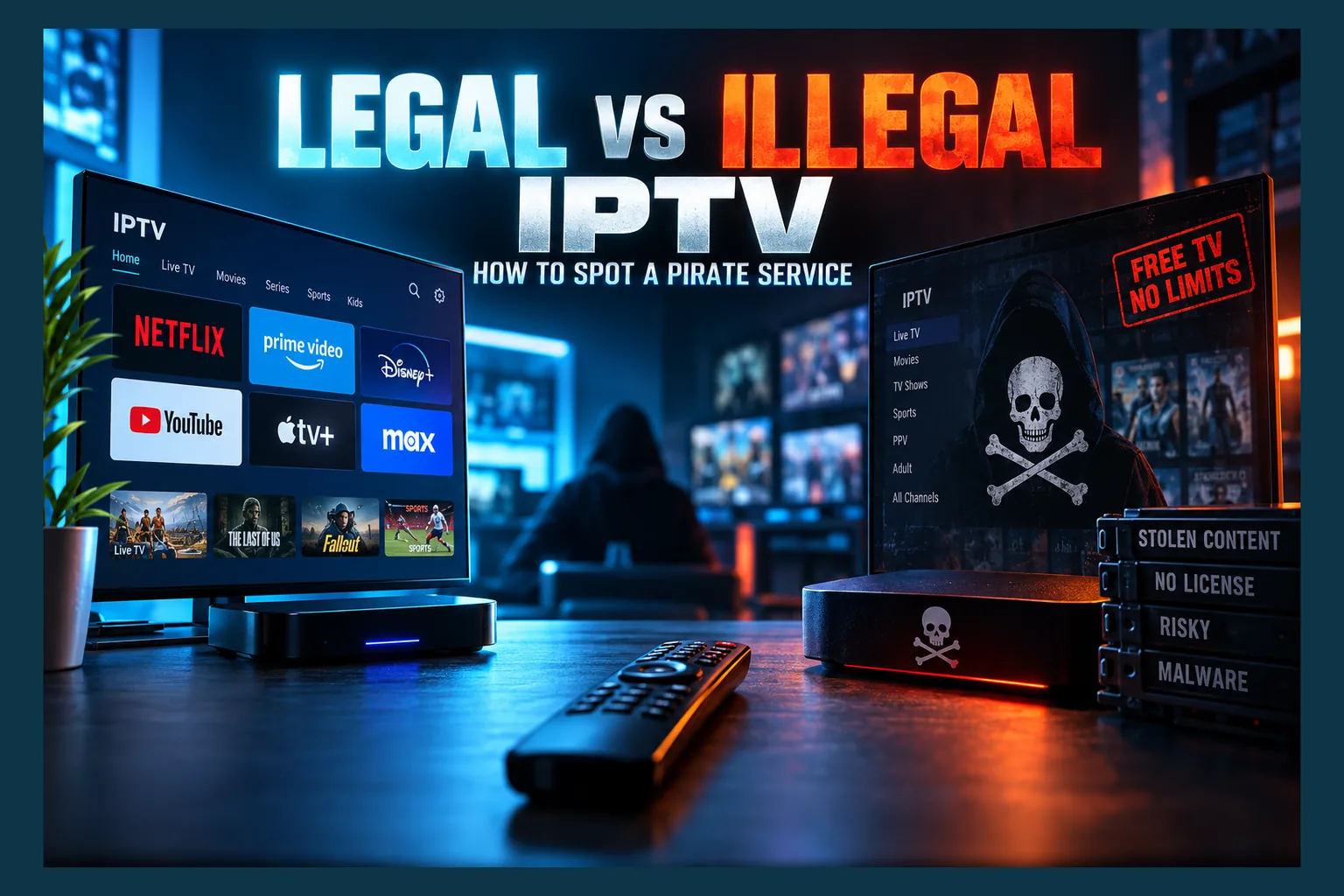
How to tell if IPTV is legal is a skill worth having in 2026, because enforcement has ramped up across the UK and Europe and subscribers keep waking up to dead services and lost money. I’ve tested a lot of these setups, and the warning signs are pretty consistent once you know what to look for. This guide covers licensing, the red and green flags, the grey area of free playlists and sideloaded apps, and what to do if you’ve already paid for something dodgy.
Knowing how to tell if IPTV is legal is a practical skill in 2026. Enforcement has picked up across the UK and Europe. Subscribers keep finding their service gone overnight, and their money gone with it.
Use this guide before you pay. It covers what licensing actually means, the red and green flags that separate legal vs illegal IPTV, the murky middle ground of free playlists and sideloaded apps, and what to do if you’ve already signed up for something questionable.
Why Knowing How to Tell If IPTV Is Legal Matters After Recent Crackdowns
For years, plenty of people treated cheap IPTV as a low-risk shortcut. That’s a harder argument to make now. Rights holders, anti-piracy groups, and police forces have moved from the odd takedown to coordinated, cross-border operations that hit servers, payment processors, and resellers at the same time.
What Recent UK and EU Busts Mean for Subscribers
You’ve probably seen the headlines. UK operators earning millions, including one widely reported £3M case. I won’t rehash the details here, because the pattern matters more than any single case: investigators now routinely seize customer databases, payment records, and reseller panels along with the servers.
That’s the part subscribers tend to miss, and it’s why learning how to tell if IPTV is legal before signing up matters.
In the UK, the anti-piracy group FACT has followed some shutdowns by sending warning notices straight to subscribers. Italy went further in 2024, changing its law so end users can be fined for knowingly using pirate services. Other EU countries may follow, though how fast varies a lot by country. For a full breakdown of what that means for viewers, see my guide on what IPTV legal risks actually mean for subscribers.
The Real Risks: Lost Money, Malware, and Data Exposure
Prosecution of ordinary viewers is still fairly rare, but that’s no excuse to skip learning how to tell if IPTV is legal. The harms you’re more likely to run into are quieter, and far more common:
- Lost money: When a pirate service gets raided or simply vanishes, nobody issues refunds. Annual plans hurt the most, since you might lose ten or eleven months you’ve already paid for.
- Data exposure: Your email, name, IP address, and payment details sit on servers run by people with zero legal obligation to protect them. Those records can end up with investigators. Or with scammers who bought them.
- Malware: Pirate apps and preloaded boxes are a well-documented source of adware, botnets, and credential theft. More on that below.
Then there’s the question of where your money goes. Some operators are tied to wider criminal activity, which I covered in who really funds pirate IPTV.
What Makes an IPTV Service Legal
The word “IPTV” causes a lot of confusion. Many people hear it and think piracy. It’s actually just a delivery method.
Broadcast Rights and Licensing Explained Simply
Someone owns every channel and every live event. A legal provider signs distribution agreements with those owners, paying for the right to show specific channels, in specific countries, on specific devices.
Those contracts are expensive. They’re also absurdly detailed, setting price floors, geographic limits, blackout rules, and even how many streams a single account can run at once. An illegal service skips the lot: it captures feeds from legitimate sources and rebroadcasts them without permission.
So how to tell if IPTV is legal boils down to one question. Does the company selling it to you hold the rights to what it’s selling?
Examples of Licensed IPTV and Live TV Services
Licensed IPTV providers are everywhere, and recognising them is the easy half of how to tell if IPTV is legal. Most people just don’t call them IPTV. Every one of these delivers live TV over the internet with proper rights in place:
- USA: YouTube TV, Sling TV, Fubo, Philo, Pluto TV, and Hulu + Live TV. My YouTube TV guide covers one of the biggest in detail.
- UK: BBC iPlayer, ITVX, Channel 4, NOW, and Freely, the free broadcaster-backed IPTV platform built into newer smart TVs.
- Multi-region FAST services: Samsung TV Plus, LG Channels, Pluto TV, Plex’s live channels, and The Roku Channel. FAST stands for free ad-supported streaming TV. Lineups differ quite a bit between the US and UK.
IPTV Is a Technology, Not a Crime
As the Wikipedia entry on Internet Protocol television explains, IPTV simply means television delivered over IP networks. Telecom companies like BT and AT&T have used it for years, and plenty of their customers never knew.
Player apps work the same way. TiviMate, iMPlayer, IPTV Smarters, and VLC are legal tools, much like a web browser. None of them ship with channels. Whatever playlist you load into them decides whether what you’re watching is legal — so when you’re working out how to tell if IPTV is legal, judge the source, not the player.
Red Flags: How to Tell If IPTV Is Legal or Pirated
When it comes to how to tell if IPTV is legal, no single signal proves a service is pirated. Stack three or four of these pirate IPTV red flags together, though, and I’d treat it as a near-certainty.
Prices That Are Too Good to Be True
The quickest check for how to tell if IPTV is legal? Do the maths on what’s being offered. In the UK, getting Sky Sports, TNT Sports, and the main entertainment channels legally costs well over £60 a month combined. In the US, one live TV bundle like YouTube TV runs around $83 a month before add-ons.
Now look at a service promising all of that, plus international channels, for £10 to £15. It can’t be paying for the rights. That gap isn’t clever efficiency. It’s unpaid licensing fees.
Huge Channel Counts and Every PPV Included
Licensed bundles usually carry somewhere between 30 and 150 channels. Pirate services advertise 20,000+ channels and 100,000+ on-demand titles, often sorted by country prefixes like “UK |” or “US |” (that formatting alone is a tell once you’ve seen it).
Every pay-per-view event “included free”? Another giveaway when you’re figuring out how to tell if IPTV is legal. No legal provider can roll PPV into a flat monthly fee, because each event is sold under its own separate deal.
Sold Through Telegram, Discord, or Reseller Panels
Legitimate companies sell through their own websites and app stores. Pirate services lean on Telegram channels, Discord servers, Reddit DMs, and Facebook groups instead.
Behind most of them sits a reseller structure. A main operator runs the servers and sells “credits” in bulk through a web panel; resellers then create customer accounts and set their own prices. That’s why one service turns up under dozens of different names. It’s also why your “provider” is often powerless when something breaks, because they don’t control the servers at all.
Crypto, Gift Card, or PayPal Friends-and-Family Payments
Watch the checkout page. Requests to pay with crypto, Amazon or Apple gift cards, a bank transfer to an individual, or PayPal “Friends and Family” are strong warning signs.
Notice what they have in common. Every one of them strips away buyer protection. A legitimate business has no reason to dodge standard card processing.
M3U Links and Xtream Codes Instead of an Official App
Did your “subscription” arrive as an M3U URL, an Xtream Codes login (server, username, password), or a MAC address activation? Then the provider depends on third-party player apps. Licensed providers almost always ship their own branded app with built-in login and DRM.
No Company Name, Address, or Terms of Service
Scroll down to the footer. Legal providers list a registered company, a physical address, a privacy policy, terms of service, and often a company registration number you can look up on Companies House (UK) or a state business registry (US).
Read next: YouTube TV: The Ultimate Guide to Streaming Legal IPTV Service
Pirate sites usually offer a generic brand name, a WhatsApp number, and a domain registered with privacy protection a few months back. For a deeper pre-purchase checklist, see IPTV service red flags: how to spot a bad provider before you buy.
Green Flags of a Legitimate Provider
Flip the red flags around and you’ve got a quick way to confirm you’re dealing with a licensed company. Side by side:
| Signal | Licensed provider | Pirate service |
|---|---|---|
| Price | Reflects rights costs ($35–$85/month for live bundles) | £10–£15 or $10–$20/month for “everything” |
| Channel count | Dozens to low hundreds | Thousands to tens of thousands |
| Where it’s sold | Official site and app stores | Telegram, Discord, resellers |
| Payment | Card, PayPal Goods & Services, carrier billing | Crypto, gift cards, Friends & Family |
| Delivery | Branded app with login | M3U link, Xtream Codes, MAC activation |
| Location limits | Geo-restricted, sports blackouts | Works “anywhere” |
| Company details | Registered entity, address, ToS | None or vague |
Official App Store Listings
Licensed services publish their own apps on Google Play, the Amazon Appstore, the Roku Channel Store, Apple’s App Store, and the Samsung and LG smart TV stores. Check that the developer name on the listing matches the company. A random developer pushing a “brand” isn’t the same thing.
One caveat. A player app sitting in an official store doesn’t make the service legal. TiviMate is on Google Play, and that tells you precisely nothing about the playlist you load into it.
Regional Restrictions and Blackouts
This one surprises people. Restrictions feel like a downside, right? But geo-blocking and local sports blackouts exist because rights contracts require them.
When YouTube TV checks your home location, or NOW stops working once you’ve been outside the UK and Ireland for a while, that’s the licensing system doing its job. A service that brags about working “in any country with no blackouts” is telling you, fairly openly, that it doesn’t have those contracts.
Standard Billing and Clear Refund Policies
Legitimate providers bill through normal card processors, with recurring payments you can cancel from your account page. They publish refund and cancellation terms. You also keep chargeback rights through your card issuer, which is exactly what pirate operators try to avoid.
The Gray Areas: Free Lists, Sideloaded Apps, and Players
Not everything sorts neatly into legal or illegal. A handful of common setups sit somewhere in between. Understanding them lets you make your own call.
Public M3U Playlists on GitHub
Big public playlist projects on GitHub gather thousands of stream URLs from around the world. Plenty point to genuine free-to-air broadcaster streams that channels publish openly. Others? Questionable origin, at best.
A repository isn’t a licensing authority. Whether a given channel is fine to watch depends on where that specific stream comes from, not on the fact that someone added it to a public list.
Free Streaming APKs
Sideloading an APK onto a Firestick or Android TV box is legal. Amazon and Google both allow it through developer settings, and lots of legitimate apps get distributed that way.
The real question is what the app streams. An APK that scrapes unlicensed live channels or premium films is a pirate source no matter how you installed it. The “Downloader” app being in the Amazon Appstore doesn’t change that either.
FAST Channels vs Unlicensed Free Streams
Free doesn’t mean pirated. FAST services like Pluto TV, Samsung TV Plus, and The Roku Channel cost nothing because ads pay for the licences.
Want to check a free channel source yourself? Run through these steps:
- Look up whether the channel offers a free stream on its own official website or app.
- Open the stream URL in your playlist and check the domain. Broadcaster or major CDN domains are a good sign; bare IP addresses or random domains aren’t.
- Ask whether the channel is normally paid-only in your country. A premium sports or movie channel showing up free is almost never legitimate.
Device Security Risks Tied to Pirate IPTV
Security gets less attention than legality. It affects far more people, though. Pirate ecosystems and malware overlap heavily, and the overlap isn’t accidental.
Malware in Pirate IPTV Apps and Preloaded Boxes
In June 2025, the FBI issued a public warning about the BADBOX 2.0 botnet, which spread through uncertified Android TV boxes and other cheap devices. Many of those boxes were the “fully loaded” kind, sold with pirate apps preinstalled.
Modified APKs offer another way in. Pirate apps never pass through a store review, so slipping in adware, proxy software, or code that harvests saved logins takes very little effort. Some “free” apps actually earn their money by quietly turning your device into a residential proxy for strangers’ traffic, which means your home IP address ends up fronting activity you know nothing about.
How to Check the APKs You Already Have
A basic audit doesn’t need special skills. Start here:
- Play Protect certification: On Android TV and Google TV devices, open the Play Store settings and look for “Play Protect certification” (it’s tucked a few menus deep on some models). Uncertified boxes fall into a higher-risk category.
- VirusTotal scan: Upload any APK you’ve sideloaded to virustotal.com and see whether multiple engines flag it.
- Signature check: On a computer, Android’s apksigner verify –print-certs command shows the signing certificate. Compare its SHA-256 fingerprint to one the developer publishes, if they publish one at all.
- Permissions review: In Settings > Apps, see whether a streaming app asks for accessibility access or device admin rights. A video player has no business needing either.
Already Subscribed to a Questionable Service? Next Steps
If the red flags above describe your current setup, don’t panic. A few protective steps cut your exposure considerably.
Cancel Recurring Payments and Monitor Accounts
Kill any auto-renewal first. Paid by card? Check your statement for the merchant name, then contact your bank about blocking future charges or disputing ones that never delivered what was promised.
Keep watching your accounts for a few months. Be especially wary of phishing emails that mention your IPTV service, a “refund,” or a legal notice demanding payment. Scammers specifically target known pirate customer lists.
Clean Up Apps and Change Reused Passwords
Uninstall the provider’s apps and any sideloaded APKs you no longer trust. Bought a preloaded box? A factory reset is the bare minimum. For uncertified boxes, replacing the hardware is safer (yes, even if it was only a few months old).
Next, change any password you reused on the pirate service, starting with email and banking. Switch on two-factor authentication wherever it’s offered. If your service has already been taken down, my piece on IPTV legal risk in 2026 walks through what subscribers typically face next.
Legal IPTV Alternatives by Budget
Good news: legal options have improved a lot. Some cost nothing. Prices below are approximate as of writing and shift often, so confirm on each provider’s site before signing up.
Free Legal Options
- Pluto TV, Samsung TV Plus, The Roku Channel, Plex, Tubi: Hundreds of FAST channels in the US, with smaller UK lineups. Available on most smart TVs, Firestick, Roku, and Google TV.
- Freely (UK): Free live broadcaster channels over the internet, built into newer TVs. You still need a TV licence for live viewing.
- BBC iPlayer, ITVX, Channel 4 (UK): Live and on-demand. iPlayer requires a TV licence, currently £174.50 a year.
- Local news apps (US): Many network affiliates stream free through their own apps or services like NewsON. Coverage depends heavily on your market.
Low-Cost Paid Options
- Philo (US): Entertainment-focused bundle at around $33/month, with no sports channels.
- Sling TV (US): Orange or Blue tiers at roughly $46 to $51/month, often discounted for the first month.
- NOW Entertainment (UK): Around £9.99/month for Sky entertainment channels, with flexible monthly cancellation.
I keep a running comparison of providers on my IPTV services page if you want more options.
Sports-Focused Legal Options
- US: YouTube TV and Fubo cover the major sports networks. Standalone choices include ESPN’s direct-to-consumer tier and Fox One, both launched in 2025, plus Peacock and DAZN for specific rights.
- UK: NOW Sports offers day and monthly memberships for Sky Sports. TNT Sports comes via discovery+, and DAZN carries its own sports rights.
Legal sports streaming costs more. No question. But you can stack month-to-month passes around the seasons you actually follow, say a few months of football and a few of F1, instead of paying year-round for everything.
Bottom Line: Check Before You Pay
Learning how to tell if IPTV is legal mostly comes down to five questions. Is it a registered company? Is the app in official stores? Is the price realistic for the channels? Can you pay by card? Does it respect regional restrictions?
Mostly no? Walk away. The risk isn’t just legal. It’s your money, your data, and the security of every device on your home network.
⚖️ Legal Disclaimer: IPTV Wire does not own or operate any streaming service, application, or website mentioned in this article. We do not verify whether third-party services carry proper licensing. Users are responsible for ensuring they comply with copyright laws in their jurisdiction.
Frequently Asked Questions
How can I tell if my IPTV subscription is legal?
Look for a registered company name, an official app on Google Play, Amazon, Roku, or Apple, and standard card billing. Got an M3U link or Xtream Codes login from a Telegram seller at a bargain price? It’s almost certainly unlicensed.
Is using an IPTV player app like TiviMate illegal?
No. TiviMate, iMPlayer, and similar players are legal tools that come with no channels. Legality depends entirely on the playlist or service you load into them.
Are free M3U playlists from GitHub legal to use?
It depends on each stream. Public playlists often mix official free broadcaster feeds with unlicensed ones. Check whether a channel offers a free stream on its own official site before you rely on it.
Can I get in trouble for subscribing to an illegal IPTV service in the UK?
Prosecution of viewers is rare. Not impossible, though. FACT has sent warning notices to subscribers after shutdowns, and watching live TV from any source still requires a TV licence. Operators and resellers face much heavier penalties, up to 10 years in prison under the Digital Economy Act 2017.
Why are illegal IPTV services so much cheaper than cable?
They don’t pay for broadcast rights, which make up most of what legal providers spend. Without licensing fees, operators only cover servers and marketing. That’s how they undercut licensed services so heavily.
Is it illegal to sell or resell IPTV subscriptions?
Reselling a licensed service without permission breaks its terms; reselling a pirate service is copyright infringement. Resellers of unlicensed IPTV have been prosecuted in the UK and across Europe.
Does a VPN make illegal IPTV legal?
No. A VPN encrypts your connection and hides your IP address, but it grants zero broadcast rights. An unlicensed service stays unlicensed, VPN or not.
Comments
Leave a comment
Your email address will not be published. Comments are moderated before they appear.