

Table of contents
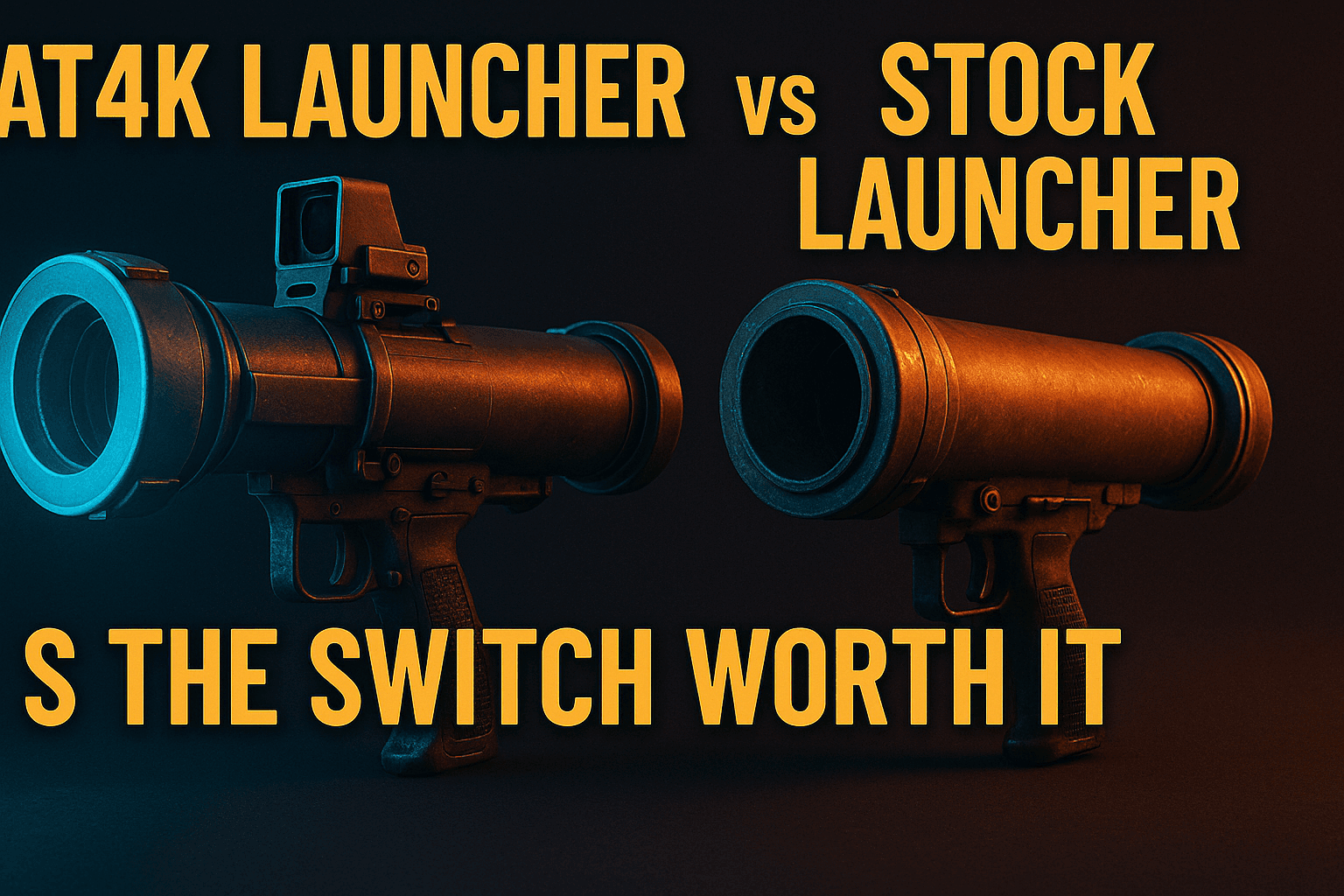
AT4K launcher vs stock launcher — if you’ve spent more than ten minutes in a cord-cutting forum, you’ve seen this debate play out. I’ve run both on real hardware across multiple setups, and the honest answer is more nuanced than most guides let on. AT4K is genuinely the better pick for a specific type of user, but the trade-offs are real enough that blindly switching isn’t always the right call. Here’s the straight breakdown you actually need.
Short version: AT4K is genuinely better for a specific type of user. For everyone else, the trade-offs are real enough that sticking with what you’ve got might be the smarter call. Let’s break it down properly.
Why Anyone Bothers With AT4K Launcher vs Stock Launcher in the First Place
Before breaking down the AT4K launcher vs stock launcher comparison properly, it helps to understand why people go looking for alternatives in the first place. Both sides of the AT4K launcher vs stock launcher divide have a backstory worth understanding: Amazon’s Fire OS launcher and Google TV’s stock interface have gotten progressively worse for power users over the past few years — and not by accident. The AT4K launcher vs stock launcher question exists precisely because both platforms drifted away from user-first design.
What the Stock Firestick Launcher Actually Forces on You
In any AT4K launcher vs stock launcher comparison, Amazon’s default launcher is, fundamentally, a storefront that also plays video. The top row is almost entirely paid placements and Prime Video promotions. Your actual apps get pushed below the fold. Sideloaded apps — the ones you specifically chose to install — are buried inside a secondary “Your Apps” section that takes multiple button presses to reach.
That “Featured” row dominating the top of the Fire TV home screen reportedly earns Amazon significant advertising revenue. Money coming directly out of your navigation experience. If you’ve got 15 IPTV and streaming apps installed, finding the right one on a cold boot involves more scrolling than it ever should.
Alexa integration is baked in everywhere, which sounds useful until it keeps redirecting voice searches toward paid Amazon content rather than the app you’re already running. It’s a walled garden designed to keep you spending — not a neutral interface designed to help you watch TV.
What the Android TV Stock Launcher Gets Wrong
Google’s approach on Android TV and Google TV devices is a different flavor of the same problem — and it’s a big reason the AT4K launcher vs stock launcher conversation extends well beyond Fire TV users. The “Continue Watching” row and personalized recommendations pull data from multiple apps, which sounds convenient. In practice, it means your home screen is driven by an algorithm rather than your own preferences.
On lower-end Android TV boxes — the kind people often pair with IPTV services — the stock launcher can be surprisingly heavy on RAM. I’ve watched cheap MediaTek-based boxes with 2GB RAM get noticeably sluggish just sitting on the home screen, because Google Play Services and the launcher are fighting for the same memory. That’s before you’ve opened a single app.
The deeper problem is app discoverability. In the AT4K launcher vs stock launcher debate, neither stock option gives sideloaded apps equal standing with officially certified apps. That hierarchy might work for someone whose entire setup is Netflix and YouTube, but if your streaming rig looks anything like mine, it actively gets in the way.
AT4K Launcher at a Glance: What It Actually Is
AT4K launcher is a third-party replacement launcher built specifically for Fire TV and Android TV devices — and in the AT4K launcher vs stock launcher conversation, this is where the design philosophy diverges most sharply. It strips out promotional content entirely and replaces the default home screen with a clean, grid-based interface — and that single design choice is what makes the AT4K launcher vs stock launcher comparison so lopsided for power users. Every app, sideloaded or not, gets equal treatment from the moment you boot up.
Core UI Features and Layout Philosophy
The layout philosophy is purely functional. No featured content row, no sponsored tiles, no algorithmic engine pushing content you didn’t ask for. What you get is a configurable grid of your installed apps, accessible immediately on load.
You can organize apps into custom categories — an “IPTV” folder, a “Movies” folder, a “Sports” folder, all on the same screen. This sounds minor until you’ve got 20-plus apps installed and you’re trying to reach your player in under three button presses. AT4K makes that achievable. The stock Firestick launcher does not — and that gap is exactly what the AT4K launcher vs stock launcher debate keeps circling back to.
The visual design is minimal. No gradients, no hero banners, no motion graphics. Some people find it stark. Personally, I find it fast — and that’s what matters after the first day.
Which Devices AT4K Officially Supports
AT4K runs on the Firestick 4K, Firestick 4K Max, Fire TV Cube, and a range of Android TV boxes running Android 5.0 and above. It also works on many Google TV devices, though the experience is slightly more variable there — Google TV tends to reassert itself as the default launcher more aggressively after reboot than Fire OS does.
I’ve tested the AT4K launcher vs stock launcher setup hands-on across a Firestick 4K (2nd gen), an Nvidia Shield TV Pro, and a budget H96 Max Android TV box — running the AT4K launcher vs stock launcher side by side on each. Performance varied considerably across those three, and I’ll get into the specifics shortly.
How It Handles App Organization vs the Stock Experience
This is where the AT4K launcher vs stock launcher gap pulls ahead most clearly in AT4K’s favor. Every installed app shows up in the main grid automatically — including anything sideloaded. No secondary menu. No “manage installed applications” detour through device settings (this is buried annoyingly deep on most stock interfaces). It’s just there, on screen, ready to go.
You can reorder apps manually, pin favorites to the top row, and build category folders. The stock Firestick launcher technically lets you rearrange apps too — but in any honest AT4K launcher vs stock launcher comparison, promoted content always taking priority over your own customizations is a meaningful strike against the stock side — and one that keeps coming up every time someone revisits the AT4K launcher vs stock launcher question after a few weeks of daily use. AT4K doesn’t have that problem — and in the AT4K launcher vs stock launcher matchup, that single difference in screen real estate philosophy changes the daily experience more than any spec sheet would suggest.
Head-to-Head: AT4K Launcher vs Stock Launcher on Real Devices
This is what most install guides skip entirely. The real AT4K launcher vs stock launcher test isn’t a spec comparison — it’s daily use on the same hardware. I ran both launchers on the same Firestick 4K, switching back and forth over several days to get a fair read. Here’s what I actually found.
Speed and Responsiveness Comparison
Speed is one of the clearest wins in the AT4K launcher vs stock launcher comparison: AT4K’s home screen loads faster from cold boot. On my Firestick 4K, the stock launcher took roughly 18–22 seconds to fully populate after the splash screen — all those rows loading in sequentially. AT4K’s grid was fully rendered in around 10–12 seconds under the same conditions.
Day-to-day navigation is snappier, too. Stock launcher rows stutter noticeably during scrolling because each row is dynamically loaded. AT4K’s static grid doesn’t have that problem. Scrolling is smooth and, more importantly, predictable.
App Discoverability and Sidebar Navigation
AT4K uses a sidebar navigation system that lets you jump between app categories without returning to the main home screen. For anyone running multiple IPTV apps, a VPN client, a browser, and a media player simultaneously, that sidebar is a real quality-of-life improvement.
Stock launchers on both Fire TV and Android TV bury sideloaded apps. On Firestick specifically, sideloaded apps don’t appear in the main home screen rows at all — you have to go to “Apps” and scroll through a list sorted by Recent or Alphabetical. AT4K puts everything on the same level. That single change genuinely alters how you interact with the device day-to-day.
Memory and Background Process Impact
Here’s something the custom launchers on Android TV breakdown covers in depth: replacing the stock launcher doesn’t fully eliminate stock launcher processes. On Fire TV devices especially, Amazon’s launcher services keep running in the background even when AT4K is set as default.
On a Firestick 4K with around 1.5GB of usable RAM, I measured AT4K consuming roughly 180MB — compared to about 320MB for the stock Amazon launcher in active use. That’s a meaningful gap on memory-constrained hardware. On the Shield TV Pro with 3GB RAM, the difference barely registers.
Visual Customization Depth
AT4K offers more visual control than either stock launcher. You can change icon sizes, adjust grid density, and set a custom background image. That said, it’s not deeply themeable the way something like Wolf Launcher is. Think “clean and configurable” rather than “fully skinnable.”
Want your Firestick to look like a custom dashboard with wallpapers and widgets? AT4K gets you partway there. Full aesthetic control, though? You’d need to look elsewhere.
What Actually Breaks When You Switch to AT4K
This is the section most install guides skip. Switching launchers isn’t consequence-free, and some of the broken functionality is significant depending on how you use your device.
Alexa and Google Assistant Integration Issues
On Firestick, the Alexa button on your remote still works — basic voice commands still go through. But Alexa’s contextual awareness degrades after a launcher swap. Features like “Alexa, go to my Watch Later list” or content-specific voice navigation that relies on the stock launcher’s integration won’t behave reliably.
On Android TV devices with Google Assistant, the situation is similar. Basic commands — “open Netflix,” “play music” — still function. Deep integration, like “continue watching X” routing you directly into content, often breaks or falls back to a generic search result instead.
Amazon Content Recommendations and Prime Video Deep Links
If Prime Video is a significant part of your streaming diet, be aware: Prime Video’s deep-link functionality — the kind that jumps you directly from a home screen tile into a specific show — disappears without the stock launcher. You’ll open Prime Video and navigate from there, which adds a step. Minor, but worth knowing.
Amazon’s dynamic content rows (new releases, trending, X-Ray features) are stock launcher features. They won’t exist in AT4K. For most power users, that’s not a loss. For casual viewers who relied on that discovery mechanism, it might actually matter.
Google TV Watchlist and Continue Watching Row
On Google TV devices, the “Continue Watching” row aggregates progress data from multiple apps. Replace the stock launcher with AT4K and that row is gone. Your individual apps still maintain their own watch history, but the unified cross-app tracking disappears entirely.
Same goes for the Google TV Watchlist. It still exists inside the Google TV app itself, but it won’t surface on your home screen anymore. If you used that feature heavily, AT4K represents a genuine regression in that specific area — I haven’t found a workaround for it.
OTA Update Behavior After Launcher Swap
System updates on Fire TV devices still download and install normally after switching to AT4K. The launcher change doesn’t interfere with OTA updates in my experience. However, major Fire OS updates occasionally reset the default launcher back to Amazon’s stock option — meaning you’d need to reassign AT4K as default after a significant system update.
Worth knowing ahead of time. Not a dealbreaker, but mildly annoying if a system update drops overnight and you wake up to the stock launcher staring back at you.
AT4K vs Other Custom Launchers Worth Considering
AT4K doesn’t exist in isolation. At least two other custom launchers come up regularly in the same conversation, and they’re worth a quick comparison before you commit to anything.
Wolf Launcher: The Minimalist Alternative
Wolf Launcher is arguably even more minimal than AT4K. The grid-based layout is clean to the point of being sparse, and it’s extremely lightweight — one of the best choices for underpowered Android TV boxes where every megabyte of RAM counts. The trade-off is fewer customization options and a less polished feel. It works well, but it feels more like a utility than a product.
ATV Launcher Pro: Feature-Rich but Heavier
ATV Launcher Pro sits at the other end of the spectrum. It’s the most feature-complete custom launcher available for Android TV — widgets, weather integration, multiple home screen panels, deep customization options. It’s also heavier on resources than AT4K, and the free version is limited enough that you’re effectively evaluating a paid product from day one. On a budget box, it can actually make performance worse, not better.
When AT4K Wins and When It Doesn’t
AT4K hits a sweet spot between Wolf’s austerity and ATV Launcher Pro’s complexity. It’s the right pick if you want something genuinely faster than stock, handles sideloaded apps properly, and doesn’t require configuration expertise to set up. Need maximum widget customization? ATV Launcher Pro is worth the premium. RAM your primary constraint? Wolf Launcher is the leaner option, no question.
Bodhi’s Verdict: Who Should Actually Make the Switch
After testing across multiple devices and using AT4K as my daily driver on a Firestick 4K for several weeks, here’s my honest take on the AT4K launcher vs stock launcher question.
Switch to AT4K if: You sideload a lot of apps — IPTV players, streaming clients, APKs that don’t live in official stores. You’re tired of Amazon’s or Google’s promoted content eating your home screen. You want faster app access and don’t care about cross-app watch history or voice assistant deep links.
Stick with stock if: Alexa or Google Assistant is central to how you use your TV. You rely on Prime Video’s integrated home screen tiles. You’re a casual viewer who benefits from the recommendation engine. Or you’re on a Google TV device where the stock launcher reasserts itself aggressively enough that maintaining AT4K as default becomes a recurring chore.
For anyone building a dedicated IPTV or cord-cutting setup, AT4K is a genuine upgrade. Before you sideload anything, though, make sure you’re getting the APK from a trustworthy source — the malicious APK detection guide for Firestick is required reading before installing anything outside the official stores.
And once you’ve made the switch, the AT4K on Firestick post-install experience piece covers what to expect in the first few days of daily use — including a few quirks that only surface once you’re actually living with the launcher.
⚖️ Legal Disclaimer: IPTV Wire does not own or operate any streaming service, application, or website mentioned in this article. We do not verify whether third-party services carry proper licensing. Users are responsible for ensuring they comply with copyright laws in their jurisdiction.
Frequently Asked Questions
Does AT4K Launcher slow down your Firestick or Android TV box?
No — in most cases, AT4K actually reduces memory usage compared to the stock Amazon launcher. On a Firestick 4K, I measured AT4K consuming roughly 180MB of RAM versus around 320MB for the stock launcher in active use. On lower-end Android TV boxes with 2GB RAM or less, that gap is meaningful enough to notice in day-to-day use.
Can you still use Alexa voice commands with AT4K Launcher installed?
Basic Alexa voice commands still work — you can open apps, search for content, and control playback. Deep integration features that rely on the stock launcher’s home screen architecture, like navigating directly to Amazon-specific content rows via voice, won’t function properly after the switch.
Will AT4K Launcher survive a factory reset or system update?
A factory reset wipes AT4K entirely and returns you to the stock launcher — you’d need to reinstall it from scratch afterward. Major system updates on Fire TV devices can also reset the default launcher setting back to Amazon’s stock option, though AT4K itself usually remains installed. You’d just need to reassign it as default (yes, you really do need to do this manually each time).
Is AT4K Launcher free or does it require a paid subscription?
AT4K Launcher is free to download and use. There’s no subscription fee or paywall for the core functionality. Some optional premium configurations may involve a one-time cost depending on the version — availability of paid features can vary — but the primary launcher experience is accessible without payment.
Does switching to AT4K Launcher void your device warranty?
Switching launchers does not void your device warranty. Installing a third-party launcher is a standard Android operation and doesn’t modify system files or require rooting. Your manufacturer warranty stays intact. That said, sideloading any APK carries its own risks unrelated to warranty — always verify your sources before installing anything.
Comments
Leave a comment
Your email address will not be published. Comments are moderated before they appear.