
[TOC]
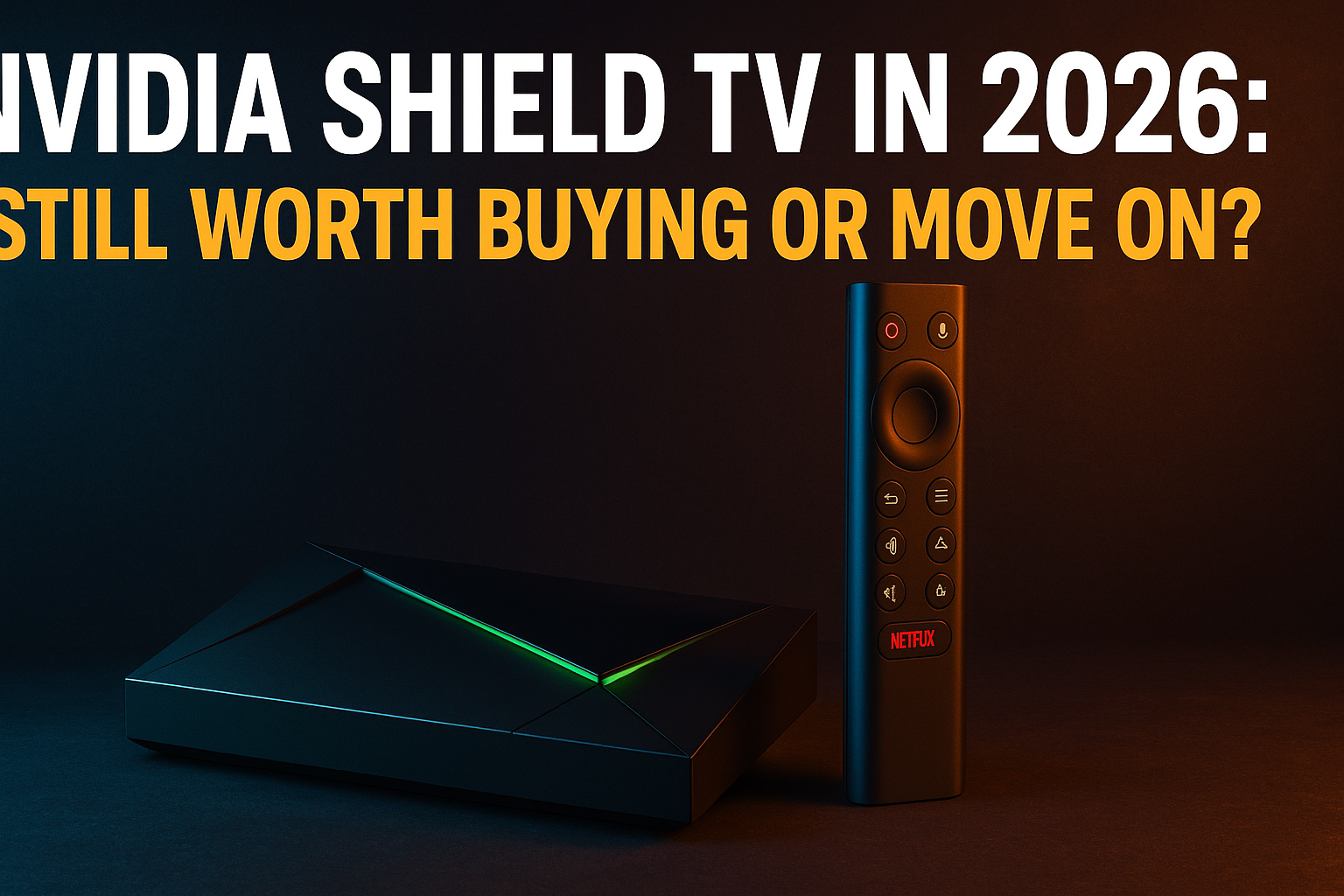
NVIDIA Shield TV 2026 worth buying — that’s the question I keep getting asked, and honestly it deserves a straight answer rather than another spec-sheet rundown. I’ve had a Shield TV Pro running as my daily Plex server and IPTV box for over two years, so I can tell you exactly where it still dominates in 2026 and where cheaper boxes have quietly closed the gap. Let’s get into it.
Short answer: whether the NVIDIA Shield TV 2026 is worth buying depends entirely on what you’re doing with it. Some users still can’t buy better. Others? A $39 Onn box does the job just fine. This guide draws that line clearly.
Why People Are Questioning the Shield TV Right Now
The chatter picked up noticeably over the past 12 months. NVIDIA hasn’t touched the Shield hardware since the 2019 refresh — meaning the current lineup is over five years old. That’s a long product cycle by any measure, and it naturally makes anyone wondering if the NVIDIA Shield TV 2026 is worth buying a little nervous.
No New Hardware in Years — What That Actually Means
The timeline isn’t pretty. Both the Shield TV (standard) and Shield TV Pro last received hardware updates in late 2019. The Tegra X1+ chip inside was already two years old at launch. In 2026, you’re buying silicon that’s pushing seven years old.
That does not mean the device is dead. NVIDIA has kept pushing software updates through the Android TV / Google TV ecosystem, and the Shield runs a modern Android version. Honestly, its OS support record beats plenty of “current” budget boxes that shipped with Android 11 and never saw another patch after unboxing.
The real question when deciding if the NVIDIA Shield TV 2026 is worth buying is whether 2019 silicon holds up against today’s streaming demands. It mostly does — with a few caveats I’ll get into shortly.
Is the NVIDIA Shield TV 2026 Worth Buying on Aging Hardware?
Tegra X1+ is a 64-bit ARM chip with 256 CUDA cores and — on the Pro model — 3GB of RAM. Raw specs don’t tell the whole story, but compared to what most budget Android TV boxes were shipping in 2024 and 2025, it still holds a real lead in CPU single-thread performance and GPU headroom.
Streaming tasks — decoding 4K HDR, running IPTV players, handling Kodi library scans, hosting a local Plex server — barely stress the Tegra X1+. Where the age actually shows up is app load times compared to newer Amlogic S928X-based devices, and in RAM-heavy multitasking when several background processes compete for resources.
Dolby Vision and Dolby Atmos passthrough still work correctly. That puts it ahead of most budget competition, which typically handles Dolby Vision through profile conversion rather than true passthrough. If your AV receiver or TV is doing the HDR processing, that distinction matters.
What the NVIDIA Shield TV Actually Does Better Than Competitors
I want to be direct rather than just recite specs. After testing the Shield TV alongside a Mecool KM7 Plus, an Onn Google TV 4K Box, and a Xiaomi Box S 2nd Gen, these are the areas where the Shield genuinely pulls ahead for streaming use cases.
Raw Processing Power vs. Firestick, Onn, and Mecool
The Firestick 4K Max runs on a quad-core ARM Cortex-A55 at 2.0GHz with 2GB of RAM. The Onn Google TV 4K Box uses an Amlogic S905Y4 — decent, but firmly a budget chip. The Shield TV’s Tegra X1+ with its Denver CPU cores runs circles around both in CPU-intensive tasks.
In practice, this gap shows up most when running TiviMate with an EPG containing thousands of channels, loading a large Kodi library, or transcoding inside Plex. I ran a back-to-back transcode test on the Shield Pro and the Onn box — the Shield handled a 4K HEVC-to-1080p transcode while simultaneously streaming to a second client. The Onn box dropped frames trying to manage the same workload.
That said, for straightforward IPTV streaming where you’re just playing an H.264 or H.265 stream from a remote server, the Onn box keeps up fine — which is why the NVIDIA Shield TV 2026 is worth buying mainly for power users rather than casual viewers. The processing gap only reveals itself under genuine load.
AI Upscaling: Gimmick or Genuinely Useful?
NVIDIA’s AI upscaling runs lower-resolution content through a neural network to produce sharper 4K output. On paper it sounds like marketing. In practice, I’ve found it genuinely useful for one specific thing: IPTV streams.
Most IPTV streams arrive in 1080p or even 720p. Run those through the Shield’s upscaler on a 65-inch panel and you get noticeably cleaner edges and better detail compared to the same stream on a Firestick or Onn box. It’s not magic — heavily compressed streams still look compressed — but the difference on sports content is real enough that I leave the feature on permanently in my own setup.
On Blu-ray rips and high-bitrate content, the upscaling adds less value because the source material is already strong. It’s primarily a win for lower-quality streams — which is exactly what most IPTV users are watching daily, and one more reason the NVIDIA Shield TV 2026 is worth buying for that crowd specifically.
Plex and Jellyfin Server Performance on Shield
This is where the Shield Pro specifically earns its $199 price tag and makes the NVIDIA Shield TV 2026 worth buying — for a certain type of user. The Pro model includes 16GB of internal storage and more RAM, and it runs Plex Media Server directly on the device. Your Shield acts as both server and client simultaneously. No separate NAS required.
My Shield Pro has been running Plex server with a 4TB USB drive attached, serving three simultaneous clients in my house for well over a year. Two direct-play 4K streams? No problem. Transcoding is where the Tegra X1+ starts showing its age — I wouldn’t push more than one simultaneous transcode — but for a household where most clients can direct play, it’s genuinely reliable.
Jellyfin runs well on Shield too, though it uses slightly more CPU during library scans than Plex does (this is a known thing in the Jellyfin community, not Shield-specific). Both are significantly more stable here than on any budget box I’ve tested, which reinforces why the NVIDIA Shield TV 2026 is worth buying if Plex or Jellyfin is central to your setup.
Shield TV for IPTV and Kodi in 2026: Real-World Performance
This is the section most of you are here for. IPTV Wire’s audience runs IPTV players, Kodi debrid setups, and VPNs — so let’s talk about whether the NVIDIA Shield TV 2026 is worth buying specifically for those use cases and how it actually handles all of that in 2026..
IPTV Player Performance on Shield TV
TiviMate is the gold-standard IPTV player on Android TV. It runs exceptionally well on Shield. Loading a playlist with 10,000+ channels, rendering a 7-day EPG, switching between streams rapidly — all faster on Shield than on budget boxes. The Pro’s 3GB RAM keeps TiviMate responsive even during aggressive channel flipping.
IPTV Smarters Pro and GSE Smart IPTV both run without a hiccup. I haven’t found a single IPTV player app that causes problems on Shield — Android TV compatibility is essentially universal here, since Shield has been a Tier 1 Android TV device since the ecosystem launched.
Check out our guide to the best IPTV player apps for Firestick and Android TV in 2026 if you’re still deciding which player to pair with your Shield.
Kodi on Shield: Debrid, Builds, and Buffering
Kodi on Shield is about as good as Android TV hardware gets. Raw CPU power, USB 3.0 storage expansion on the Pro model, and mature Android compatibility combine to make Kodi builds load faster, scrape libraries quicker, and buffer less than on budget alternatives.
For debrid-powered Kodi setups — addons like Umbrella, Seren, or The Crew running against Real-Debrid or AllDebrid — the Shield’s advantage shows up in addon response times and stream initialization. On my Onn box I sometimes wait 4–6 seconds for a debrid-cached stream to start. On Shield, it’s consistently closer to 1–2 seconds.
Buffering on Shield is almost always a network or provider issue, not a hardware one. The Pro’s gigabit ethernet port eliminates the WiFi variable entirely for wired setups (yes, you really do need to wire it in if your setup allows). See our breakdown of the best Kodi debrid addons that actually deliver in 2026 for the current addon landscape.
VPN Compatibility and Kill-Switch Reliability
Every major VPN service — ExpressVPN, NordVPN, Surfshark, ProtonVPN — has a proper Android TV app that works on Shield. Kill-switch functionality holds up reliably because Shield’s Android TV version is mature and grants VPN apps the network permissions they actually need.
On budget boxes running stripped-down Android TV forks, VPN kill switches can behave inconsistently. I’ve personally hit kill-switch failures on a couple of cheap Amlogic boxes that I’ve never once reproduced on Shield. If VPN reliability is critical to how you stream, that’s a meaningful — not trivial — advantage.
The Real Alternatives If You Skip the Shield TV
The Shield TV’s biggest problem in 2026 isn’t age. It’s price. Paying $149–$199 is a tough sell when genuinely capable boxes exist at a fraction of the cost. Here’s how the realistic alternatives compare.
Mecool KM7 Plus vs. NVIDIA Shield TV
The Mecool KM7 Plus runs certified Google TV on an Amlogic S905Y4 chip with 2GB of RAM, priced around $69–$79. It’s a legitimate mid-range option with full Google Play Store access, Widevine L1 DRM for Netflix HD, and solid 4K HDR support.
Where it falls short: no Dolby Vision passthrough (it converts to HDR10 instead), no AI upscaling, slower app performance under load, and no Plex server capability. For pure IPTV watching and occasional Kodi debrid streaming, the gap is actually smaller than the price difference implies. For Plex server users, though, the KM7 Plus isn’t even in the same conversation.
Onn Google TV 4K Box vs. Shield TV
At $49 retail — frequently on sale for $29–$39 at Walmart — the Onn Google TV 4K Box is one of the best value streaming devices I’ve ever tested. Full stop. For a household that watches IPTV in TiviMate and streams Netflix and YouTube, it does everything you need at roughly a tenth of the Shield Pro’s price.
Sideloading APKs works without fuss, which matters for IPTV apps that aren’t on the Play Store. Take a look at our guide to the best Android TV boxes for sideloading APKs in 2026 for the full breakdown of budget options.
When a Cheaper Box Is Actually the Smarter Choice
Honest answer: if your primary use case is watching IPTV streams in TiviMate, running Kodi with a debrid addon occasionally, and pulling up Netflix or Disney+, the $39 Onn 4K box handles all of that. You’d be paying a $110–$160 premium for Shield’s AI upscaling, Plex server capability, and build quality — features that genuinely won’t matter for some setups.
The Shield earns that premium for Plex and Jellyfin server users, heavy Kodi power users, anyone who needs true Dolby Vision passthrough, and people running complex multi-app setups where RAM and CPU headroom actually matter day to day.
Should You Buy a Shield TV Now or Wait? — NVIDIA Shield TV 2026 Worth Buying Verdict
Here’s my honest take after years of using this device as a daily driver.
Best Use Cases That Still Justify the Price
| Use Case | Shield TV Standard ($149) | Shield TV Pro ($199) |
|---|---|---|
| Plex / Jellyfin Media Server | ❌ No server mode | ✅ Best-in-class for the price |
| IPTV with TiviMate (large EPG) | ✅ Excellent | ✅ Excellent |
| Kodi + Debrid Addons | ✅ Very good | ✅ Very good |
| 4K Dolby Vision Passthrough | ✅ Yes | ✅ Yes |
| AI Upscaling for IPTV Streams | ✅ Yes | ✅ Yes |
| Casual Netflix / YouTube | ⚠️ Overkill — save money | ⚠️ Overkill — save money |
| Budget IPTV Watching Only | ⚠️ Overkill — use Onn | ⚠️ Overkill — use Onn |
Who Should Skip It Entirely
Skip the Shield TV if you’re mainly a casual IPTV viewer with no need for Plex server capability, AI upscaling on a large screen, or true Dolby Vision passthrough. The $39–$79 budget box tier handles basic streaming well enough that the extra spend simply doesn’t pay off.
Also skip it if you’re holding out for new Shield hardware. That’s a completely reasonable position. Waiting costs you nothing. If NVIDIA releases refreshed hardware in late 2026 or early 2027 — and there are no confirmed announcements as of mid-2026, to be clear — you’d be buying a device built on fresh silicon instead of 2019 architecture.
But if you need a reliable, high-performance Android TV box right now — particularly for Plex server duties, demanding IPTV setups, or a living room centered around a high-end AV receiver doing Dolby processing — the Shield TV Pro remains the best Android TV box for that job in 2026. Nothing at its price point has caught up where it counts for power users.
⚖️ Legal Disclaimer: IPTV Wire does not own or operate any streaming service, application, or website mentioned in this article. We do not verify whether third-party services carry proper licensing. Users are responsible for ensuring they comply with copyright laws in their jurisdiction.
FAQ: NVIDIA Shield TV Questions Answered
Is NVIDIA still making new Shield TV devices in 2026?
As of mid-2026, no new Shield TV hardware has been released since the 2019 refresh. NVIDIA has made no official announcements confirming new hardware is coming, though the current lineup remains on sale through NVIDIA’s website and major retailers. It’s actively sold and supported — just not updated on the silicon side.
Does the NVIDIA Shield TV still receive software updates?
Yes. NVIDIA continues pushing Android TV OS updates and security patches to Shield TV devices. The cadence has slowed compared to the early years, but Shield TV owners are not running unsupported or unpatched firmware as of 2026. That’s a better situation than many competing budget Android TV boxes, which ship with Android 11 and never receive another update after the sale.
Is the NVIDIA Shield TV good for IPTV streaming in 2026?
It’s one of the best devices available for IPTV streaming. TiviMate, IPTV Smarters Pro, and other major IPTV players all run smoothly. Large EPG guides load faster than on budget hardware. The AI upscaling feature makes a real, visible difference on lower-resolution IPTV streams displayed on large 4K panels. And the gigabit ethernet port on the Pro model eliminates WiFi-related buffering entirely for wired setups.
What is the best alternative to the NVIDIA Shield TV in 2026?
For budget-conscious users, the Onn Google TV 4K Box at around $39 is the strongest value alternative for basic IPTV watching and casual streaming. For mid-range users who want more performance without paying Shield prices, the Mecool KM7 Plus at $69–$79 is a certified Google TV device with solid Android TV app compatibility. Neither can touch the Shield Pro for Plex server use or heavy Kodi workloads — but both are excellent for lighter, everyday use cases.
Can you run a Plex server on the NVIDIA Shield TV Pro?
Yes — and the Shield TV Pro is one of the very few consumer Android TV boxes that can do it natively. With an external USB drive attached (this is buried in the Plex setup process, annoyingly, but it works reliably once configured), it functions as a standalone media server capable of serving multiple simultaneous direct-play streams. Transcoding is limited by the Tegra X1+ chip — I’d cap expectations at one simultaneous transcode — but for households where clients can direct play, the Shield Pro Plex setup is dependable and has been a staple recommendation on this site for years.

Comments are closed.