

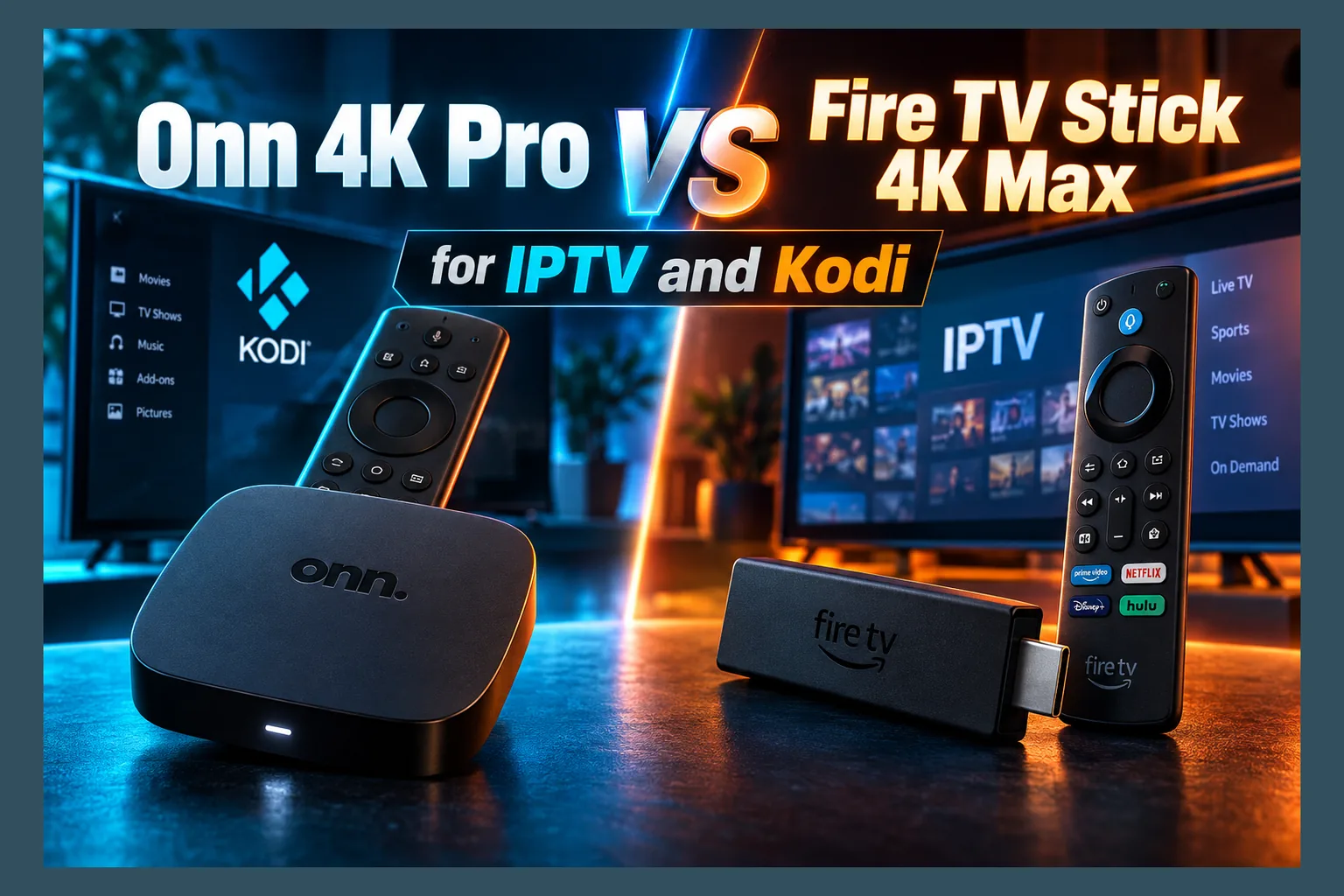
Onn 4K Pro vs Fire TV Stick 4K Max: if IPTV and Kodi are your priorities, the Onn 4K Pro is the stronger pick. It packs more RAM, double the storage, a built-in Ethernet port, and the full Google Play Store. The Fire Stick still makes sense for Alexa and Prime households, though Amazon’s Vega OS shift raises real long-term sideloading questions. Here’s how the two stack up where it actually counts.
Both devices in the onn 4k pro vs fire tv stick 4k max matchup land somewhere in the $35–$60 range. Both handle 4K HDR without drama. If you’re loading big M3U playlists, running a Kodi build, or leaning on sideloaded APKs, though, the gaps between them matter far more than either box’s marketing lets on. This 2026 buying guide sticks to published specs and stated platform policies rather than benchmark claims, so you can check every number against the current listings yourself.
Weighing the cheaper Onn stick instead? I’ve covered that in my Onn Google TV Stick vs. Firestick comparison. Here, it’s strictly the Onn 4K Pro box against Amazon’s top-tier stick.
Quick Verdict: Which Device Fits Which Viewer
Short version first. In the onn 4k pro vs fire tv stick 4k max decision, the spec sheets and platform rules point one way pretty clearly. Your existing smart-home setup, though, can easily tip things the other way.
Pick the Onn 4K Pro If…
- You run large IPTV playlists with thousands of channels and a multi-day EPG.
- You use Kodi builds or a stack of addons that cache data locally.
- Your router sits close enough for a wired Ethernet connection.
- You want TiviMate, Kodi, and Stremio straight from the Google Play Store.
- Long-term sideloading freedom matters more to you than anything else.
Pick the Fire TV Stick 4K Max If…
- Your home already runs on Alexa, Echo speakers, or Ring cameras.
- You need a compact stick that tucks behind a wall-mounted TV.
- Your router supports Wi-Fi 6E and running a cable just isn’t happening.
- You live in the UK or Europe, where the Onn isn’t officially sold.
- You mostly stream mainstream apps and sideload only now and then.
Don’t skip past that regional point when weighing onn 4k pro vs fire tv stick 4k max. Onn is a Walmart house brand, which makes it easy to grab in the US and a hassle almost everywhere else. UK and EU readers would have to import one, deal with shipping, and probably live with a US-plug power adapter. For them, the Fire Stick (or another Google TV box sold locally) is simply the more practical route.
Onn 4K Pro vs Fire TV Stick 4K Max: Spec Sheet Side by Side
These figures come from manufacturer listings for the Onn 4K Pro, which launched in late 2024, and the second-generation Fire TV Stick 4K Max from 2023. Prices and specs drift on both sides of the onn 4k pro vs fire tv stick 4k max comparison. Check the current Walmart and Amazon product pages before you buy.
| Spec | Onn 4K Pro | Fire TV Stick 4K Max (2nd gen) |
|---|---|---|
| Operating system | Google TV (Android TV OS) | Fire OS (Android-based) |
| RAM | 3GB | 2GB |
| Storage | 32GB | 16GB |
| Wi-Fi | Wi-Fi 6 | Wi-Fi 6E |
| Ethernet | Built-in RJ45 port | Via separate adapter only |
| USB | USB-A port | Micro-USB (power/adapter) |
| HDR | Dolby Vision, HDR10+, HDR10, HLG | Dolby Vision, HDR10+, HDR10, HLG |
| Audio | Dolby Atmos | Dolby Atmos |
| Voice assistant | Google Assistant (with hands-free mic) | Alexa (via remote) |
| Remote extras | Backlit, remote finder, custom button | App shortcut and recents buttons |
| List price | $49.88 | $59.99 |
RAM and Storage: Why It Matters for Kodi Builds and EPGs
RAM is your IPTV player’s working memory. When TiviMate or a similar app loads a 15,000-channel playlist alongside a 7-day EPG, all that guide data needs somewhere to live so scrolling stays snappy. Less RAM means Android kills background apps more aggressively. The guide reloads more often. You wait.
Kodi is hungrier still. A typical build stacks a heavy skin, home-screen widgets, and half a dozen addons, every one of them pulling metadata and fan art into memory and onto storage. That extra 1GB is one of the clearest wins in the onn 4k pro vs fire tv stick 4k max fight, buying real breathing room before Android starts closing processes.
Then there’s storage. A 16GB Fire Stick doesn’t actually give you 16GB, because the OS and preinstalled apps claim a chunk before you install anything, and Kodi caches, thumbnails, and leftover APK files eat the rest faster than most people expect. The Onn starts at 32GB. Add a cheap flash drive in the USB-A port and you’ve got plenty of headroom.
Wi-Fi 6 vs Wi-Fi 6E and the Built-In Ethernet Port
On paper, the Fire Stick wins the wireless round of onn 4k pro vs fire tv stick 4k max. Wi-Fi 6E opens up the 6GHz band, which tends to be far less crowded in dense apartment blocks. The catch? You only see that benefit with a 6E router, and plenty of US and UK homes still run Wi-Fi 5 or plain Wi-Fi 6 hardware (often whatever the ISP handed over years ago).
The Onn’s trump card is that RJ45 port. A cable takes interference out of the picture entirely. That matters most during live sports, where a two-second signal dip turns into a spinning wheel right as someone shoots. Amazon does sell an Ethernet adapter for the Fire Stick, but it’s another purchase and another dongle dangling off your TV.
So, onn 4k pro ethernet vs firestick wifi? My take is simple. If a cable can reach your TV, wired beats any Wi-Fi standard for live IPTV consistency.
Video and Audio Formats: Dolby Vision, HDR10+, Atmos
Tie. On formats, onn 4k pro vs fire tv stick 4k max is a wash. Both support Dolby Vision, HDR10+, HDR10, HLG, and Dolby Atmos passthrough. Whether a given IPTV stream actually carries HDR comes down to the provider, not your hardware.
Not sure how to tell real 4K channels from upscaled 1080p? My guide on what 4K IPTV is and how to choose a provider explains what to look for.
Price and Where Each Goes on Sale
Walmart lists the Onn 4K Pro at $49.88, and it rarely strays far from that. The Fire TV Stick 4K Max carries a $59.99 list price but regularly falls to the mid-$30s around Prime Day in July, Black Friday, and Amazon’s smaller fall sale events.
Time it right and the Fire Stick comes out cheaper in the onn 4k pro vs fire tv stick 4k max price battle. Add the roughly $15 Ethernet adapter, though, and the gap shrinks or even flips. Canadian buyers should check Walmart.ca stock, which tends to be patchier than in the US.
Onn 4K Pro vs Fire TV Stick 4K Max Software: Google TV vs Fire OS for IPTV
Hardware is only half the onn 4k pro vs fire tv stick 4k max story. The software decides which apps you can install, how hard the home screen pushes content at you, and how much control you actually keep.
Home Screen Ads and Recommendations
Neither one is ad-free. Fire OS puts big sponsored banners across the top of the home screen and leans heavily on Prime Video. Google TV has its own recommendation rows and promoted titles, but it also offers an “Apps only” mode that strips most of the suggestions away (it’s tucked into the account settings, annoyingly).
For IPTV users who just want to open their player and go, that toggle is a genuine quality-of-life win. Fire OS has nothing equivalent. Third-party launchers used to fill that gap on older Fire OS versions, though Amazon has made them harder to rely on over time.
Play Store Access vs Amazon Appstore Catalog
Because the Onn runs certified Google TV, it gets the full Google Play Store for TV. That catalog is bigger and includes several IPTV players and media centers Amazon doesn’t host. Fewer apps need sideloading to begin with.
Read next: Sideloading on Onn 4K Pro: Install IPTV Apps Step by Step
The Amazon Appstore handles mainstream streaming apps well. Enthusiast tools are another matter. Amazon also wound down its Appstore on Android phones in 2025, which hints at where its priorities sit, though the Fire TV store itself carries on.
App Compatibility: TiviMate, IPTV Smarters, Kodi, Stremio
Store listings shift around, so treat this table as a snapshot. Confirm on each store before you buy.
| App | Google Play (Onn 4K Pro) | Amazon Appstore (Fire Stick) |
|---|---|---|
| TiviMate | Listed | Listed |
| Kodi | Listed | Not listed (sideload required) |
| Stremio | Listed | Check current listing |
| IPTV Smarters | Listing has come and gone; verify | Listing has come and gone; verify |
| Downloader | Listed | Listed |
Kodi shows the difference best. On the Onn, you install it from Play like any other app, and it updates itself. On a Fire Stick, you sideload the APK from Kodi’s official site and handle every update by hand, which gets old once a new point release drops.
Need a starting list for a fresh Google TV box? See my roundup of the best apps to install on Onn Google TV. Free options like the 4K Gold IPTV Player deserve a look too if you’d rather not pay for TiviMate Premium.
Sideloading Freedom and the Vega OS Question
This is where the onn 4k pro vs fire tv stick 4k max decision really gets made. Right now, both sideload fine. The real question: which one still lets you do it in two or three years?
How Sideloading Works on Each Platform
Same basic routine on both. You enable Developer Options by tapping the build number in the About menu seven times (yes, seven, and yes, it still feels like a cheat code). On Google TV, that’s the Android TV OS build entry; on Fire OS, you tap the device name instead. Then you grant “Install unknown apps” permission to a specific app, usually Downloader.
Google TV handles that permission per app, which is a bit safer since only apps you trust can install APKs. Current Fire OS versions work per app as well. The workflow is nearly identical, so onn 4k pro vs firestick sideloading comes down to policy, not difficulty.
I won’t repeat every install step here. Setting up a new Fire Stick? My step-by-step Fire TV Stick setup guide covers the basics, and the Onn apps roundup linked above handles the Google TV side.
Amazon’s Shift Away From Android on Newer Fire TV Devices
Amazon has built Vega OS, a Linux-based operating system, for newer Fire TV hardware. The Fire TV Stick 4K Select was the first device to ship with it, in late 2025. According to Amazon’s developer communications, Vega OS apps come from the Amazon Appstore, and Android APKs don’t run on it. Full stop.
Amazon says existing Fire OS devices, the 4K Max included, will keep getting support. What it hasn’t published is any firm timeline for how long Fire OS stays on new hardware. You can follow the platform’s history on Wikipedia’s Fire TV page.
Widespread reports in 2025 also said Amazon had started blocking certain apps flagged as piracy tools on Fire OS. That doesn’t stop legal sideloading of something like Kodi. It does show Amazon tightening its grip, though. Beyond what Amazon has actually announced, I’d avoid predicting anything specific.
Which Device Is Safer to Buy for Long-Term APK Use
No platform is fully hands-off. Google has announced developer verification requirements for Android apps, and exactly how that plays out on TV devices is still unclear, so hedge accordingly. Even so, Google TV is still built on Android, and APK installs remain a core part of how that ecosystem works today.
The 4K Max runs Fire OS, so Vega OS doesn’t touch it directly right now. But if Amazon keeps reshaping its lineup, future accessories, app support, and updates could start favoring Vega hardware. Buying mainly to sideload? The Onn looks like the lower-risk bet.
VPN Support on Each Device
Plenty of IPTV users treat a VPN as standard kit, whether for privacy, getting around ISP throttling, or reaching home-country apps while travelling. Both devices run VPN apps. The system-level controls are where they split.
Native VPN Apps in Google Play vs Amazon Appstore
Most big providers, including NordVPN, Surfshark, ExpressVPN, Proton VPN, and Private Internet Access, publish TV apps on both stores. Smaller or niche VPNs show up on Google Play only more often. Check your provider’s support page before assuming a Fire TV app exists.
Always-On VPN and Kill Switch Options in Android Settings
Android includes an always-on VPN feature, plus an option to block traffic whenever the VPN drops. On Google TV, though, that toggle doesn’t appear in every build’s settings menu, so you may end up relying on your VPN app’s own kill switch anyway. It varies by device and software version.
Fire OS has no system-wide always-on setting at all. You’re fully dependent on the app’s kill switch and auto-connect features. Want to check either device? Disconnect the VPN mid-stream, then confirm your IP on a leak-test site in a browser or supported app.
Remote, Voice Assistant, and Everyday Usability
Forget specs for a second. You’ll grab that remote dozens of times a day, and small design choices pile up.
Google Assistant vs Alexa
The Onn 4K Pro has a built-in far-field microphone, so it can answer hands-free like a smart speaker, and there’s a physical switch to kill the mic when you want privacy. Google has also started bringing Gemini features to Google TV, though rollout differs by device and region.
On the Fire Stick, Alexa is push-to-talk through the remote. If you already run lights and cameras through Alexa, giving that up is hard. Neither assistant understands IPTV playlists in any useful way, so voice search mostly helps with mainstream apps.
Remote Buttons, Backlight, and Remote Finder
The Onn remote is backlit. In a dark room, mid-channel-surf, that’s a small luxury you notice quickly. It also gets a programmable star button and a remote finder: press the button on the box and the remote chirps from wherever it’s hiding. Couch cushions everywhere, consider yourselves warned.
Amazon’s Alexa Voice Remote Enhanced adds app shortcut and recents buttons, but no backlight and no finder. For both, you’d need the separately sold Alexa Voice Remote Pro, which runs around $35.
Form Factor: Set-Top Box vs HDMI Stick
The Fire Stick plugs straight into an HDMI port and vanishes behind the TV. Perfect for wall mounts with no shelf in sight. Amazon recommends powering it from the included wall adapter rather than the TV’s USB port, which often can’t supply enough current.
The Onn is a small box. It needs a shelf, an HDMI cable, and a power outlet. In return, it has room for Ethernet and USB ports, plus better airflow than a stick crammed against the back of a hot panel. If your TV sits on a stand near the router, the box shape is a non-issue.
Security Considerations for Sideloaders
More sideloading means more exposure. A few habits cut the risk on either device.
Google Play Protect vs Fire OS Scanning
Google TV ships with Play Protect, which can scan sideloaded APKs and flag known malware. Fire OS doesn’t include it, so files you sideload get far less automatic checking. Before installing any APK, run the file or its download link through VirusTotal. And stick to official developer sites, not random mirror links from a forum post.
Keeping APK-Heavy Devices Off Your Main Network
Put your streaming device on a guest network, or a separate VLAN if your router supports one. That keeps a compromised app away from laptops, phones, and NAS drives. Every few months, go through your installed apps and remove anything you’ve stopped using.
Final Recommendation by Use Case
Here’s how the two compare across the setups readers ask about most.
| Use case | Better pick | Why |
|---|---|---|
| Live TV IPTV with large playlists | Onn 4K Pro | More RAM for EPG data, wired Ethernet |
| Kodi builds | Onn 4K Pro | Kodi on Play Store, 32GB storage, USB-A |
| Stremio | Onn 4K Pro | Native Play listing, Android-based future |
| 4K HDR streaming apps | Tie | Identical HDR and Atmos support |
| Budget buyers (US) | Fire Stick on sale | Drops to mid-$30s during Amazon events |
| UK and EU buyers | Fire TV Stick 4K Max | Onn isn’t officially sold outside North America |
| Alexa smart homes | Fire TV Stick 4K Max | Native Alexa integration |
For most IPTV and Kodi users in the US, the onn 4k pro vs fire tv stick 4k max question lands on the Onn. It pairs more hardware headroom with an operating system that still treats APK installs as normal. Vega OS doesn’t break the 4K Max today. For anyone buying a device to sideload for years, though, Amazon’s direction is the deciding factor.
Also stream on Apple devices? My guide to TiviMax for MacBook and Apple TV covers that side of the setup.
⚖️ Legal Disclaimer: IPTV Wire does not own or operate any streaming service, application, or website mentioned in this article. We do not verify whether third-party services carry proper licensing. Users are responsible for ensuring they comply with copyright laws in their jurisdiction.
Frequently Asked Questions
Is the Onn 4K Pro better than the Fire TV Stick 4K Max for IPTV?
For most IPTV users, yes. With 3GB of RAM, 32GB of storage, and a built-in Ethernet port, the Onn 4K Pro handles big playlists and live streams more comfortably. The Fire Stick makes more sense for Alexa households or anyone outside the US.
Can you sideload apps on the Onn 4K Pro like a Firestick?
Yes. Enable Developer Options, grant “Install unknown apps” permission to something like Downloader, and install your APKs. It’s nearly identical to Fire OS. Plenty of apps won’t need sideloading anyway, since they’re already on Google Play.
Does the Onn 4K Pro have more RAM than the Fire TV Stick 4K Max?
Yes. Manufacturer specs list 3GB of RAM for the Onn 4K Pro and 2GB for the second-gen Fire TV Stick 4K Max. Storage doubles too: 32GB versus 16GB.
Will Amazon block sideloading on future Fire TV devices?
Amazon’s Vega OS devices, beginning with the Fire TV Stick 4K Select, run Appstore apps only and don’t support Android APKs. Amazon hasn’t announced removing sideloading from existing Fire OS devices like the 4K Max. Its newer hardware, however, is clearly moving away from Android.
Which device works better with a VPN for streaming?
Both run major VPN apps like NordVPN, Surfshark, and ExpressVPN. The Onn has a slight edge: Android includes always-on VPN controls, and the Play Store offers a wider selection. Fire OS leans entirely on each app’s own kill switch.
Does the Onn 4K Pro have an Ethernet port?
Yes. A built-in RJ45 port lets you plug the Onn 4K Pro straight into your router. For a wired connection on the Fire TV Stick 4K Max, you’ll need a separate Ethernet adapter.


Comments
Leave a comment
Your email address will not be published. Comments are moderated before they appear.