

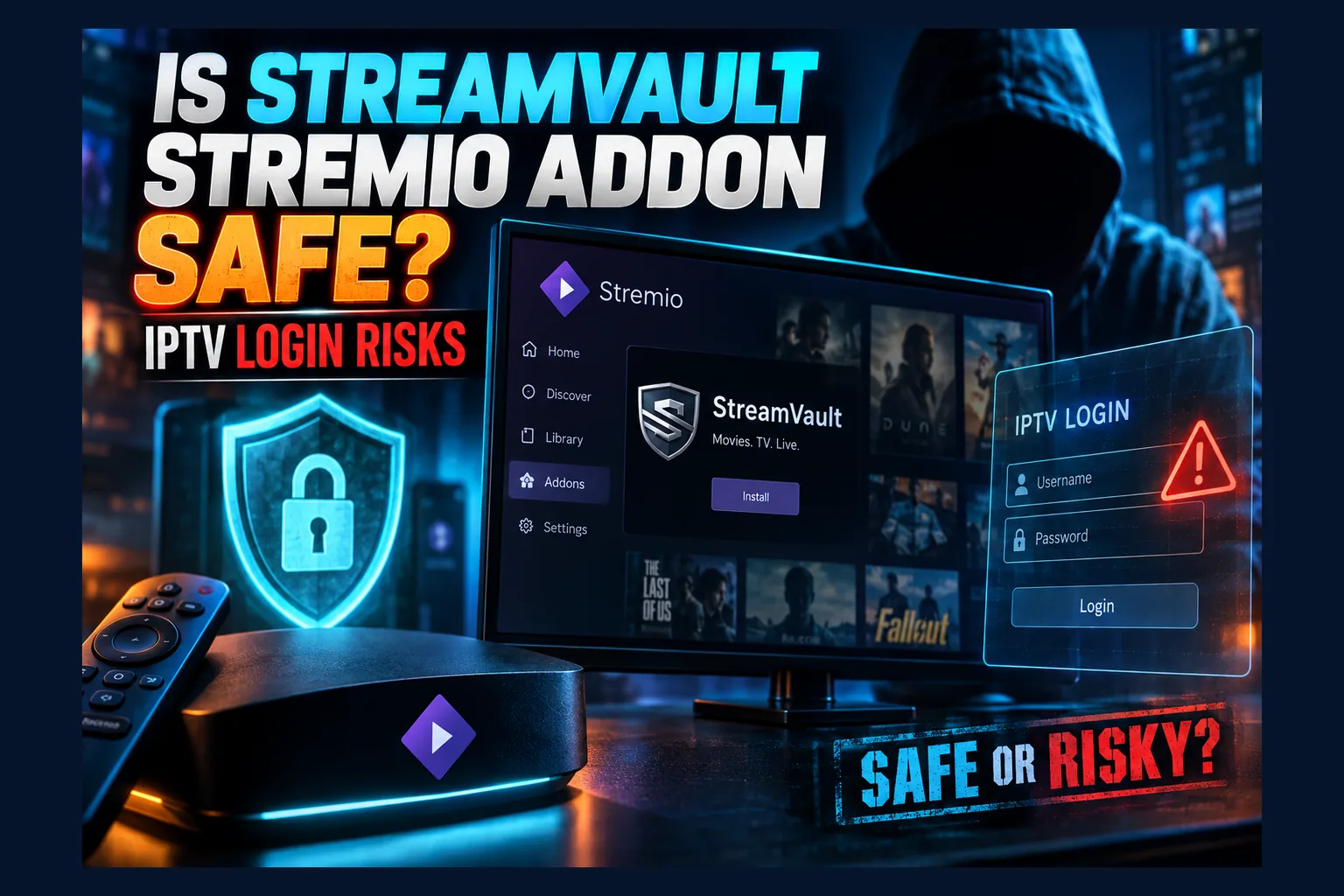
Is StreamVault Stremio addon safe? For most people the malware risk is low, because it runs as a hosted web service rather than an app on your device. The real issue is privacy. Your paid IPTV username and password usually get encoded into the addon URL, synced to your Stremio account and sent to someone else’s server. That’s where this guide focuses.
Most coverage you’ll find as of 2026 is install tutorials that never ask ‘is StreamVault Stremio addon safe?’ at all: click here, paste that, done. This guide skips the screenshots. It covers what actually happens to your IPTV login after you paste it into a remotely hosted addon, how to see exactly what you’re exposing, and what to do if you suspect your line has leaked.
Quick Answer: Is StreamVault Stremio Addon Safe to Use?
Short version? Is StreamVault Stremio addon safe for low-stakes use? Reasonably, yes. It is not a private vault for valuable credentials, whatever the name suggests. Nothing gets installed on your Firestick, Fire TV Cube or Android box, so the usual sideloaded-APK worries (hidden permissions, bundled adware, sketchy background services) mostly don’t apply.
The risk sits with your streamvault addon iptv credentials. Configure the addon with an M3U link or an Xtream Codes login and those details end up inside a URL. That URL then moves between your devices, your Stremio account and the addon host.
Before you answer ‘is StreamVault Stremio addon safe’ for your own setup, three checks matter more than anything else:
- Where the addon is hosted, and whether the domain matches the one the developer officially lists.
- Whether the source code is public, so someone can confirm what the server does with your login.
- Whether your IPTV line is easy to reset if the credentials ever leak.
A caveat up front. Who maintains StreamVault, where it’s hosted and whether it’s open source can all change, sometimes overnight in this scene. Confirm those details against the addon’s current page or repository before you rely on anything here.
How StreamVault Works With Stremio and Nuvio
You need a rough mental model of Stremio addons before ‘is StreamVault Stremio addon safe’ becomes an answerable question. It’s simpler than most people assume. That simplicity is exactly why credentials end up exposed.
Hosted Addon vs Installed App: Why It Matters
A Stremio addon isn’t software running on your TV box. It’s a small web service sitting on someone’s server, answering requests from the Stremio app. The official Stremio Addon SDK lays out the model: the client asks for catalogs, metadata and streams, and the addon replies with JSON.
Everything starts with a manifest URL, usually ending in /manifest.json. “Installing” an addon just means Stremio saves that URL and starts calling it. Good news if your version of ‘is StreamVault Stremio addon safe’ is really about malware, since the addon can’t touch your files. Less good for privacy, because whatever the addon knows about you lives on its server, not yours.
What Happens When You Paste an M3U or Xtream Login
Configurable addons like StreamVault typically have a web configure page. You type in your M3U playlist URL, or your Xtream Codes server address plus username and password, then hit a button that spits out your personal install link.
Here’s the catch. Stremio addons have no built-in login system, so the configure page usually packs your settings straight into the manifest URL, and every single request Stremio makes afterward carries those settings to the addon host. From there it depends on the build: the server either fetches your channel list and hands back direct stream links, or it proxies the video through its own infrastructure.
Either way, an xtream codes login stremio addon setup means a third party’s server handles your provider credentials. There’s no way around it. The server has to talk to your provider to build the channel list in the first place.
Stremio vs Nuvio: Same Addon Protocol, Different Clients
Nuvio is a third-party media app that speaks the Stremio addon protocol. Paste the same StreamVault manifest URL into it and it calls the same remote server, the same way.
So for nuvio iptv addon safety, switching clients changes the app on your device. It doesn’t change where your credentials go. The real difference is how each client stores and syncs your addon list, which I’ll get to below.
The Biggest Risk: Your IPTV Credentials in the Config URL
Most install guides skip this part entirely, and it’s where ‘is StreamVault Stremio addon safe?’ gets a less comfortable answer. And to be fair, the issue isn’t that StreamVault is shady. Any hosted IPTV addon is built in a way that puts your login in places you probably wouldn’t expect.
Credentials Encoded in the Manifest Link
Open a configured addon URL and you’ll often spot a long run of random-looking characters between the domain and /manifest.json. That’s usually Base64 or a URL-encoded JSON object. Base64 is encoding. It is not encryption. Anyone holding the string can reverse it in a few seconds.
Want to check your own? Copy the chunk between the domain and /manifest.json, then try one of these:
- In a desktop browser: open the developer console (F12 in Chrome, Edge or Firefox), type
atob("PASTE_STRING_HERE")and press Enter. - On macOS or Linux: run
echo 'PASTE_STRING_HERE' | base64 --decodein a terminal. - If you get an error: the string may use URL-safe Base64. Swap
-for+and_for/, then add=padding until the length is a multiple of four (yes, this fiddly step trips up most people).
A harmless example: dXNlcjpwYXNz decodes to user:pass. If your own string decodes into your provider host, username and password, you now know exactly what’s exposed, and you have a far more honest answer to ‘is StreamVault Stremio addon safe’ for your line. Some addons encrypt the config instead. It sounds like a clean yes to ‘is StreamVault Stremio addon safe?’, but the server still holds the key, so the host can always read it.
Who Can See That Link (Sync, Screenshots, Shared Accounts)
Signed into a Stremio account? Then your installed addons sync to every device on it. Convenient, sure. It also means your IPTV credentials now live in your Stremio account data and on every TV, phone and laptop you’ve ever logged into.
The usual ways that link escapes:
- Shared Stremio accounts: a roommate or relative using your login can open the addon list and copy the URL.
- Screenshots: people post their addon setup to Reddit or Discord asking for help and forget the full URL is sitting right there.
- Copy-paste sharing: sending “my working addon link” to a friend hands over your IPTV line.
- Old devices: a sold or gifted Firestick that’s still signed in keeps the full addon list.
This stremio addon manifest url leak problem hits every configurable addon, not just StreamVault. Leak the URL for a free catalog addon and it barely matters. Leak it for a paid IPTV line, often somewhere in the $10 to $20 a month range, and someone else is watching on your subscription.
Read next: Is the Cauldron Stremio Addon Safe? Torrent vs Debrid Risks
Server-Side Logging by the Addon Host
Every request your client sends hits the addon server with the encoded config in the URL. Standard web server and reverse-proxy setups (Nginx, Caddy, most default access logs) record request URLs out of the box. Unless the operator deliberately turned that off, your credentials can land in log files.
None of this means anyone is harvesting logins. It means you’re trusting the operator’s competence, the operator’s intentions and their hosting provider’s security, all at once. You can’t verify any of that from outside. That’s why the open-source question below matters so much.
Is StreamVault Stremio Addon Safe? Other Risks to Weigh First
Credential exposure is the headline. A few other factors still decide whether StreamVault fits your setup.
HTTP vs HTTPS Endpoints
The addon URL itself should be HTTPS. Plenty of IPTV providers, though, still serve playlists and streams over plain HTTP, so your username and password travel unencrypted inside stream URLs regardless of which app you use. I went through the HTTP side in detail in Is Flix-Streams Safe? HTTP Stremio Addon Risks Explained, so I won’t rehash it.
Provider Account Bans From Shared or Proxied IPs
Most IPTV providers cap connections per line, commonly one or two on a basic plan, and keep an eye on odd login patterns. If StreamVault fetches your playlist from a datacenter IP while you stream from home, your provider sees two locations. Some panels flag that.
Proxying makes it worse. If the addon routes video through its own server, the provider may see dozens or hundreds of users arriving from one IP, which can trip automated blocks on that IP or on individual lines. Read your provider’s terms. Some explicitly ban third-party proxies and restreaming, and enforcement varies a lot from one reseller to the next.
Open Source or Closed: Can You Audit It?
Public code changes the picture. You, or a more technical friend, can read exactly what the server does with your config: logs it, stores it, or only holds it in memory. Public code also makes self-hosting possible, which removes the third-party trust problem entirely.
One limit to keep in mind. Public code proves what the repository says. It doesn’t prove the hosted instance runs that exact code. And if the addon is closed source? Treat the host as a black box and size your risk to match.
Legal Exposure Depends on Your IPTV Source
StreamVault is a pipe. It supplies no channels; it only relays whatever your provider gives it. Whether your viewing is legal comes down to the provider’s licensing and your local laws, which differ a lot between the US, UK, Canada and EU countries. For a plain-English breakdown, read What IPTV Legal Risks Actually Mean for Subscribers.
Pre-Install Safety Checklist
All of this takes about ten minutes. No special tools needed.
Verify the Official Addon URL and Domain
- Get the developer’s official link from the repository README or the developer’s own announcement, not a random blog or Telegram post.
- Compare the domain character by character. Copycat addons love near-identical names with one extra letter or a different hosting subdomain.
- Confirm the configure page loads over HTTPS with a valid certificate (click the padlock; it takes two seconds).
Clone addons are a real, recurring pattern in the Stremio scene. Building a lookalike configure page that captures IPTV logins is trivial. You’d never notice from inside the app.
Check the Repository, Commit History and Maintainer
- Check whether a public repository exists at all.
- Look at the dates on the most recent commits. An addon untouched for six months or more may be abandoned while its server keeps quietly running.
- Read open issues for reports of broken logins, leaked configs or provider bans.
- If you’re comfortable reading code, search for logging calls near the config handling.
Use a Throwaway or Secondary IPTV Line If Possible
Plenty of resellers will issue a second line, a sub-account or a 24 to 48 hour trial for a small fee. Feed that into StreamVault instead of your main line and you cap the damage if anything leaks. Provider says no? Then at least find out how fast they can reset a password before you start.
Decide Whether to Route Through a VPN
A VPN hides your streaming traffic from your ISP. It can also help where ISPs throttle or block IPTV domains, which is a genuine benefit in countries where that filtering is active, such as the UK during big football matches.
What it won’t do is touch credential exposure. The addon host still receives your login. Your Stremio account still syncs the URL. And a VPN changes your IP, which can add yet another location to your provider’s login history.
Safer Ways to Get IPTV Into Stremio or Nuvio
If those trade-offs bother you, lower-risk options exist. Here’s how they stack up:
| Option | Who sees your credentials | Effort | Best for |
|---|---|---|---|
| Public hosted StreamVault | You, your Stremio account, the addon host | Low | Trial or secondary lines |
| Self-hosted addon | You and your own server | Medium to high | Technical users who want everything in Stremio |
| Dedicated IPTV player | You and the player app | Low | Live TV with full EPG |
Self-Hosting the Addon
Open-source code means you can run your own copy on a home server, a Synology-style NAS or a small private VPS (budget providers start at around $5 a month). Your credentials stay on hardware you control. The manifest URL points to your instance, not a public one.
The typical flow: clone the repository, run it with Node or Docker, put it behind HTTPS. Stremio generally expects HTTPS unless the addon runs locally, so a reverse proxy with a free Let’s Encrypt certificate is the usual fix. Even when self-hosting, don’t share your Stremio account. The synced URL can still reveal your server address and config.
Using a Dedicated IPTV Player Instead
For live TV, a dedicated IPTV player like TiviMate or iMPlayer is often the cleaner choice. Your login goes straight from your device to your provider. No middleman server. These players also handle EPG grids, catch-up and channel groups better than Stremio, which was built mainly around on-demand movies and shows.
The downside is losing Stremio’s unified library. Lots of people just run both: Stremio for catalogs (see Stremio Catalog Addons: What Actually Changes After Setup) and a dedicated player for live channels.
What to Do If You Think Your Login Leaked
Shared a screenshot? Lent out your Stremio account? Used a lookalike domain? Move fast. These steps take minutes.
Remove the Addon From Every Synced Device
- Open Stremio on any device signed into your account.
- Go to Addons, find StreamVault and uninstall it. The removal syncs to your other devices on that account.
- Open Stremio on each device and confirm it’s actually gone, especially older boxes that may have been offline.
- In Nuvio or any other client, remove the addon separately, since it may keep its own addon list.
- Sign out of Stremio on devices you’ve sold, gifted or stopped using, then change your Stremio password.
Reset Your IPTV Password or Request a New Line
Contact your provider or reseller and ask them to rotate the password or issue fresh credentials. Fixing the Stremio side alone does nothing here. Anyone who copied the old URL can still plug the IPTV login straight into any player they like.
Watch for Concurrent-Connection Errors
A “max connections reached” error while only one of your devices is streaming is the classic sign someone else is on your line. Still happening after a reset? Ask your provider to check active sessions on the account.
Bodhi’s Bottom Line: Is StreamVault Stremio Addon Safe for You?
My take: StreamVault isn’t dangerous the way a sketchy APK can be. The risk is about trust. It asks you to hand a valuable login to a server you can’t inspect, then tucks that login into a URL that syncs everywhere you’re signed in.
On a trial line, a cheap secondary account or a provider that resets credentials instantly, that’s an easy trade to accept. On a paid annual line you can’t easily replace, I’d self-host or go with a dedicated IPTV player instead. For context on how other addons compare, see my take on Cauldron’s torrent and debrid risks and what to check first with Duck Streams.
⚖️ Legal Disclaimer: IPTV Wire does not own or operate any streaming service, application, or website mentioned in this article. We do not verify whether third-party services carry proper licensing. Users are responsible for ensuring they comply with copyright laws in their jurisdiction.
Frequently Asked Questions
Does StreamVault store my IPTV username and password?
Usually your credentials are encoded into the addon URL, which your Stremio account stores and syncs. The server receives them with every request. Whether the host also logs or saves them depends on its code and configuration, so check the repository if there is one.
Can other people see my Stremio addon URLs?
Yes. Anyone with access to your Stremio account or a signed-in device can view and copy them, and screenshots or shared links expose them too. Treat a configured IPTV addon URL like a password.
Is StreamVault safer in Nuvio than in Stremio?
Not really. Both clients send your config to the same addon server. Nuvio may store or sync your addon list differently, but the main credential exposure on the host side doesn’t change.
Do I need a VPN when using an IPTV addon in Stremio?
A VPN hides your traffic from your ISP and can get around IPTV blocking. It doesn’t protect your credentials from the addon host, though. Use one for ISP privacy, not as a fix for stremio iptv addon m3u risks.
Can using StreamVault get my IPTV account banned?
It can happen. Providers that flag logins from datacenter IPs, multiple locations or known proxies may lock or suspend lines, and policies vary by provider. Read your provider’s terms on third-party apps and restreaming before you connect.
Is there a self-hosted alternative to StreamVault?
If StreamVault’s source code is public, you can run your own instance on a home server or private VPS. If it isn’t, a dedicated IPTV player like TiviMate or iMPlayer keeps your login between your device and your provider, with no middleman.
Comments
Leave a comment
Your email address will not be published. Comments are moderated before they appear.