

Table of contents
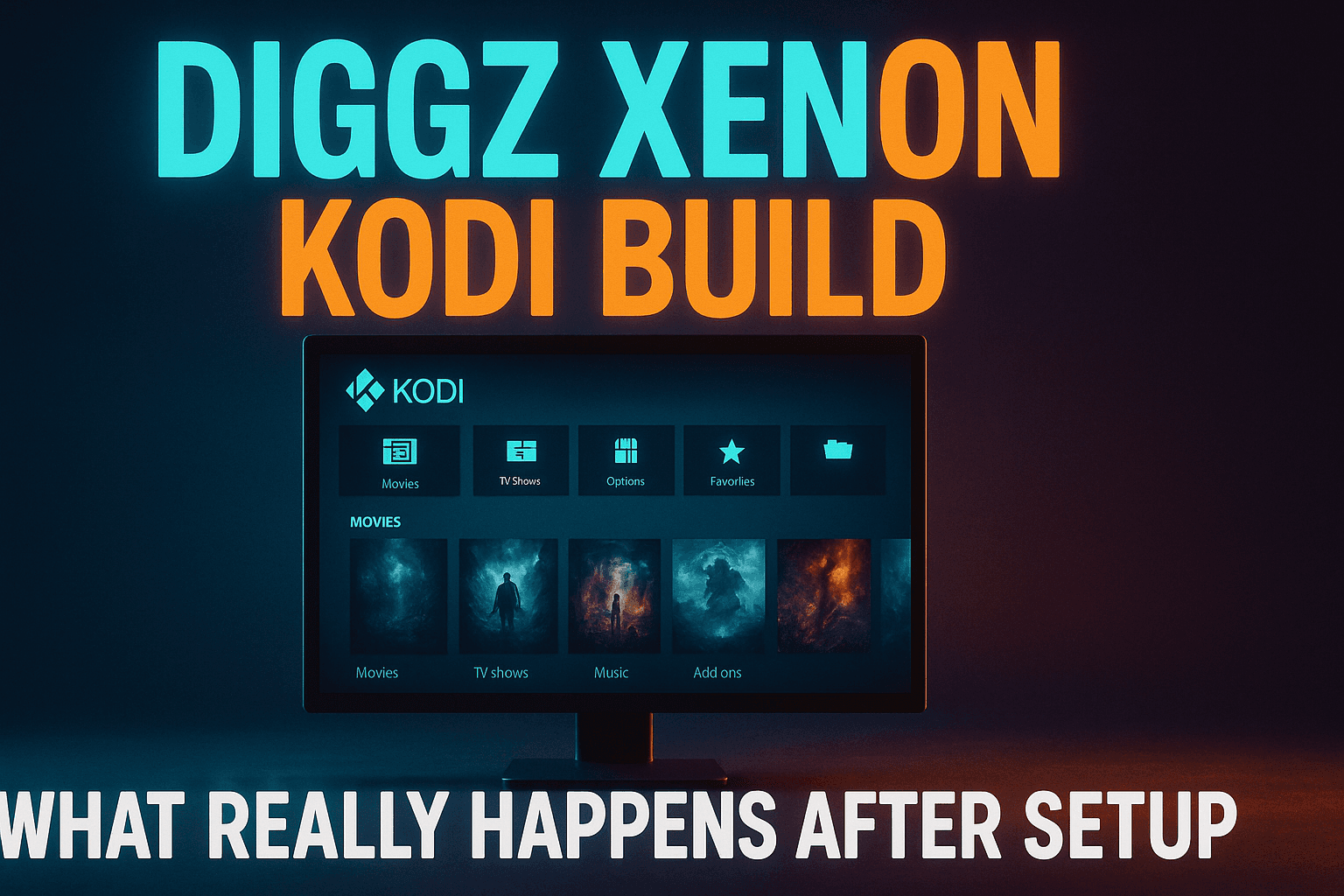
Diggz Xenon Kodi build is one of those rare all-in-one setups that actually earns its reputation — polished skin, pre-loaded addons, and a wizard that does not require a computer science degree to navigate. But most guides hand you the install steps and disappear. This piece covers what happens after setup: real buffering numbers, honest addon performance, and a straight answer on whether the Diggz Xenon Kodi build is worth your time in 2025.
I tested the Diggz Xenon Kodi build across three devices over the past month — a 4K Firestick (2023 model), an NVIDIA Shield Pro, and a mid-range Android TV box running around $60 — specifically to answer the question most reviewers ignore: is it actually worth using? Not “how do I install it.” What’s the real-world experience once you’re past the setup screen and staring at that Arctic Zephyr interface?
That’s what this is about. Honest performance numbers, a frank breakdown of which bundled addons hold up and which are dead weight, and a direct answer on whether a full build like Xenon beats just handpicking your own addons.
What Is the Diggz Xenon Kodi Build?
The Diggz Xenon Kodi build is the flagship release from the Diggz wizard — and the most actively maintained one — a Kodi build installer created by developer Diggz (also goes by ‘Dig’). It’s a pre-configured Kodi environment. Skin, addons, menu layout, scraper settings — all of it installs in one shot through the wizard.
The build has existed in various forms since Kodi 17. Crucially, it’s one of the few that kept getting updates through Kodi 19, then Kodi 20 (Nexus), and now Kodi 21 (Omega). That longevity matters more than people realize. Plenty of builds that were hyped in 2021 are completely abandoned now — broken skins, dead addons, no maintenance.
How It Differs from Free99 and Other Diggz Builds
The Diggz ecosystem isn’t just Xenon. The most notable alternative is Free99, which started as a build but evolved into a standalone Kodi addon. Free99 focuses on free-source streaming with zero debrid dependency — it’s a scraper tool, not an entire interface overhaul.
The Diggz Xenon Kodi build is the complete package. It replaces your Kodi skin, reorganizes the whole interface, and drops a collection of addons across movies, TV shows, live TV, sports, music, and even YouTube integration. Think of Free99 as one wrench; the Diggz Xenon Kodi build is the entire toolbox — and that distinction matters when you are deciding which approach fits your setup.
There is also a Lite version of the Diggz Xenon Kodi build available through the same wizard, and it is worth knowing about before you commit to the full Diggz Xenon Kodi build install. — worth knowing before you commit to the full install. Fewer addons, lighter skin elements, designed for lower-powered hardware. I’ll get back to that when we hit device-specific performance — it’s actually relevant for a lot of common setups.
What’s Pre-Installed in the Diggz Xenon Kodi Build and What You Actually Get
The full Diggz Xenon Kodi build lands around 400-500MB post-install, which is lean for what you get — most comparable builds push past 600MB easily., depending on the version. That’s lean for a full Kodi build — most comparable builds push past 600MB easily.
Pre-installed addons typically include Gaia, Scrubs V2, The Crew, Seren, Exodus Redux, plus live TV addons like Pluto TV and DAZN for Kodi. The exact lineup shifts between updates, so what lands on your device in late 2025 may differ slightly from what I tested in early 2025.
The skin is a customized Arctic Zephyr Reloaded — Netflix-style row layout, featured content banners up top. Honestly, it looks sharp. Significantly better than default Kodi Estuary out of the box, which is a low bar but still worth noting.
Installing Diggz Xenon: Step-by-Step
I will keep this section tight since installing the Diggz Xenon Kodi build is standard Kodi wizard territory — the Diggz Xenon Kodi build install process is well-documented, and the real value is knowing what to do after. — the real value is knowing what to do after. Three key steps: enable unknown sources, add the Diggz repo URL, pick the right build version.
Enabling Unknown Sources in Kodi
Open Kodi. Go to Settings → System → Add-ons and toggle Unknown Sources on. Kodi throws a warning about third-party content — accept it. One-time step, required for any external addon or build. Skip this and nothing else works.
Adding the Diggz Repository URL
Head to Settings → File Manager → Add Source. The current Diggz wizard URL is https://www.diggzrepo.site/ — but double-check it against Diggz’s official social channels before you paste it (this URL has changed before, and copycat sites absolutely exist). Name the source something obvious like “Diggz,” then go to Add-ons → Install from Zip File, pick your source, and install the wizard zip. Once it’s installed, launch the wizard from your addons menu, hit Builds, and find Xenon in the list.
Choosing the Right Build Version for Your Device
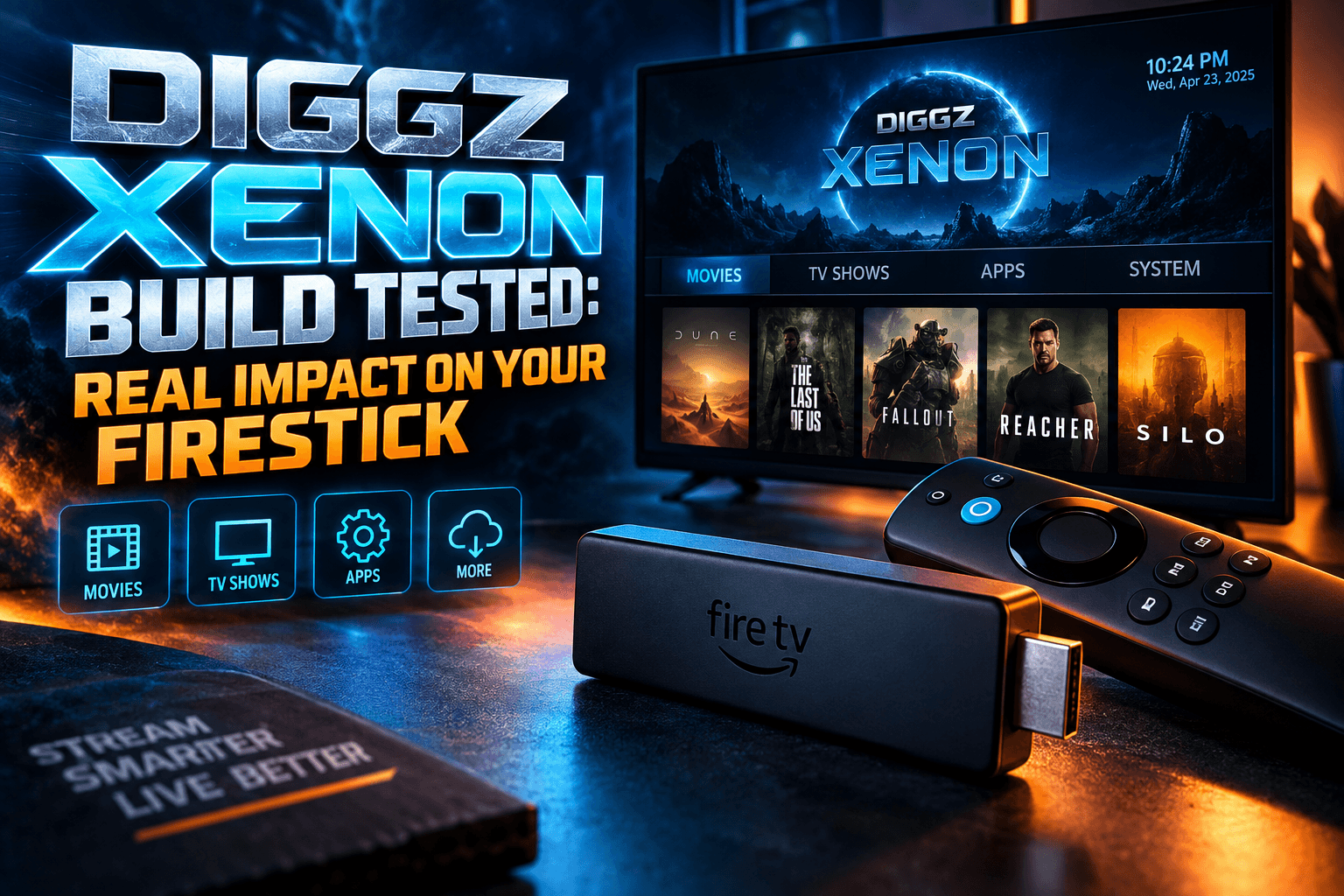
This is where a lot of people go wrong. The full Diggz Xenon Kodi build wants at least 2GB of RAM and a reasonably modern processor to run smoothly — under-spec your hardware and the Diggz Xenon Kodi build experience degrades fast. The NVIDIA Shield Pro? Zero issues — menus snappy, scraping fast, no complaints. The 4K Firestick (2023 model) ran the full build with minor sluggishness in menu transitions, but it was usable. On a first or second-gen Firestick Lite? Don’t bother with the full version. Install the Lite build instead.
Most people reading this aren’t running Shields. Pick your version accordingly.
First Boot Reality Check: Diggz Xenon Kodi Build Performance Without Debrid
Here’s the section that most build reviews skip entirely. I ran the Diggz Xenon Kodi build for two full weeks without connecting any debrid service — testing the Diggz Xenon Kodi build exactly as a free user would experience it on day one. — no Real-Debrid, no Premiumize, nothing paid — no Real-Debrid, no Premiumize, no AllDebrid. Just the build as a free user would experience it day one.
Buffering Rates on Free Sources
On 1080p content, buffering was frequent when running the Diggz Xenon Kodi build without debrid. Out of roughly 30 streams tested across varied titles, about 60% buffered within the first five minutes. Some buffered constantly. A handful played clean. My connection runs at 400Mbps down, so bandwidth was not the variable here — the problem is the quality of free hosters being scraped.
720p was noticeably more stable. Around 40% of 720p streams played without interruption start to finish. Not impressive, but honest — and consistent with what you would expect from the Diggz Xenon Kodi build — or any comparable setup — running purely on free public sources in 2025. The hosters are flaky, throttled, or geo-restricted depending on your location. The Diggz Xenon Kodi build itself isn’t the problem.
Stream Quality: What Resolutions Actually Load
Scraper results skewed heavily toward 720p and 1080p. Legitimate 4K links in free source results were rare, and when they appeared, they didn’t actually play. CAM rips and lower-res sources showed up for recent theatrical releases — that’s standard, not specific to Xenon.
Catalog content tells a different story. Movies older than two years and completed TV series returned 1080p free sources far more reliably than anything current-season. If you’re primarily watching classic films or finished shows, free sources inside Xenon behave meaningfully better than they do for new releases.
Search Speed and Scrape Times
Without debrid, scrape times on the full build averaged 45–90 seconds on my Firestick. On the Shield, closer to 30–60 seconds. These are real numbers from repeated testing — not best-case one-offs.
That’s a long time to stare at a loading bar. With Real-Debrid linked, those same scrapes dropped to 10–20 seconds and returned far more usable links. The difference isn’t subtle — it genuinely changes how enjoyable the whole experience feels.
Which Addons Inside the Diggz Xenon Kodi Build Actually Work?
Not all bundled addons earn their space. Some are excellent. Some are basically decorative without debrid. Here’s the honest split.
Addons Delivering Consistent Free Streams
The Crew and Exodus Redux are the workhorses for free sources inside Xenon. Both have active development as of early 2025 and maintain a decent roster of free hosters. I consistently pulled at least 3–5 playable results per title using either addon without debrid. Not perfect, but reliable enough to be worth using.
Pluto TV integration works well for live content — it’s a legitimate free ad-supported service, so those streams are rock solid regardless of debrid status. Same goes for Tubi and other FAST channel integrations if your specific Xenon version includes them (availability varies by build version).
Addons That Are Dead or Unreliable Without Debrid
Seren is essentially non-functional without debrid. Full stop. It’s built from the ground up to work with Real-Debrid or Premiumize, and without those linked, it returns almost nothing useful. Pre-installing it in Xenon isn’t wrong — it’s a genuinely excellent addon when paired with debrid — but free users should understand it’s a placeholder until they subscribe to something.
Gaia is similar. Without debrid, scrape results are thin and buffering-heavy. I covered Gaia’s performance split in much more detail — check the Gaia Kodi Addon: Debrid vs. Free Sources Compared article for the full breakdown. Short version: exceptional with debrid, mediocre without it.
Real Scraper Addon Comparison Inside the Build
Scrubs V2 lands in the middle. It handles free sources better than Gaia or Seren, and scrapes noticeably faster than some of the older addons bundled in the build. For a deeper look at how Scrubs V2 performs standalone versus inside a build environment like Xenon, the Scrubs V2 Kodi Addon: Real Performance After Setup review covers that thoroughly.
Key takeaway: scraper addons inside Xenon perform identically to how they’d perform installed standalone. The build doesn’t magically improve scraper results. What it does is configure them with sensible defaults, which saves you time if you don’t want to dig into addon settings yourself (and those settings menus are genuinely dense — Gaia alone has about 40 configurable options).
Diggz Xenon vs. Installing Individual Kodi Addons
This is actually the more interesting question for anyone who’s been using Kodi for more than a few months. Is a full build genuinely better than a clean install with hand-picked addons?
Build Pros: Convenience and Pre-Configuration
Time is the obvious advantage. Installing Xenon takes maybe 10–15 minutes from a cold Kodi install to a fully functional system. Building an equivalent environment manually — selecting addons, configuring scrapers, installing and tweaking a skin — takes 2–3 hours minimum if you know what you’re doing, considerably longer if you’re learning as you go.
The pre-configured settings inside Xenon are also reasonable defaults. Scraper timeouts, provider priorities, quality filters — all tuned to values that work for most users without further adjustment. For someone who just wants something that functions out of the box, that’s genuinely valuable.
Build Cons: Bloat, Conflicts, and Update Fragility
Here’s the downside that doesn’t get enough airtime. Builds install addons you’ll never touch, which eats storage and sometimes creates conflicts. On my Firestick specifically, Xenon had installed several live TV addons I had zero interest in — each running background processes and quietly consuming RAM.
Build updates are fragile too. When Diggz pushes a new Xenon version, reinstalling the build wipes local settings — including any debrid credentials you’ve configured. Reddit users also report builds breaking after Kodi’s own automatic updates when skin versions don’t match. I’ve seen both happen firsthand during testing.
The Kodi version lock-in is real. Builds compile for a specific Kodi version, and running a Kodi 20 build on a Kodi 21 installation — or vice versa — causes problems that are annoying to diagnose and fix. Update Kodi independently of the build and things can go sideways quietly.
Power users who want full control will always find a clean install with hand-picked addons more stable and predictable. Xenon suits users who want a working setup fast and can tolerate occasional maintenance headaches.
Is Diggz Xenon Worth It Without a Debrid Service?
Direct answer. No hedging.
Who Should Install It Free
If you’re primarily watching catalog content — completed TV series, films more than two years old — free sources inside Xenon are workable. The Crew and Exodus Redux will find playable streams for most titles in that category. Expect some buffering and the occasional dead link, but it functions well enough to be worth your time.
New Kodi users who want to see what a polished build looks like before committing to debrid should also try Xenon. It’s a solid demonstration of what Kodi can be at its best, and you can add Real-Debrid or Premiumize later without reinstalling anything (just link the service inside the relevant addon settings).
Who Should Add Debrid or Skip It Entirely
Trying to stream current-season TV or new theatrical releases in 1080p without interruption? Free sources in Xenon will frustrate you. That’s not a Xenon-specific problem — it’s a free-Kodi-sources problem that applies to every build and every scraper addon. You need debrid for consistent, high-quality streams on newer content. That’s just where things stand in 2025.
Real-Debrid is the service I’d pair with Xenon first. It runs around $4/month (pricing has been stable for years), it’s supported by every major scraper addon in the build, and the quality jump is immediate and obvious. Before you subscribe though, read our honest look at Debrid Service Setup Failures: What Goes Wrong After You Pay — so the first 24 hours don’t catch you off guard.
Already running a clean Kodi setup with addons you like and debrid configured? There’s no strong reason to blow that up and replace it with Xenon. The build is excellent for getting started. It’s not necessarily an upgrade for a working system.
⚖️ Legal Disclaimer: IPTV Wire does not own or operate any streaming service, application, or website mentioned in this article. We do not verify whether third-party services carry proper licensing. Users are responsible for ensuring they comply with copyright laws in their jurisdiction.
FAQ: Diggz Xenon Kodi Build
Does Diggz Xenon work without a debrid service?
Yes, but with real limitations. Free sources are unreliable — especially for current content and 1080p streams. Catalog titles and older content perform noticeably better. Expect buffering and slower scrape times without a service like Real-Debrid connected.
What is the difference between Diggz Free99 and Diggz Xenon?
Free99 is a standalone Kodi scraper addon built around free-source streaming. Diggz Xenon is a complete Kodi build — it replaces your skin, installs multiple addons, and reconfigures your entire Kodi environment. Xenon includes Free99-style scraping functionality alongside several other bundled addons and a custom interface. Different tools, different scope.
Which Kodi version is Diggz Xenon compatible with?
As of early 2025, Diggz Xenon has versions compatible with both Kodi 20 (Nexus) and Kodi 21 (Omega). Always confirm your build version matches your installed Kodi version before installing — a mismatched build causes skin errors and addon failures that are annoying to troubleshoot.
Will Diggz Xenon work on a Firestick without lagging?
On a 4K Firestick from 2021 or newer, the full Xenon build runs with minor menu sluggishness but is generally usable. On older or lower-spec Fire TV devices, go with the Lite build version instead. The NVIDIA Shield Pro and higher-spec Android TV boxes handle the full build without any performance issues worth mentioning.
Does installing a Kodi build wipe my existing setup?
Yes. Installing Xenon through the Diggz wizard overwrites your existing Kodi configuration — addons, settings, skin, all of it. The wizard typically offers a backup option before proceeding (this is buried in the first prompt screen, annoyingly easy to skip). Use it if you want to restore your previous setup. There is no automatic rollback if you proceed without backing up.
Comments
Leave a comment
Your email address will not be published. Comments are moderated before they appear.