

Table of contents
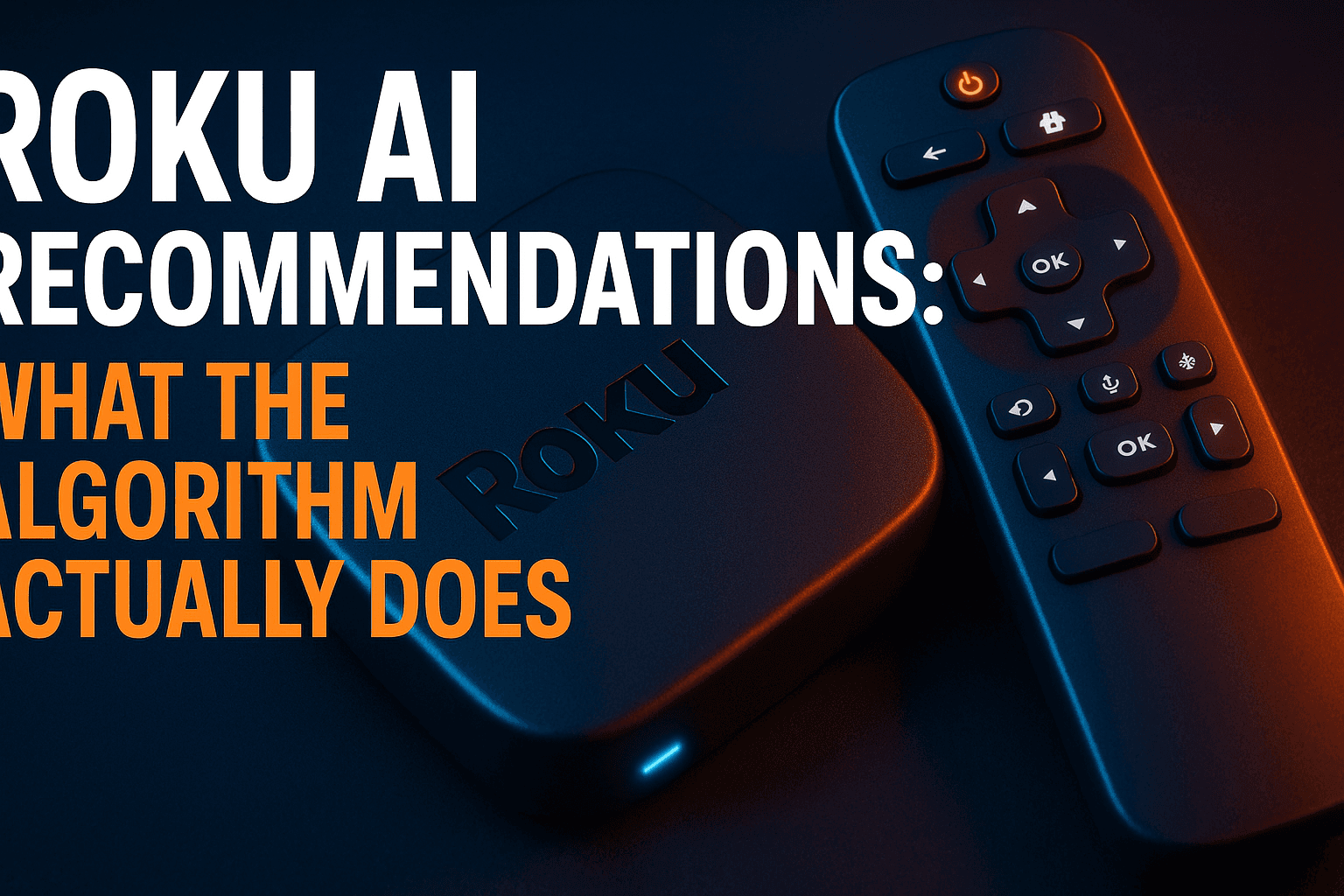
Roku AI recommendations algorithm — three words most Roku owners have never typed, yet this system shapes nearly every row on their home screen. If you have ever wondered why channels you never installed keep appearing, or why the feed reshuffles every few days, the Roku AI recommendations algorithm is responsible. It blends behavioral targeting, audio fingerprinting, and advertiser dollars into a discovery layer that is far more deliberate — and far less neutral — than it looks at first scroll.
What Roku’s AI Recommendation System Actually Is
First, let’s separate marketing language from engineering reality. Roku uses the word “AI” loosely — what they’re actually describing is a machine learning recommendation engine that surfaces content across your home screen, primarily in dedicated rows below the main banner. It’s not a large language model responding to conversational queries. At its core, the Roku AI recommendations algorithm is a collaborative filtering and behavioral targeting system — conceptually similar to what Netflix and YouTube use, but with a much heavier monetization layer bolted on top. Understanding that distinction is the first step to reading your home screen critically.
The Difference Between Smart Guide and AI Recommendations
Roku’s Smart Guide is the traditional EPG-style discovery layer. It surfaces what’s currently airing on live TV channels and apps you’ve already added. That system predates the AI push by several years, and it works largely on content metadata and your installed app list.
The newer AI recommendation layer — the Roku AI recommendations algorithm proper — is a different animal entirely. The Roku AI recommendations algorithm generates dynamic content rows on the home screen — things like ‘Trending Near You,’ ‘Because You Watched,’ or personalized channel suggestions — pulling from Roku’s entire channel catalog, not just apps you’ve installed. That’s the critical distinction. Smart Guide reflects your existing setup. The Roku AI recommendations algorithm layer is actively trying to expand it — often in directions that benefit Roku’s ad revenue more than your actual viewing habits.
Both systems coexist on current Roku OS builds — Roku OS 12 and later — and they feed from completely different data pipelines. One reads your channel list. The other reads your behavior.
When Roku Rolled Out Its AI Recommendations Algorithm and What Changed
Roku started pushing more aggressive AI-driven home screen personalization around 2022, with significant UI changes landing in Roku OS 11 and accelerating through OS 12 in 2023. Before that, the home screen was mostly static — your installed channels in a grid, with some basic “Featured Free” content rows. The shift moved Roku toward a Netflix-style discovery interface powered by the Roku AI recommendations algorithm — except this one is funded by advertisers rather than subscription fees, which changes the incentive structure entirely.
Practically speaking? The home screen now has far more algorithmically generated rows than manually placed ones. Your ability to reorder or remove those rows is limited by design — and that’s not an accident.
What Data Roku Collects to Power Its Roku AI Recommendations Algorithm
Here’s where things get genuinely interesting — and a little uncomfortable. The Roku AI recommendations algorithm feed doesn’t just know what apps you’ve installed — it builds a behavioral profile that runs considerably deeper than most users realize. Roku’s data collection runs considerably deeper than most users realize.
ACR (Automatic Content Recognition): The Silent Tracker
Automatic Content Recognition, or ACR, is the most invasive piece of Roku’s data stack. Plain-language explanation: Roku’s software periodically samples whatever audio or video is playing on your TV — including content from external HDMI sources like a cable box, a PlayStation 5, or a Blu-ray player — then matches those samples against a massive reference database to identify exactly what you’re watching.
That means even if you’re watching cable TV through an HDMI input and never touch the Roku interface, the device is still logging what’s on your screen. It knows you watched a football game on ESPN at 8 PM on a Sunday, even though you didn’t open a single Roku app to do it. The first time I learned this was happening on my own setup, I found it genuinely unsettling.
ACR runs through a partnership with Alphonso, an ad-tech company specializing in TV measurement. That data doesn’t stay neatly inside your Roku profile, either — it informs ad targeting both on and off the Roku platform.
Watch History, Search Queries, and App Usage
Beyond ACR, Roku tracks everything you’d expect: which apps you open, how long you stay in them, what you search for in the universal search bar, which trailers you pause on, and your “continue watching” patterns. Each data point feeds into a behavioral profile the Roku AI recommendations algorithm uses to score, rank, and surface content across your home screen rows.
Search queries are particularly valuable for advertisers — and directly feed the Roku AI recommendations algorithm. Search ‘horror movies’ on Friday nights three weeks in a row, and that signal gets attached to your advertising ID and used to surface horror-adjacent sponsored content in your recommendation rows. Fairly mechanical, but effective.
Third-Party Data Partnerships Roku Uses
Roku’s data collection doesn’t operate in isolation. Roku’s privacy policy — last significantly updated in 2023 — acknowledges partnerships with third-party data brokers and measurement companies. Your Roku behavioral data — already processed by the Roku AI recommendations algorithm — can be matched against purchase history, location signals, and demographic information sourced externally, building a more complete advertising profile than the device alone could generate.
This is fairly standard practice across the connected TV industry, but Roku is particularly aggressive about it. Why? Because advertising revenue is their primary business model — not hardware sales, not subscriptions. Roku devices are often sold at cost or below. The data and ad inventory are the actual product. Worth keeping that in mind whenever Roku talks about “improving your experience.”
How the Roku AI Recommendations Algorithm Ranks What You See
Understanding the ranking logic behind the Roku AI recommendations algorithm helps you read your home screen more critically. Not everything appearing in your recommendation rows got there because an algorithm decided it was right for you.
Promoted Slots vs. Organic Recommendations
Roku’s home screen rows contain two fundamentally different types of placements mixed together. Organic recommendations are genuinely algorithmic — surfaced based on your behavioral profile and content-similarity signals. Promoted slots are paid placements — content that appears in those same rows because a publisher or advertiser paid Roku to put it there.
The problem: Roku doesn’t visually distinguish these two types clearly. A “Recommended For You” row might contain three organic picks and two paid placements, and they’ll look identical on screen (this blending is intentional, which is worth knowing). From a trust standpoint, it erodes confidence in the system once you’re aware of it.
How Advertisers Buy Into the Home Screen
Roku offers a product called Roku Audience Solutions, which lets publishers and streaming services buy premium placement in home screen rows, banner ads, and spotlight positions. It’s a programmatic ad product — major FAST channel operators, streaming services launching new originals, and hardware brands can all bid for visibility on your home screen.
Pricing is tied to impressions and audience targeting criteria, not content quality. A brand-new ad-supported channel with zero organic traction can buy its way into prominent home screen real estate. That’s not a bug — it’s Roku’s revenue model working exactly as designed.
Why ‘Free’ Channels Surface More Than Paid Ones
You’ve probably noticed Roku pushing FAST channels — The Roku Channel, Tubi, Pluto TV, and similar services — far more aggressively than paid subscription apps like Max or Apple TV+. Not an accident. Not an algorithmic quirk. Structural.
FAST channels generate ad revenue every time you watch them, and Roku takes a cut of that revenue. A Netflix subscription, by contrast, generates zero incremental income for Roku once you’ve installed the app. The Roku AI recommendations algorithm is, at least partially, optimized to send you toward content that keeps ad dollars flowing to the platform. That’s the honest explanation for why your home screen can feel like a FAST channel billboard some days.
How to Audit and Limit Roku’s Data Collection
Roku does provide privacy controls, and they actually work — at the cost of some personalization features. Here’s exactly where to find them on current Roku OS builds.
Before changing these settings, I’d also suggest reading our full guide on Roku Security Settings You Should Change Right Now — there are several other exposure points beyond just the recommendation system that are worth addressing at the same time.
Disabling ACR in Roku Privacy Settings
This is the highest-impact change you can make. Go to:
- Settings → Privacy → Smart TV Experience
- Uncheck “Use Info from TV Inputs”
That toggle controls ACR. Turning it off stops Roku from fingerprinting content on your HDMI inputs going forward — it won’t delete data already collected, but it cuts off future collection. Roku will throw up a vague warning about losing personalization features. That’s accurate, but for most privacy-conscious users the tradeoff is pretty reasonable. I tested this on my Roku Ultra and didn’t notice any meaningful degradation in the things I actually care about.
Opting Out of Ad Targeting and Interest-Based Ads
Go to:
- Settings → Privacy → Advertising
- Enable “Limit Ad Tracking”
This tells Roku and its ad partners not to use your behavioral profile for interest-based targeting. You’ll still see ads — just not targeted ones. In practice, recommendations become less personalized, ads become more generic, and your home screen gradually shifts toward generic promoted content rather than behaviorally inferred content. For many users, that’s actually the goal.
Resetting Your Advertising ID on Roku
Inside Settings → Privacy → Advertising, you’ll also find a “Reset Advertising Identifier” option (yes, you really do need to do this separately from enabling Limit Ad Tracking). This generates a new random ID and disassociates your existing behavioral history from your device profile — the closest thing Roku offers to a clean targeting slate.
Worth doing periodically. I run this reset every few months on my own Roku devices. It doesn’t fix the underlying data collection architecture, but it does interrupt the targeting profile accumulation cycle, which is better than nothing.
Can You Replace the Roku Home Screen to Escape the Algorithm?
Here’s where Roku’s closed ecosystem becomes a genuine wall for power users who want real control over their interface.
Why Roku Locks Down Custom Launchers
On Android TV and Google TV devices, you can install a third-party launcher — an app that completely replaces the home screen with a custom interface. Options like FLauncher or ATV Launcher give users near-total control over what they see when they turn on the TV. Roku offers nothing like this.
Roku’s OS is proprietary. There’s no way to sideload a custom launcher because the platform doesn’t expose the system-level hooks a third-party app would need to replace the UI. If you’re on a Roku device, you’re on Roku’s home screen. Full stop.
Workarounds: HDMI Inputs, External Devices, and Sideloading Limits
The most practical workaround for power users is treating the Roku device as a dumb input switcher. Plug an NVIDIA Shield Pro, a Google TV Streamer (around $99 as of late 2025), or another Android TV stick into your Roku TV’s HDMI port, set that input as the default on boot, and use the external device as your primary interface. The Roku home screen becomes largely irrelevant if you rarely see it.
The caveat: Roku still runs on the TV hardware itself. If you’ve disabled ACR using the steps above, it won’t fingerprint your HDMI input activity — but the OS is still there underneath everything. The external device just handles your actual day-to-day use.
Sideloading on Roku is extremely limited compared to Amazon’s platform. Roku’s developer mode allows basic channel sideloading via a web portal, but it doesn’t enable anything that touches the core launcher experience.
Is Switching to Android TV or Google TV a Better Escape?
Honestly? Yes — if home screen customization and algorithmic control are your primary concerns. Android TV and Google TV offer meaningfully more flexibility: custom launchers, granular layout control, system-level VPN routing for added privacy. Our guide on Custom Launchers on Android TV: What Breaks vs. What Works covers that territory in detail.
That said, Android TV and Google TV run their own recommendation and data collection systems. Google’s behavioral profiling is arguably more extensive than Roku’s. The difference is openness — Android gives you more tools to work around it. If you go that route, our breakdown of VPN Split Tunneling on Android is worth reading before you configure everything.
Is Roku’s AI Feed Getting Smarter or Just Louder?
I’ve been using Roku devices since the early streaming days. Here’s my honest read on where the system actually stands right now.
What’s Actually Improved in Recent Roku OS Updates
Roku OS 12.5 and later builds did improve relevance in the “Continue Watching” row specifically. Cross-app tracking for watch progress — knowing you’re halfway through a show on one service and surfacing it cleanly — works more reliably than it did back in 2021. Universal search has also gotten noticeably faster at pulling results across multiple streaming apps simultaneously.
The content-matching logic for organic recommendations has improved modestly too. Binge three seasons of a crime drama, and the Roku AI recommendations algorithm is now reasonably good at surfacing similar genre content from apps you already have installed — rather than just throwing random FAST channels at you the way it used to.
Where the Algorithm Still Falls Flat for Cord-Cutters
Where it still frustrates me: the signal-to-noise ratio on the home screen has gotten worse, not better, as Roku has added more promoted content rows over successive OS updates. On a 2024 Roku device, it’s easy to count six or seven algorithmically labeled rows before you even reach your installed channels. That’s not helpful discovery. That’s noise dressed up as personalization.
The inability to permanently dismiss or hide home screen rows is also a persistent failure. You can scroll past them. You cannot remove them. For cord-cutters who’ve built a tight, intentional streaming setup, that’s genuinely aggravating — availability of control varies significantly compared to competing platforms, and Roku’s is at the low end.
The “AI” label is doing some heavy lifting here. A system that blends behavioral data with paid placements and presents the result as “personalized for you” deserves scrutiny. The organic recommendations are improving, but the monetization layer makes it hard to fully trust what you’re seeing at any given moment. That tension probably isn’t going away.
⚖️ Legal Disclaimer: IPTV Wire does not own or operate any streaming service, application, or website mentioned in this article. We do not verify whether third-party services carry proper licensing. Users are responsible for ensuring they comply with copyright laws in their jurisdiction.
FAQ: Roku AI Recommendations
How do I turn off AI recommendations on Roku?
You can’t fully disable Roku’s recommendation rows — they’re built into the home screen UI and can’t be removed. You can, however, significantly reduce their accuracy and relevance by disabling ACR (Settings → Privacy → Smart TV Experience → Use Info from TV Inputs: Off) and enabling Limit Ad Tracking (Settings → Privacy → Advertising → Limit Ad Tracking: On). The rows stay on screen, but most of the behavioral data feeding them gets cut off.
Does Roku sell your viewing data to advertisers?
Roku shares viewing data with advertising partners and third-party measurement companies, which is functionally similar to selling it. Advertising is Roku’s primary revenue stream, and your behavioral profile — including ACR-captured viewing history — is used to target ads both on the Roku platform and potentially off it through external data partnerships. Enabling Limit Ad Tracking in Privacy settings reduces this, but you can’t opt out entirely.
What is ACR on Roku and should I disable it?
Automatic Content Recognition (ACR) identifies what you’re watching by sampling audio and video from your screen — including content on external HDMI devices — and matching it against a reference database. Roku uses this data for ad targeting and to power its Roku AI recommendations algorithm. For most privacy-conscious users, yes, disable it. Go to Settings → Privacy → Smart TV Experience and turn off “Use Info from TV Inputs.” The only real downside is slightly less relevant recommendations, which many users consider a fair trade.
Can you install a custom launcher on Roku to avoid the home screen?
No. Roku’s OS is proprietary and doesn’t support custom launchers of any kind. Unlike Android TV or Google TV devices, there’s no way to replace the Roku home screen with a third-party interface. The most practical workaround is plugging an external Android TV device — like an NVIDIA Shield Pro or a Google TV Streamer — into your Roku TV’s HDMI port and using that as your primary interface instead.
Why does Roku keep showing me channels I never watch?
Two factors are usually at play. Some channels appear in your home screen rows because their publisher paid Roku for placement — this has nothing to do with your viewing history. Others appear because the Roku AI recommendations algorithm is inferring interests from related content you have watched. Roku blends both types in the same rows without clearly labeling which is which. Disabling ACR and enabling Limit Ad Tracking will reduce the volume of irrelevant suggestions over time, though it won’t eliminate promoted placements entirely.
Comments
Leave a comment
Your email address will not be published. Comments are moderated before they appear.