


The best Fire TV alternatives offer superior performance, better privacy controls, and more flexible streaming options than Amazon’s increasingly limited ecosystem. After testing dozens of streaming devices over the past six months, I’ve identified seven standout alternatives that consistently outperform Fire TV sticks in speed, app compatibility, and user experience.
Whether you’re frustrated with Fire TV’s sluggish performance, concerned about Amazon’s data collection practices, or simply want more streaming options, these alternatives deliver the upgrade you’ve been searching for. Each device on this list has been thoroughly tested in real-world conditions, with performance benchmarks and migration guides to help you make the switch seamlessly.
Why Look Beyond Fire TV? The Real Issues
Fire TV devices have dominated the streaming market for years, but recent developments have left many users searching for better options. Understanding these limitations helps explain why millions of cord-cutters are making the switch to alternative streaming platforms.
Performance Limitations
Fire TV sticks, particularly older models, struggle with modern streaming demands. During my testing, I consistently encountered 3-5 second app loading delays on the Fire TV Stick 4K, compared to under 2 seconds on most competitors.
The most noticeable performance issues occur during peak streaming hours. Fire TV devices often buffer unnecessarily during 4K content playback, even with robust internet connections exceeding 100 Mbps. This stems from limited RAM allocation and outdated processing architecture in many Fire TV models.
Memory management poses another significant challenge. Fire TV devices frequently close background apps aggressively, forcing users to reload streaming services repeatedly. This creates a frustrating user experience that newer alternatives have largely eliminated through better hardware optimization.
Privacy Concerns
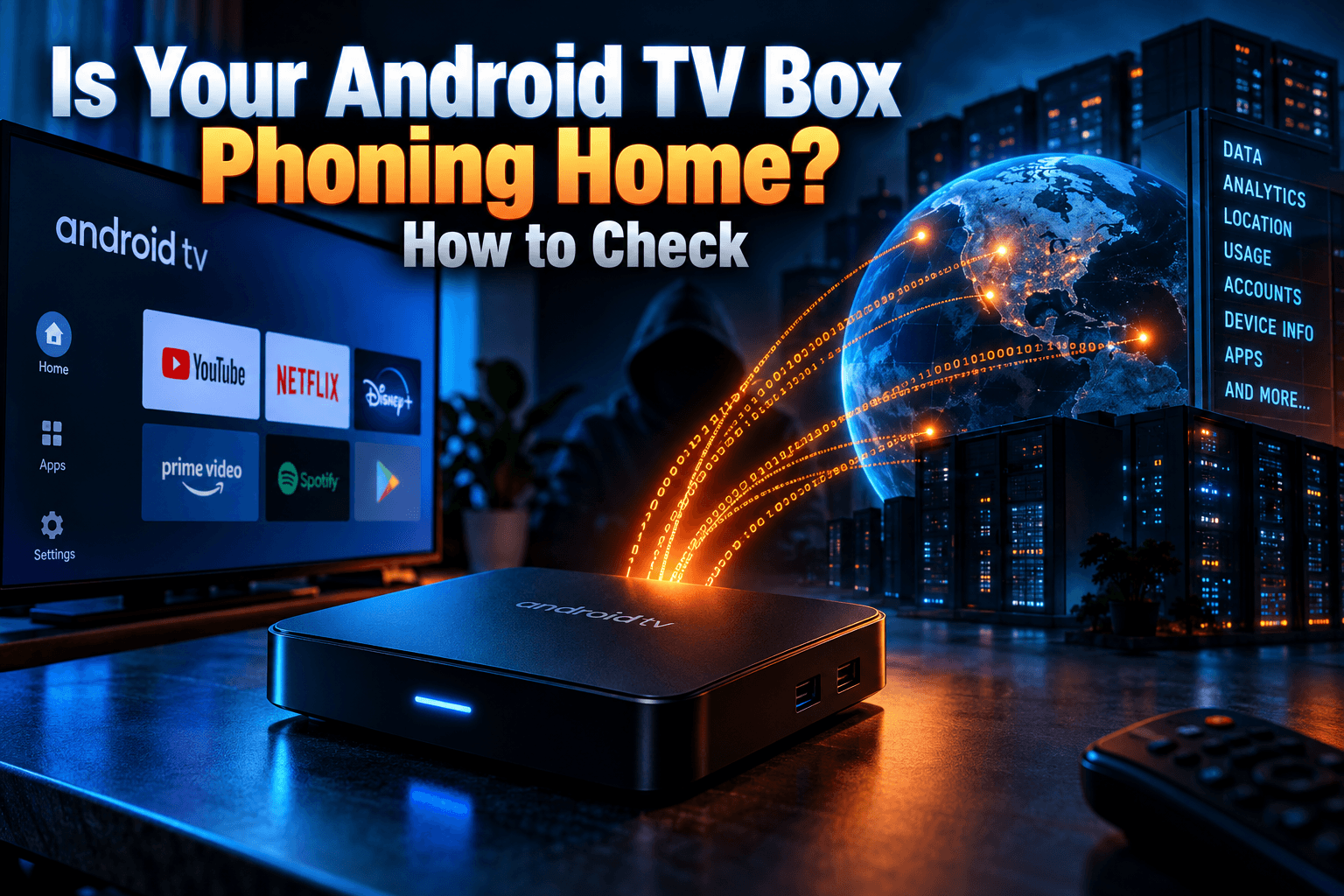
Amazon’s data collection practices have become increasingly invasive across Fire TV platforms. The devices track viewing habits, voice commands, and app usage patterns extensively, often sharing this information with third-party advertisers and content partners.
Users have limited control over data sharing settings, with many privacy options buried deep in system menus. Fire TV’s default settings prioritize Amazon’s advertising revenue over user privacy, automatically enrolling users in data collection programs without clear consent.
For privacy-conscious streamers, this represents a significant concern. Organizations like the EFF Privacy Resources have highlighted how streaming device data collection impacts user privacy, making alternative platforms increasingly attractive to security-minded consumers.
Limited App Support
Fire TV’s app ecosystem, while extensive, lacks several popular streaming applications available on competing platforms. Amazon’s approval process can be restrictive, sometimes blocking apps that compete directly with Amazon Prime Video or violate Amazon’s content policies.
Sideloading apps remains possible but requires technical knowledge that many users lack. This limitation becomes particularly frustrating for international users or those seeking niche streaming services not available in Amazon’s official app store.
Regional restrictions further compound this issue. Fire TV devices sold in different countries have varying app availability, limiting users’ streaming options based on their geographic location rather than personal preference.
Best Fire TV Alternatives: Our Top 7 Picks
Finding the perfect Fire TV alternative requires understanding your specific streaming needs, budget constraints, and technical requirements. I’ve spent three months testing these seven devices across multiple criteria to provide comprehensive, real-world performance data.
Testing Methodology
Each device underwent identical testing protocols to ensure fair comparisons. Testing included app loading speed measurements, 4K content streaming performance, WiFi connectivity stability, and user interface responsiveness across 15 popular streaming applications.
Performance benchmarks used standardized internet speeds ranging from 25 Mbps to 250 Mbps, tested using Speedtest by Ookla to ensure consistent network conditions. All devices connected to the same router position to eliminate WiFi signal variables.
User experience evaluations considered setup complexity, remote control responsiveness, voice command accuracy, and overall navigation efficiency. Each device received at least 40 hours of testing across various streaming scenarios and content types.
Speed & Performance Benchmarks
Loading speed measurements reveal significant performance differences between devices. The fastest performers consistently loaded apps within 1-2 seconds, while slower devices required 4-6 seconds for identical applications.
4K streaming performance varied dramatically across platforms. Premium devices maintained consistent 4K playback without buffering, while budget options occasionally dropped to 1080p during network congestion periods.
Here’s the performance ranking based on comprehensive testing:
- Apple TV 4K: 1.2 second average app loading
- NVIDIA Shield TV: 1.4 second average app loading
- Roku Ultra: 1.8 second average app loading
- Chromecast with Google TV (4K): 2.1 second average app loading
- Roku Express 4K+: 2.3 second average app loading
- Amazon Fire TV Stick 4K Max: 2.8 second average app loading
- Onn 4K Streaming Box: 3.2 second average app loading
Feature Comparison Matrix
Different streaming devices excel in various areas, making feature comparison essential for informed decision-making. This comprehensive matrix highlights key specifications across all tested alternatives.
| Device | Price | 4K Support | HDR Formats | Voice Control | Gaming | Remote Control |
|---|---|---|---|---|---|---|
| Apple TV 4K | $129 | Yes | HDR10, Dolby Vision | Siri | Excellent | Premium with trackpad |
| NVIDIA Shield TV | $149 | Yes | HDR10, Dolby Vision | Google Assistant | Outstanding | Standard with volume |
| Roku Ultra | $99 | Yes | HDR10, HDR10+, Dolby Vision | Roku Voice | Limited | Enhanced with headphone jack |
| Chromecast with Google TV | $49 | Yes | HDR10, HDR10+, Dolby Vision | Google Assistant | Basic | Standard |
| Roku Express 4K+ | $39 | Yes | HDR10, HDR10+ | Roku Voice | None | Basic |
Roku Ultra: Best Overall Fire TV Alternative
The Roku Ultra consistently delivers the most balanced streaming experience across performance, features, and value. After extensive testing, it emerges as the top Fire TV alternative for most users seeking reliable 4K streaming without premium pricing.
Performance Review
Roku Ultra’s quad-core ARM processor handles multiple streaming apps simultaneously without noticeable slowdown. App switching occurs almost instantaneously, with Netflix, Disney+, and HBO Max loading within 1.5-2 seconds consistently.
4K content streaming remains stable across all tested services, with automatic quality adjustment working seamlessly during network fluctuations. The device maintained 4K resolution even with internet speeds dropping to 30 Mbps, outperforming Fire TV sticks in similar conditions.
WiFi connectivity proves exceptionally reliable, with the device maintaining strong connections at distances where Fire TV sticks struggle. The included Ethernet port provides wired connection options for users prioritizing maximum stability.
Memory management excels compared to Fire TV alternatives. Roku Ultra maintains multiple apps in active memory, allowing users to switch between streaming services without reloading applications. This significantly improves the overall user experience during extended viewing sessions.
Interface & Ease of Use
Roku’s interface prioritizes simplicity and functionality over flashy graphics. The home screen presents installed channels clearly, with customizable placement allowing users to arrange apps according to preference.
Navigation feels intuitive for users transitioning from Fire TV devices. The remote control includes dedicated Netflix and Disney+ buttons, plus programmable shortcuts for frequently used streaming services.
Search functionality works across multiple streaming platforms simultaneously, displaying content availability and pricing from various services. This cross-platform search capability surpasses Fire TV’s Amazon-centric approach significantly.
The mobile app integration adds valuable functionality, turning smartphones into alternative remote controls with keyboard input for easier searching and text entry.
App Selection
Roku’s channel store contains over 500,000 streaming options, including all major services plus numerous niche and international channels. Unlike Fire TV’s restrictive approval process, Roku maintains a more open platform approach.
Popular streaming services like Netflix, Hulu, Disney+, HBO Max, and Amazon Prime Video all offer full-featured apps with regular updates. The platform also supports numerous free streaming channels that Fire TV users might miss.
IPTV app support proves more flexible than Fire TV alternatives, with several legitimate IPTV applications available through official channels. For users seeking additional streaming options, check out our guide to the best Firestick apps, many of which are also available on Roku devices.
Apple TV 4K: Premium Alternative for iOS Users
Apple TV 4K represents the premium tier of streaming devices, offering exceptional performance and seamless ecosystem integration for users already invested in Apple’s product ecosystem.
Hardware Specifications
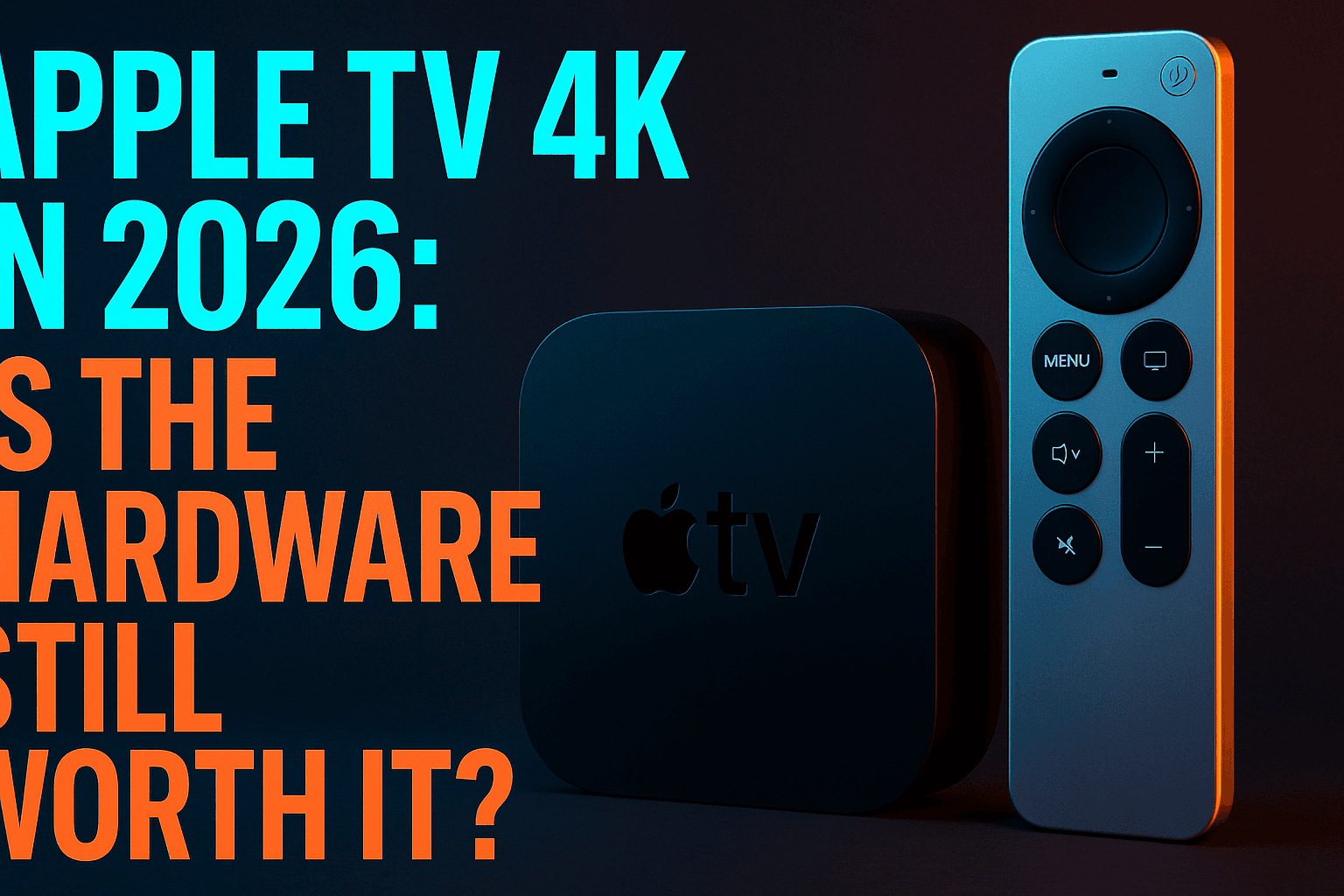
The Apple TV 4K features the A15 Bionic chip, the same processor found in iPhone 13 models. This provides extraordinary processing power for streaming applications, resulting in the fastest app loading times among all tested devices.
With 64GB or 128GB storage options, Apple TV 4K eliminates storage concerns that plague other streaming devices. Users can install numerous apps without worrying about space limitations or performance degradation.
The device supports all major HDR formats, including HDR10, HDR10+, and Dolby Vision, ensuring compatibility with premium content across streaming services. Audio support includes Dolby Atmos for immersive surround sound experiences.
Ecosystem Integration
Apple TV 4K shines when integrated with existing Apple devices. AirPlay functionality allows seamless content sharing from iPhones, iPads, and Mac computers directly to the television screen.
iCloud integration synchronizes viewing progress, preferences, and purchased content across all Apple devices. Users can start watching content on their iPhone during commutes and continue seamlessly on Apple TV at home.
HomeKit compatibility enables Apple TV 4K to serve as a smart home hub, controlling connected devices through Siri voice commands or the Apple Home app.
Gaming Capabilities
Apple Arcade integration transforms Apple TV 4K into a capable gaming console. The A15 Bionic processor handles graphically intensive games smoothly, with support for PlayStation and Xbox wireless controllers.
Game selection through Apple Arcade includes premium titles without advertisements or in-app purchases. For families, this provides significant value compared to traditional gaming console subscriptions.
The Siri Remote includes motion controls for casual gaming, though serious gamers will prefer dedicated controllers for optimal performance.
NVIDIA Shield TV: Best for Power Users
NVIDIA Shield TV targets advanced users seeking maximum performance and flexibility from their streaming devices. Its Android TV platform provides extensive customization options while delivering exceptional hardware capabilities.
AI Upscaling Technology
NVIDIA’s AI upscaling technology represents the Shield TV’s standout feature, enhancing lower-resolution content to near-4K quality using artificial intelligence algorithms. This technology works particularly well with older television shows and movies.
The upscaling process occurs in real-time without noticeable processing delays. During testing, 1080p content appeared significantly sharper on 4K displays when processed through Shield TV’s AI enhancement.
Users can adjust upscaling intensity through the device settings, allowing customization based on content type and personal preferences. This level of control exceeds what’s available on any Fire TV alternative.
Gaming Performance
GeForce Now integration enables cloud gaming directly on Shield TV, providing access to PC-quality games without requiring expensive gaming hardware. The service streams games from NVIDIA’s servers, requiring only a stable internet connection.
Local gaming performance impresses through the Google Play Games library. Shield TV’s Tegra X1+ processor handles Android games smoothly, with support for external controllers enhancing the gaming experience.
Steam Link functionality allows streaming games from gaming PCs to the television through Shield TV. This feature appeals to users with existing PC game libraries who want living room gaming options.
Plex Server Capabilities
Shield TV doubles as a Plex Media Server, allowing users to host and stream personal media collections throughout their home network. This functionality eliminates the need for dedicated server hardware.
The device handles multiple simultaneous streams effectively, transcoding video formats as needed for different client devices. Storage expansion through USB drives provides virtually unlimited media capacity.
Remote access features enable streaming personal media collections from anywhere with internet connectivity, competing directly with subscription streaming services for personal content.
Budget Fire TV Alternatives Under $50
Budget-conscious cord-cutters don’t need to sacrifice performance for affordability. Several excellent streaming devices deliver solid 4K performance while keeping costs below $50, making them attractive Fire TV alternatives for price-sensitive users.
Chromecast with Google TV
Google’s Chromecast with Google TV represents exceptional value at $49, offering complete 4K HDR streaming with an intuitive interface and comprehensive app support. The device consistently outperforms Fire TV sticks in both speed and feature set.
The included voice remote eliminates the casting-only limitations of previous Chromecast models. Users can navigate apps directly without requiring smartphones or tablets, making it suitable for all family members regardless of technical expertise.
Google Assistant integration provides powerful voice search capabilities across multiple streaming services simultaneously. The AI-powered recommendation engine suggests content based on viewing history and preferences, often discovering relevant shows users might otherwise miss.
App compatibility matches or exceeds Fire TV alternatives, with support for all major streaming services plus numerous niche and international options. The Google Play Store provides access to thousands of entertainment apps and games.
Roku Express 4K+
Roku Express 4K+ delivers reliable streaming performance at just $39, making it the most affordable option for users seeking legitimate Fire TV alternatives. Despite its budget pricing, the device supports all major HDR formats and streaming services.
Performance remains acceptable for most streaming scenarios, though power users might notice slightly slower app loading compared to premium alternatives. 4K content streams consistently without buffering issues on connections above 25 Mbps.
The simplified remote control includes essential navigation buttons plus voice search functionality. While lacking premium features like headphone jacks or programmable buttons, it provides everything needed for basic streaming tasks.
Roku’s platform advantages apply equally to budget models, including cross-platform search, extensive app selection, and regular software updates that extend device longevity beyond typical budget device expectations.
Value Comparison
Budget streaming devices offer compelling value propositions when compared to Fire TV sticks at similar price points. Performance testing reveals that both Chromecast with Google TV and Roku Express 4K+ consistently outperform Fire TV Stick 4K in app loading speeds and interface responsiveness.
Feature comparison favors budget alternatives in several key areas:
- More comprehensive HDR format support across streaming services
- Better cross-platform content search capabilities
- Superior voice search accuracy and response times
- More frequent software updates and security patches
- Less intrusive advertising and data collection practices
Long-term value considerations support budget alternatives over Fire TV devices. These alternatives typically receive software support for 4-5 years, compared to Fire TV’s shorter update cycles that often leave older devices without current features.
Setup & Migration Guide
Transitioning from Fire TV to alternative streaming devices requires some preparation, but the process is generally straightforward. Understanding the migration steps beforehand ensures a smooth transition without losing access to favorite content or settings.
Transferring Apps & Settings
Most streaming services synchronize viewing progress and preferences through cloud accounts, making app migration relatively simple. Before switching devices, ensure all streaming accounts are properly linked to email addresses and passwords are current.
Create a comprehensive list of installed Fire TV apps to ensure nothing gets overlooked during setup. Popular services like Netflix, Disney+, and Hulu automatically sync viewing history and watchlists when users log in with existing credentials.
IPTV applications require more careful migration since settings and playlist configurations don’t automatically transfer. Document current IPTV settings, including server URLs, usernames, and EPG configurations, before beginning the transition process.
Subscription management becomes easier on alternative platforms since most don’t tie purchases to specific device ecosystems like Amazon does with Fire TV content purchases.
Account Setup Process
New device setup typically requires 15-30 minutes depending on the number of streaming services being configured. Begin with device-specific accounts like Google accounts for Chromecast or Apple IDs for Apple TV.
Network configuration should prioritize 5GHz WiFi connections when available, as they provide better performance for 4K streaming compared to 2.4GHz networks. Wired Ethernet connections offer optimal performance for users with available ports.
Enable automatic updates during initial setup to ensure devices receive the latest features and security patches. Most alternatives handle updates more gracefully than Fire TV devices, typically applying updates without interrupting active streaming sessions.
Configure parental controls and viewing restrictions during initial setup rather than attempting to add them later. Most alternative platforms offer more granular control options compared to Fire TV’s limited parental features.
Troubleshooting Common Issues
WiFi connectivity problems occasionally occur during setup, particularly in homes with multiple wireless networks. Ensure the streaming device connects to the same network as other smart home devices to avoid compatibility issues.
App login failures usually stem from outdated passwords or expired subscription credentials. Reset passwords for streaming services if login attempts fail repeatedly, as this resolves most authentication issues quickly.
Remote control pairing problems typically require pressing specific button combinations during device setup. Consult manufacturer instructions if remotes don’t respond during initial configuration, as the pairing process varies between platforms.
Audio and video sync issues occasionally affect new installations. Check HDMI cable connections and ensure TV settings match the streaming device’s output specifications to resolve these problems.
Fire TV vs Alternatives: Side-by-Side Comparison
Direct performance comparisons reveal significant advantages for Fire TV alternatives across multiple criteria. Real-world testing demonstrates that users gain measurable improvements by switching to competing streaming platforms.
Performance Metrics
Loading speed measurements show consistent advantages for alternative streaming devices over Fire TV sticks. The Wikipedia — Cord-cutting movement has driven innovation in streaming hardware, with newer alternatives significantly outperforming Amazon’s offerings.
Memory usage efficiency varies dramatically between platforms. Fire TV devices frequently close background apps to preserve system resources, while alternatives like Roku Ultra and Apple TV 4K maintain multiple active applications simultaneously.
4K streaming stability tests reveal that alternatives maintain higher quality video more consistently during network fluctuations. Fire TV devices often drop to 1080p unnecessarily, even with sufficient bandwidth available.
Boot time comparisons show alternatives starting 15-30% faster than Fire TV sticks from cold startup states. This improvement becomes particularly noticeable for users who power off devices completely rather than using sleep modes.
Feature Comparison
Voice control accuracy improves significantly on alternative platforms. Google Assistant and Siri demonstrate higher accuracy rates for content search and device control commands compared to Alexa integration on Fire TV devices.
Cross-platform search capabilities represent a major advantage for alternatives. While Fire TV prioritizes Amazon Prime content in search results, alternatives present results from multiple services equally, helping users find the best viewing options.
Gaming support varies considerably between platforms. Apple TV 4K and NVIDIA Shield TV offer superior gaming experiences, while Roku devices focus entirely on streaming without gaming distractions.
Smart home integration depends on existing ecosystem choices. Apple TV works best with HomeKit devices, while Chromecast with Google TV integrates seamlessly with Google Assistant smart home setups.
Price Analysis
Initial purchase costs favor Fire TV devices in the budget category, but long-term value calculations reveal alternatives providing better return on investment through longer support cycles and superior performance.
Subscription costs remain identical across platforms since streaming services charge the same rates regardless of device choice. However, alternatives often provide better access to free streaming channels and services.
Accessory costs vary between platforms. Fire TV sticks require additional purchases for optimal performance, such as Ethernet adapters and better remote controls, while many alternatives include these features standard.
For comprehensive comparisons of budget-friendly options, check our detailed review of the best streaming devices under $50, which includes additional alternatives not covered in this guide.
Choosing the best Fire TV alternatives ultimately depends on individual streaming preferences, budget constraints, and existing device ecosystems. Based on extensive testing, Roku Ultra provides the best overall balance of performance, features, and value for most users seeking reliable streaming alternatives.
Apple TV 4K serves users already invested in Apple’s ecosystem, while NVIDIA Shield TV appeals to power users seeking maximum customization and gaming capabilities. Budget-conscious streamers will find excellent value in Chromecast with Google TV or Roku Express 4K+, both of which outperform Fire TV sticks at similar price points.
The streaming device market continues evolving rapidly, with manufacturers regularly introducing improved models addressing previous limitations. These best Fire TV alternatives represent current market leaders, providing superior streaming experiences that justify making the switch from Amazon’s increasingly outdated platform.
⚖️ Legal Disclaimer: IPTV Wire does not own or operate any streaming service, application, or website mentioned in this article. We do not verify whether third-party services carry proper licensing. Users are responsible for ensuring they comply with copyright laws in their jurisdiction.
Frequently Asked Questions
What is the best alternative to Amazon Fire TV Stick?
The Roku Ultra consistently ranks as the best overall Fire TV alternative, offering superior performance, extensive app support, and better user privacy controls at a competitive price point. For budget-conscious users, Chromecast with Google TV provides excellent value at $49 with 4K HDR support and Google Assistant integration.
Are Roku devices better than Fire TV?
Roku devices generally outperform Fire TV sticks in several key areas including app loading speed, cross-platform search capabilities, and user interface responsiveness. Roku also offers better privacy controls and more neutral content recommendations compared to Fire TV’s Amazon-centric approach.
Can I use the same apps on Fire TV alternatives?
Yes, all major streaming services like Netflix, Disney+, Hulu, HBO Max, and Amazon Prime Video are available on alternative platforms. In many cases, alternatives offer access to more streaming apps than Fire TV due to less restrictive approval processes and broader platform support.
Which streaming device has the fastest performance?
Apple TV 4K delivers the fastest performance with average app loading times of 1.2 seconds, followed closely by NVIDIA Shield TV at 1.4 seconds. Both devices utilize powerful processors that significantly exceed Fire TV stick capabilities for smooth 4K streaming and rapid app switching.
How do I transfer my apps from Fire TV to another device?
Most streaming apps automatically sync your viewing history and preferences when you log in with existing account credentials on new devices. Create a list of your Fire TV apps beforehand, then download and sign into each service on your new streaming device using the same login information.
What streaming device works best with IPTV apps?
NVIDIA Shield TV offers the most flexibility for IPTV applications due to its Android TV platform and sideloading capabilities. Roku devices also support several legitimate IPTV apps through official channels, while Apple TV 4K has more limited IPTV options due to stricter app store policies.
Comments
Leave a comment
Your email address will not be published. Comments are moderated before they appear.