
[TOC]
Stremio catalog addons setup is one of those things that looks straightforward until you’re staring at a home screen with 30-plus rows and no idea which addon added what. I’ve spent years tuning Stremio as my primary streaming interface — installing, breaking, and rebuilding catalog stacks from scratch — and this guide documents exactly what changes after you go through the setup process, so you can skip the trial-and-error phase I didn’t.
Short answer: the right catalog addons genuinely improve content discovery. But “more” is almost never better, and most guides completely skip the part where your home screen becomes a cluttered mess if you’re not careful about what you install.
Why Stremio’s Default Catalog Falls Short
What the Default Stremio Library Actually Shows
Out of the box, Stremio ships with Cinemeta as its primary catalog source. Cinemeta pulls metadata from IMDb and populates your home screen with rows like “Popular Movies,” “Popular Series,” and a handful of genre-specific categories. It’s a solid foundation — metadata quality is genuinely good, and cover art loads reliably on most devices.
The problem? Cinemeta’s catalog is essentially IMDb’s global popularity ranking dressed up as a recommendation engine. You get what’s trending worldwide, a few top-rated categories, and not much else. Hunting for a specific obscure horror subgenre, a documentary series from a niche distributor, or anything outside mainstream Western content? You’ll hit walls fast.
Stremio also auto-detects streaming services you’re logged into — Netflix, Prime Video, that sort of thing — and tries to surface their catalogs. That sounds useful. Sometimes it is. But those service rows load slowly, display inconsistently across devices, and don’t integrate search properly. On my Stremio on Apple TV setup, the streaming service rows would occasionally vanish entirely between app restarts. No explanation, just gone.
Why Power Users Invest Time in Stremio Catalog Addons Setup
After a few weeks with default Stremio, most power users notice the same gaps: no way to browse by release decade, no curated genre lists, no integration with personal watchlists, and zero visibility into what their debrid service has already cached. That’s the moment people start hunting for third-party catalog addons.
The appeal is real. You can add rows for anime-only content, pull in community-curated lists from Trakt, or surface an entire library of 4K titles your Real-Debrid account can access instantly. The default Stremio library customization options simply don’t cover that territory — not even close. That gap is exactly why a deliberate Stremio catalog addons setup matters so much for power users.
How Stremio Catalog Addons Work Under the Hood
Catalogs vs. Streaming Addons: The Difference
This distinction trips people up constantly. A catalog addon and a streaming addon do completely different jobs in Stremio’s architecture, even though you install both the exact same way.
A streaming addon — like Torrentio or your debrid service resolver — provides actual video sources when you click a title. It answers “where can I watch this?” A catalog addon answers something different: “what should I be browsing?” It adds rows of content to your home screen and makes titles discoverable through search. One addon can technically handle both roles, but most specialize in one or the other.
How Stremio Fetches and Renders Catalog Data
Stremio’s addon system runs on a straightforward HTTP protocol. Every addon publishes a manifest.json file at a public URL. That manifest declares what the addon can do — what catalogs it provides, what content types it handles (movies, series, channels, etc.), and what extra parameters it accepts.
Complete the Stremio catalog addons setup for a given addon, and Stremio registers its manifest URL locally. Every time you open the app or scroll to a new row, Stremio fires HTTP requests to that addon’s catalog endpoints and renders the returned content inline. There’s no local indexing — every catalog request is a live API call. That matters a lot for performance, which I’ll get into shortly.
What Happens to Your Home Screen When You Add One
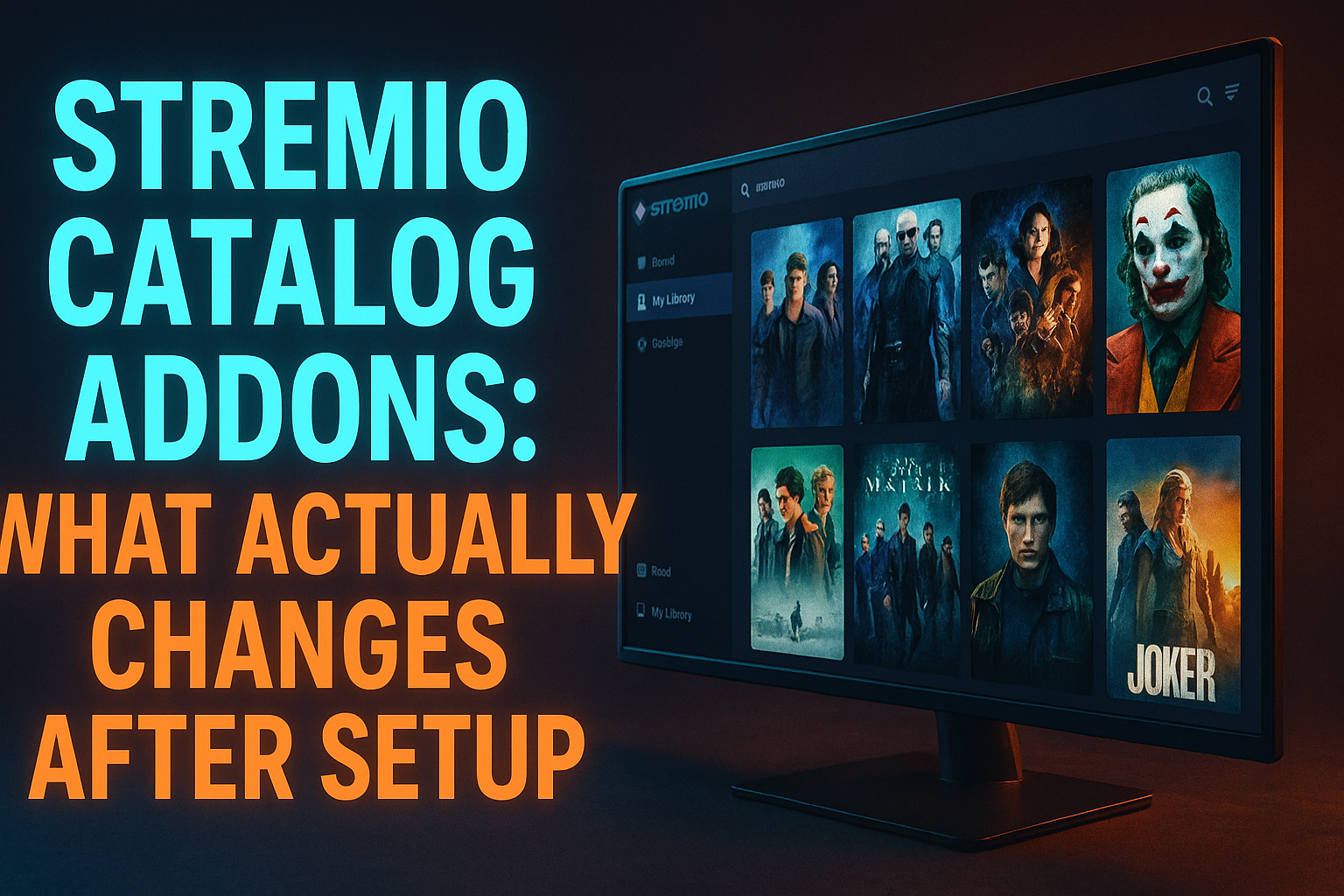
Each step of your Stremio catalog addons setup appends new rows to your Stremio home screen. Install three catalog addons, each offering four catalog types, and you’ve potentially added twelve new rows to scroll through. Stremio stacks them sequentially, and there’s no automatic grouping or de-duplication of similar row types built in.
The visual change is immediate. Your home screen goes from 6–8 default rows to 20-plus rows after a moderate addon stack. That’s not always a disaster — but active management is the part of any Stremio catalog addons setup that most tutorials don’t even acknowledge.
Testing Multiple Catalog Addons: Real Before/After Results
Home Screen Layout: Before and After
I ran a structured test on a clean Stremio catalog addons setup (version 5.x on Windows, then repeated on Android). Default state: 7 home screen rows, all from Cinemeta. Clean, fast, predictable — boring in the best possible way.
After completing a Stremio catalog addons setup with five addons — a Trakt integration, a 4K-specific catalog, an anime catalog, a community IMDb list puller, and a debrid-linked catalog — the home screen ballooned to 31 rows. Scrolling from top to bottom took genuine effort. The top fold still loaded quickly, but rows below it had visible delays of 1–3 seconds each as Stremio fetched them on scroll.
The biggest visual problem wasn’t the quantity. It was the repetition. “Popular Movies” appeared four separate times, each pulled from a different addon source, same titles, slightly different poster artwork. That’s catalog overload in its most concrete and annoying form — and it’s the most common mistake people make when rushing through a Stremio catalog addons setup.
Search Result Changes: More Results or More Noise?
Search behavior shifted noticeably once the Stremio catalog addons setup expanded beyond the defaults and more catalog addons became active. On a default install, searching “The Zone of Interest” returned one clean result from Cinemeta. With five catalog addons running, the same search returned that film listed three times — from Cinemeta, from a community list addon, and from a debrid-linked catalog. Three identical entries. One movie.
Where catalog addons genuinely helped was niche content. Searching a lesser-known anime title returned nothing on default Stremio. With an anime-specific catalog addon active, it surfaced immediately with full metadata. That’s real discovery value — the kind that actually justifies the complexity of setting this stuff up.
Load Time Impact With Multiple Catalogs Active
This is where the “more is better” logic falls apart hardest. Each catalog row triggers a separate HTTP request to an external addon server. On a 200Mbps connection, my default Stremio home screen rendered fully in about 1.8 seconds. With 31 rows from five addons, full render time stretched to somewhere between 9 and 12 seconds — and that’s assuming all five addon servers were online and responding promptly.
Community-hosted catalog addons are the biggest wild card here. Some run on personal VPS instances and go offline without warning. When an addon server is unresponsive, Stremio doesn’t gracefully skip that row — it times out, which can freeze home screen rendering for 20–30 seconds in the worst cases. I’ve seen this discussed repeatedly in the Stremio subreddit, and my own testing confirmed it’s a real performance problem, not just users complaining.
Duplicate Entries and How Often They Appear
Duplicates are more common than most guides admit. In my five-addon test stack, roughly 40% of titles on the home screen appeared in more than one row from different sources. Stremio has no built-in de-duplication for catalog rows — it trusts each addon’s data independently and displays everything it gets back.
For power users who know what they’re doing, manageable. For newcomers trying to improve their Stremio library customization experience, genuinely confusing. The fix is intentional addon selection rather than just installing everything that looks promising.
Which Types of Catalog Addons Are Worth Installing
Addons That Expand Genre and Niche Discovery
Genre-expansion addons are the most consistently useful category. A well-maintained anime catalog addon, for example, pulls from AniList or AniDB and surfaces titles that Cinemeta either doesn’t know about or buries too deep to find. Same principle applies for Asian cinema, classic films from pre-1970, or documentary-focused catalogs.
The key quality signal: does the addon pull from a recognized, maintained database? Addons backed by AniList, AniDB, IMDb genre filters, or TMDB are generally solid. Addons claiming to pull from unnamed “curated sources” tend to be inconsistent at best, broken at worst.
Addons That Surface Debrid-Linked Libraries
If you’re running Real-Debrid (around $4–5/month as of late 2025) or Premiumize, a debrid-linked catalog addon is probably the single highest-value addition you can make to your setup. These addons surface content your debrid service has already cached — meaning the catalog shows you titles you can stream instantly at full quality, not titles you might eventually find a source for.
I covered this in detail in the Premiumize on Stremio guide — the catalog integration piece specifically changes how you browse, not just how you stream. It shifts Stremio from “find something, then hunt for a source” to “browse what’s instantly available.” That’s a meaningful workflow upgrade, and honestly the main reason I kept a debrid-linked catalog in my permanent addon stack.
Addons That Pull Community Lists (Trakt, Letterboxd-Style)
Trakt integration addons add your personal watchlist, ratings history, and collection as browsable catalog rows in Stremio. Already using Trakt to track what you watch? This is genuinely useful — your watchlist shows up as a home screen row and you can browse from there directly (this is buried in settings, annoyingly, but it works once you find it).
There are limits to the free Trakt tier that affect some of these integrations, which I covered in the Trakt free tier limits article. Worth reading before you build your whole catalog strategy around Trakt lists. Letterboxd-style community list addons pulling popular film lists from external sources are more hit-or-miss — quality depends entirely on the individual maintaining the addon and how recently they updated their list sources.
Addons to Skip: High Noise, Low Value
Skip any catalog addon that primarily duplicates what Cinemeta already provides. “Popular Movies (Alternative)” addons that just re-surface IMDb trending content add visual clutter without any real discovery value. Same goes for catalog addons that haven’t been updated in over a year — the manifest might still load, but the catalog data is often stale or partially broken.
Generic “all streaming services” catalog aggregators sound appealing. They tend to have the worst duplicate problem of any addon category, pulling the same popular titles from a dozen sources and dumping them all on your home screen as separate entries. Not worth it.
Installation Process: What to Watch Out For
Finding Legitimate Catalog Addon Sources
The official Stremio addon ecosystem includes a community addon catalog accessible from within the app itself. For addons not listed there, you’ll need a manifest URL from a trustworthy community source — typically the addon’s GitHub repository or the developer’s official documentation page.
I’d be skeptical of manifest URLs posted in random Discord servers or Reddit comments with no verifiable source. The addon install flow in Stremio is just pasting a URL — there’s no signature verification, no sandboxing. What you install, you trust. Full stop.
The Permissions Screen: What You’re Agreeing To
When you install a third-party catalog addon, Stremio shows a permissions confirmation screen. Most users click straight through it without reading. Here’s what you should actually notice: the addon’s server receives every catalog request you make — every search query, every title you browse, every genre row you load.
A developer running a catalog addon server on a personal VPS technically has access to your browsing behavior within Stremio. This isn’t unique to Stremio — any third-party service model works this way — but it’s worth being conscious of. Use a VPN if catalog privacy matters to you, and stick to addons whose source code is publicly available on GitHub.
How to Remove a Catalog Addon If It Breaks Your Layout
Uninstalling is straightforward: go to Settings → Addons in Stremio, find the addon, click Uninstall. Stremio removes the manifest registration and those catalog rows disappear from your home screen within a few seconds — no app restart required in most cases.
If rows persist after uninstalling (yes, this does happen occasionally), clearing the Stremio app cache fixes it reliably. On Android, that’s Settings → Apps → Stremio → Storage → Clear Cache. On desktop, closing and reopening the app usually clears any orphaned display rows without needing to dig into settings.
Managing Catalog Overload: Keeping Stremio Usable
Reordering Catalog Rows in Stremio
A feature most users never find: Stremio lets you reorder catalog rows. In the desktop app, go to Settings → Addons and drag addon entries up or down to change the order their catalogs appear on your home screen. Put your highest-value catalogs at the top, and those debrid-linked or Trakt rows will be the first things you see instead of six generic trending rows you’d never choose to browse.
This single setting change makes a five-addon stack feel dramatically more curated. Your most useful content surfaces immediately. It’s one of those things I wish I’d discovered six months earlier.
Setting a Sensible Addon Limit
From my testing, three to five catalog addons is the practical sweet spot for most users. Below three, you’re not getting meaningful discovery expansion beyond Cinemeta’s defaults. Above five, you’re likely to see noticeable load time degradation and heavy duplicate content — the home screen starts working against you rather than for you.
Pick one from each valuable category: one debrid-linked catalog, one niche genre catalog relevant to what you actually watch, and one community list integration if you use Trakt. That’s already three addons. For most people, that stack covers the gaps without creating chaos.
Using Stremio Addon Configurator Tools
The community has built several web-based configurator tools that let you specify parameters before generating a manifest URL. These are most useful for complex addons with many options (Torrentio’s filter settings, for instance) but some catalog-specific tools let you bundle several catalog sources into a single manifest, keeping your total addon count down while preserving the content variety.
Availability of these tools changes frequently, so I won’t link specific ones here — searching “Stremio addon configurator” on GitHub will surface what’s currently maintained. Stick to tools with active repositories and recent commit history. Abandoned configurators sometimes generate broken manifests that are annoying to diagnose.
⚖️ Legal Disclaimer: IPTV Wire does not own or operate any streaming service, application, or website mentioned in this article. We do not verify whether third-party services carry proper licensing. Users are responsible for ensuring they comply with copyright laws in their jurisdiction.
Frequently Asked Questions About Stremio Catalog Addons
Do Stremio catalog addons affect streaming speed or buffering?
Catalog addons don’t directly affect streaming speed or buffering — they only handle content discovery and browsing. Buffering is determined by your streaming addon (like Torrentio) and your internet connection or debrid service. That said, a large number of active catalog addons can slow down the Stremio interface itself, making navigation sluggish even when actual playback is smooth.
Can you use catalog addons on Stremio without a Stremio account?
Yes. Stremio allows addon installation without an account, but your configuration won’t sync across devices. If you use Stremio on multiple devices without logging in, you’ll need to manually reinstall your catalog addons on each one (yes, every single device). An account enables sync, which makes multi-device setups significantly easier to manage.
Why are some Stremio catalog addon rows showing blank or empty?
Blank catalog rows almost always mean the addon’s server is offline or returning an error. Since catalog data is fetched live from external servers, any downtime on the addon provider’s end shows up as empty rows on your end. Try refreshing the app first. If rows stay blank for more than a day, the addon server may be permanently down — uninstalling and reinstalling sometimes helps, but if the server is gone, no amount of reinstalling will fix it.
Is it safe to install third-party catalog addons on Stremio?
Third-party catalog addons are generally low-risk for device security — Stremio addons don’t execute code on your device, they receive HTTP responses. The main concern is privacy: the addon server logs your search and browsing activity within Stremio. To reduce that exposure, stick to open-source addons with public GitHub repositories, use a VPN, and avoid installing addons from unverified sources. Availability and risk levels may also vary by region.
How many catalog addons can you have active in Stremio before it slows down?
Based on my own testing, noticeable home screen slowdown starts around six or more active catalog addons — especially if they’re hosted on community servers with inconsistent uptime. For most users, three to five catalog addons hits the right balance between discovery value and interface performance. If you need more variety without the performance cost, look for multi-catalog configurator tools that bundle several sources into a single addon manifest. That’s the cleanest workaround I’ve found so far.

Leave a Comment