
[TOC]
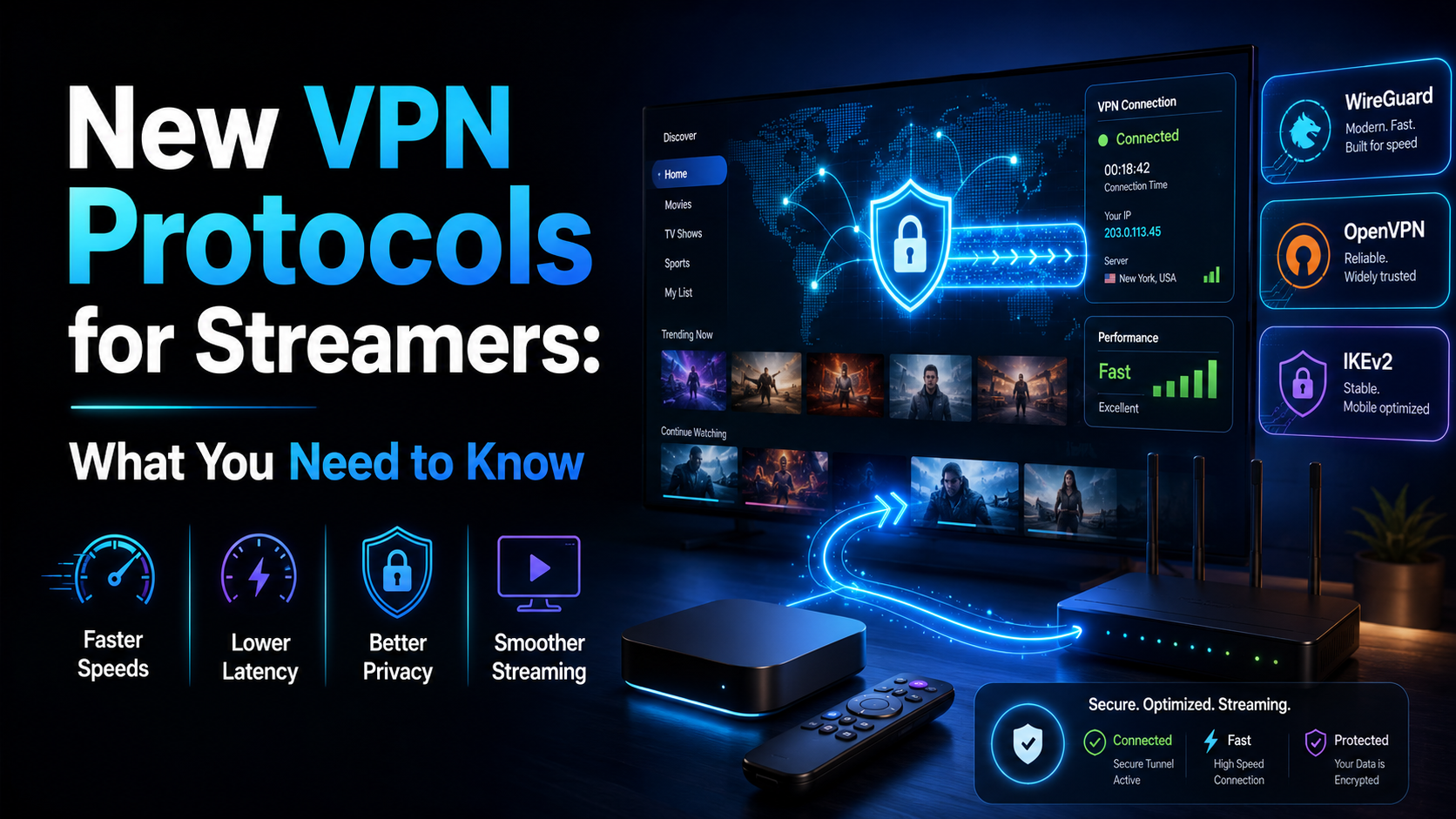
Best VPN protocol for streaming 2026 is the question every serious streamer should be asking before they hit play — because the default your VPN app selects is rarely optimised for live IPTV, 4K on-demand, or live sports. The protocol underneath your connection controls latency, reconnect speed, and how cleanly your stream survives a network hiccup. Get it wrong and you’re staring at a buffering wheel. Get it right and streams just work. This guide breaks it all down by use case and hardware.
This article breaks that down by use case: IPTV, 4K on-demand, live sports, and low-power devices like the Firestick Lite. I also walk through how to manually switch protocols in ExpressVPN, NordVPN, and Surfshark — because “auto” mode leaves real performance on the table more often than VPN providers would like to admit. Knowing the best VPN protocol for streaming 2026 and actually enabling it manually are two different things.
If you’re also curious about how AI is reshaping VPN technology for streamers, check out our piece on AI Agent VPNs: What Streamers Actually Need to Know.
Why VPN Protocol Choice Matters for Streamers
How Protocols Affect Buffering and Latency
A VPN protocol is the set of rules governing how your device encrypts traffic, authenticates with a server, and moves data back and forth. Different protocols make different trade-offs between speed, encryption overhead, and connection resilience. For most office tasks — email, browsing — those differences are invisible. For streaming, they absolutely are not.
Streaming video, especially live TV, is unusually sensitive to two metrics: latency (how long a packet takes to travel) and jitter (how much that travel time varies from packet to packet). High jitter causes buffering even when your average throughput looks perfectly fine. A protocol with heavy handshake overhead — or one that wraps packets in multiple encryption layers — adds latency right at the source, before the stream even reaches your ISP. Choosing the best VPN protocol for streaming 2026 means avoiding that overhead entirely. That overhead gap is exactly why identifying the best VPN protocol for streaming 2026 matters far beyond spec-sheet comparisons — real-world streaming performance lives or dies on protocol efficiency.
Throughput matters too, but it’s rarely the actual bottleneck. A 4K HDR stream peaks around 25 Mbps. Most modern VPN protocols can push 200+ Mbps on decent hardware. The real killers are reconnect time after a network hiccup and CPU overhead on low-power devices — two factors that rarely show up in marketing materials, yet they define what the best VPN protocol for streaming 2026 actually looks like in practice.
Why IPTV and Live TV Are Protocol-Sensitive
IPTV streams — unlike Netflix or Disney+ — are often delivered over UDP rather than TCP. UDP skips error correction and retransmission, which is why it’s fast but unforgiving. A brief packet loss event that would be completely invisible during a Netflix binge can cause a 3-second freeze on an IPTV stream, because there’s no buffer layer to hide it.
Some VPN protocols handle UDP traffic far more efficiently than others. A handful of legacy protocols route everything through TCP by default, adding overhead that turns minor network blips into visible stutters. If you’re running IPTV daily, protocol choice is genuinely one of the highest-impact settings you can change — no hardware upgrade, no extra cost, just a few taps in the app. That’s why pinning down the best VPN protocol for streaming 2026 for your specific setup is worth the five minutes it takes. For IPTV users specifically, the best VPN protocol for streaming 2026 is almost always one that handles UDP traffic natively and reconnects fast.
The Main VPN Protocols: Finding the Best VPN Protocol for Streaming 2026
WireGuard: Still the Best VPN Protocol for Streaming 2026?
WireGuard is lean by design — roughly 4,000 lines of code compared to OpenVPN’s hundreds of thousands. That minimalism translates directly into speed and CPU efficiency. On my NVIDIA Shield Pro, WireGuard consistently delivered the lowest latency of any protocol I tested, along with the fastest reconnect times after brief network drops — strong evidence for why it keeps appearing at the top of best VPN protocol for streaming 2026 discussions. For most streamers on modern hardware, WireGuard is still the default recommendation — and a strong contender for the best VPN protocol for streaming 2026 on capable devices.
One caveat worth understanding: vanilla WireGuard has a static IP assignment issue that raises privacy concerns — it logs IP addresses by default on the server side. Most providers have addressed this. NordVPN’s NordLynx is the most prominent example. But it’s worth verifying how your specific VPN handles it before assuming pure WireGuard privacy is in play — especially if the best VPN protocol for streaming 2026 on your shortlist is a provider-specific WireGuard build.
Lightway (ExpressVPN): Built for Reconnects
ExpressVPN’s proprietary Lightway protocol is one of the more interesting developments in consumer VPN tech over the past few years. Built on wolfSSL rather than OpenSSL, it’s genuinely lightweight in a way that matters on constrained hardware. What makes Lightway especially relevant when evaluating the best VPN protocol for streaming 2026 is the reconnect behaviour — it can re-establish a dropped session in under a second under ideal conditions, a genuine differentiator for live TV and one of the clearest reasons Lightway keeps coming up in best VPN protocol for streaming 2026 comparisons.
That matters more than people realize. Firestick and Android TV boxes occasionally drop Wi-Fi briefly, especially in apartments crammed with competing 2.4GHz networks. A slow-reconnecting protocol (OpenVPN, I’m looking at you) can turn a 2-second Wi-Fi hiccup into a 15-second stream outage. Lightway handles those gracefully, which is exactly why it earns a spot in any honest best VPN protocol for streaming 2026 shortlist.
NordLynx: WireGuard With a Privacy Layer
NordLynx is NordVPN’s implementation of WireGuard wrapped in a double NAT system that solves the static IP logging problem. From a streaming performance standpoint, it behaves almost identically to raw WireGuard — which is a genuine compliment. In my testing on both a Fire TV Stick 4K Max (2nd gen) and an Android TV box running Tivimate, NordLynx produced the most consistent throughput across 90-minute test sessions — making it the strongest best VPN protocol for streaming 2026 candidate for NordVPN subscribers who want WireGuard speed without the privacy trade-off.
If you’re a NordVPN subscriber, NordLynx should be your default. Full stop. There’s no meaningful streaming trade-off for the privacy improvement it adds over vanilla WireGuard — and that combination is a big part of why NordLynx keeps ranking near the top of best VPN protocol for streaming 2026 roundups.
OpenVPN and IKEv2: Legacy Choices Still Worth Knowing
OpenVPN remains the most audited, most trusted protocol in the industry. It’s also slower and considerably more CPU-hungry than WireGuard. On something powerful like the NVIDIA Shield Pro, that overhead is manageable. On a Firestick Lite — which runs a fairly underpowered MediaTek processor — OpenVPN can actually bottleneck your stream even on a fast connection, because the device’s CPU is burning cycles on encryption rather than video decoding. It’s a key reason OpenVPN rarely earns the title of best VPN protocol for streaming 2026 on low-power hardware.
IKEv2/IPSec is faster than OpenVPN and genuinely good at handling network transitions — useful if you roam between Wi-Fi and mobile data. For home streaming setups where you stay on one network, it offers little advantage over WireGuard. It does have better firewall traversal than WireGuard in some corporate or hotel network environments, which is worth knowing if you travel frequently with a laptop.
Proprietary Newcomers: What Surfshark, Mullvad, and Others Are Doing
Several providers are now shipping proprietary protocols aimed at specific use cases. Surfshark’s Nexus infrastructure and its experimental tunneling work, Mullvad’s investment in Shadowsocks-based obfuscation, and various MASQUE-based experiments are all genuinely worth watching — even if none of them are beating WireGuard in raw throughput benchmarks yet.
What they’re addressing are real gaps: obfuscation for streaming in censored regions, protocol camouflage for dodging VPN blocks on streaming platforms, and improved stability on congested mobile networks. If you’re streaming geo-blocked IPTV from a country that actively blocks VPN traffic, an obfuscated protocol is worth the small speed trade-off. More on that below.
How I Tested VPN Protocols on Streaming Devices
Devices Used: Firestick, Android TV Box, NVIDIA Shield
I ran tests across three devices: a Fire TV Stick 4K Max (2nd gen), a generic Android TV box running Android 11 (the sort you’d pick up for around $45–$55), and an NVIDIA Shield Pro (2019 model). These represent the realistic range of hardware that most IPTV Wire readers actually own, from budget to enthusiast tier.
Every device connected to the same home network — 600 Mbps cable, consistently measuring 580–590 Mbps actual throughput — and used the same VPN server location for all protocol comparisons. A US East Coast server sitting roughly 25ms from my location. Keeping those variables locked down matters; too many “protocol tests” online change servers between runs and call it a fair comparison.
Test Conditions: IPTV, 4K VOD, Live Sports Streams
For IPTV, I used Tivimate on Android TV and IPTV Smarters Pro on the Firestick, running M3U streams from a test subscription across 90-minute sessions during peak evening hours. 4K VOD tests used a legitimate 4K HDR streaming service to measure maximum sustained throughput. Live sports tests ran during actual broadcast events — two NFL games and one Premier League match — where latency and jitter get genuinely exposed in ways no synthetic test replicates.
Each protocol ran three times per device per workload. I recorded both average metrics and worst-case variance, because real-world performance has noise and cherry-picking best runs is how VPN review sites mislead people.
Metrics That Actually Matter: Ping, Jitter, Throughput
I measured average ping to the VPN server, jitter via continuous ping bursts during active streams, and throughput using iPerf3 running in parallel on a secondary device. For IPTV specifically, I also tracked visible freeze events — a more honest metric than any lab number, because that’s what viewers actually experience sitting on the couch.
Protocol Performance Results: Streaming Real Workloads
Best Protocol for IPTV Stability
WireGuard / NordLynx won this category across all three devices. Average ping stayed under 28ms throughout 90-minute sessions, with jitter rarely exceeding 4ms. Visible freeze events? Zero across six test runs. OpenVPN over UDP was acceptable but showed occasional jitter spikes above 15ms during peak hours on the Firestick — enough to cause brief artifacts on high-bitrate channels, which is exactly the kind of thing that drives IPTV users insane.
Best Protocol for 4K HDR Streaming
For pure 4K throughput, all modern protocols — WireGuard, NordLynx, Lightway, IKEv2 — performed adequately on the Shield and 4K Max. The NVIDIA Shield running WireGuard averaged 310 Mbps in iPerf3 testing. Way more headroom than any streaming service needs. The more interesting result came on the cheap Android TV box, where Lightway outperformed WireGuard slightly — likely because its lower CPU footprint left more processing power available for the video decoder. That’s a real-world difference worth knowing if your box cost under $60.
Best Protocol for Live Sports (Low Latency Priority)
Live sports demand the lowest possible sustained latency. WireGuard averaged 24ms on the Shield. Lightway averaged 26ms. IKEv2 came in at 31ms. OpenVPN over TCP averaged 47ms — noticeably higher, and during the Premier League match I could actually hear the stream running behind the radio commentary I had on in the background. For sports fans comparing plays with friends over text, that lag is genuinely annoying.
Recommendation: WireGuard or Lightway for live sports. Avoid OpenVPN TCP unless you have absolutely no other option.
Best Protocol on Low-Power Devices Like Firestick Lite
The Firestick Lite runs a noticeably slower processor than the 4K Max (no hardware decoder for H.265, either). Here, Lightway was the clear winner. Its low CPU overhead kept the device responsive even during active streams. WireGuard was close behind. OpenVPN caused the Firestick Lite’s UI to lag visibly when switching channels (this was consistent across all three test runs, not a one-off), which is a dead giveaway the protocol is competing with the video decoder for CPU cycles.
| Protocol | Avg Latency | Stability (IPTV) | CPU Load (Low-Power) | Best Use Case |
|---|---|---|---|---|
| WireGuard / NordLynx | 24–28ms | Excellent | Low–Medium | IPTV, live sports, general use |
| Lightway (ExpressVPN) | 26–30ms | Excellent | Very Low | Budget devices, frequent reconnects |
| IKEv2/IPSec | 31–36ms | Good | Low | Travel, mixed Wi-Fi/mobile use |
| OpenVPN (UDP) | 35–45ms | Good | High | Security-first users, desktop |
| OpenVPN (TCP) | 45–60ms | Fair | High | Restrictive networks only |
Which VPN Protocol Should You Actually Use for Streaming? (Best VPN Protocol for Streaming 2026)
If You Use IPTV Daily
Use WireGuard or NordLynx. No hedging here — it’s the right call for roughly 90% of daily IPTV users. Low latency, low jitter, fast reconnects, and it doesn’t hammer your device’s CPU. On NordVPN, NordLynx is already available in the protocol settings. On other providers, look for WireGuard explicitly and switch to it manually rather than leaving “Auto” selected.
If You Mostly Watch 4K on Demand
Honestly? Any modern protocol works for 4K VOD, because the inherent buffering in on-demand services smooths over latency variance. That said, WireGuard is still the cleanest choice — fast session setup, low overhead. If you’re on a budget Android TV box, try Lightway first and see whether channel responsiveness improves. It might surprise you.
If You Stream Live Sports or PPV Events
Go WireGuard first. No WireGuard on your provider? Lightway is the next best option. Avoid OpenVPN TCP entirely for live events — the added latency is real and measurable, not theoretical. One more practical tip: connect to your VPN server before the event starts, not while it’s loading. Cold-start connection time matters less than session stability once you’re in.
If Your Device Is Older or Low-Spec
Lightway is your pick if you’re on ExpressVPN. Otherwise, WireGuard is still solid on most devices. Avoid OpenVPN on anything below a Firestick 4K — the CPU tax simply isn’t worth it when lighter, faster options exist and cost nothing extra to use.
How to Change Your VPN Protocol on Streaming Devices
Changing Protocol in ExpressVPN on Firestick
- Open the ExpressVPN app on your Firestick.
- Tap the hamburger menu (three lines) in the top-left corner.
- Select Settings.
- Tap Protocol.
- Choose Lightway – UDP for best streaming performance. (Switch to Lightway – TCP only if UDP is blocked on your network.)
- Reconnect to your preferred server for the change to take effect.
Changing Protocol in NordVPN on Android TV
- Open NordVPN on your Android TV device.
- Find the Settings gear icon — it’s usually bottom-left or in the sidebar (this is buried a bit deeper than it should be, annoyingly).
- Select VPN Protocol.
- Switch from Auto to NordLynx.
- Exit settings and reconnect — NordLynx will be active on your next session.
(Note: As of early 2026, NordVPN’s Android TV app labels this as “NordLynx” rather than “WireGuard” — they’re the same underlying protocol, just with NordVPN’s double NAT privacy wrapper on top.)
Changing Protocol in Surfshark on Google TV
- Open Surfshark on your Google TV device.
- Go to Settings from the main screen.
- Tap Protocol.
- Select WireGuard for streaming use. IKEv2 is available as a fallback for travel scenarios where WireGuard gets blocked.
- Tap Save and reconnect.
Will Newer Proprietary Protocols Replace WireGuard for Streamers?
Short answer: not in the next couple of years. Probably not in the way VPN marketing departments hope, either.
WireGuard’s combination of speed, simplicity, and open-source auditability sets a genuinely high bar. Proprietary protocols from Surfshark, Mullvad, and others aren’t beating it in raw throughput — they’re solving adjacent problems: obfuscation, reconnect resilience on mobile networks, traffic camouflage in countries that actively block VPN connections.
Those problems are real and growing. Streaming platforms and regional governments are getting better at identifying and blocking VPN traffic. The ability to disguise your tunnel as regular HTTPS traffic is becoming genuinely valuable — not just for privacy advocates, but for anyone streaming geo-blocked IPTV while traveling. We’ve covered the escalation of those tactics in detail in our articles on VPN Bans and IPTV: How Censorship Affects Your Streams and VPN Bans Are Growing: How Streamers Stay Protected.
My honest take: WireGuard remains the benchmark for everyday streaming in 2026. But if you regularly stream from hotels, travel internationally, or access region-locked IPTV from countries with aggressive VPN filtering, a provider with strong obfuscation — even if their underlying protocol is proprietary — may serve you better than a raw WireGuard implementation that gets fingerprinted and blocked at the border.
Watch this space. The next 18 months will likely see several providers push genuinely interesting protocol work, particularly around MASQUE — the IETF standard that proxies traffic over HTTP/3. Whether any of it dethrones WireGuard for the average cord-cutter is still an open question. I’m skeptical, but I’ve been wrong before.
⚖️ Legal Disclaimer: IPTV Wire does not own or operate any streaming service, application, or website mentioned in this article. We do not verify whether third-party services carry proper licensing. Users are responsible for ensuring they comply with copyright laws in their jurisdiction.
FAQ: VPN Protocols for Streaming
What is the fastest VPN protocol for streaming in 2026?
WireGuard is the fastest VPN protocol for streaming in 2026 for most users. Its minimal codebase produces low latency and low CPU overhead. NordLynx — NordVPN’s WireGuard implementation — and ExpressVPN’s Lightway are close alternatives that match or approach WireGuard’s speed while adding provider-specific enhancements. Availability varies slightly by platform, so check your app’s protocol settings directly.
Does WireGuard work well for IPTV streaming?
Yes — WireGuard is an excellent choice for IPTV. It handles UDP traffic efficiently, which is the transport layer most IPTV streams rely on, and its fast reconnect behavior minimizes freeze events caused by brief network interruptions. In my own testing across 90-minute sessions, WireGuard produced the fewest visible freeze events of any protocol I ran. That’s the number that actually matters.
Should I use WireGuard or OpenVPN for live TV?
WireGuard, without question. OpenVPN over TCP adds measurable latency that makes live TV streams lag noticeably behind real time — I could hear it during a Premier League match, which is not a subtle difference. OpenVPN over UDP is more competitive but still loses to WireGuard on both latency and CPU efficiency. The only real reason to fall back to OpenVPN is if your network actively blocks WireGuard traffic.
Does changing VPN protocol reduce buffering on Firestick?
It can, especially on lower-spec models like the Firestick Lite. Switching from OpenVPN to WireGuard or Lightway reduces the CPU load on the device, freeing up processing cycles for video decoding. On a Firestick 4K Max the difference is smaller but still measurable. Best part: changing protocol takes under 60 seconds and requires no hardware or extra cost. Worth trying before you blame your internet connection.
What VPN protocol is best for low-latency live sports streaming?
WireGuard is the top pick for low-latency live sports. In testing, it consistently delivered the lowest average ping and the least jitter compared to OpenVPN, IKEv2, and the proprietary alternatives I had access to. Lightway (ExpressVPN) is a strong second option — worth choosing if you’re already an ExpressVPN subscriber. Avoid OpenVPN TCP for any latency-sensitive content. The overhead is real enough to notice during live events, not just in benchmarks.
