
[TOC]
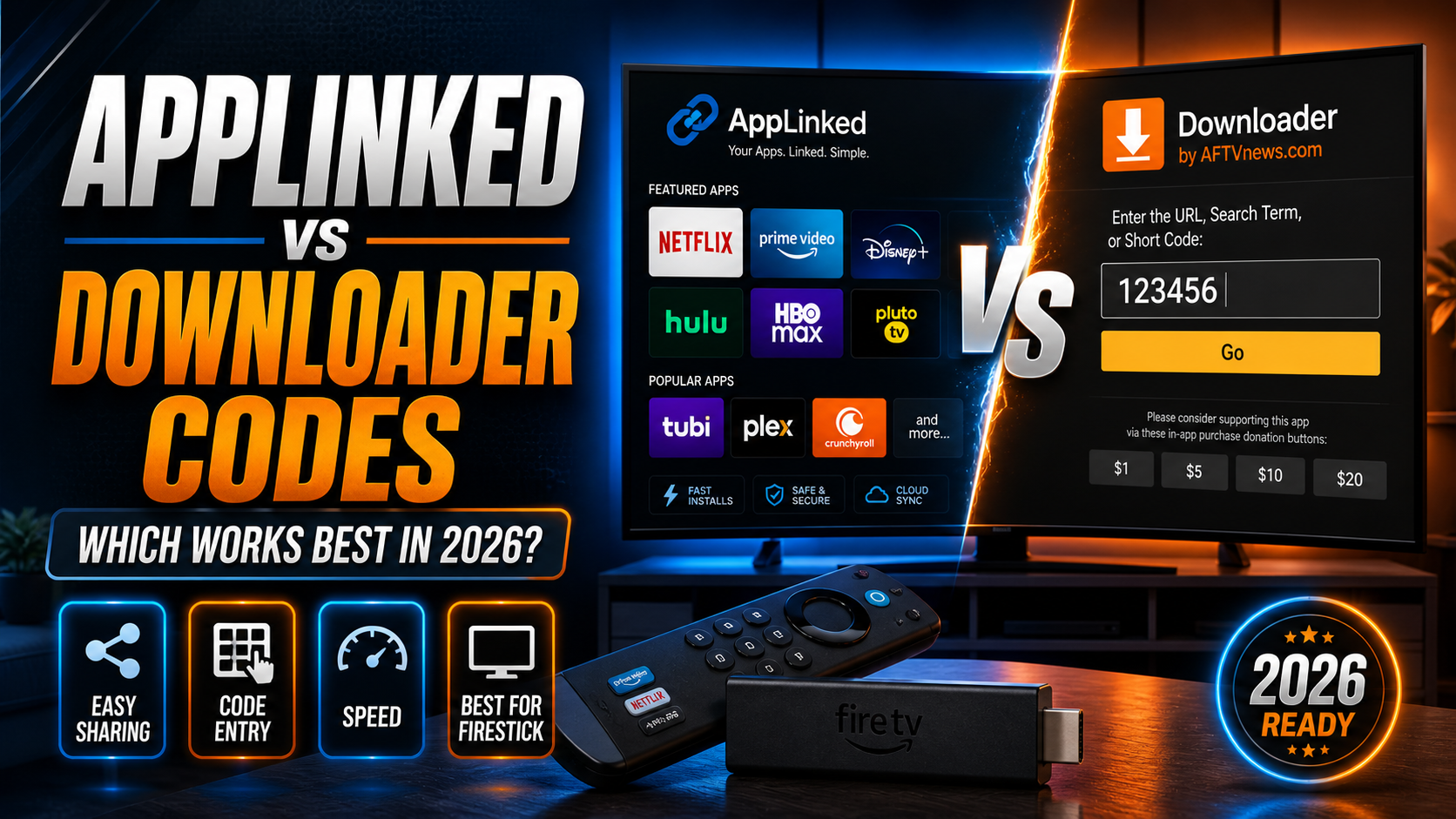
Spend any real time sideloading apps onto a Firestick or Android TV box and you’ll bump into two names: AppLinked and the Downloader app. Both let you install APKs that Amazon and Google won’t carry — but they work completely differently under the hood. Pick the wrong tool for the wrong job and you’ll waste time, hit dead ends, and occasionally end up with nothing installed at all. I tested both methods throughout 2025 and into early 2026 on my Firestick 4K Max running Fire OS 8, and the comparison between AppLinked codes vs Downloader app codes is genuinely more nuanced than most articles bother to explain.
This isn’t a list of codes to copy-paste. It’s a breakdown of how each method actually works, where each one breaks down, and when you should reach for one over the other.
AppLinked vs Downloader: Two Ways to Sideload Apps
Both tools are sideloading vehicles. They exist because Amazon’s official app store skips certain streaming apps entirely, and Android’s open architecture makes it possible to install APKs from outside that walled garden. That’s where the similarity ends.
What AppLinked Actually Does
AppLinked is basically a storefront aggregator. You open the app, type in a numeric code — usually 8 digits — and that code loads a privately hosted “store.” Someone has assembled a curated collection of APKs, put them on a server, and assigned that server a passcode. Think of it as a mini app store that a third party built and maintains, which you access with a number.
The store owner controls everything: which apps appear, what versions are available, and whether the store is even still alive. That last part matters more than most people realize. I’ll get into it shortly.
What the Downloader App Actually Does
Downloader, built by AFTVnews creator Elias Saba, is a browser and file manager hybrid. Type any URL — a direct APK link, a webpage, or a shortcode that resolves to a stored URL — and it fetches the file. The official Downloader page walks through the full feature set, but the short version is this: Downloader doesn’t host anything itself. It’s a delivery pipe to wherever the file actually lives.
Numeric shortcodes inside Downloader — like the ones used in the TROYPOINT Rapid App Installer ecosystem — are URL aliases. Short numbers that redirect to a full APK address. Enter the number, Downloader fetches the file, you install it. Fast and simple when it works.
For a deeper look at how those codes operate, check out our guide on Downloader App Codes: What They Are & How to Use Them.
How AppLinked Codes Work in Practice
Using AppLinked feels more like browsing a store than fetching a file. That distinction shapes the entire experience — good and bad.
Entering a Code and Browsing a Store
Launch AppLinked, tap the plus icon, type your 8-digit code, and the store loads. You get app tiles — icons, names, sometimes short descriptions — and you tap anything to download and install directly. No browser. No URL handling. No file management. It’s the most beginner-friendly sideloading experience available right now.
On a 150 Mbps connection, a typical store loads in around 3–5 seconds. App downloads from a well-maintained store are quick too, assuming the store owner’s APK server isn’t overloaded. That’s a big assumption, as I’ll explain.
App Update Behaviour Inside AppLinked
One genuinely useful feature is in-store updates. When a store owner pushes a new version of an app, AppLinked flags it with an update badge. You update directly from within the store without hunting for a new code or URL.
The catch? This only works if the store owner actually keeps their listings current. Plenty of stores get set up once and then quietly abandoned. I’ve opened codes I saved six months earlier and found apps showing version numbers from late 2023. That’s not an AppLinked problem exactly — it’s a store owner problem — but it’s a real-world limitation that defines the tool’s reliability ceiling.
What Happens When a Code Goes Dead
This is the part that no “list of AppLinked codes” article ever addresses honestly. Store codes die. A lot.
When a code goes dead, one of two things happens: the store loads but shows zero apps, or AppLinked throws a generic connection error. Either way, you’re stuck. There’s no archive of what was in the store, no notification that it closed, no redirect to something working.
Personally, I’ve hit dead codes roughly 40% of the time when trying codes published more than three months earlier on random forums. Codes from active communities with dedicated maintainers have a much better survival rate — but you need to know where to look. This is exactly why I always recommend verifying any code through a trusted source rather than pulling numbers off a stray Reddit comment.
How Downloader Codes Work in Practice
Downloader takes a fundamentally different approach. Rather than loading a browsable store, it fetches a specific file from a specific server — then gets out of the way.
URL Codes vs Numeric Shortcodes Explained
Two input options exist inside Downloader. First: a full URL, something like https://example.com/myapp.apk, which fetches the file directly. Second: a numeric shortcode — typically 4 to 6 digits — that the Downloader platform’s own URL shortener resolves to a full address stored on AFTVnews’s servers.
Shortcodes are convenient for sharing in videos (“just type 12345 into Downloader”) but they depend on the shortcode creator having registered that number and kept the destination alive. Compared to AppLinked store codes, individual Downloader shortcodes tend to be more stable — because they usually point to a developer’s own APK host, and developers have strong incentives to keep that alive.
Direct APK Downloads vs Store Browsing
Here’s the core tradeoff. Downloader is exceptional at one specific thing: getting a particular APK you already know you want onto your device, fast. I timed it — entering a URL and downloading a 30 MB APK on a 100 Mbps connection takes roughly 90 seconds from launch to install prompt. Hard to beat.
What Downloader can’t do is let you browse and discover. No catalog, no thumbnails, no “here are 40 related apps.” You have to already know what you’re looking for. For experienced users, that’s fine. For someone just starting out with cord-cutting, AppLinked’s store format is genuinely more approachable.
How Bookmarks and Saved Codes Speed Things Up
Downloader has a bookmark manager that most people underuse (this is buried in settings, annoyingly). Save any URL or shortcode with a custom label — “My IPTV Player,” “Latest Kodi Build,” whatever — and pull it up instantly next time. No retyping URLs. No digging through text messages for a link.
Once you’ve built a solid bookmark library, Downloader becomes extremely fast for routine installs and reinstalls. This is my personal preference for any app I reinstall regularly. Higher setup cost than AppLinked, but near-zero ongoing maintenance.
You can also explore other approaches in our roundup of Fire TV Sideloading: 7 Proven Methods That Still Work in 2026.
Side-by-Side Comparison: AppLinked vs Downloader
Let’s put both tools next to each other across the dimensions that actually matter.
| Factor | AppLinked | Downloader |
|---|---|---|
| Learning curve | Low — enter code, browse, tap | Medium — requires knowing URLs or shortcodes |
| Discovery / browsing | Excellent — store-style interface | None — single file at a time |
| Reliability | Variable — depends on store owner | High — depends on developer hosting |
| In-app updates | Yes, if store is maintained | No — must revisit URL manually |
| Security transparency | Low — store owner identity often unknown | Medium — URL points to a traceable server |
| Android TV support | Yes — works on Android TV | Yes — works on Android TV |
| Offline use | No — requires live store connection | Partial — bookmarks cached locally |
Ease of Use for Beginners
AppLinked wins here without much debate. The visual store interface is intuitive for anyone who’s ever opened an app store. You don’t need to know what an APK is, where it lives, or how file servers work — just tap the thing you want. For someone setting up their first Firestick, that simplicity matters a lot.
Reliability and Uptime
Downloader pulls ahead significantly. Each shortcode or URL points to a specific server with a known owner, so there’s usually someone accountable when something breaks. AppLinked store codes are a different story — the store owner is often anonymous, the hosting can vanish overnight, and there’s no fallback mechanism built in.
Security and Trust Considerations
Neither tool is inherently dangerous. Both carry risks that scale with the sources you use. An AppLinked store run by an anonymous operator is a genuine black box — limited ability to verify the APKs haven’t been tampered with. Downloader is marginally more transparent because you can see and verify the destination URL before downloading.
That said, even a legitimate-looking URL can serve a malicious APK. More on practical safety steps in the section below.
Device Compatibility Beyond Firestick
Both tools go well beyond Amazon hardware. AppLinked installs on any device running Android TV as a standard APK. Downloader has an official Google Play listing, which makes installation on Android TV boxes even easier. I’ve run both on a TiVo Stream 4K, a Chromecast with Google TV (2nd gen), and an Nvidia Shield Pro without running into any platform-specific issues.
When to Use AppLinked and When to Use Downloader
The real answer isn’t “pick one.” It’s “know what job you’re hiring each tool to do.”
Best Use Case for AppLinked Codes
AppLinked is at its best when you want a pre-curated bundle of related apps installed quickly, from a source you trust. Classic example: a reputable streaming community publishes a maintained store code containing their recommended IPTV players, media players, and VPN apps. Enter one code, browse the catalog, install what you need. Done in under ten minutes — no URLs, no guesswork.
It’s also useful for passive update notifications. If a store owner stays active, you’ll see update badges in AppLinked without checking changelogs elsewhere.
Best Use Case for Downloader Codes
Downloader is the right call when you know exactly what app you want and have a trusted URL or shortcode for it. Reinstalling Kodi after a factory reset? Bookmark already saved, 90 seconds, done. Installing the latest build of your IPTV player straight from the developer’s GitHub releases page? Downloader handles that cleanly.
Security-conscious users will also prefer Downloader. Every download has a traceable source URL. You can verify the domain, cross-check it against community reports, and make an informed call before a single byte hits your device.
Can You Use Both Together?
Absolutely — and that’s actually how my own setup runs. I use AppLinked for initial discovery when exploring a new app category, then switch to Downloader bookmarks for ongoing management of whatever I decide to keep. The two tools complement each other rather than compete. Using one doesn’t mean abandoning the other.
Safety Tips Before You Enter Any Code
Sideloading carries more risk than installing from a curated store, and that risk multiplies when you’re entering codes from unknown sources. A few practical rules I follow personally.
How to Verify a Code Source
Before entering any AppLinked code or Downloader shortcode, trace it back to its origin. A code shared in a YouTube video from a creator with years of history and a real audience is meaningfully more trustworthy than the same code dropped in a Discord server by an account created last Tuesday. Check community forums — Reddit’s r/firetvstick and r/Addons4Kodi are decent barometers — and look for recent confirmation that the code is active and clean.
For Downloader URLs specifically, check that the domain matches the official developer. An APK claiming to be Stremio should come from a domain traceable to the actual Stremio team, not a subdomain of some file host you’ve never encountered. (Yes, you really do need to do this — it takes 30 seconds and has saved me from some sketchy downloads.)
Why a VPN Matters When Sideloading
When you’re installing and testing apps that access streaming content, your ISP can see exactly what you’re doing at the network level — even if they can’t see inside encrypted streams. A VPN masks your traffic during the download and the streaming session that follows, which matters for both privacy and avoiding ISP throttling on streaming traffic.
Beyond basic privacy, some sideloaded streaming apps simply won’t work on certain networks without a VPN — especially in regions with aggressive ISP-level filtering. Availability varies significantly by country and carrier. We cover this in depth in our article on VPN Bans & IPTV: How Censorship Affects Your Streams.
Short version: run a VPN before you sideload, keep it running while you stream. Simple habit, significant risk reduction.
⚖️ Legal Disclaimer: IPTV Wire does not own or operate any streaming service, application, or website mentioned in this article. We do not verify whether third-party services carry proper licensing. Users are responsible for ensuring they comply with copyright laws in their jurisdiction.
FAQ: AppLinked Codes and Downloader Codes
Is AppLinked still working in 2026?
Yes, AppLinked is still functional as of 2026. The app itself is available to sideload and the store code system operates normally. Individual store codes are a different matter — many go dead over time as store owners stop maintaining them. The tool works fine; the reliability of any specific code depends entirely on who runs that particular store and how actively they maintain it.
What is the difference between AppLinked and Downloader app codes?
AppLinked codes open a privately maintained app store inside the AppLinked application, where you browse and install multiple apps from a catalog. Downloader codes — shortcodes or full URLs — fetch a single specific APK from a hosted server. AppLinked is built for discovery and browsing; Downloader is built for fast, targeted installation of a file you already know you want.
Are AppLinked codes safe to use on a Firestick?
Safety depends entirely on the source. Codes from well-known, actively maintained community stores are generally low-risk. Codes from unknown or unverifiable sources are a gamble — the store owner controls which APKs appear, and there’s no automatic malware scanning anywhere in the process. Always verify the code’s origin through a trusted community before entering it, and run a VPN during installation and use.
Do AppLinked codes work on Android TV boxes?
Yes. AppLinked is a standard Android APK and installs on any device running Android TV or standard Android — including Nvidia Shield, Chromecast with Google TV, TiVo Stream 4K, and generic Android TV boxes. The code entry and store browsing experience is essentially identical across devices, though remote navigation feels smoother on some interfaces than others.
What happens if an AppLinked store code stops working?
If an AppLinked store code goes dead, you’ll either see an empty store or get a connection error. There’s no recovery option built into AppLinked — when the store is gone, it’s gone. Apps you already installed from that store remain on your device, but you lose access to updates and anything else in that catalog. At that point, you’ll need to find a new active code from a trusted source and start fresh.
